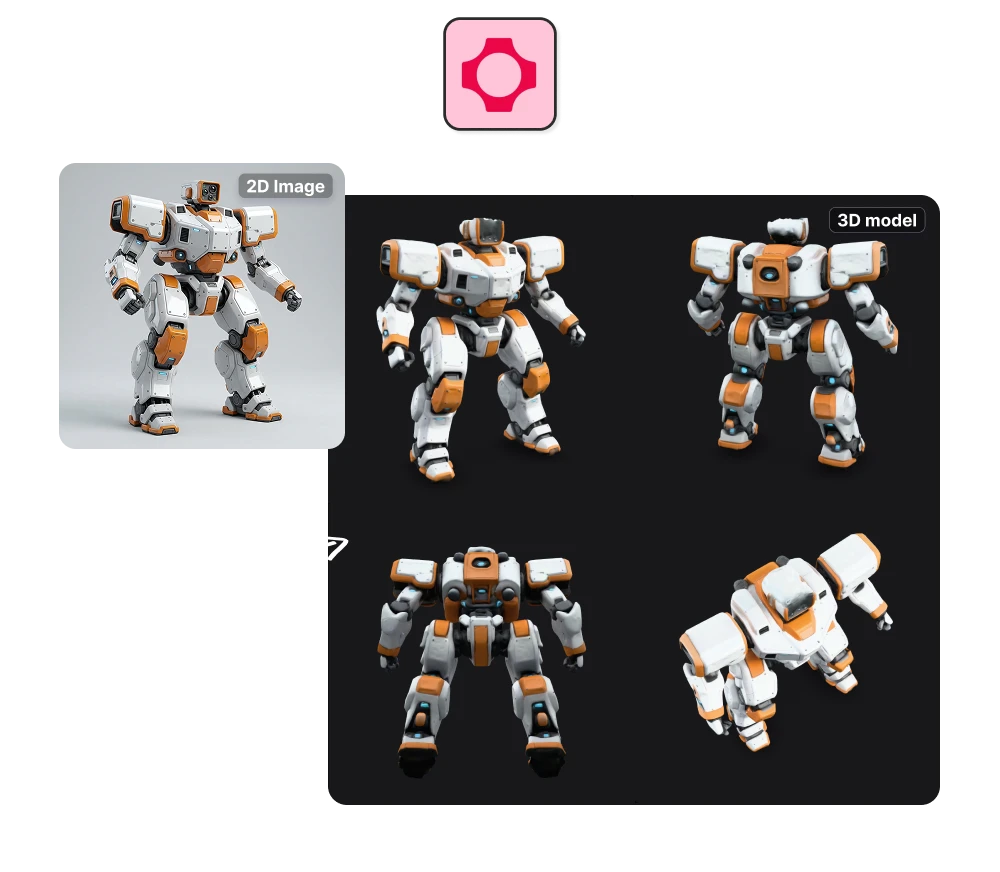
Idol Max Turbo — Turn any image into a 3D model for free

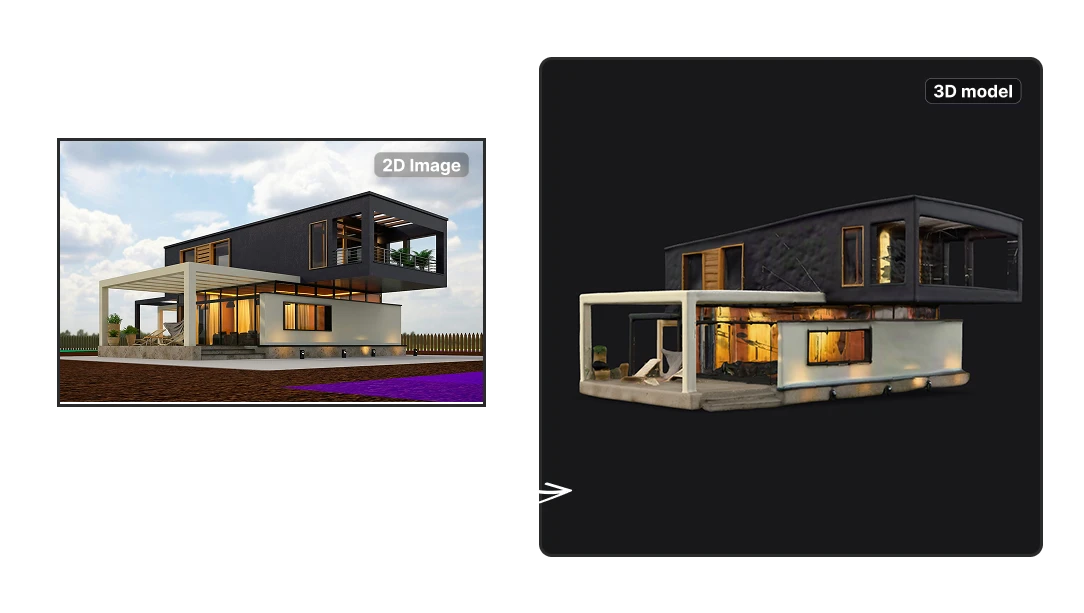
Upload one picture of a character, product, creature or prop, and get a textured, game-ready 3D model in about 20 seconds. Idol Max Turbo is the newest image-to-3D model on Artificial Studio, and it's free to use: your 20 daily credits cover one 3D model every day.

Create your free 3D model

No credit card required

Idol Max Turbo — Turn any image into a 3D model for free

One image in, a game-ready 3D model out

01

Built for speed: about 20 seconds per model

Idol Max Turbo is the fast version of Idol Max, built by fal on top of SperidLabs' Idol research model. It reconstructs the full 3D shape from a single image, builds a clean surface and projects the color onto it, all in about 20 seconds. That's fast enough to generate a whole set of props while your coffee cools.
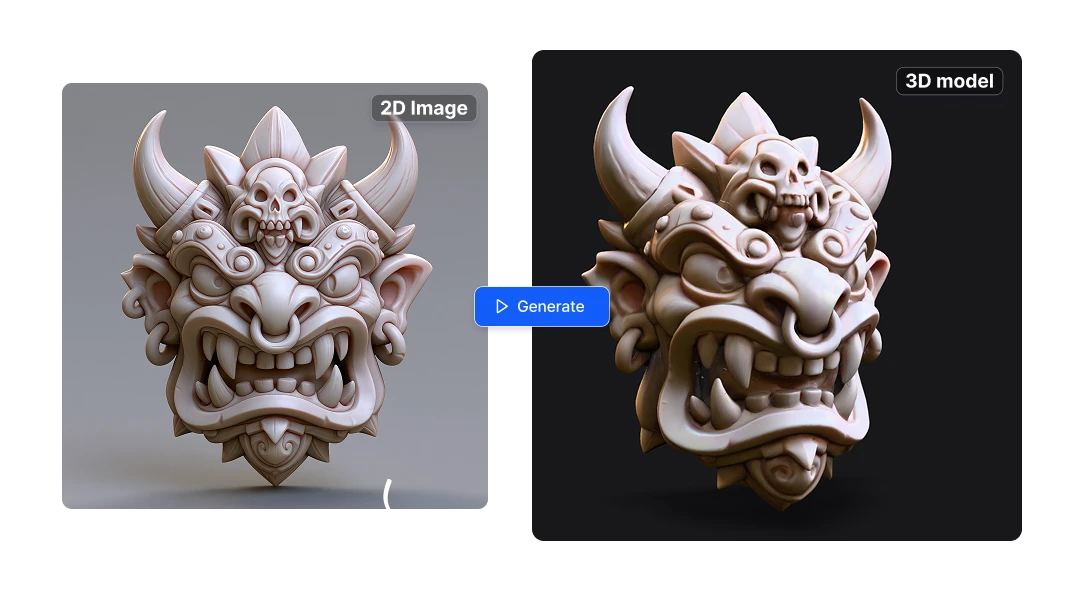
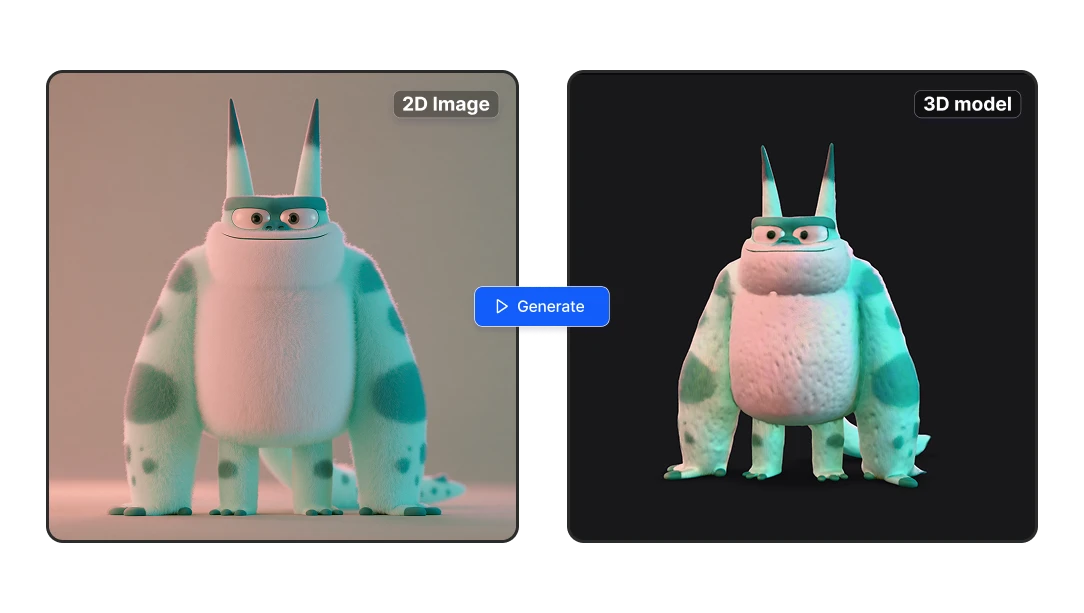
Built for speed: about 20 seconds per model
02

A real mesh, not just a pretty preview

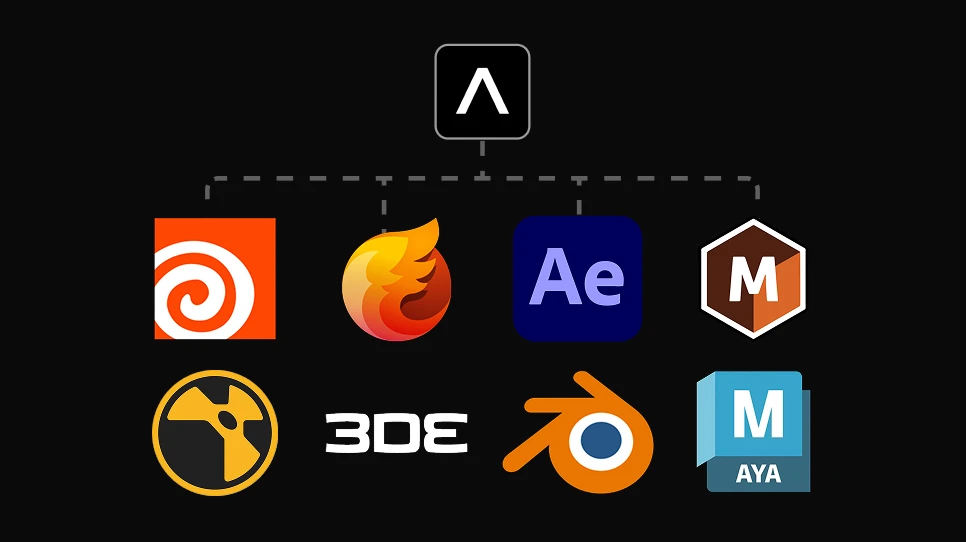
You get a textured GLB file, the standard format for Blender, Unity, Unreal, Godot and three.js. Idol is designed for games, so the result is a usable asset you can drop into a scene, light and move around, not a render that only looks good from one angle.

A real mesh, not just a pretty preview
03

Works with photos, renders and AI images

Use a product photo, a character sketch, a concept render or an image you just made with Nano Banana or Seedream. The background is removed automatically. Characters, creatures, animals, vehicles, furniture, props and buildings all work, and the only rule is one subject per image.

Works with photos, renders and AI images

Skip the blank canvas: start every 3D project from a finished model

Hours of modeling, done in seconds

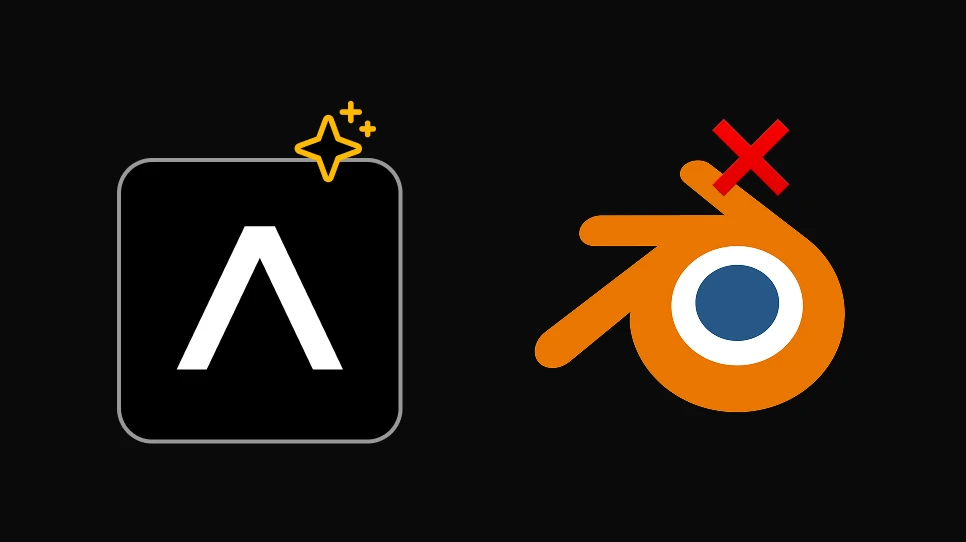
Blocking out a 3D model by hand can take a day. With Idol Max Turbo you get a complete starting point in seconds and spend your time on what actually needs a human: refining, retopologizing, sculpting details or repainting textures in Blender, ZBrush or Substance. The model is yours to edit, modify and improve however you want.

Hours of modeling, done in seconds

Free every day, and cheap when you need more

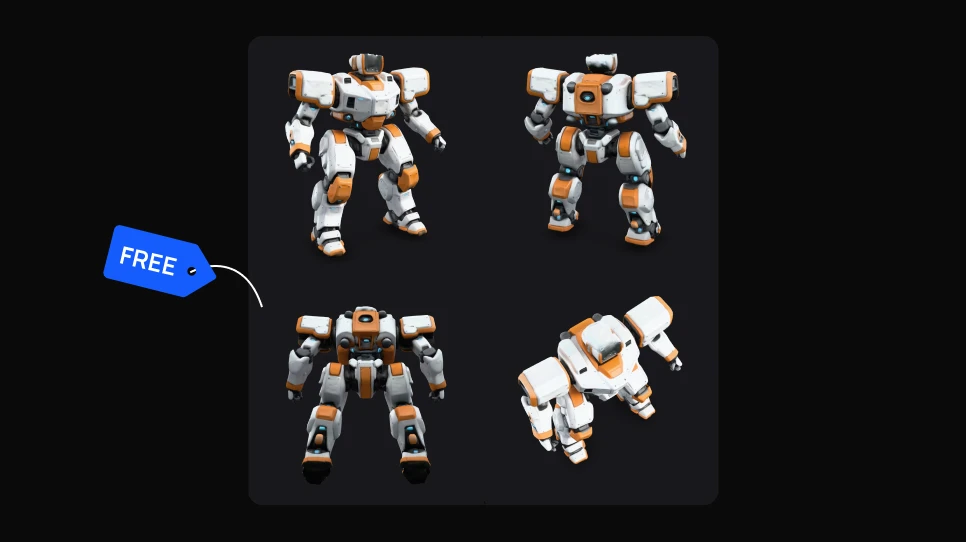
Every Artificial Studio account gets 20 free credits a day, and one Idol Max Turbo model costs exactly 20 credits, so you can create a 3D model every day without paying anything. When you need volume, it's about $0.14 per model on the Starter plan, a third of Trellis 2 and Tripo H3.1 and almost a quarter of Hunyuan 3D v3.1 Pro. Test five versions of a character, fill a game level with props, or turn a product catalog into 3D without worrying about the bill.

Free every day, and cheap when you need more

From 3D model to finished visuals, all in one place

Once your model is ready, open it in 3D Model Render: frame it from any camera angle, describe a scene, and get a photorealistic image for an ad, a product page or a pitch deck. You can also run Idol Max Turbo from your own code through the Artificial Studio API, or ask for a 3D model right inside Claude or ChatGPT with our MCP. One subscription covers images, video, 3D and audio.

From 3D model to finished visuals, all in one place

Create a 3D model from an image in three steps

1

Choose Idol Max Turbo.

Open the Image to 3D tool and select Idol Max Turbo from the model list.

2

Upload your image.

Pick a clear picture with one subject: a photo, a drawing or an AI-generated image. No need to remove the background.

3

Click Generate.

In about 20 seconds your 3D model is ready to preview, download as GLB, or send to 3D Model Render.

FAQs

Yes. On Artificial Studio, every account gets 20 free credits every day, and one Idol Max Turbo model costs 20 credits. That means you can turn one image into a 3D model every day for free, with no credit card. Paid plans start at $9/month if you need more.

Sign up for a free Artificial Studio account, open the Image to 3D tool, choose Idol Max Turbo, upload your image and click Generate. Your daily free credits cover the full cost, and you can download the GLB file like on any paid plan.

It launched in November 2026, which makes it one of the newest image-to-3D models available. Artificial Studio added it to the Image to 3D tool the same month.

On Artificial Studio, each 3D model costs 20 credits. Plans start at $9/month for 1,300 credits, so that's about $0.14 per model, or roughly 65 models a month on the cheapest plan. Credits never expire.

About 20 seconds per model. That speed is what the "Turbo" stands for.

It exports GLB, the binary glTF format. Blender, Unity, Unreal Engine, Godot, three.js and most 3D viewers open it directly, so you can import the model and start working right away.

A clear image of a single subject, seen mostly from the front or at a three-quarter angle, with good lighting. The background is removed for you. Photos, illustrations, 3D renders and AI-generated images all work. Busy scenes with many objects don't, so crop to the one thing you want in 3D.

Idol Max Turbo was built by fal, the generative media platform, on top of Idol, an open image-to-3D research model created by SperidLabs. SperidLabs developed the core model that reconstructs a 3D object from a single image, and fal turned it into Idol Max and Idol Max Turbo, adding the game-ready mesh, the texture and the speed optimizations. On Artificial Studio you can use it without a fal account, with the same credits you use for images, video and audio.

Both are built on the same Idol model and take the same input. Idol Max takes about 50 seconds and repaints the texture for the sharpest, most faithful colors. Idol Max Turbo projects the color for speed, so it's ready in about 20 seconds at half the cost. That makes Turbo ideal for prototyping and for generating lots of assets.

It depends on the job. Idol Max Turbo is the fastest and cheapest way to get a usable 3D model, so use it for drafts, game props, prototypes and volume. For maximum detail on a hero asset, Hunyuan 3D v3.1 Pro or Tripo H3.1 are worth the extra credits. All of them are in the same Image to 3D tool, so you can compare results on your own image. For reference, the Idol base model scored higher than TRELLIS on SperidLabs' published novel-view benchmarks.

Yes. The GLB is a standard mesh, so you can open it in Blender or any 3D software to sculpt, retopologize, change materials, repaint the texture, combine it with other models or rig it for animation. Most people use it as a starting point that saves hours of modeling.

Yes. Upload the GLB to 3D Model Render, pick a camera angle and describe a scene, and an image model turns it into a photorealistic shot, from 4 credits per image. It's an easy way to get product shots, ad visuals or concept art from one model.

Yes. Developers can call Idol Max Turbo through the Artificial Studio API and pay with the same credits. With the Artificial Studio MCP, you can also ask Claude, ChatGPT or Cursor to "turn this image into a 3D model" and get the GLB back in the conversation.

Indie game developers who need props and characters fast, 3D artists who want a base mesh instead of a blank scene, designers and agencies making 3D mockups and product visuals, e-commerce teams adding 3D to product pages, AR/VR creators, and anyone prototyping toys, merch or collectibles.

Yes. All paid Artificial Studio plans include commercial rights for what you generate, so you can use the models in games, client work, ads and products.