AI Image Enhancer: upscale and restore photos

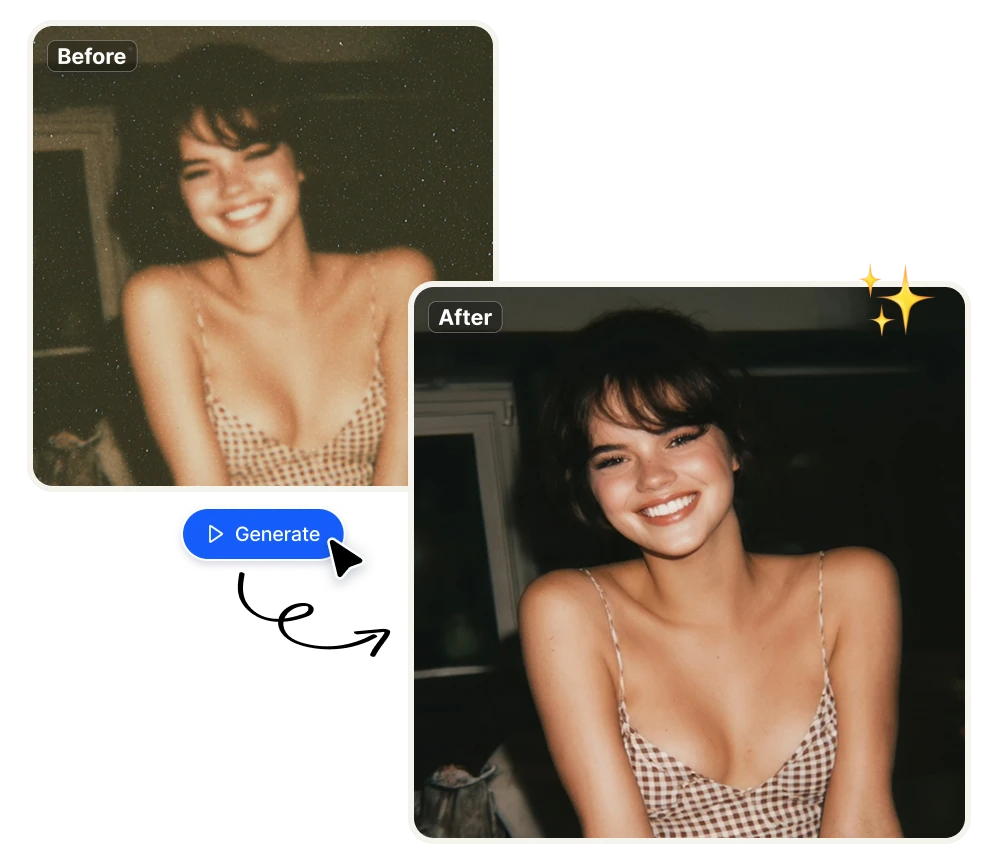
Turn low-resolution, blurry, or degraded images into sharp, high-quality visuals — automatically. Upload any photo and get a cleaner, more detailed version in seconds. No design skills, no downloads, no quality loss.

No credit card required
AI Avatar Maker

What AI image enhancement actually fixes

Low-resolution images that can't be used, fixed in one click

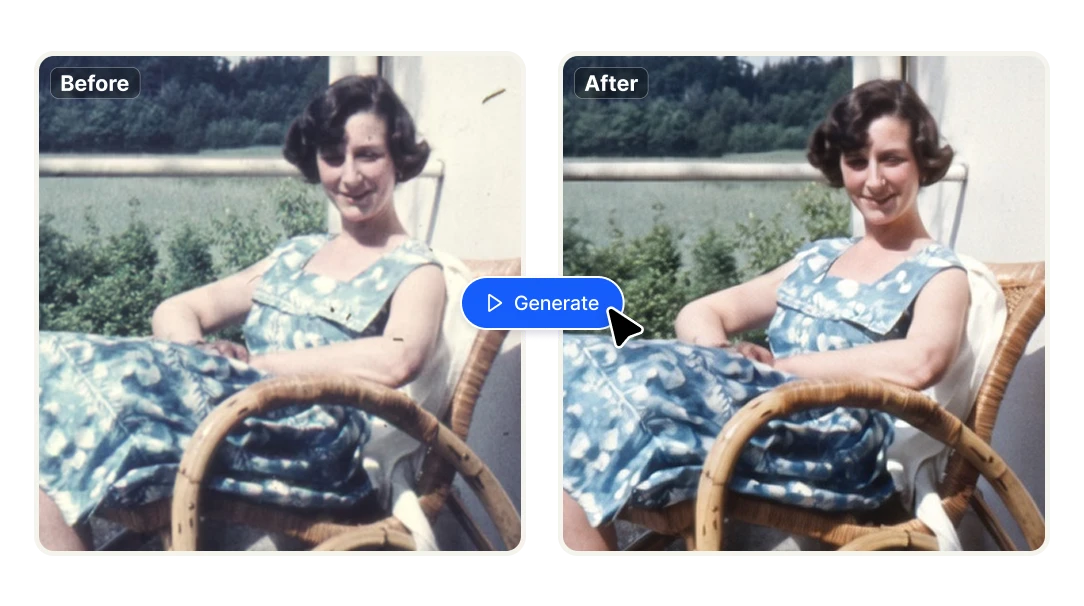
A product photo shot on a phone. A client asset that arrived at 72dpi. A campaign visual that looks fine on screen but falls apart when printed or scaled up. Upscaling with AI reconstructs the missing detail instead of just stretching pixels — so the image you needed from the start is the one you end up with, at the resolution the job actually requires.
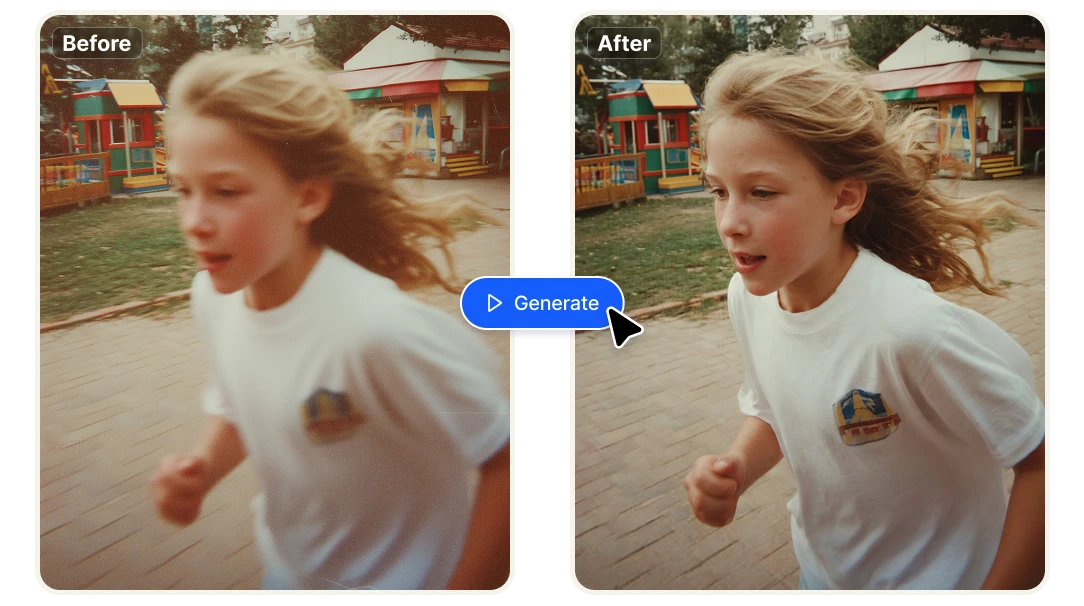
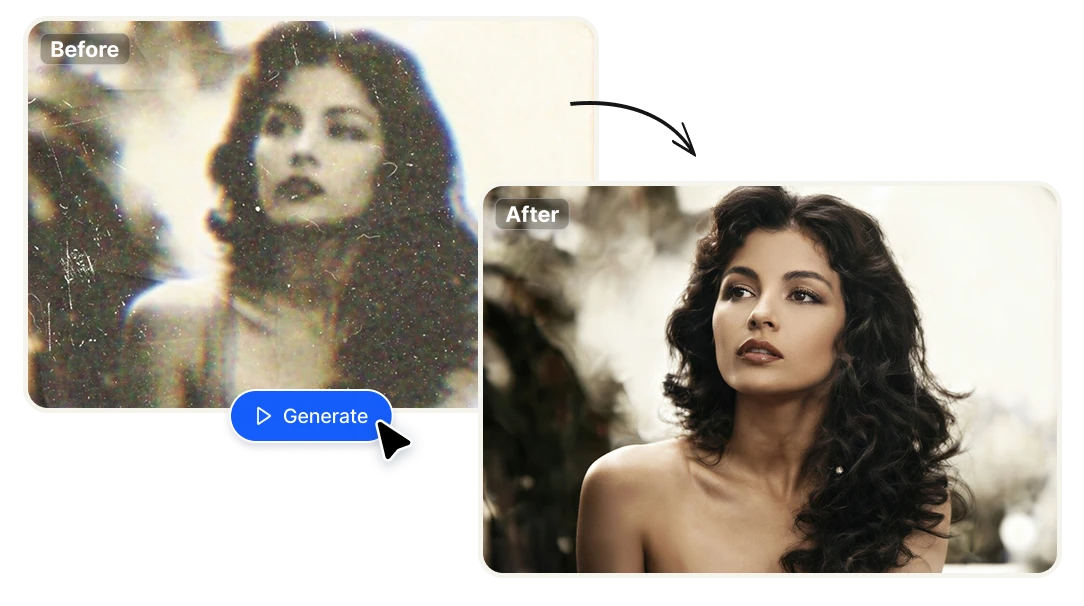
Blurry, noisy, and degraded photos, recovered without re-shooting

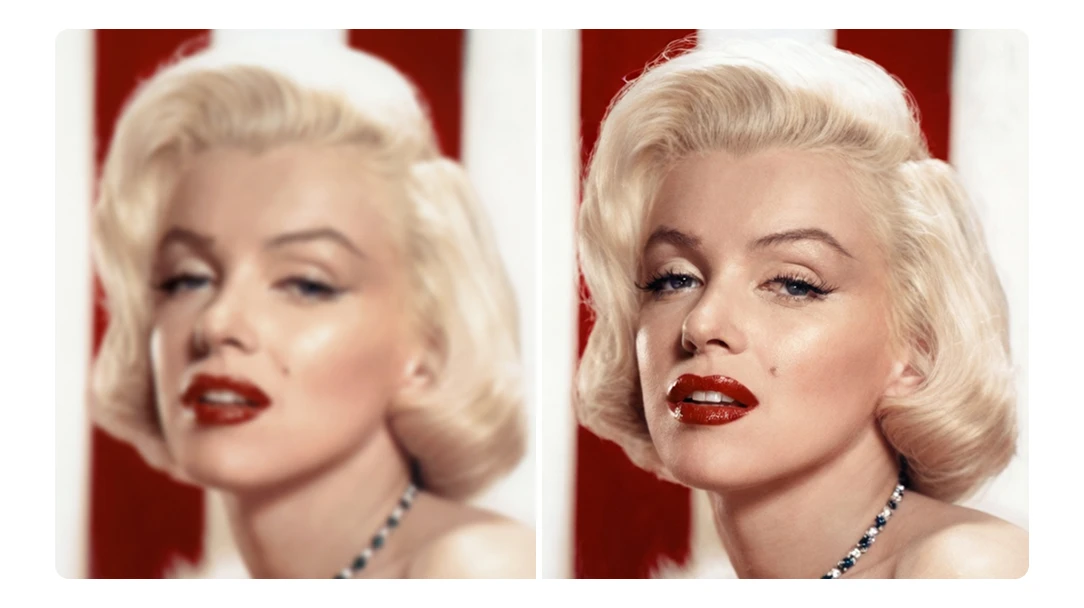
Motion blur, camera shake, low light noise, compression artifacts — the things that make an otherwise usable image unusable. The AI analyzes what the image should look like and sharpens what's there, without introducing the halos and smearing that traditional sharpening tools leave behind. When re-shooting isn't an option, this is the faster fix.

Works on any image your workflow throws at it

Product shots, architectural renders, portrait photos, scanned documents, screenshots, old archive images — the enhancer doesn't care where the image came from or what it's for. Upload it, get a sharper version back, move on. No presets to configure, no sliders to calibrate, no technical knowledge required.

Better images. Less time. No Photoshop.

Stop paying a photographer to fix what AI handles in seconds
Reshoots, retouching hours, and outsourced editing add up fast — especially when the issue is resolution or sharpness, not the subject itself. Enhancing an image with Artificial Studio takes seconds and costs a fraction of what any manual fix would. For teams processing product catalogs, client deliverables, or large image libraries, that difference compounds quickly.
Integrate image enhancement directly into your product
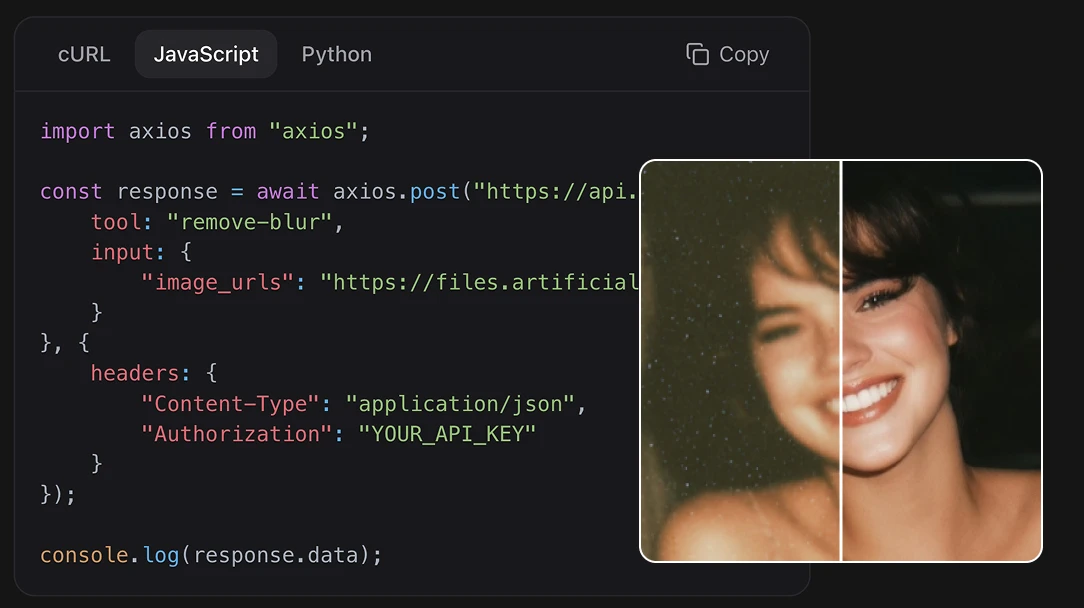
Artificial Studio's API gives you programmatic access to the image enhancer — and 60+ other AI tools — so you can build directly into your own platform, store, or workflow. Let customers upload photos and get enhanced versions automatically. No infrastructure, no maintenance. Pay only for what you use. Prefer working inside Claude? Artificial Studio also offers a native MCP server.
Enhanced images that are yours — no watermarks, no strings
Most free enhancers give you a watermarked preview and ask you to pay to download the clean version. Everything you enhance in Artificial Studio is yours immediately, at full quality, ready for commercial use. Publish it, send it to a client, put it in a listing — no extra steps, no licensing fine print.

How to enhance an image in 3 steps

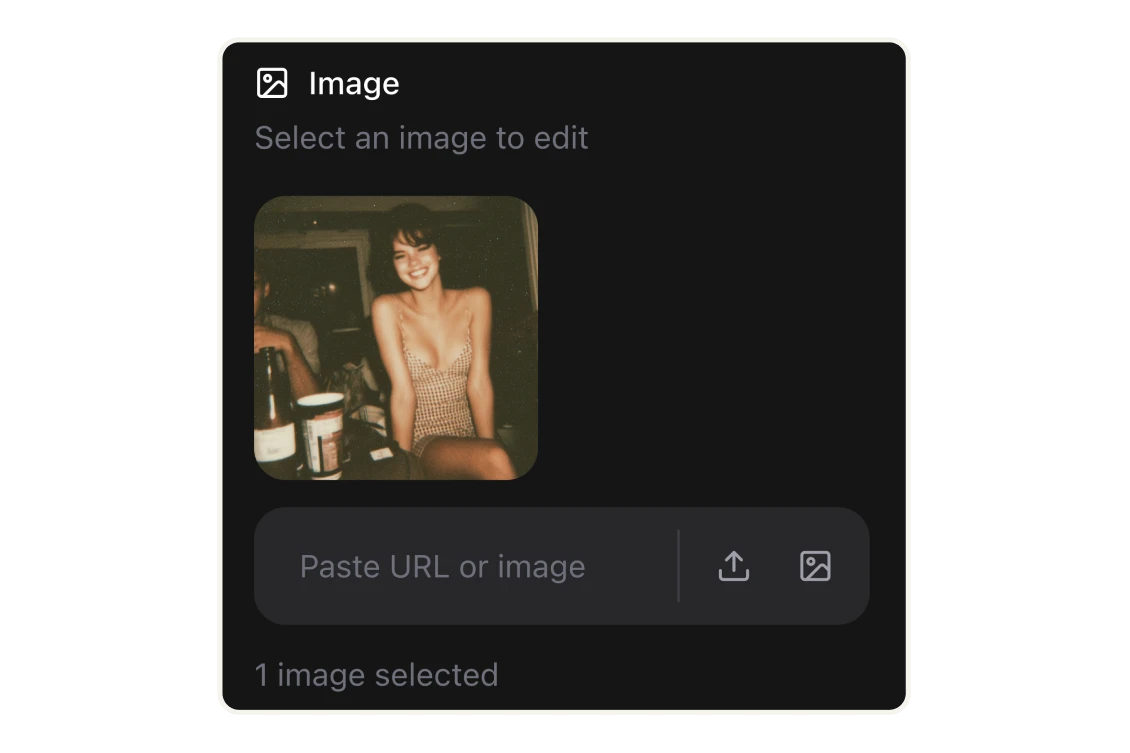
Upload your image
Select the photo you want to enhance — upload it from your computer, paste a URL, or pull it directly from your Artificial Studio library.
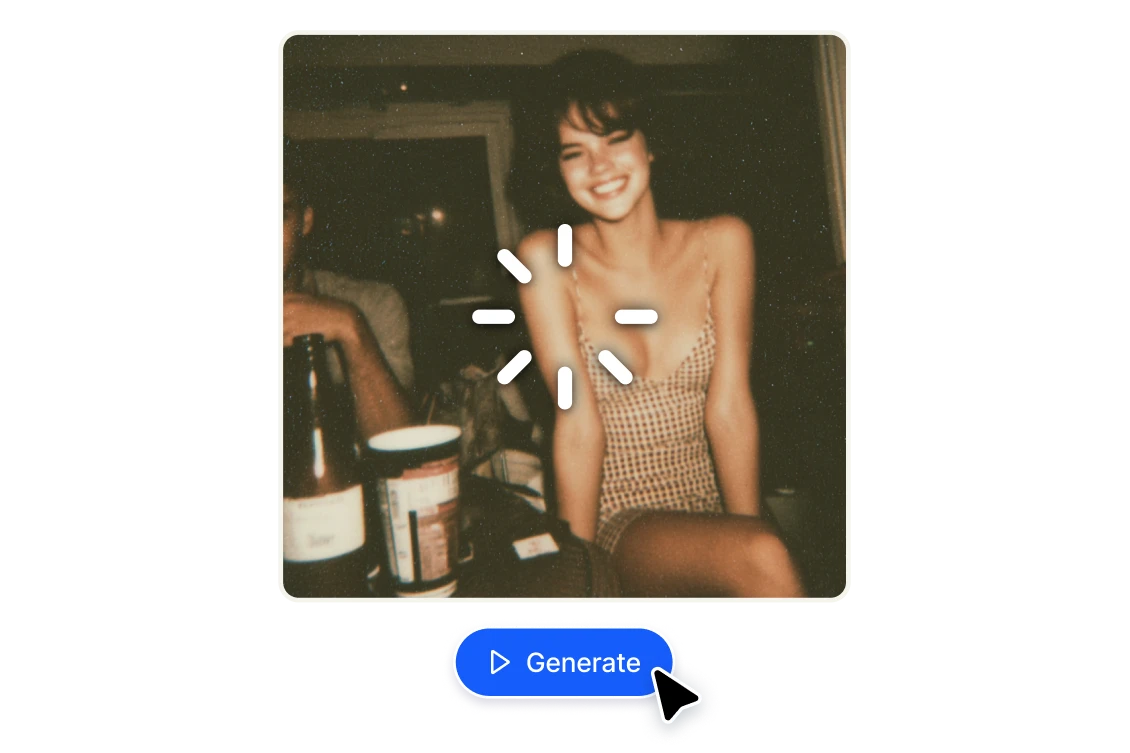
Generate
Hit the Generate button and let the AI do the work. Results are ready in seconds.
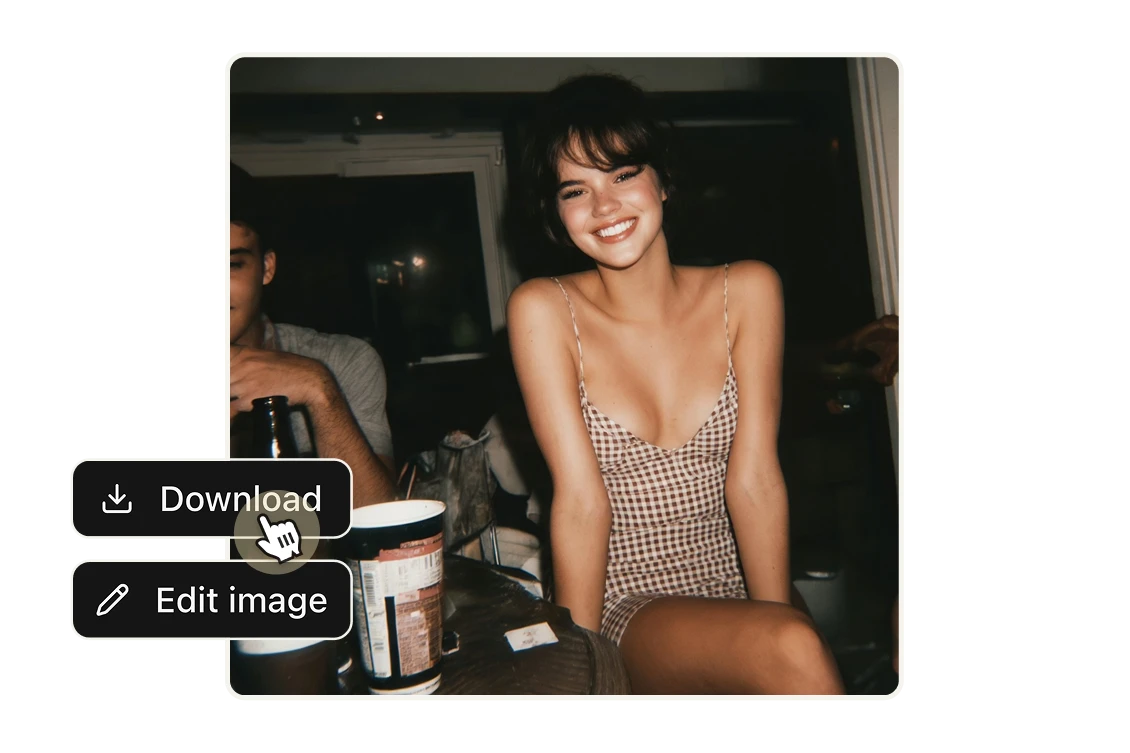
Download or keep editing
Your enhanced image is ready to download at full quality, or continue editing it directly inside Artificial Studio — no need to start over in another tool.

FAQs

It analyzes your image at a pixel level — detecting edges, textures, and patterns — and reconstructs the missing detail that low-resolution or degraded photos lack. The result is a sharper, cleaner, higher-resolution version of the original, without the blurring or artifacts that traditional upscaling produces.
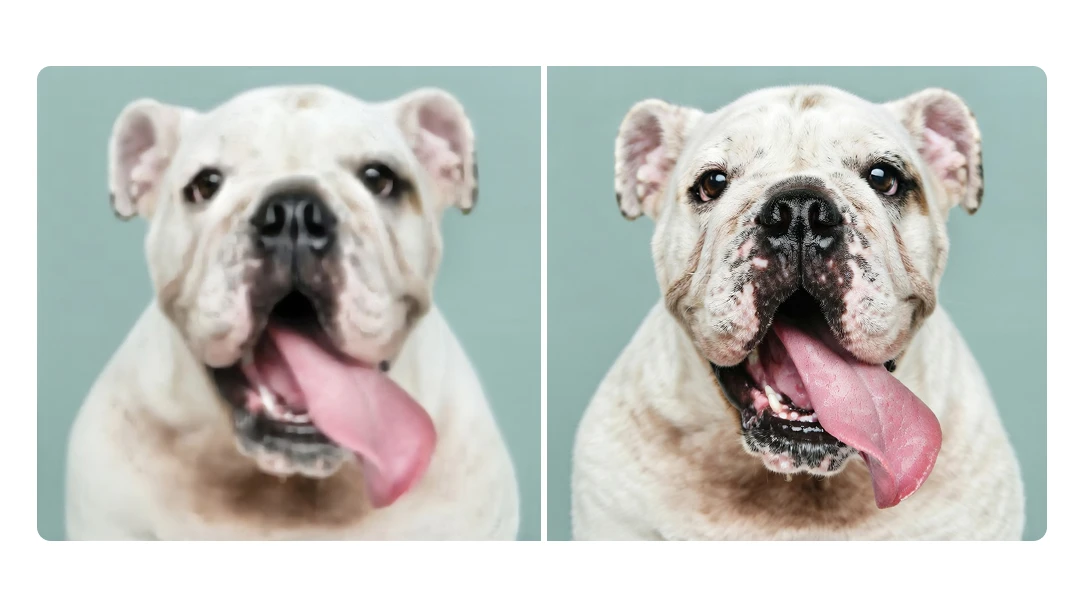
Resizing stretches existing pixels, which is why manually enlarged images look soft or pixelated. AI enhancement generates new pixel data based on what the image should look like — so fine details like hair, fabric texture, or product edges are reconstructed realistically rather than just stretched.
Product photos, portraits, real estate photography, architectural renders, old or scanned photos, and screenshots all produce strong results. Any image that's blurry, low-resolution, or degraded from compression is a good candidate. The clearer the original subject, the better the enhanced version.
Yes. Everything you produce in Artificial Studio is yours for commercial use — no watermarks, no licensing restrictions, no tiered download system where you pay extra to get the clean file. Publish it, send it to a client, use it in a listing or ad campaign.
Each enhancement costs 8 credits. Paid plans start at $8/month for 1,400 credits — that's over 175 enhanced images per month, for less than $0.05 each. Most standalone image enhancer tools charge more per image and offer nothing else. Artificial Studio gives you 60+ AI tools on the same subscription.
Yes. Artificial Studio has a free tier so you can test the enhancer before committing to a paid plan.
Yes, via the Artificial Studio API. You get programmatic access to the image enhancer and 60+ other AI tools — so you can build enhancement directly into your store, app, or workflow without managing infrastructure or multiple vendor relationships. Pay only for what you use.
Yes. Phone photos are one of the most common use cases — especially for e-commerce sellers who shoot products on their phone and need the result to look professional. The AI handles noise, compression, and resolution issues that are typical of mobile photography.