AI Style Reference

Upload reference images, build a reusable visual style, and apply it to any image generation tool — no re-prompting, no drift, no starting from scratch every time.

No credit card required
AI Avatar Maker

Save your style once. Use it on every image.

Visual style references, not cryptic codes

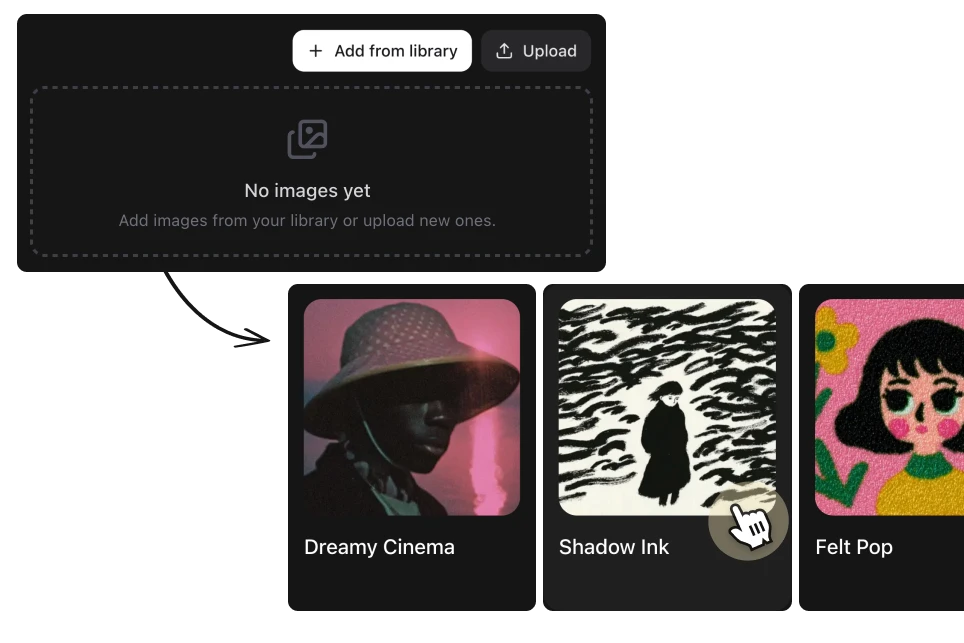
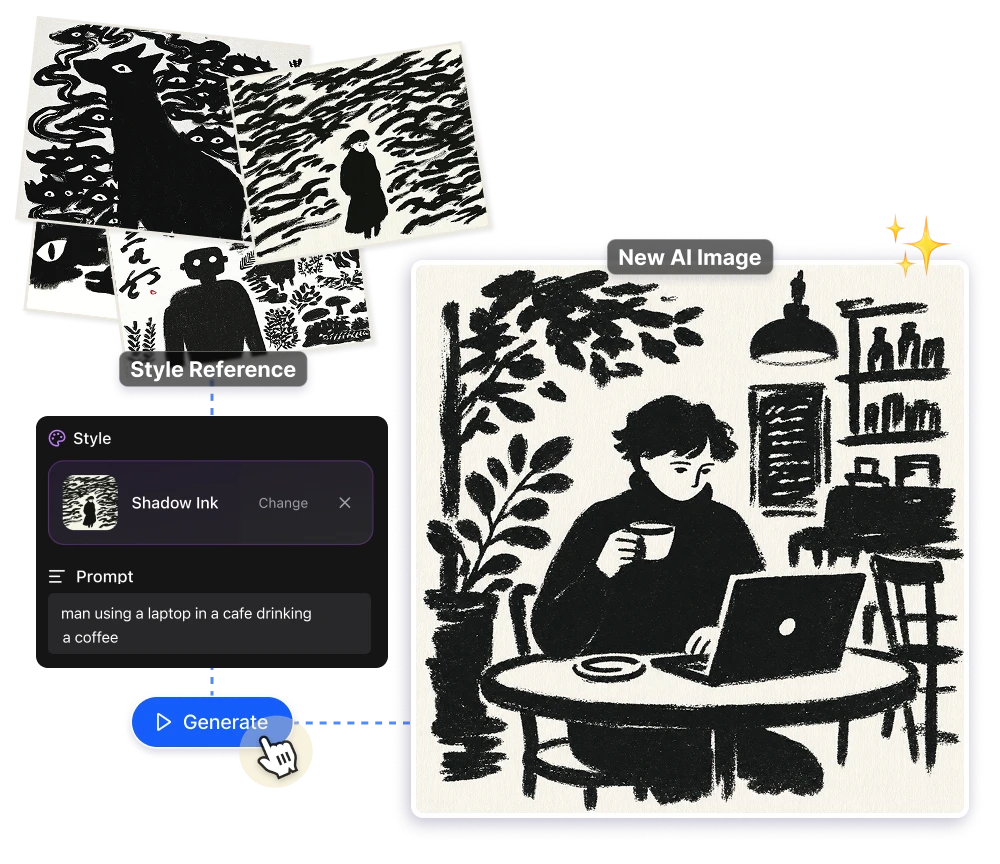
Midjourney's --sref system works with numbers like 2213253170. You can't see what the style looks like until you run it, you can't name it, and sharing it with a teammate means handing them a string of digits. In Artificial Studio, you upload the reference images that define a look, name it, and use it. What you see is what you get.
The look you found, saved. Not lost

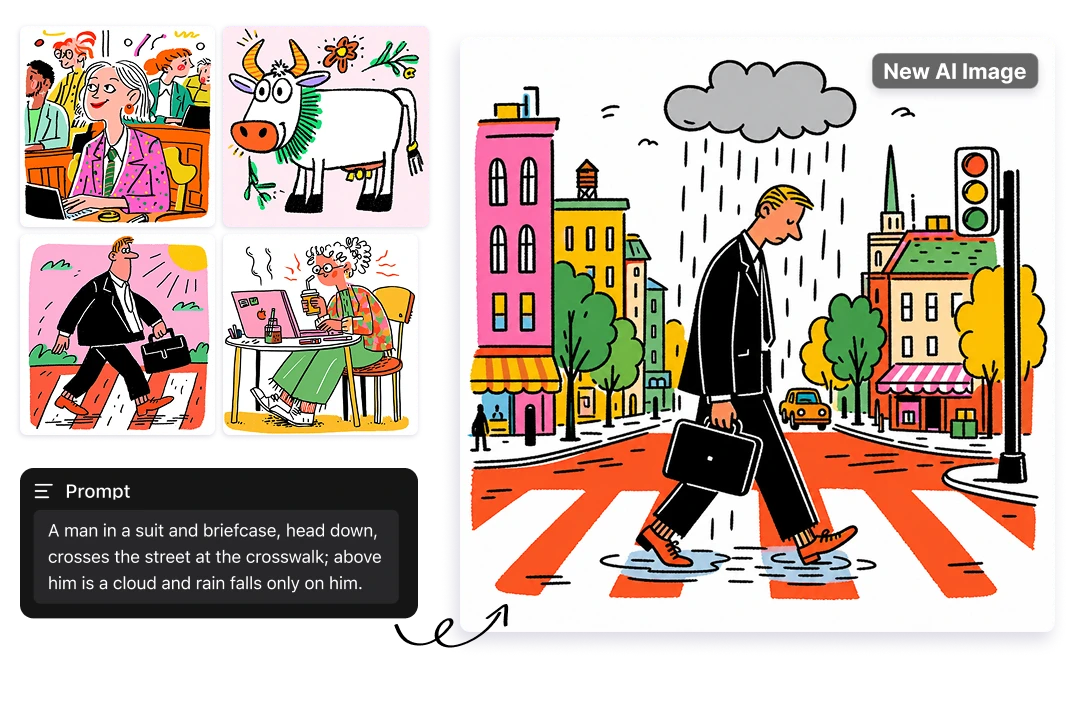
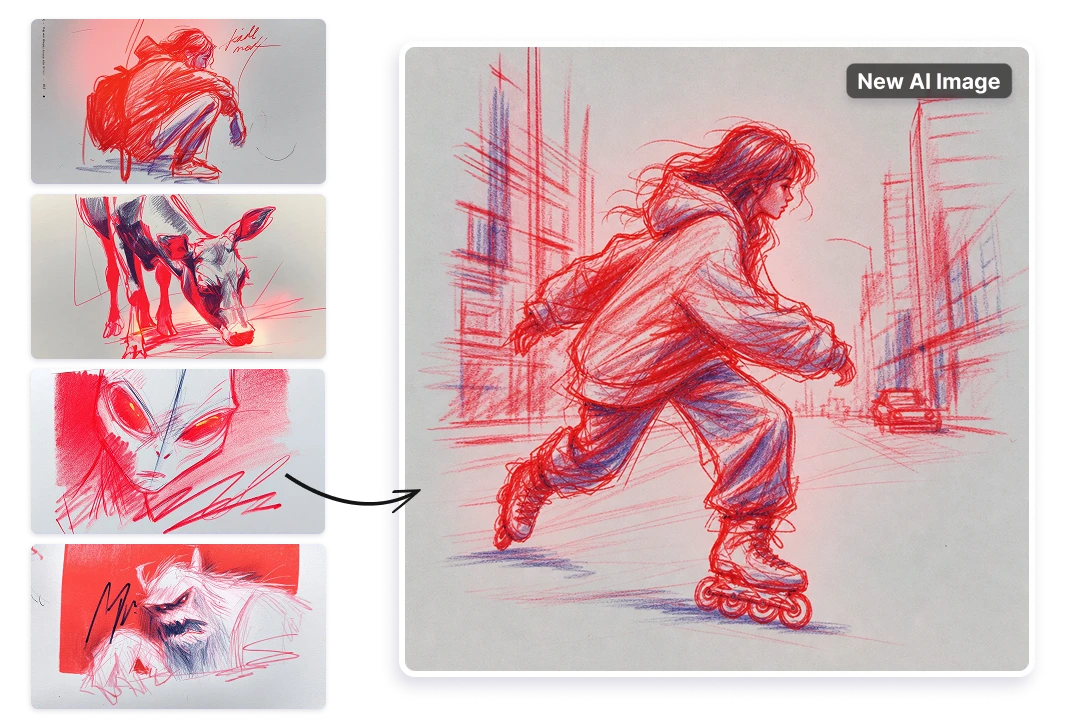
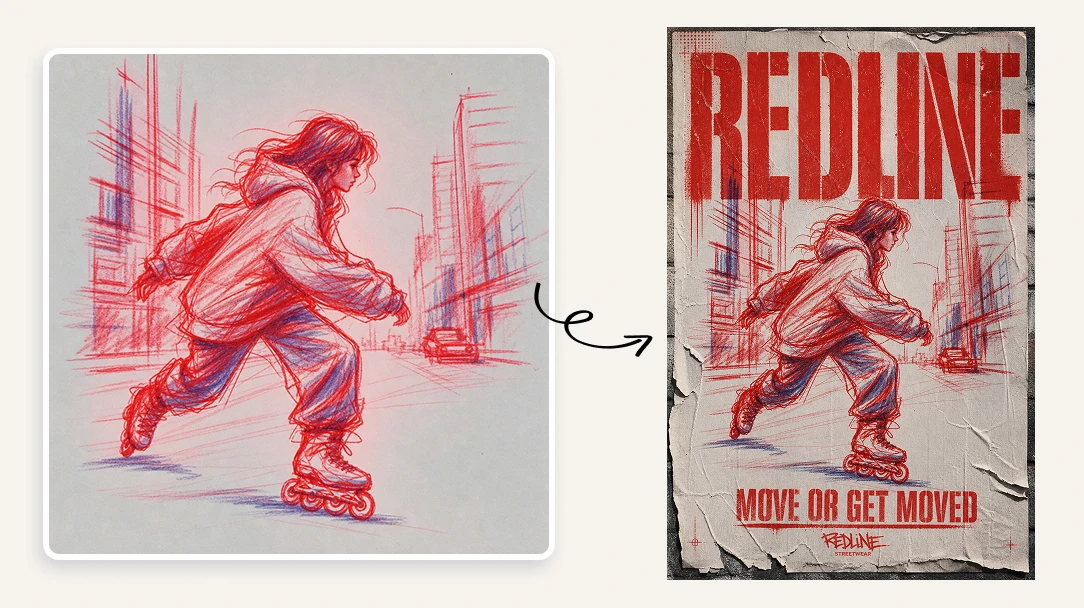
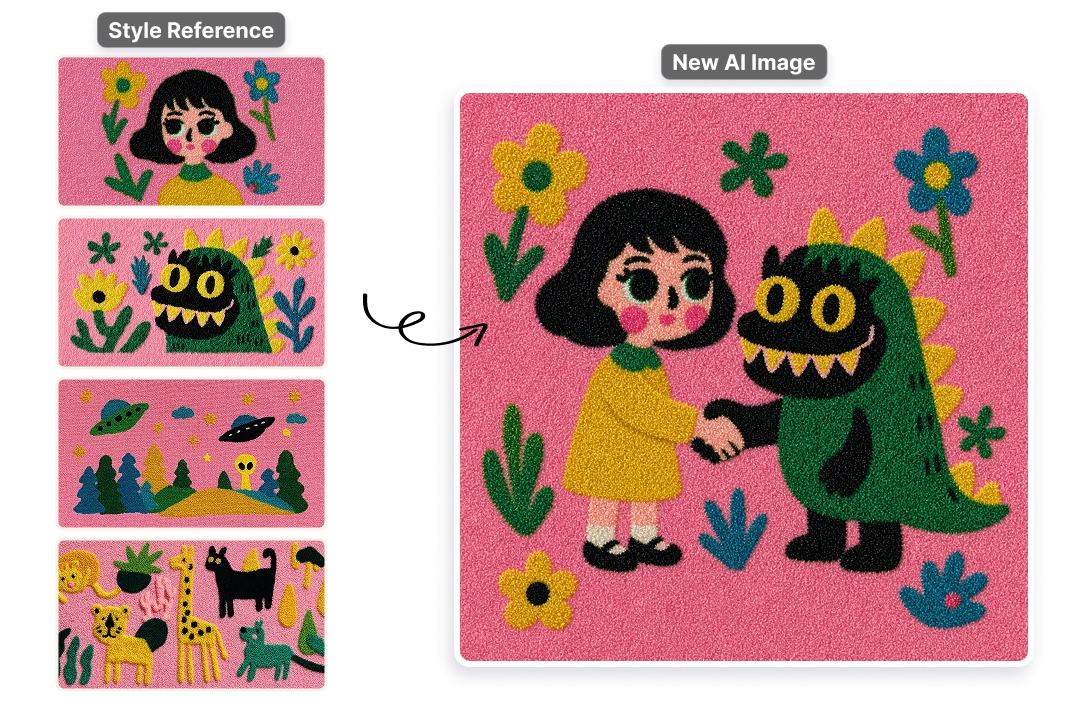
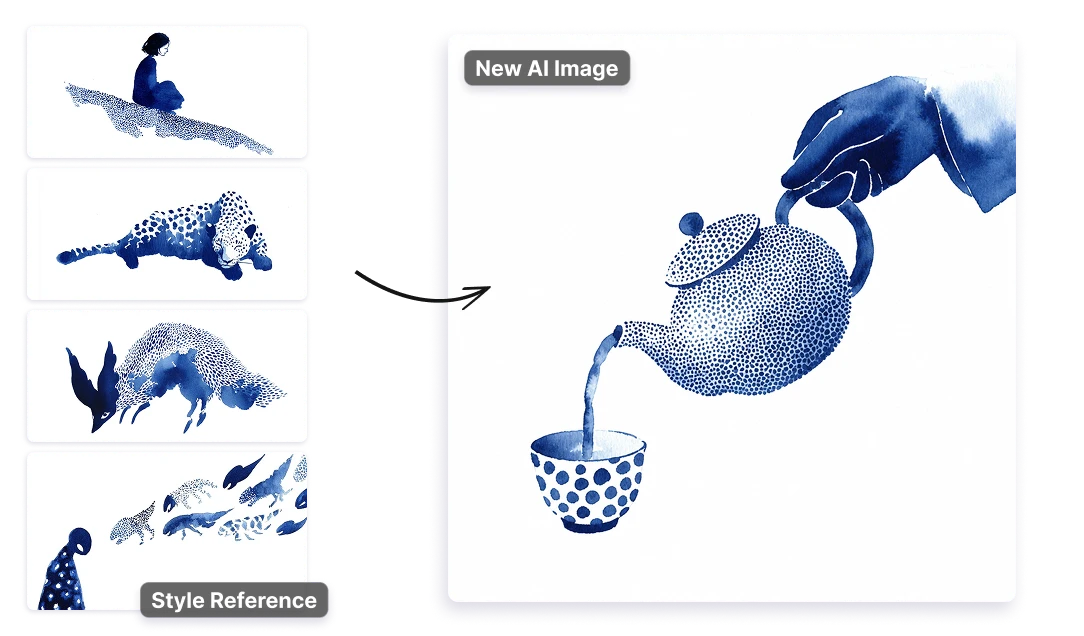
Every AI generation starts from zero. The tool has no memory of what worked last time, which means when you land on a visual style that clicks, there's no built-in way to hold onto it. Styles solves that: group the reference images that define the aesthetic, save them as a preset, and generate with that exact look whenever you need it — without rewriting the prompt from scratch.

One style, applied across every image tool

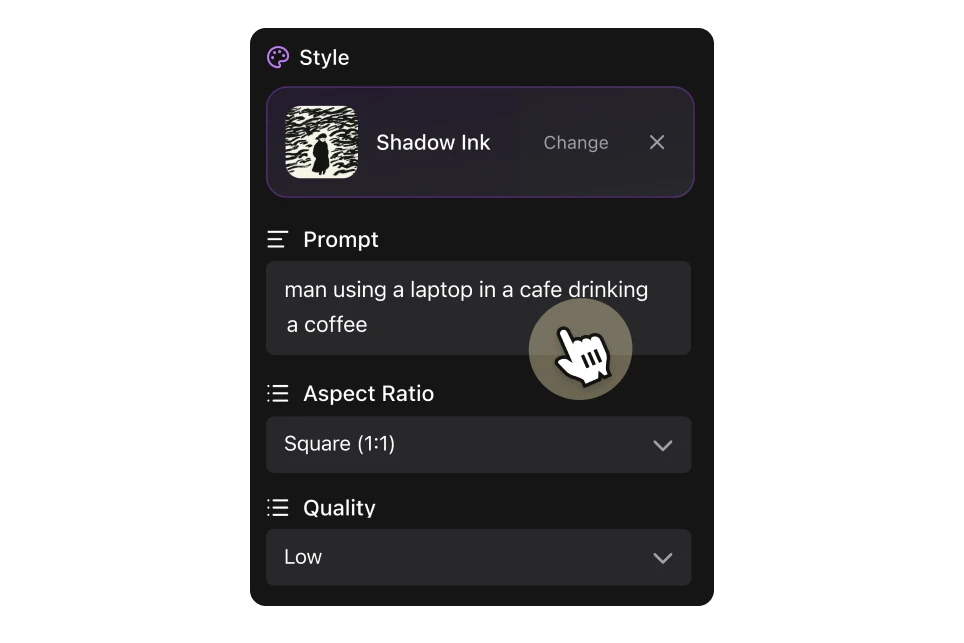
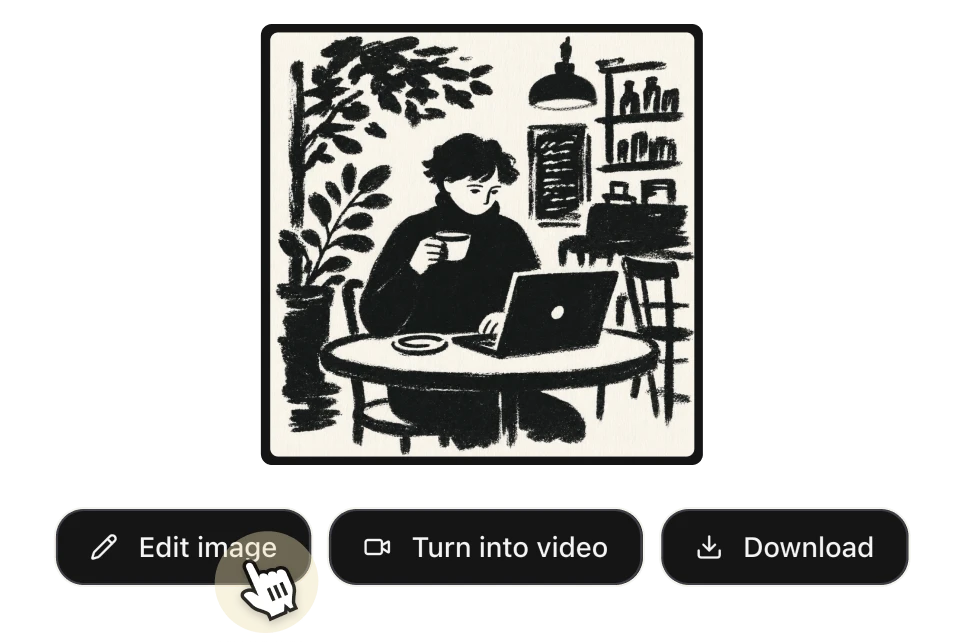
A saved style in Artificial Studio isn't locked to a single generator. Once you've built it, you can apply it to any image creation tool in the platform — the same reference, the same aesthetic, across your entire workflow. Click a style and you're taken directly to the generation tool with it already loaded. One consistent look, everywhere you create.

Choose the model that fits the output

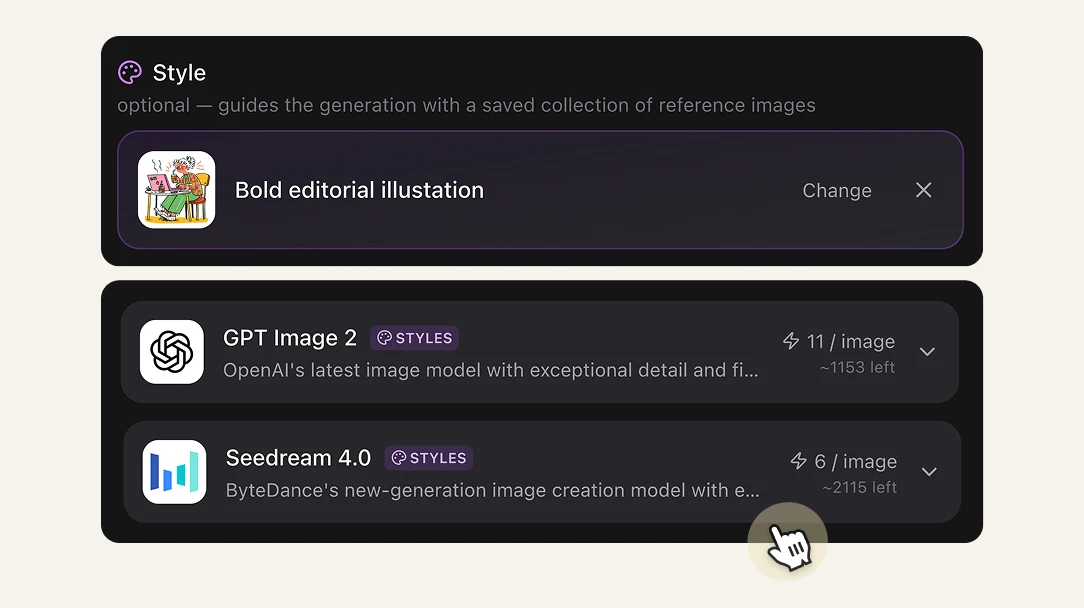
Not every style renders the same way across different AI models. Artificial Studio lets you apply your saved style using GPT Image 2 or Seedream 4.0 — two of the most capable image generation models available right now. Pick the one that handles your reference aesthetic best, or run both and compare. The style stays yours. The model is your call.

The style consistency Midjourney promised, without the learning curve.

Every deliverable looks like it came from the same brief
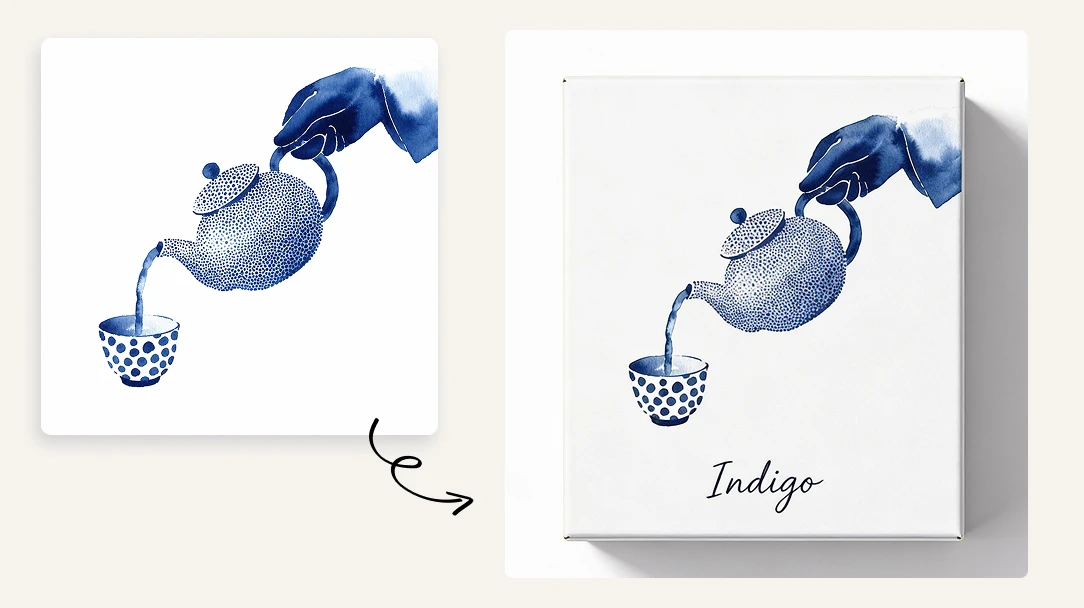
Inconsistent visuals are easy to spot — and they erode client trust fast. When every AI generation starts from scratch, style drift is inevitable across a campaign, a content calendar, or a client's asset library. Saved styles keep every image cohesive, whether you're generating the first asset or the fiftieth.
Stop re-prompting. Start creating.
Recreating a visual style from memory is a tax on time that should go into actual work. Designers and freelancers spend hours rewriting style descriptions, regenerating until something looks right, and trying to reverse-engineer what worked last week. Save the style once and that time goes back to the creative work clients are paying for.
Scale your output without losing control of the look
The more content you produce, the harder it is to keep everything visually aligned — especially across a team or multiple clients. Reusable styles let agencies and freelancers generate at volume without the quality-control overhead. One person can maintain the same aesthetic across dozens of deliverables, without micromanaging every prompt.

FAQs

It's a way to define a visual aesthetic — colors, lighting, mood, composition — using reference images, and then apply that aesthetic to new AI-generated images. Instead of describing your style in words every time, you save it once and reuse it. The same concept as Midjourney's --sref feature, but visual and built into your workflow.
Midjourney's --sref system works with numerical codes like 2213253170. You can't see what a style looks like before running it, you can't name or organize your styles visually, and sharing one with a teammate means handing them a string of digits. In Artificial Studio, you upload the images that define your style, name it, and apply it with one click — across any image tool in the platform.
There's no hard rule, but 5 to 20 images that clearly share a visual language tend to produce the most consistent results. The tighter and more cohesive your references, the more accurately the model captures the style.
You can choose between GPT Image 2 and Seedream 4.0 — two of the most capable image generation models available right now. Standard generations cost 6 credits per image; generating with the latest model costs 11 credits per image.
Credits start at $9/month for 1,300 credits. At 6 credits per image, that's over 200 styled images per month for less than $0.05 each. If you want the highest-quality output using the latest model, each image costs 11 credits — still under $0.09 per image.
Yes. Everything you generate in Artificial Studio is yours for commercial use. Build a style for a client's brand and use it across every deliverable — no licensing restrictions.
Yes. Saved styles are accessible across your Artificial Studio account, so your whole team can generate on-brand images without each person having to rebuild the style from scratch.
Yes. A saved style isn't locked to one generator. Once created, you can apply it across the image creation tools in the platform — click a style and you're taken directly to the generation tool with it already loaded.