MiniMax H3 — Finished 15 second ads with one prompt

MiniMax H3 doesn't just generate video. It generates the picture, the dialogue, the sound effects and the room tone in the same pass, up to 2K, up to 15 seconds. Motion graphics, product ads, 3D shorts, game intros, music videos, stop-motion, and more!

Start creating

No credit card required

MiniMax H3 — Finished 15 second ads with one prompt

MiniMax H3 works with one prompt in. A finished 15-second video with sound.

01

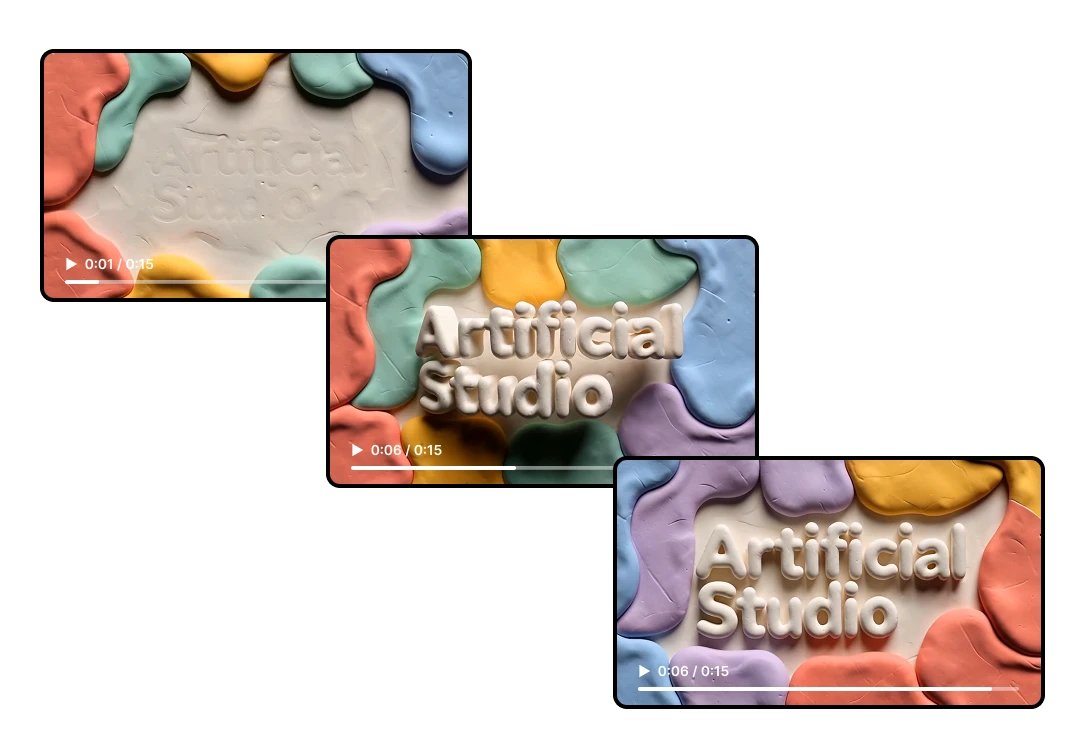
Motion graphics with typography that's actually legible

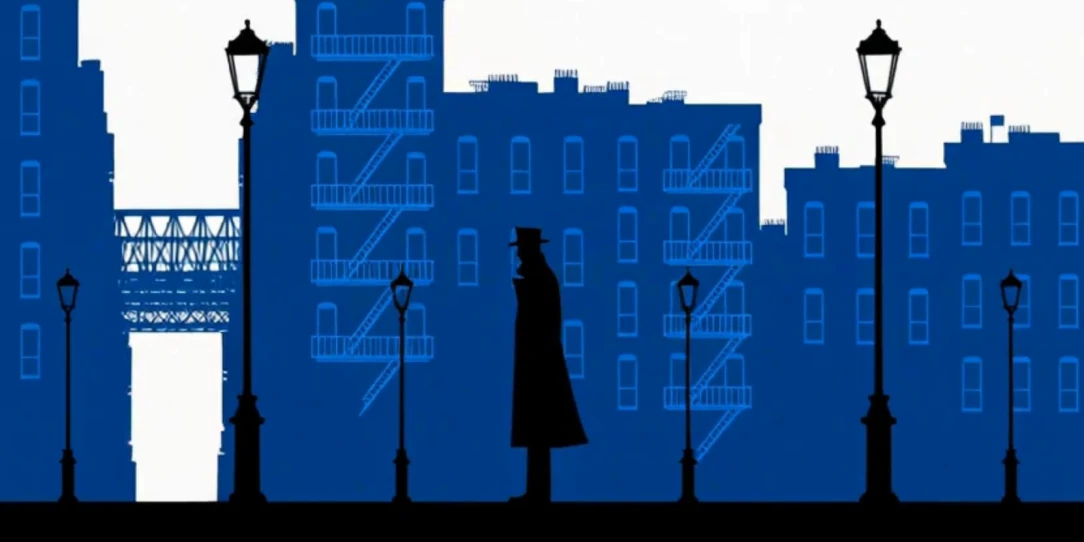
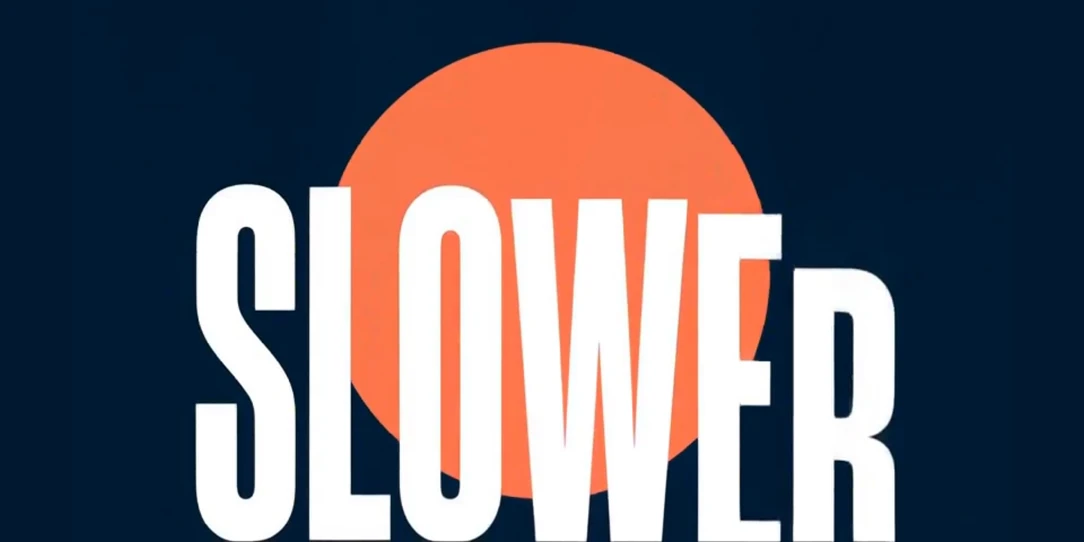
MiniMax H3 renders text: kinetic typography, UI elements, signage, credits. It's one of the capabilities MiniMax leads with. What you can build: → Flat-vector motion graphics with sound design → 3D animations → UI and app animations for product demos → Explainer shorts with text stamps synced to narration → Kinetic typography set to a beat → Animated logo reveals on an exact final frame
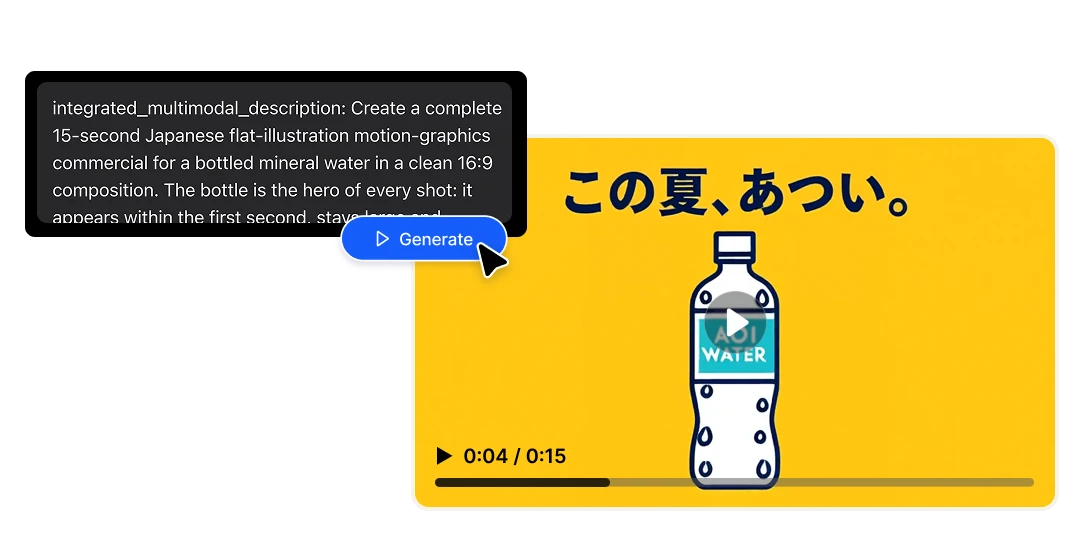
Motion graphics with typography that's actually legible
02

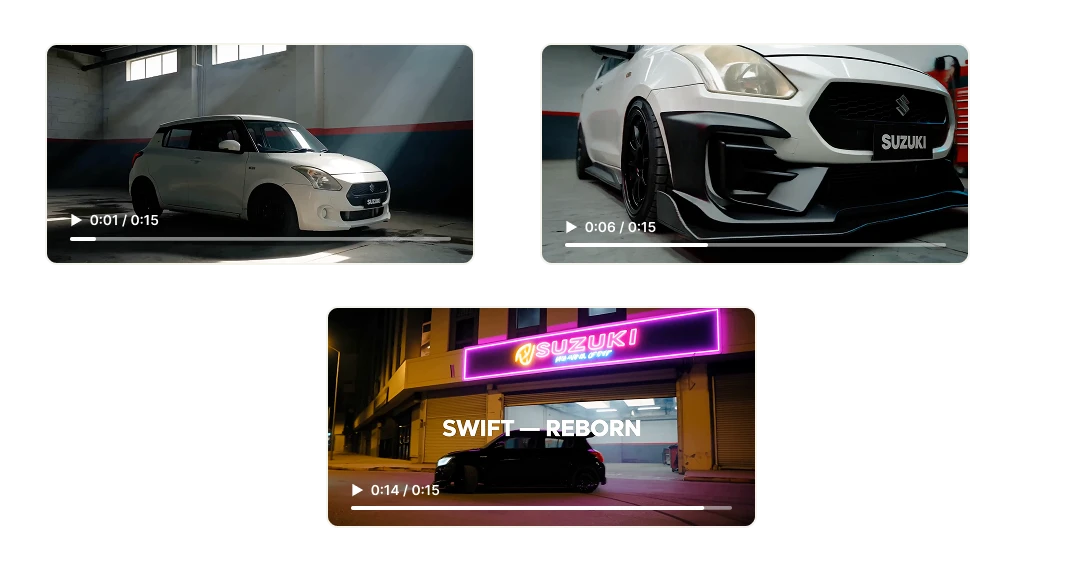
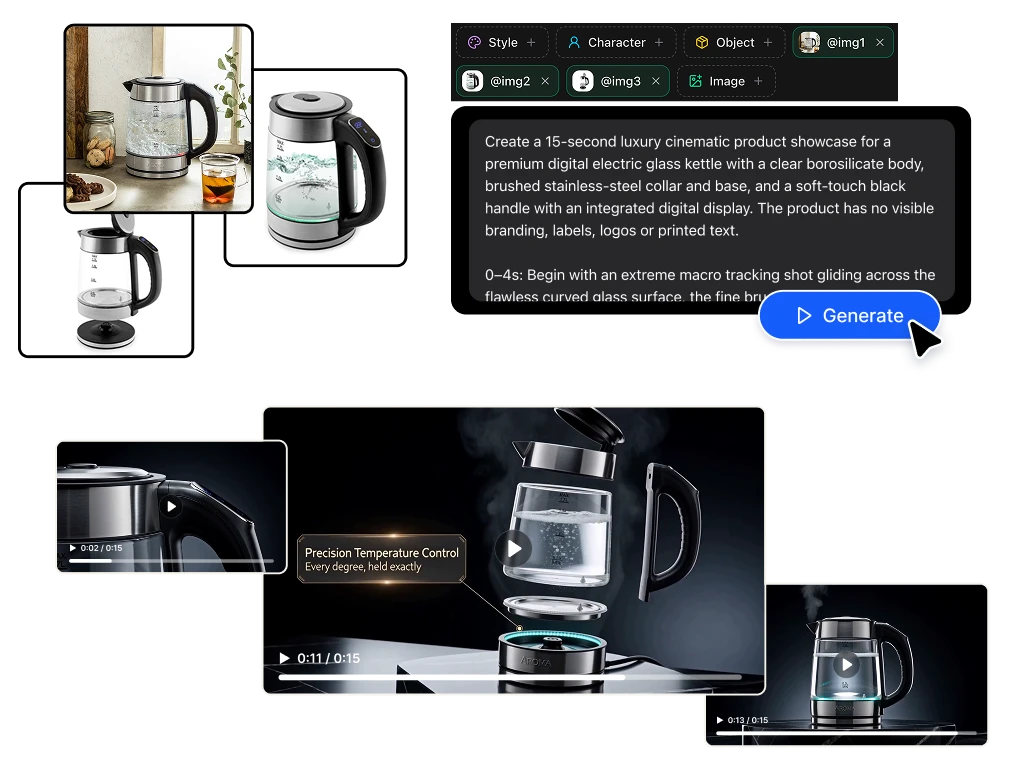
Do a full advertisement with one product photo.

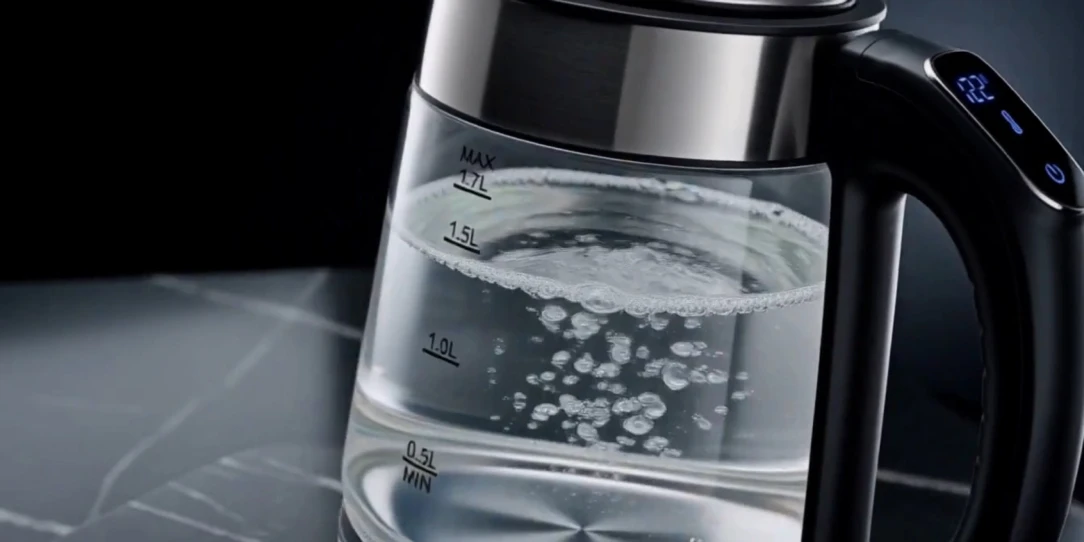
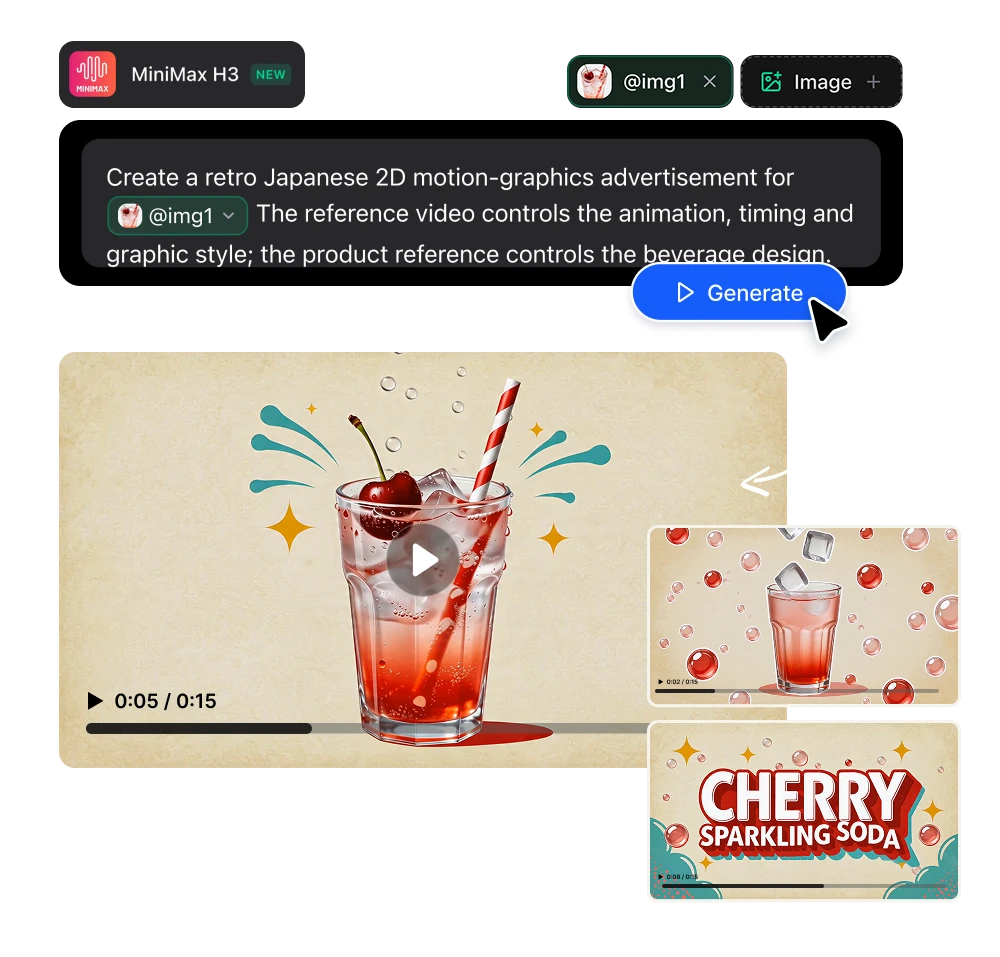
Upload your product shot. MiniMax H3 builds the scene around it and generates the sound: the pour, click and the whoosh. For e-commerce teams is amazing: a minimalist product ad that used to mean a studio booking, now is a reference image. Where it fits: → Minimalist product ads for paid social → Lifestyle scenes built around a product photo → Variant testing — same spot, ten different framings → Marketplace and PDP videos at 9:16, 1:1 and 16:9 from the same brief → Seasonal refreshes that reuse the same product reference

Do a full advertisement with one product photo.
03

Brand promos & advertising

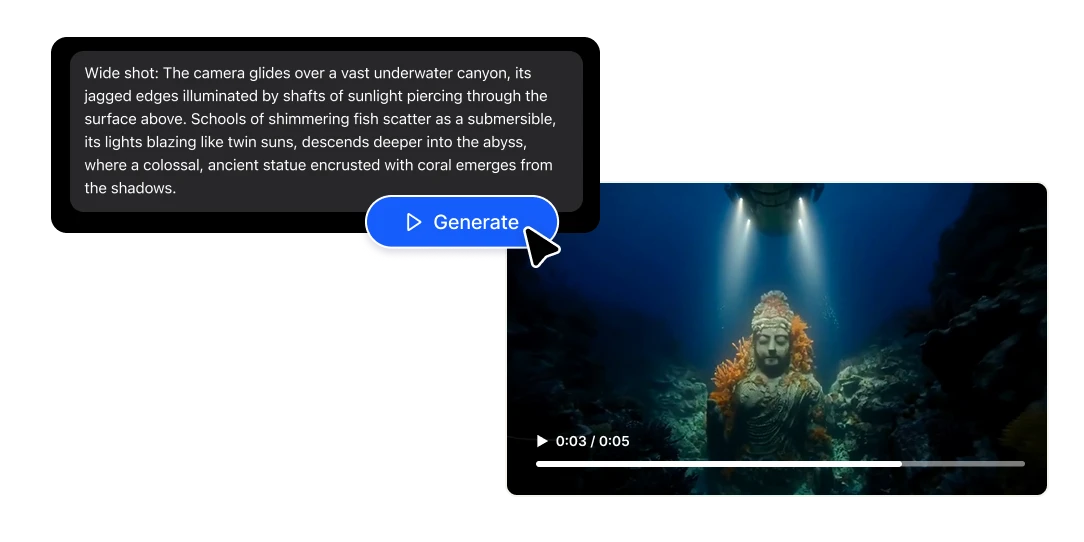
Fifteen seconds video for a pre-roll, TikTok ad, Reel or a trailer. MiniMax H3 handles multiple shots inside one generation, so a wide, a close-up and a reaction come back as one coherent sequence with consistent characters and lighting — not three clips you stitch and pray about. Add a voiceover with matching lip-sync, brand-accurate on-screen type, and a score that hits on the cut. That's the spot.

04

Character-consistent 3D without a render farm

Feed it a character sheet and MiniMax H3 holds identity without changing the face between clips. With reference-driven generation you can lock appearance and wardrobe. Animated shorts, character intros, stylized 3D CG (computer graphics) sequences, previz for a bigger production. 3D artists can now do concept, previz and client-facing animatics in a couple of minutes, instead of a whole week.

05

Stop-motion, papercraft & hand-drawn

Stop-motion is the most labour-intensive format in animation. A ten-second sequence can mean hundreds of physical adjustments. MiniMax H3 generates the look: papercraft dioramas, cut-paper collage with visible texture, claymation, hand-drawn 2D over live-action plates, halftone print aesthetics, and generates the tactile sound design to match. For explainer content and brand storytelling, these styles cut through precisely because nobody can afford to make them anymore.

06

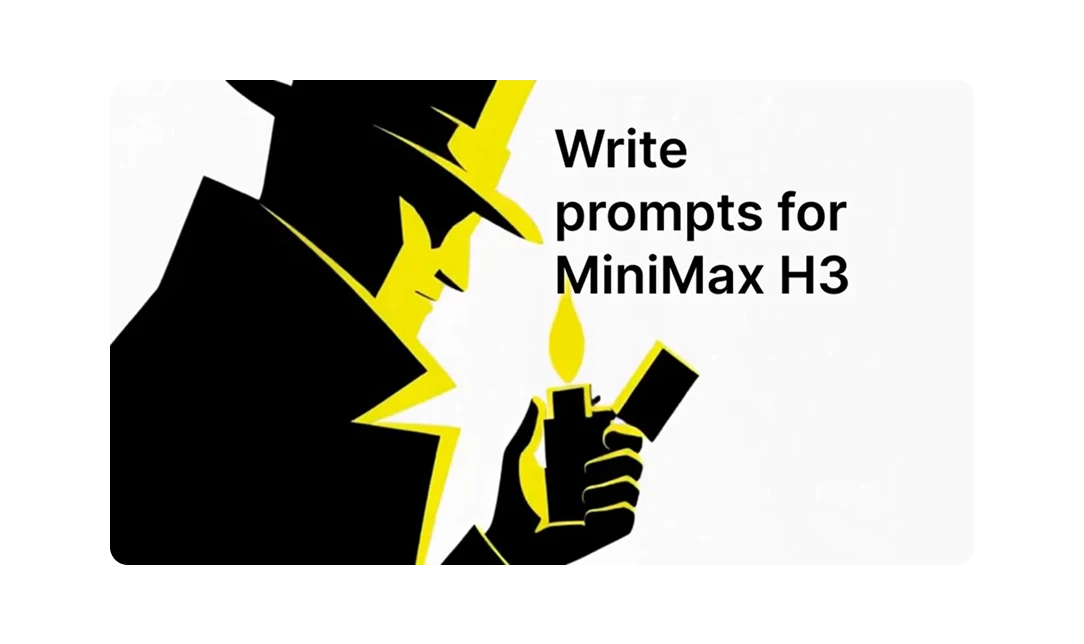
Learn how to write MiniMax H3 prompts that actually work

There's a specific way to write MiniMax H3 prompts, they required fields, a separate lane for dialogue and score, a camera vocabulary, and more. We read MiniMax's own internal prompting documentation in GitHub and turned it into a full guide, with copy-paste examples.

Benefits

Game intros & UI animation

Games need short-form motion: intro animations, co-op menu screens, character select reveals, launch trailers, store page videos. MiniMax H3 can make legible type, consistent characters and sound design that fits in one video. Game audio is heavily cued (UI click, transition, logo), and those cues get generated in sync.

Built for creative agencies

Clients want to see your pitch deck, and speculative work doesn't bill. MiniMax H3 turns a concept into a 15-second spot before anyone approves a budget. Test creative directions with the general idea AI generated instead of described.

Offer video without being a video team

If you're a freelancer, marketer or content creator, video has always been the service you had to turn down. Motion design, sound, voiceover and editing are four different skill sets. MiniMax H3 puts everything inside one prompt box. You can quote almost every work, and keep the margin.

Five ways to use MiniMax H3, depending on how much control you want

1

Text only

Describe the spot, get the spot. Nothing else needed.

2

Start with an image

Your image becomes the opening frame and the video develops from there.

3

Start and end frames

Give it two images and H3 builds the transition between them.

4

End frame only

The model invents a path that lands exactly on your final image. The logo-reveal workflow.

5

Full reference mode

Combine up to nine images, three video clips and three audio tracks in one generation to lock identity, motion, camera behaviour, style and voice at once.