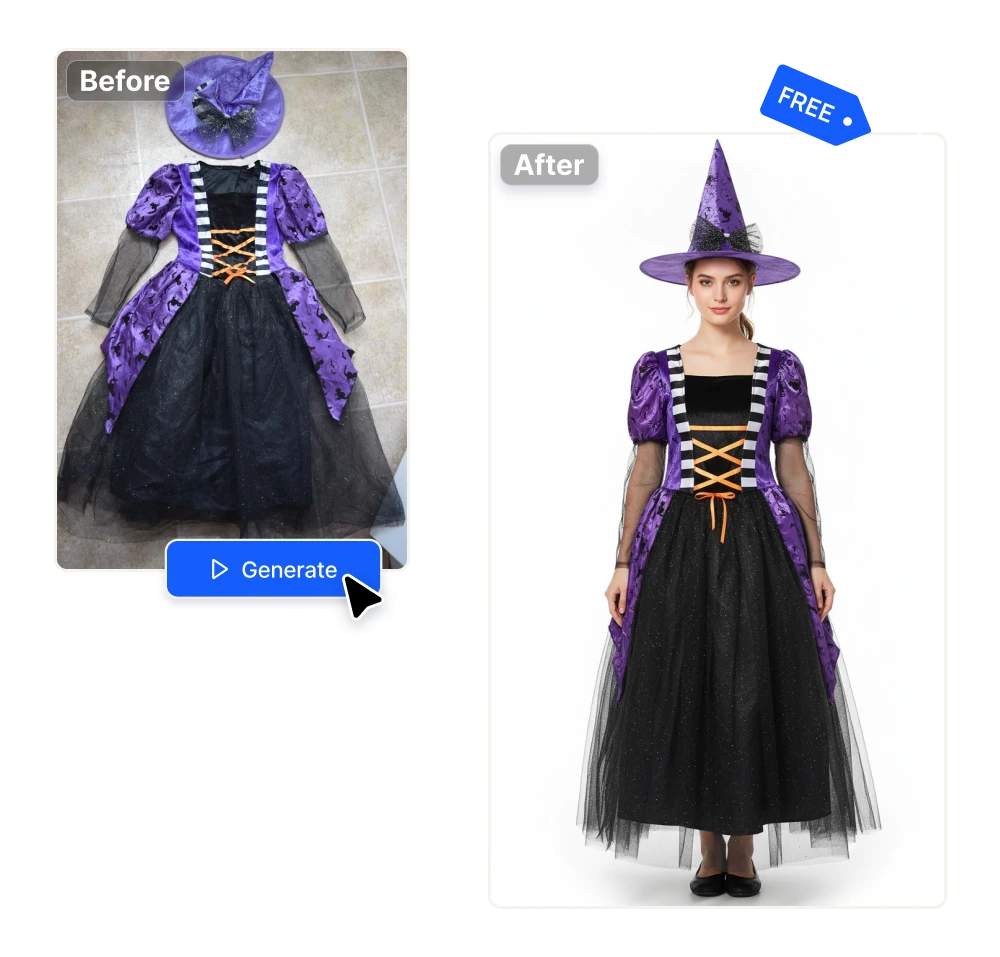
Halloween product photos without a model

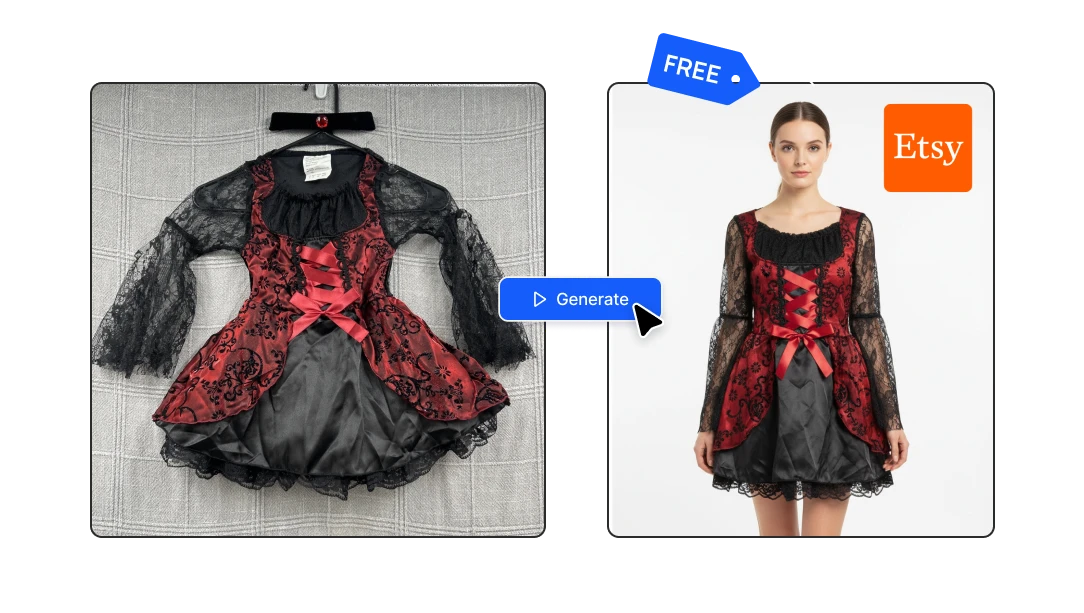
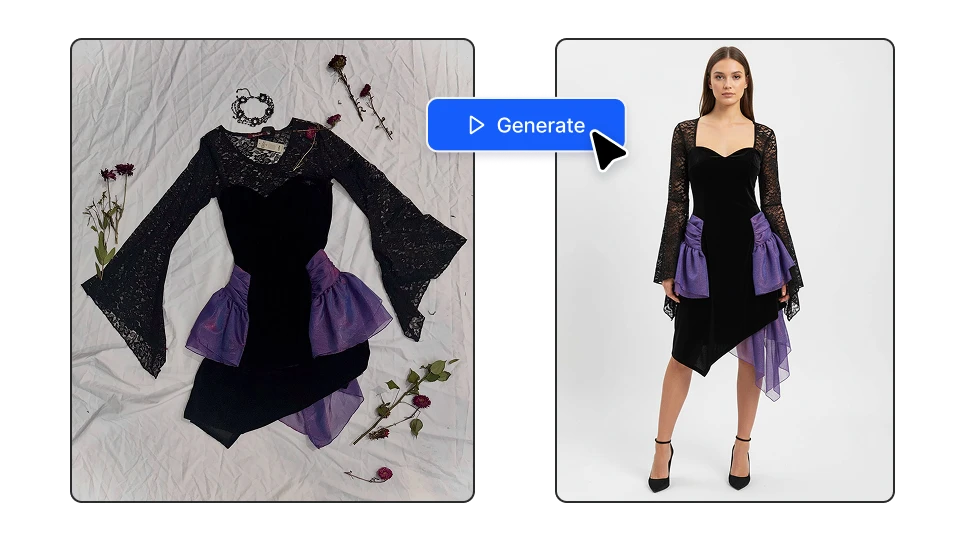
Photograph your whole Halloween Etsy shop from your phone. Upload a flat photo of a costume and get a clean studio image back in a few seconds — on a model, ready to list. No mannequin, model to hire or editing software. Free credits every day.

Photograph costume free

No credit card required

Halloween product photos without a model

Every Halloween listing in your shop, photographed in minutes

01

Costumes on a model, without a model

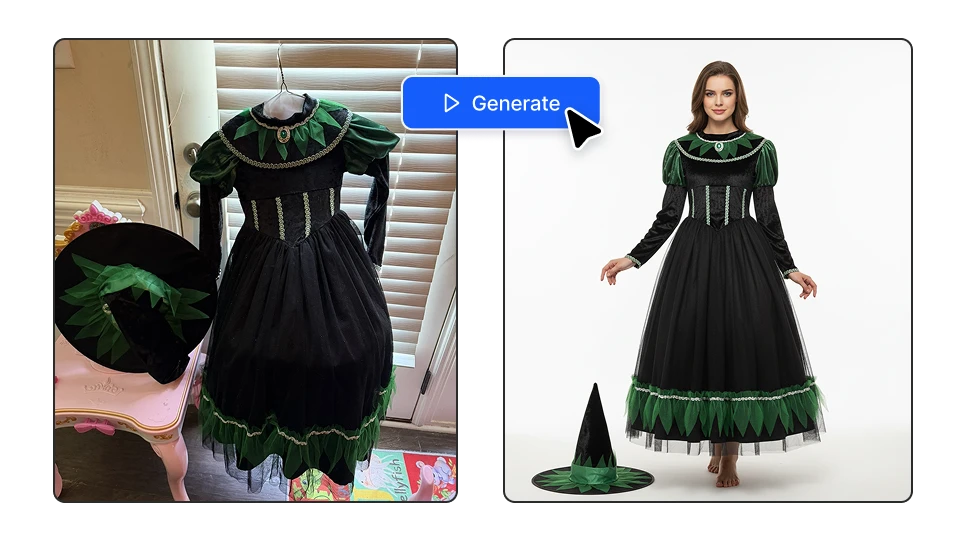
Upload a photo of the costume and get a clean catalog shot of someone wearing it. It works with all Halloween categories: a witch dress, a cape, a sexy adult costume, a full themed set. Buyers can see how the piece sits on a body. Etsy Halloween costumes live or die on that first thumbnail, and a hanging garment never wins it.
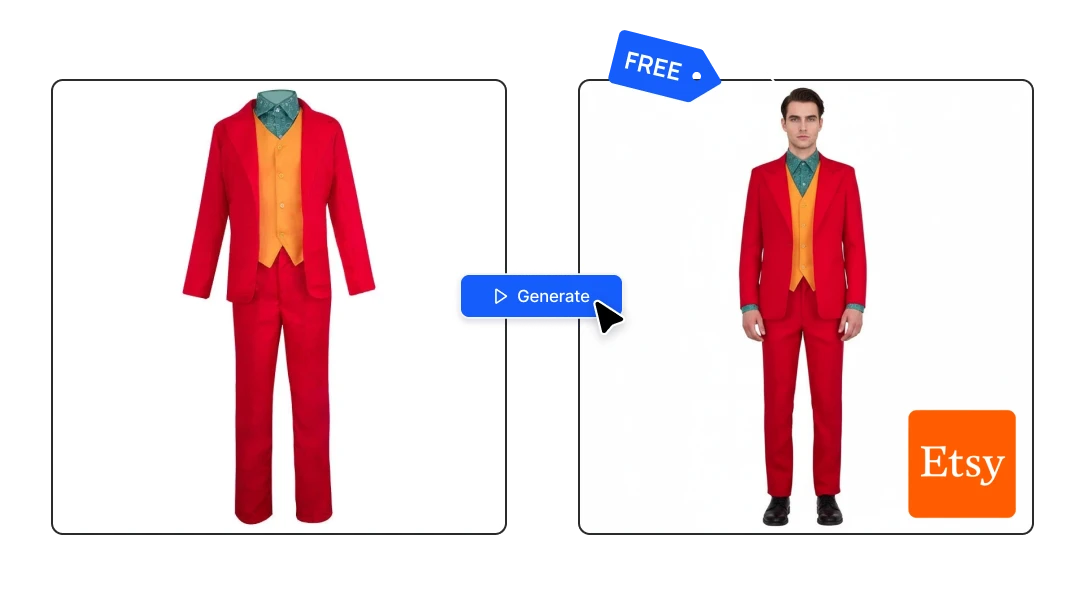
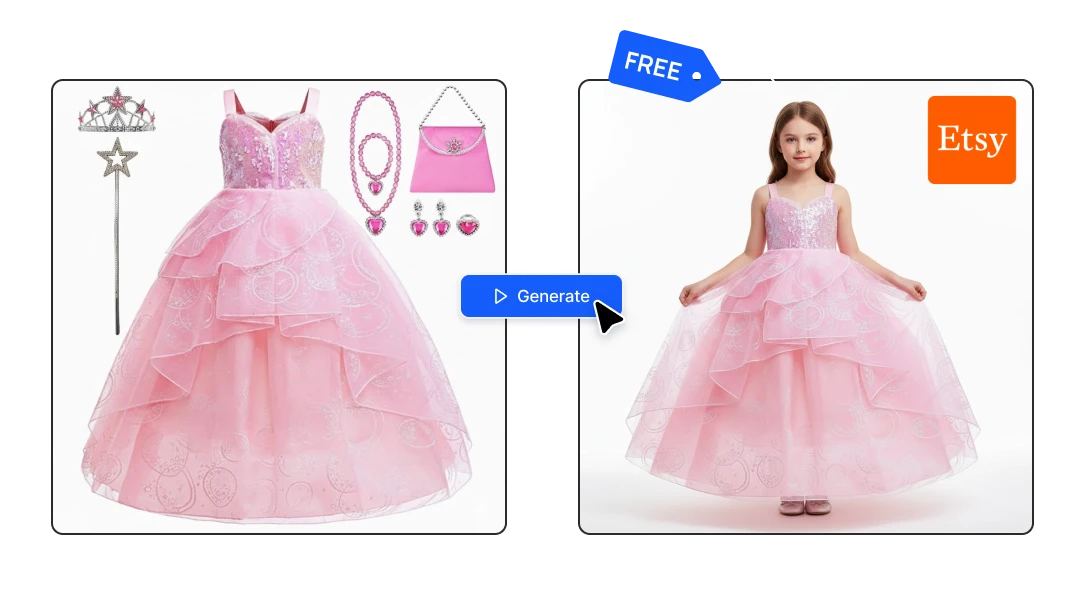
Costumes on a model, without a model
02

Clean white studio background

Every image comes back on a plain white background. That's the format marketplaces are built around: it's what Amazon requires for main images, it's what keeps an Etsy thumbnail readable at the size buyers actually see it, and it means every listing in your shop looks like it came from the same catalog.

Clean white studio background
03

Shirts, sweatshirts and apparel

Put your design on a real-looking garment without ordering a sample or booking a shoot. Front, back, folded, on a model — as many angles as you need, for every colorway you sell. If you print on demand, this replaces the entire mockup template workflow.

Shirts, sweatshirts and apparel

Why sellers do this instead of booking a photoshoot

Your listings go live before the traffic does

Halloween buying starts in late August and most orders land in the first weeks of October. Whatever is Halloween trending this year, the shops that win it had photos ready in September.

Your listings go live before the traffic does

One product becomes several listings

The same costume shot on different models. More photos per listing converts better, and more listings per product means you show up for more searches — costume and gift ideas are three different shoppers looking for the same item. Great for Etsy, eBay and Amazon.

One product becomes several listings

It costs nothing to find out what sells

You don't have to commit to a photoshoot for a product that might not move. Photograph it, list it, see what happens, and spend real money only on the pieces that earn it. Free credits arrive every day.

It costs nothing to find out what sells

Three steps, about a minute

1

Take one photo with your phone

Hang the costume on a door or lay the product on a plain surface and shoot it straight on. It doesn't need good light or a clean background — it just needs to show the item clearly.

2

Upload it

Drop the photo into the tool. For costumes there's nothing else to fill in. For decorations and scenes, write one line describing where you want the product to be.

3

Generate and list

Your image is ready in a few seconds. Run it again for more angles and models, pick your favorites, and upload them straight to your listing.

FAQs

No. Upload a photo of the costume on its own and the tool generates a clean studio image of a model wearing it. If you'd rather use a real person, there's a virtual try-on option where you upload a photo of yourself along with the garment.

Yes, as long as the product in the photo is the product you're selling. These are styled product photos of your real item, the same as one taken in a rented studio. Don't use them to show features your costume doesn't have — buyers notice, and reviews say so.

Yes, and it's one of the most common uses. Upload your design on a flat garment and get it back on a model, which saves ordering a sample for every colorway.

Yes. Those go through the image tool rather than the model tool: you upload the product and describe the setting you want it photographed in.

For infant and children's items we'd recommend photographing the piece flat, folded, or styled with props rather than generating a child model. It photographs well that way, and it's what most buyers in that category expect to see anyway.

Etsy asks for at least 2,000 pixels on both sides, with your first photo no smaller than 635 pixels. Keep files under 1 MB or uploads tend to fail, so save as JPG unless you need transparency.

Yes. You get 20 credits every day, and a costume photo costs 8 — so two a day, indefinitely, without entering a card. If you're photographing a whole catalog at once, 1,300 credits cost $9, which is roughly 160 photos.

As early as you can manage, and ideally by the first week of September. Etsy rewards listings that have been accumulating views and favorites, so a listing published in mid-October is competing from behind.

Yes. The images are standard files, so they work for Shopify, Amazon, eBay, Printful, your own site or Instagram. Nothing about the output is Etsy-specific.

Yes. Artificial Studio has an MCP server, so the same tools work inside Claude, Cursor, ChatGPT, Gemini and n8n. Through n8n you can automate it: a product photo lands in a folder and the finished listing images come out the other end.