The Canva headshot generator alternative

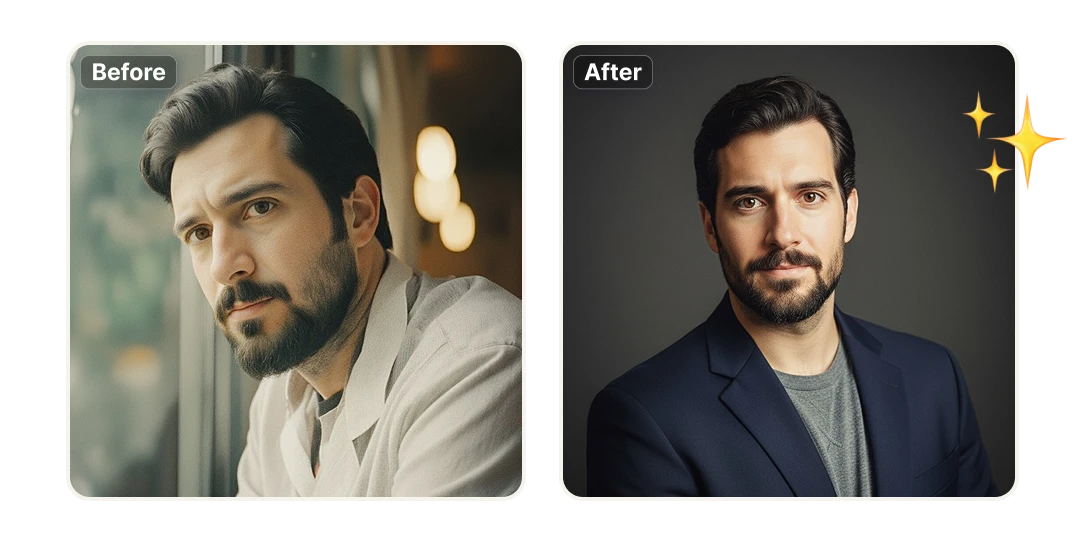
If you've tried Canva's headshot generator and walked away with results that look "off," you're in the right place. Artificial Studio turns an ordinary photo — even a quick selfie — into a polished, professional headshot built for LinkedIn, resumes, business profiles, and personal branding. No photographer, no studio, no awkward AI face. Upload one photo and get a portrait you'd actually be proud to put your name next to.

No credit card required
AI Avatar Maker

Professional headshots from a single photo

Turn any photo into a portrait worth sharing

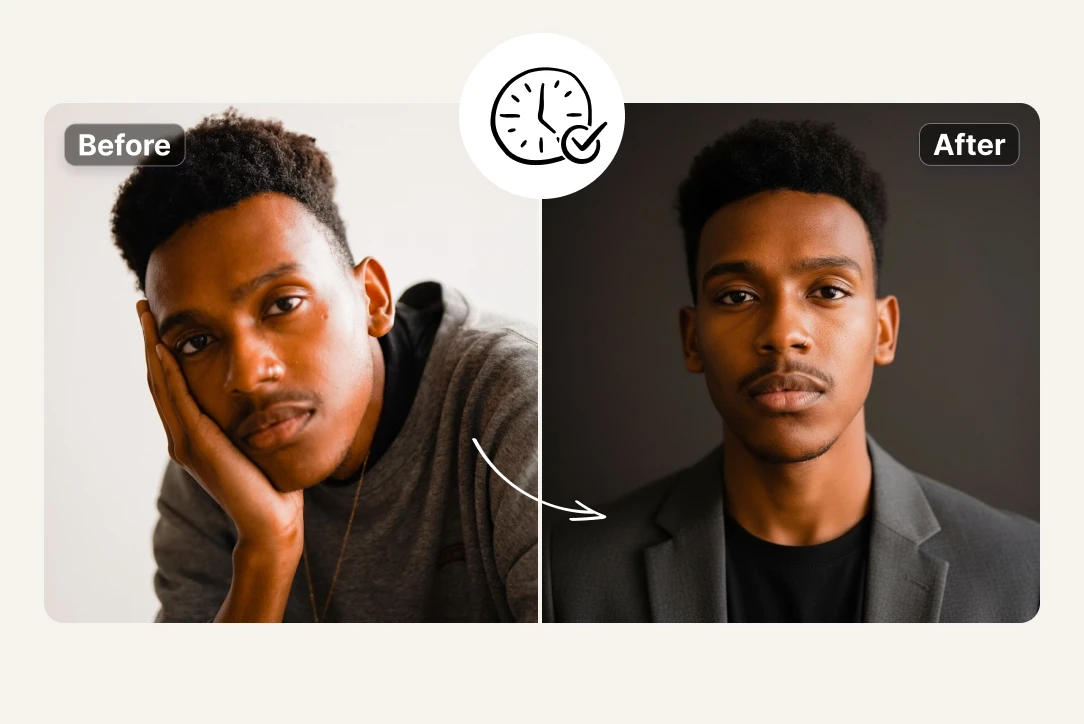
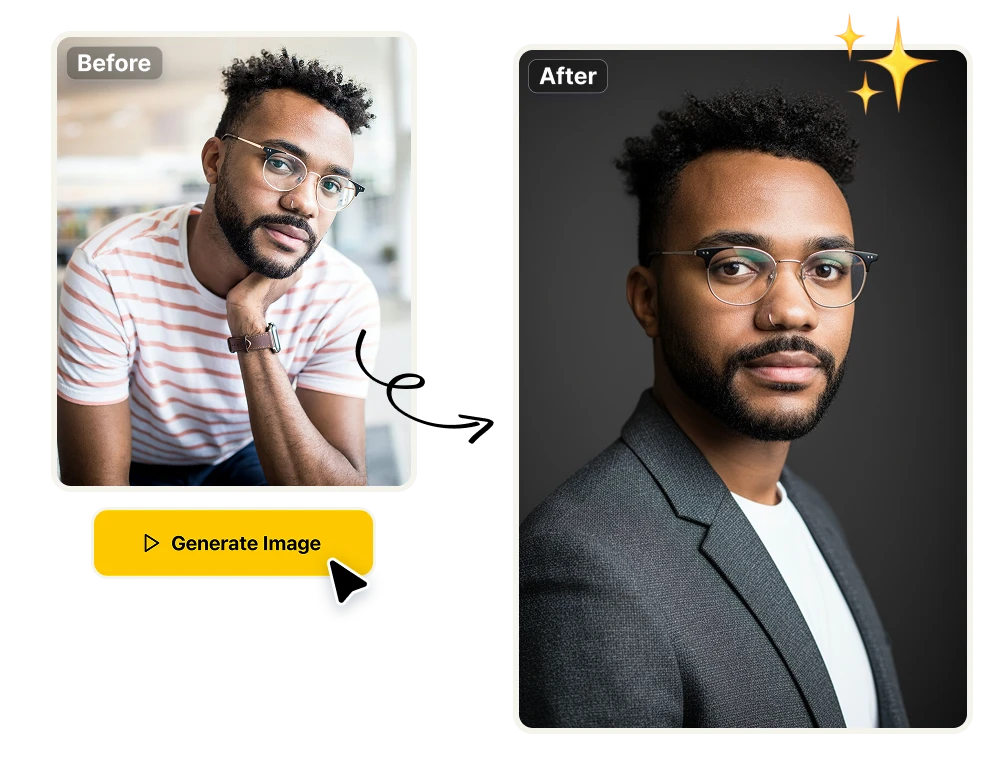
Upload a normal photo and our AI rebuilds it as a clean, professional headshot — sharp, well-composed, and ready for LinkedIn, your resume, business profiles, or personal branding. No special equipment and no photography skills required. The photo you take on your couch becomes the photo you put on your profile.
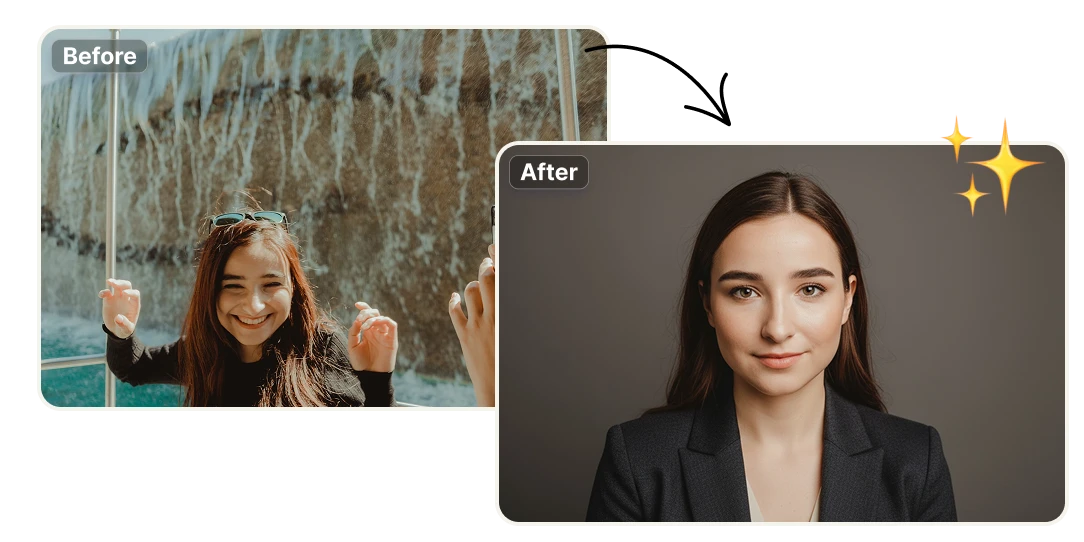
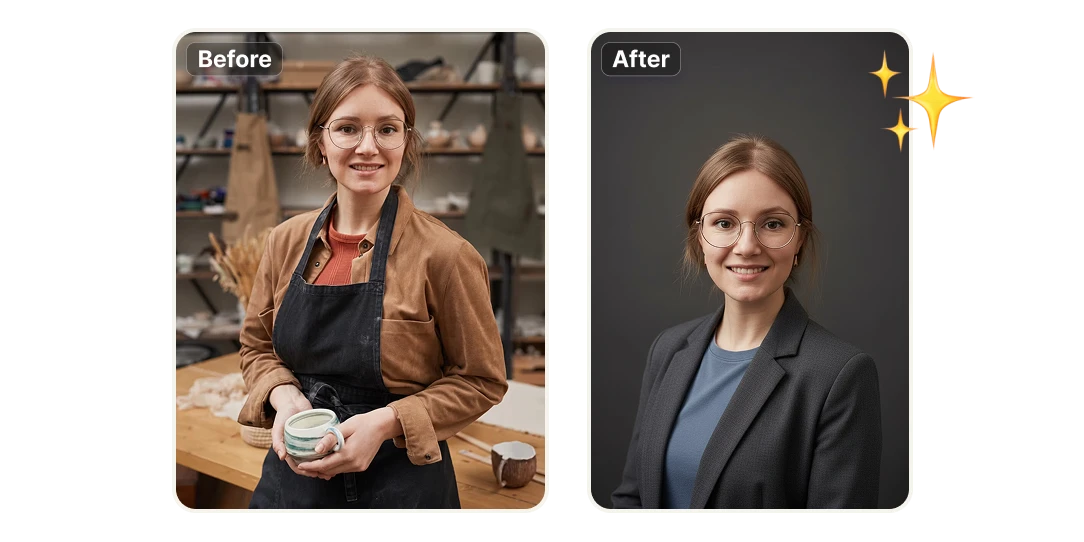
Studio lighting and natural poses, handled for you

Good headshots are really about lighting, framing, and a relaxed pose — the exact things most people get wrong at home. Artificial Studio applies professional lighting and a natural posture automatically, while keeping your real features intact. The result looks like a great photo of you, not a generic AI character wearing your face.

One upload, every format you need

Pick clean, professional backgrounds and styles, then export your headshot sized and ready for wherever it's going — LinkedIn, a CV, a company team page, or a speaker bio. Generate a few variations and choose the one that fits the role you're aiming for.

Why people switch from Canva to Artificial Studio

Save hours (and the photographer)
A traditional headshot means booking a session, traveling, shooting, and waiting days for edits. Here it takes minutes: upload, generate, download. Need a fresh look after a new haircut or a role change? Make another one on the spot instead of scheduling a whole new shoot.
Save money on every headshot
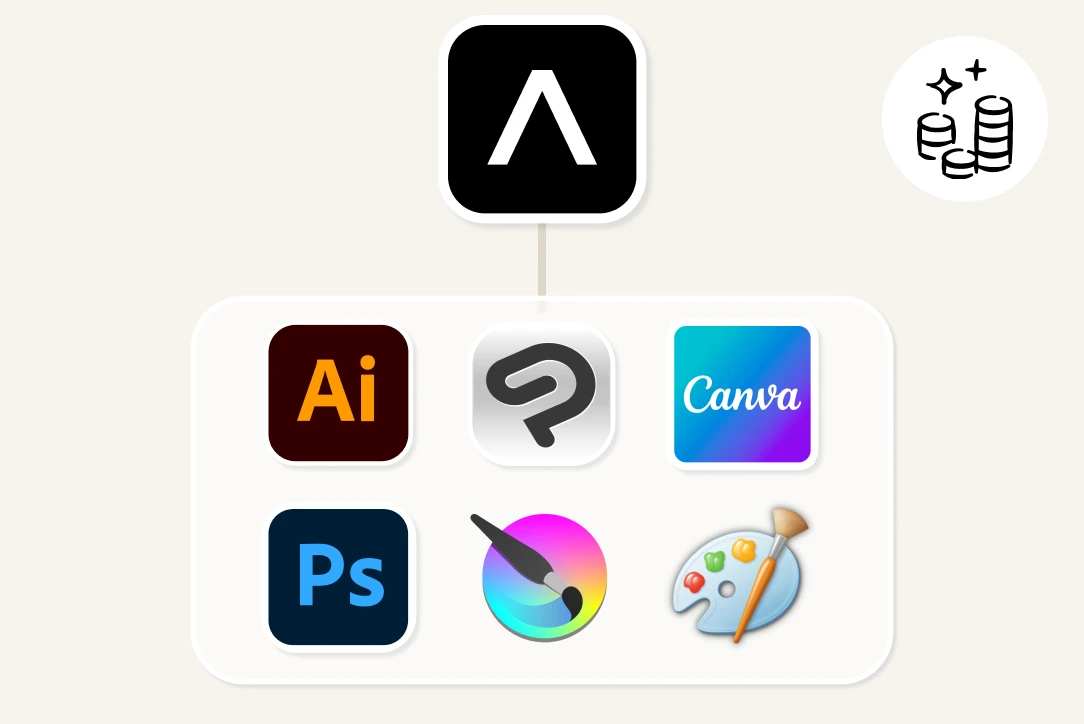
A professional photo session runs anywhere from $100 to $400 for one person. Artificial Studio gives you studio-quality headshots for a fraction of that — and the same subscription unlocks 60+ creative AI tools, so you're not paying for a single-purpose app you'll use twice a year.
Built to plug into your own product
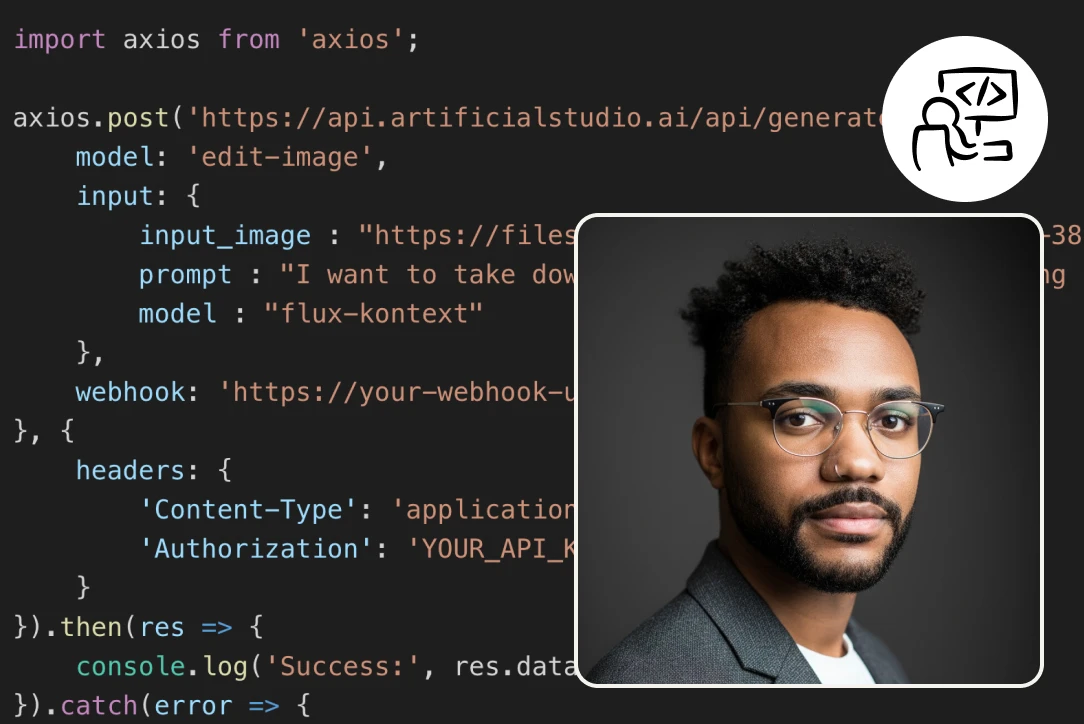
Beyond the web app, Artificial Studio offers an API and an MCP server, so you can integrate our 60+ AI tools — headshots, image generation, video, audio, 3D and more — directly into your own products, services, and workflows. Ship AI features without building the AI yourself, and pay only for what you use. It's the difference between a consumer toy and a platform you can build on.

How to create a Linkedin profile photo in 3 easy steps

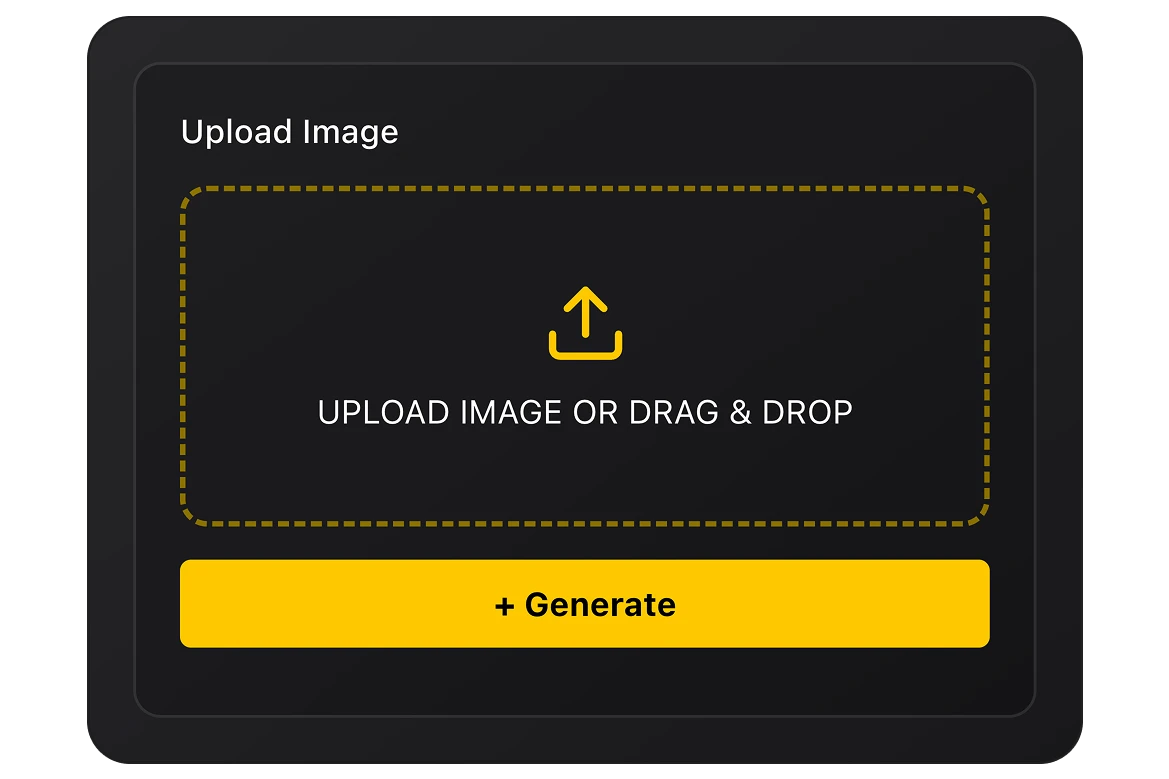
Upload your image
Choose an image or drag and drop a file. This image or photo must be a photo of you or someone else. With better quality of photo you are going to get better results.
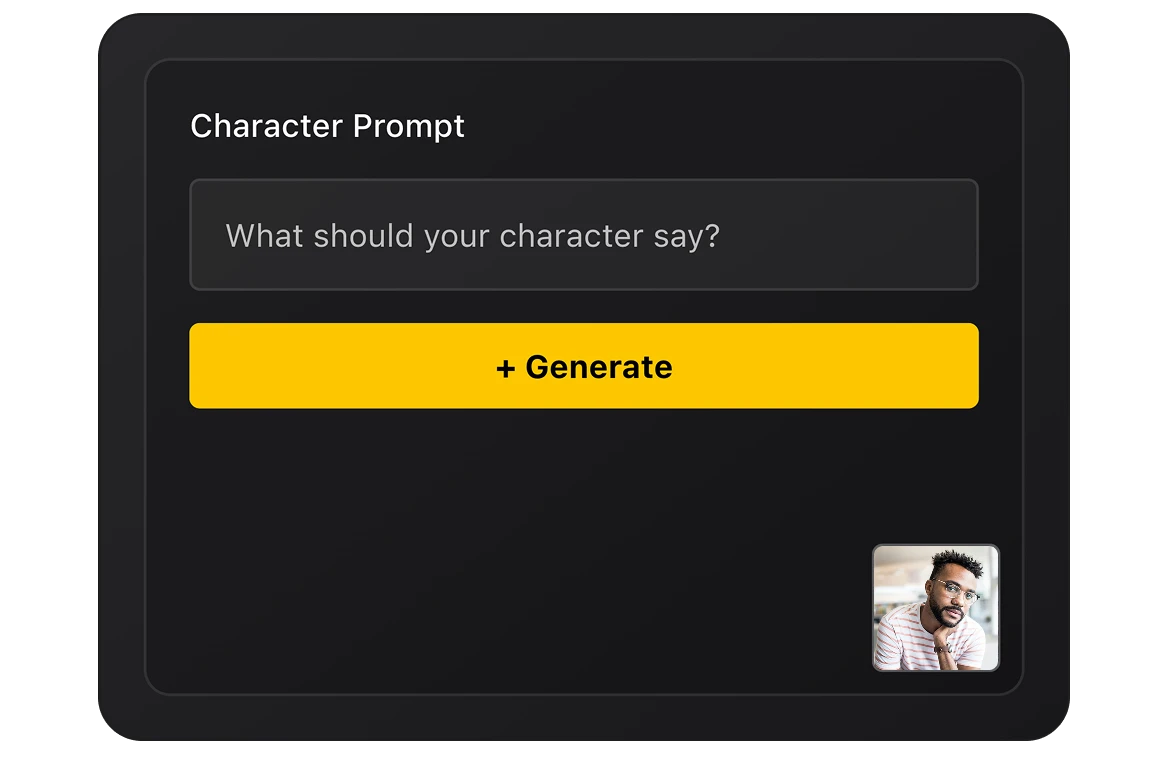
Click generate
Click the yellow button "Generate image" and transform your photo into a high quality Linkedin profile photo, a headshot that you can use for professional purposes or in resumes. Just what a couple of seconds and your image will be ready.
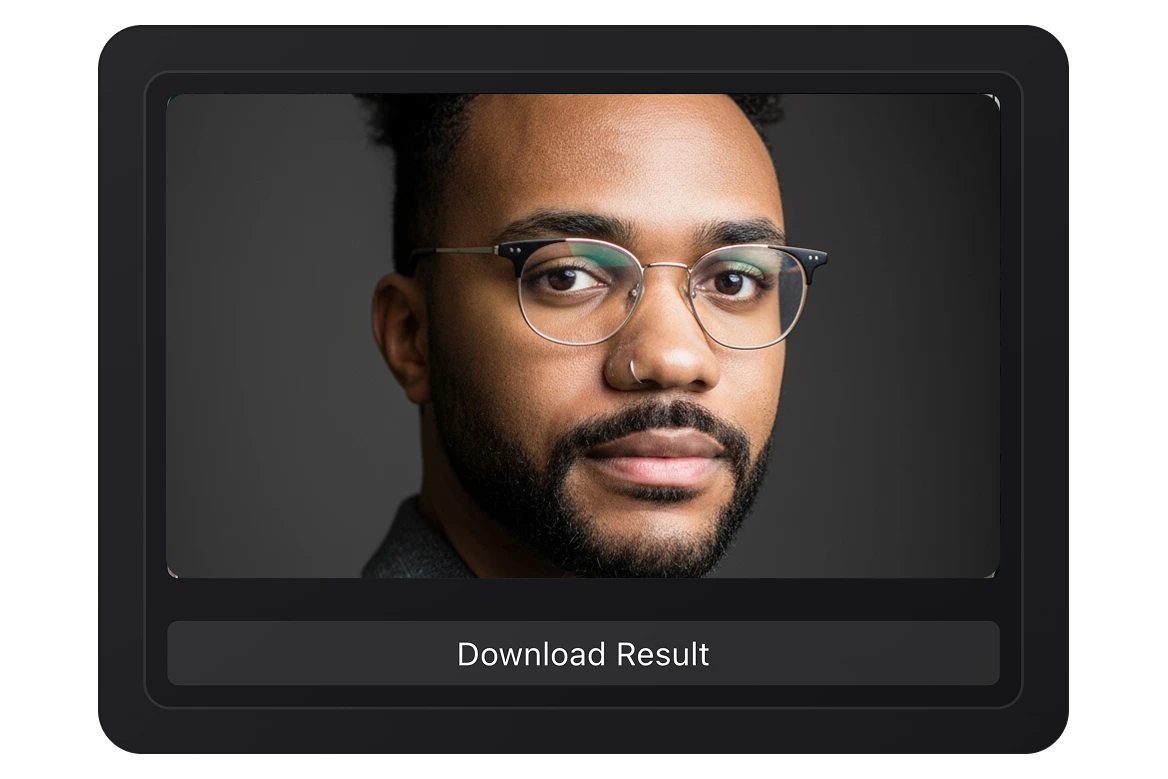
Get your new photo
Your image is ready! now you can click in the button below the output, in the right side, and download it. Now you can use it for social media or to show it for inspiration or guidance.

FAQs

Canva is a general design tool with a headshot feature bolted on. Artificial Studio is a dedicated AI creative platform, so the models are tuned for realistic, professional portraits that preserve your actual likeness — which is exactly where most generic generators fall short. You also get more control over backgrounds and styles, watermark-free exports, commercial usage rights, and an API to automate it all. If Canva's results looked too artificial, this is the upgrade.
Upload a normal photo of yourself. The AI analyzes your features, then regenerates the image with professional lighting, a natural pose, and a clean background — keeping your face recognizably you. In a couple of minutes you get a finished headshot ready to download.
That's the whole point. The model is built to preserve your real facial features rather than invent a "prettier" stranger. For the best likeness, upload a clear, well-lit photo where your face is fully visible.
Yes. They're designed for exactly that — LinkedIn, resumes, business profiles, company team pages, speaker bios, and personal branding. Paid plans include commercial usage rights, so you can use your headshot professionally without worrying about licensing.
You can try it for free. From there, affordable plans give you more generations and access to the full set of 60+ tools, with credits that don't expire on eligible plans. No need to hire a photographer or commit to expensive software.
A single good photo is enough to get started. Uploading a clear, front-facing image with even lighting will give you the most accurate, professional result.
Minutes, not days. Upload, generate, and download — fast enough to redo it whenever your look changes or you need a different style.
Artificial Studio is an all-in-one AI creative platform with 60+ tools for image, video, audio, and 3D — including the professional headshot generator. Instead of juggling separate subscriptions for image generation, video, voice, and editing, you get the whole creative stack in one place, plus an API and MCP server to build these tools into your own products. The headshot generator is one tool inside a much larger toolkit.
Yes. Through the Artificial Studio API and MCP server you can call the headshot tool — and any of the other 60+ tools — programmatically, so you can offer AI headshots inside your own product or automate them in a workflow. You only pay for what you use.
A lot. The same account that creates your headshots can generate images from text, turn photos into video, create music and voiceovers, build 3D models, design logos and social posts, and more — useful whether you're an individual building a personal brand or a team producing content at scale.