AI Video Editing with Runway Gen-4

Upload a clip, describe the change in plain text and Runway Gen-4 does it: add VFX, remove or replace objects, change the weather or season, relight the scene, or restyle the whole shot. No timeline keyframes or plugins. The same platform also makes your images, audio, music, and branding.

No credit card required

What you can do with Runway Gen-4

What is Runway Gen-4 video editing?

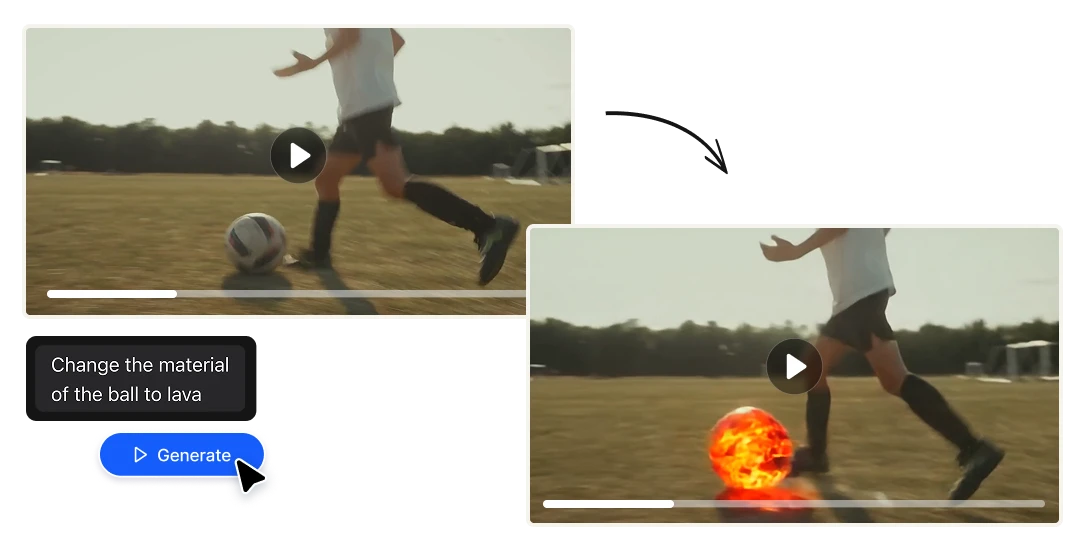
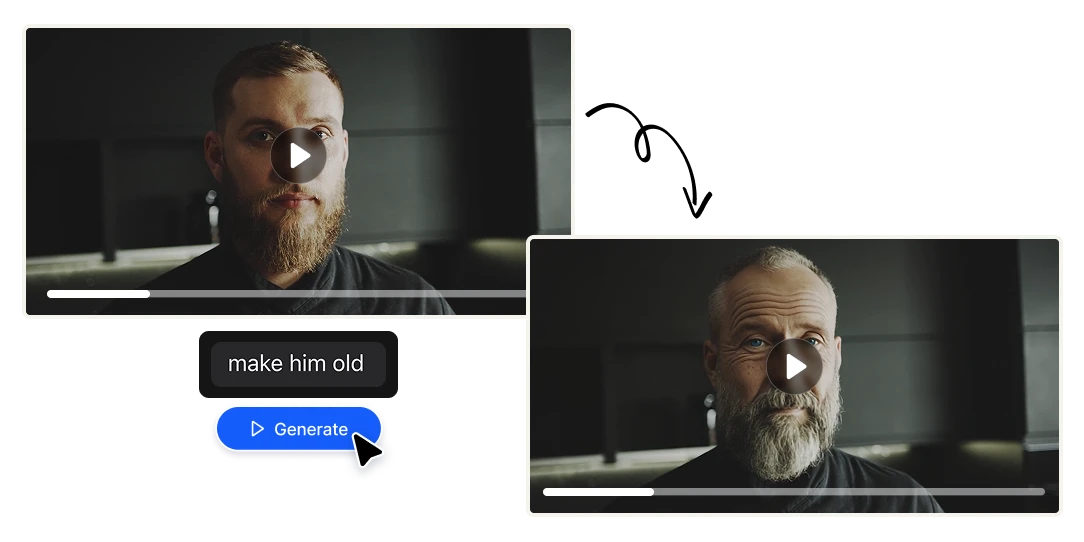
Runway Gen-4 is a state-of-the-art AI video model built by Runway, known for realistic motion and strong consistency of characters, objects, and scenes across shots. On Artificial Studio, Gen-4 powers our Edit Video tool in a video-to-video mode (Runway's Gen-4 "Aleph" editing): instead of generating a clip from nothing, you give it real footage and tell it what to change. You describe the edit the way you'd describe it to an editor — "make it night," "remove the person in the background," "add rain," "relight this like a sunset," "turn it into a comic-book style" — and Gen-4 applies the change while keeping the rest of the shot coherent. It's editing by intention instead of by manual, frame-by-frame labor.
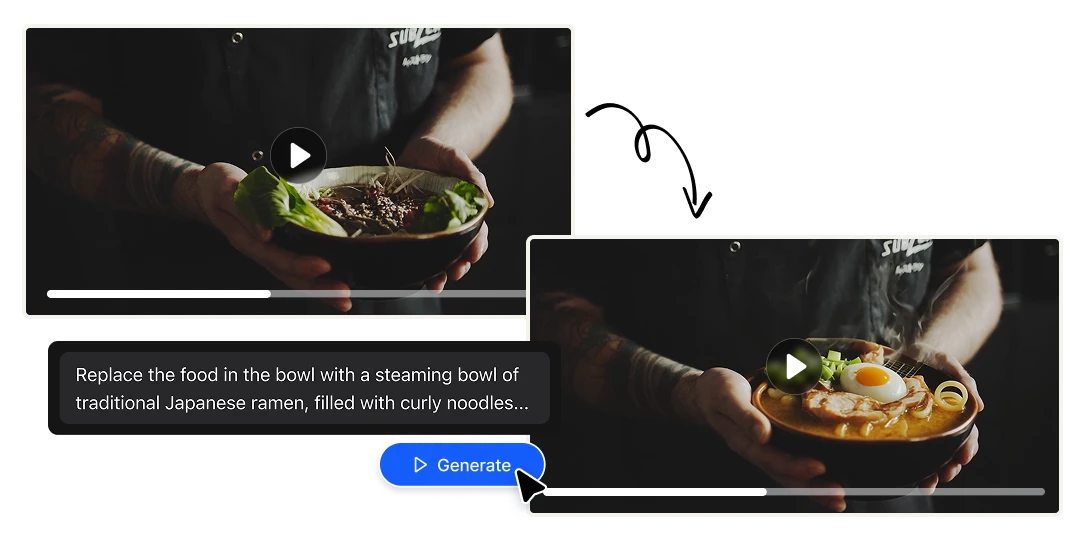
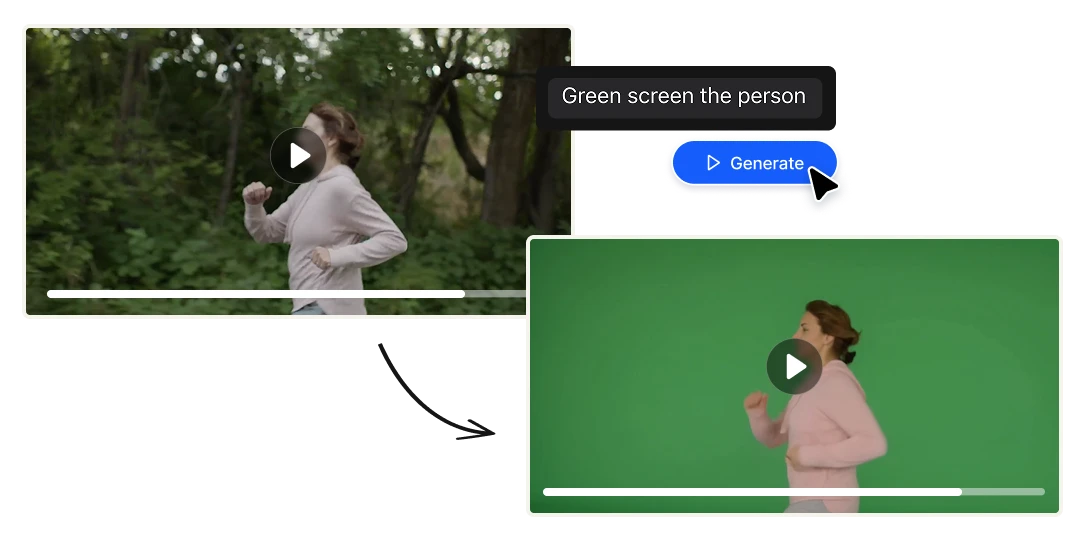
Edit by prompt, not by timeline

The whole point of Gen-4 here is speed of intention. Instead of masking, rotoscoping, and keyframing, you type what you want and the model does the heavy lifting. Changes that used to take a VFX artist an afternoon happen in a single sentence.

Add, remove, and replace objects

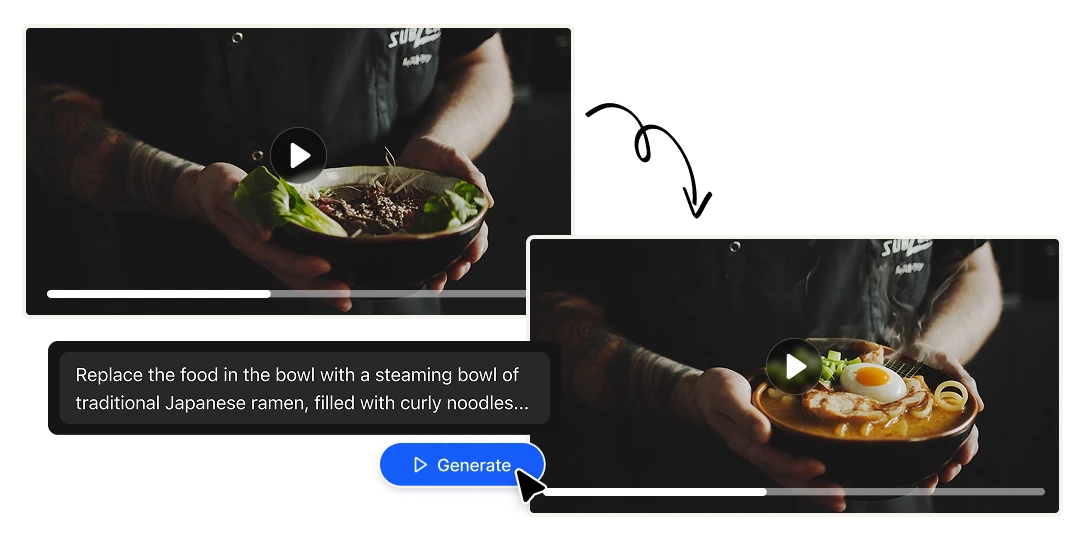
Take something out of the shot or put something new in. Remove a stray pedestrian, delete a logo, swap a product, add an element that was never filmed — Gen-4 blends the change into the existing footage so it reads as real.

Change weather, season, and lighting

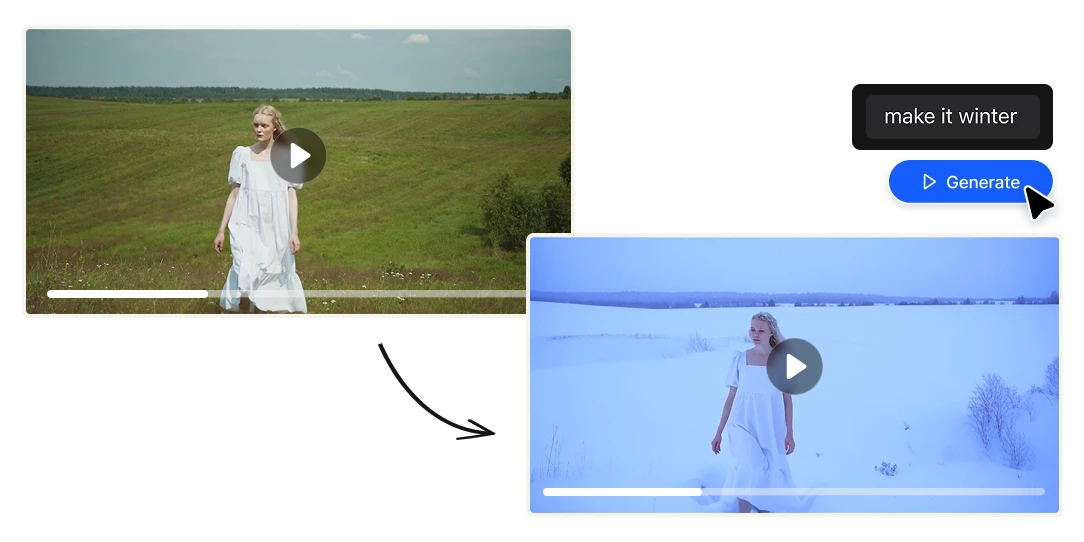
Turn day into night, summer into winter, overcast into golden hour. Relight a scene, add rain or fog, or shift the entire mood of a clip — no reshoot, no location, no lighting rig.

Apply VFX and restyle entire shots

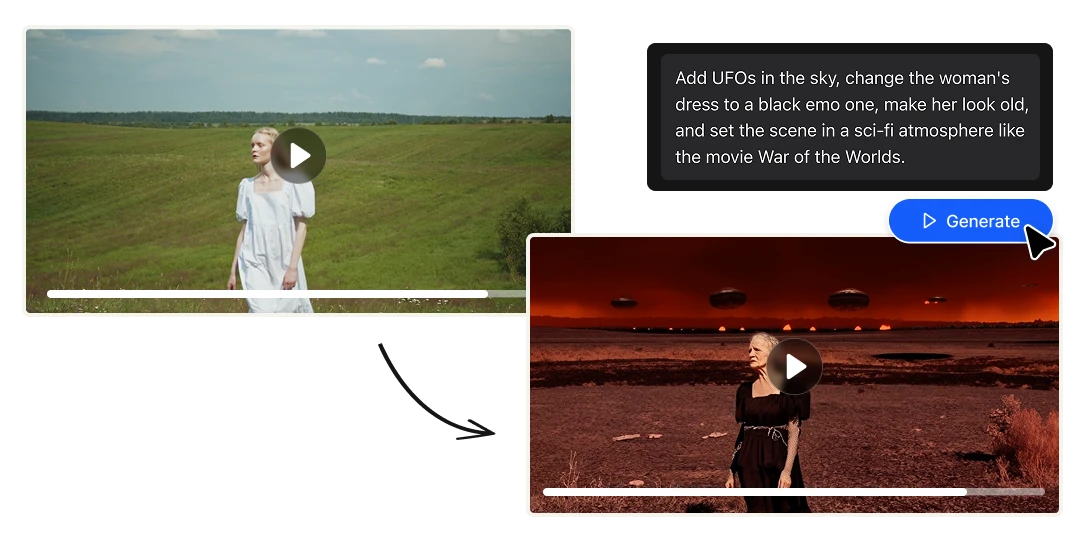
Add cinematic effects or transform the look of a clip completely — film grain, a stylized or animated treatment, a different color world. Restyle a piece of footage into something that matches your brand or your story.

Generate new camera angles

Need coverage you never shot? Gen-4 can produce alternate angles of a scene, giving you options in the edit that would otherwise require going back to set.

Made for people who ship video

→ Content creators — Fix and restyle clips without a full editing suite. Turn one piece of footage into ten variations, fast and cheap. → Marketing & brand teams — Adapt an ad to a new season, swap a product, relight a hero shot, or restyle B-roll to match a campaign. → Video editors & post-production — Handle object removal, sky replacement, relighting, and quick VFX by prompt instead of by hand. → Filmmakers & storytellers — Explore looks, generate alternate angles, and previsualize changes → Agencies & studios — Deliver more versions to more clients without stacking software licenses. → Founders & small businesses — Make professional-looking video edits with zero editing background

Why creators choose Artificial Studio

Built on a state-of-the-art model
Runway's Gen-4 is one of the most respected AI video models in the industry, with a reputation for realistic motion, believable physics, and consistency across a scene. You're editing on top of a genuinely capable engine — not a gimmick filter.
The all-in-one advantage
This is the part no standalone tool can match. On Artificial Studio, Gen-4 editing sits next to everything else a project needs: generate and edit images, create and edit video, produce voiceover and sound, compose music, and build branding and marketing assets — all in one place, on one balance of credits. Edit a clip, generate its thumbnail, write its voiceover, and score it without ever switching apps or paying five subscriptions.
Honest, per-second pricing
Editing with Gen-4 costs 36 credits per second, and 1,300 credits are just $9. That means fully editing a 5-second clip — VFX and all — runs about $1.25. A subscription that works for +60 AI tools.

Three steps from raw clip to finished edit

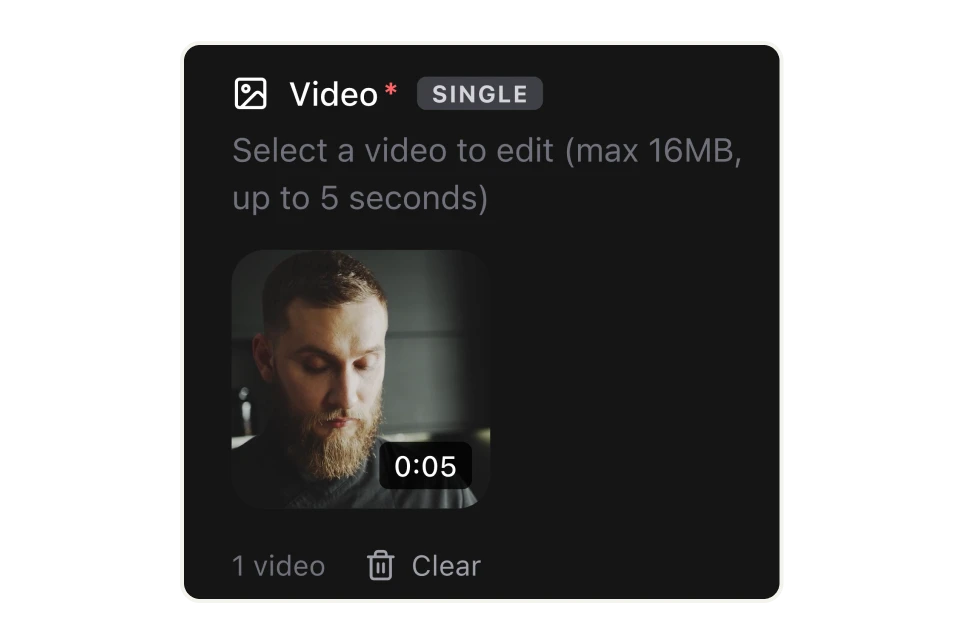
Upload your clip.
Drop in the footage you want to change — a product shot, a talking-head, B-roll, a social clip, a rough cut.
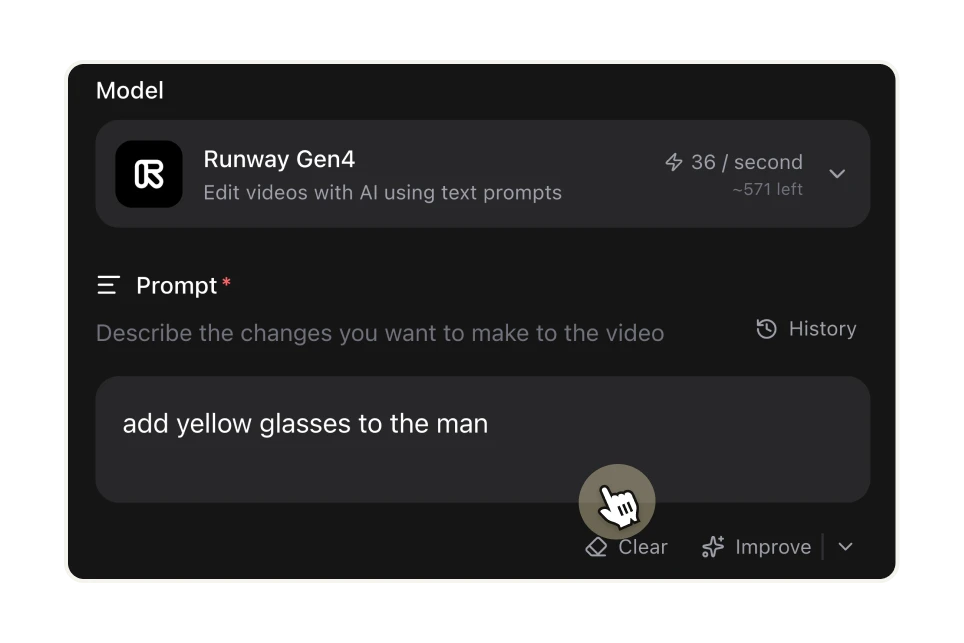
Describe the change.
Write what you want in plain language: "replace the sky with a storm," "remove the logo on the wall," "add cinematic film grain," "change the jacket to red," "give me this shot from a lower angle."
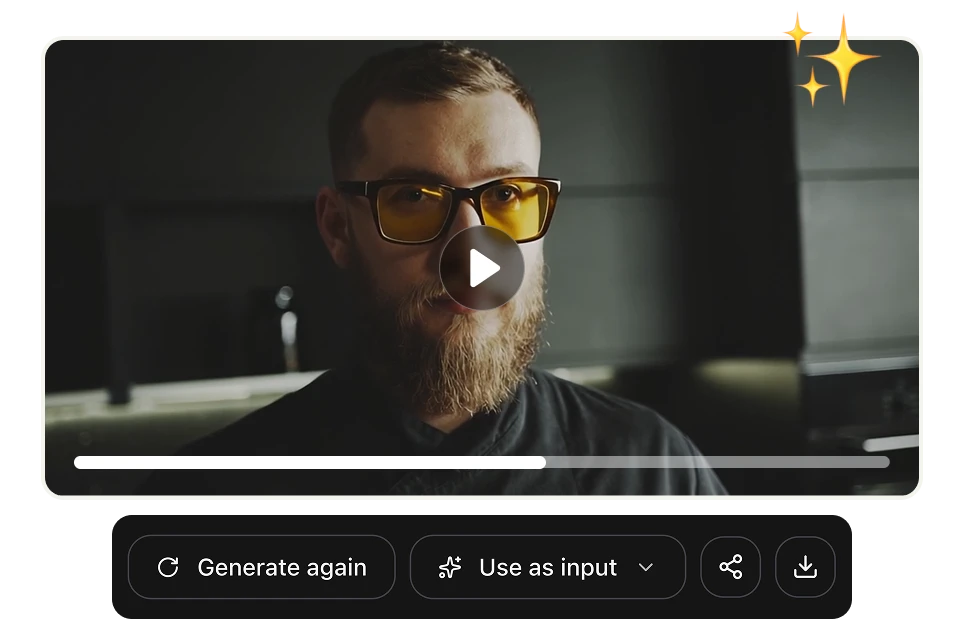
Get your edited video.
Runway Gen-4 renders the new version, preserving the motion and scene so the edit looks like it belongs. Use it as-is, or take it further with the other tools on the platform.

FAQs

Runway Gen-4 is a state-of-the-art AI video model from Runway, known for realistic motion and strong consistency of characters, objects, and scenes. On Artificial Studio it powers the Edit Video tool, letting you transform existing footage with a text prompt.
Upload your clip to the Edit Video tool, then describe the change in plain English — for example "make it night," "remove the background person," or "add rain." Gen-4 applies the edit while keeping the rest of the scene coherent, and returns a new video.
It can add, remove, or replace objects; change the weather, season, or time of day; relight a scene; add VFX; restyle an entire shot; and generate new camera angles — all from a text prompt, using your original footage as the reference.
On Artificial Studio, it's 36 credits per second, and 1,300 credits cost $9 (about $0.25 per second). Fully editing a 5-second clip runs roughly $1.25. There's no subscription — you pay only for the seconds you edit.
No. Runway Gen-4 editing works by prompt, so if you can describe the change you want, you can make it — no timeline, keyframes, or plugins required.
Everything a video project needs: generate and edit images, create video, produce voiceover and sound, compose music, and build branding and marketing assets — all in one place, on one balance of credits.
It's the same underlying Runway Gen-4 model, but on Artificial Studio it's part of an all-in-one creative platform with pay-per-use credits and no subscription — so your video edit lives right next to every other asset you need to finish the project.
Object removal — delete logos, people, or distractions from a shot Sky & background replacement — change the environment behind your subject Relighting & color mood — day-to-night, golden hour, or a new palette Weather & season swaps — add rain, snow, fog, or turn summer into winter VFX by prompt — add effects without a compositor Restyle footage — apply a stylized or branded look to a whole clip Ad & product variations — adapt one video into many for testing New camera angles — generate coverage you didn't shoot Social remixing — recut and restyle clips for each platform
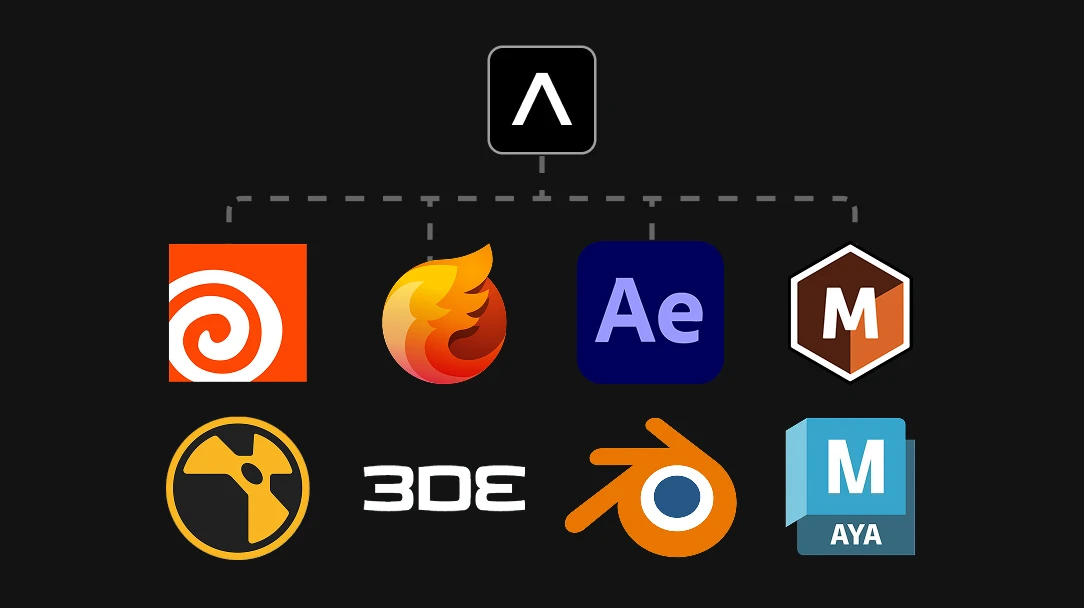
For a huge range of jobs, Gen-4 collapses into a single prompt what used to require a whole pipeline of specialized tools: compositing and VFX in Adobe After Effects, object removal and planar tracking in Mocha Pro, camera match-moving in 3DEqualizer, simulations of fire, smoke, and explosions in Houdini and EmberGen, and 3D modeling, relighting, or set extensions in Maya, 3ds Max, and Blender. Tasks like removing an object, replacing a sky, relighting a scene, adding an effect, or generating a new camera angle no longer mean stitching those programs together — you just describe the change. High-end studio work will still reach for the specialized tools when a shot demands it, but for the everyday edits that make up most projects, Gen-4 does in one sentence what used to take that entire stack.