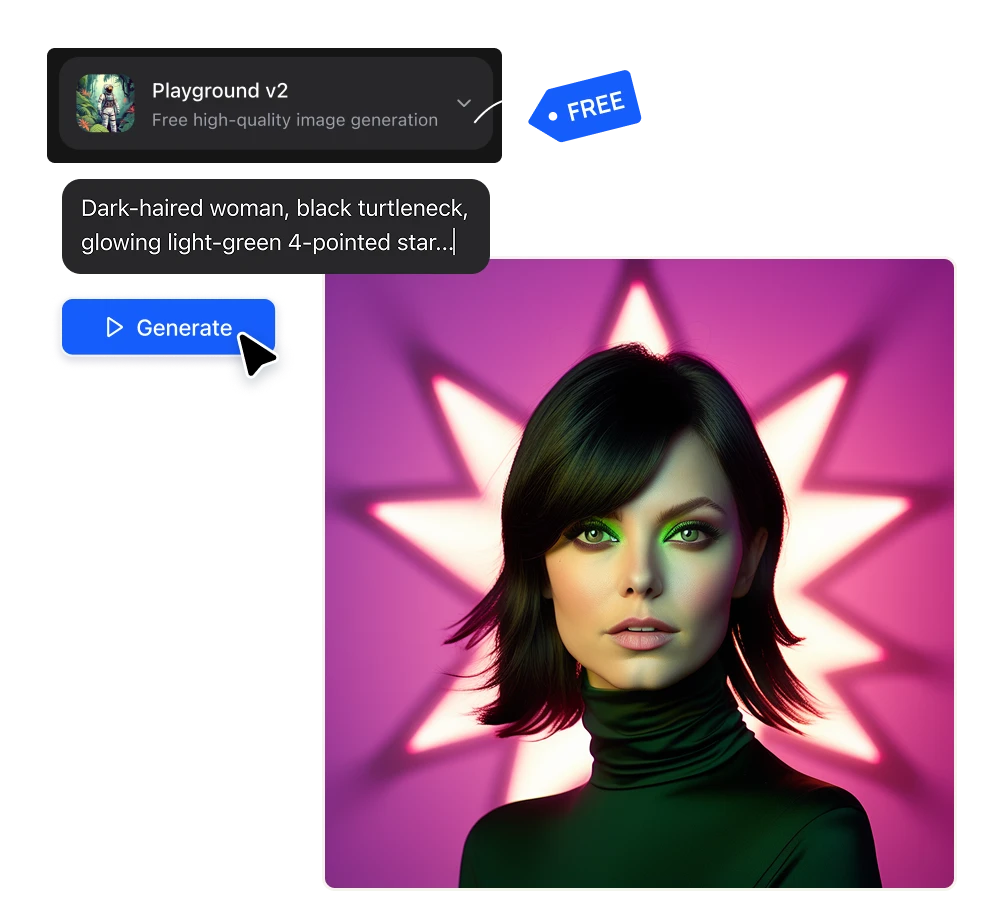
Free AI Image Generator

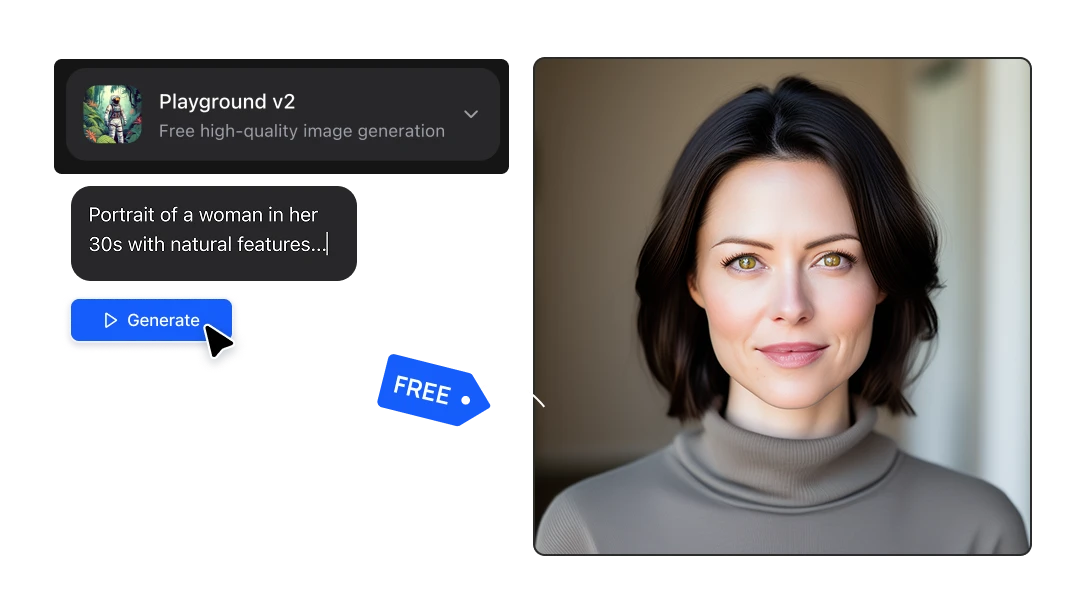
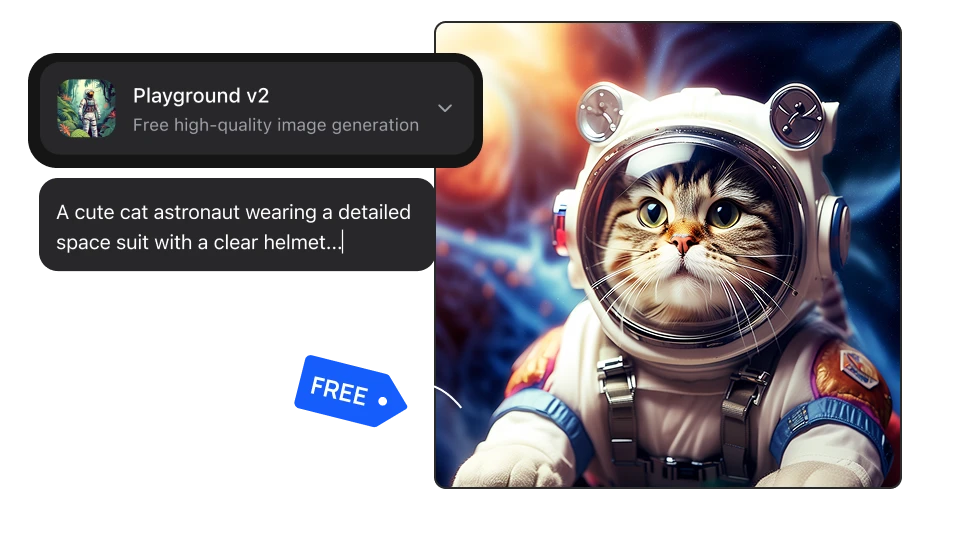
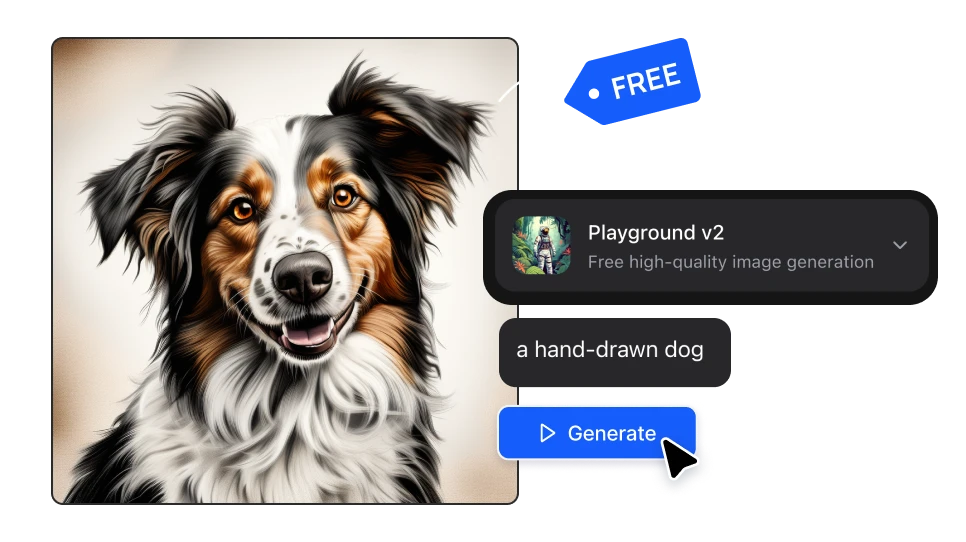
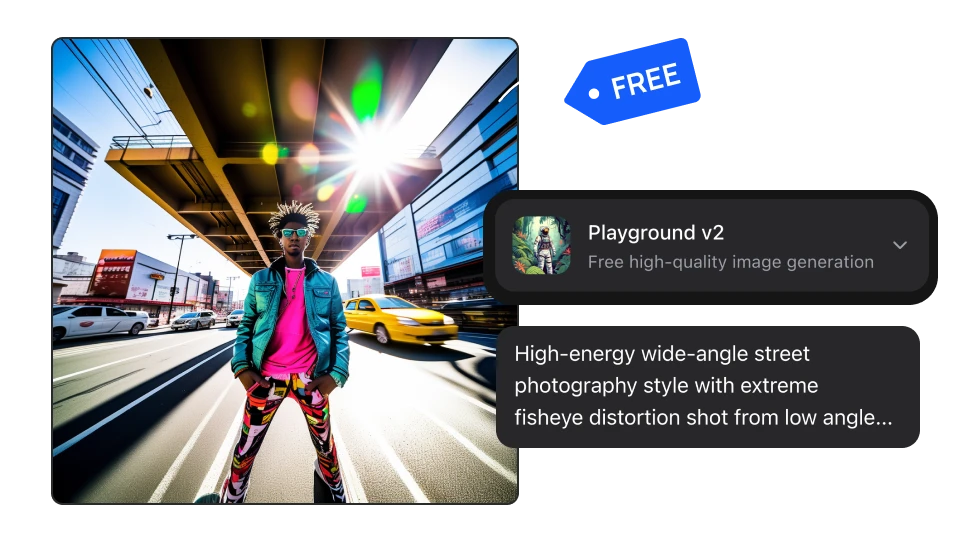
Playground v2 costs zero credits on Artificial Studio, with no daily cap and no card. Use it for the ideation stage (concepts, prompt testing) and switch to Seedream, Nano Banana Pro or GPT Image 2 for the render you actually deliver.

Create Free Images

No credit card required

Free AI Image Generator

How to use a free AI image generator for the ideation phase

01

Explore thirty directions before you spend anything on the right one

The expensive part of a brief isn't the final image, it's the versions you made to get there. A render you throw away costs the same as the one you keep. Playground v2 runs at zero credits, which means the whole design process — thumbnails, composition tests, color directions — happens for free. You only start spending once you already know what you're making
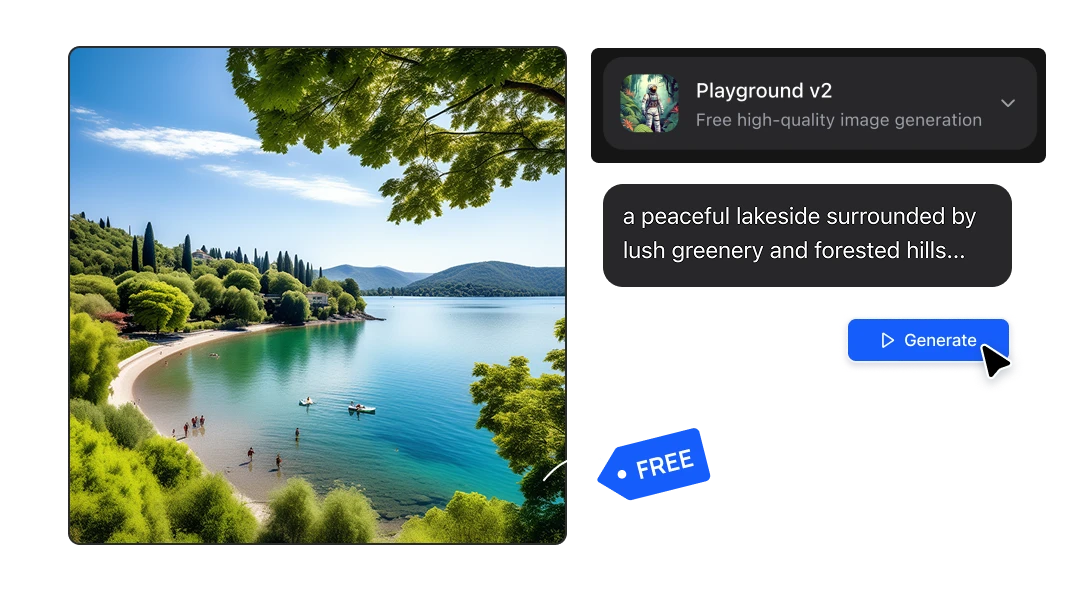
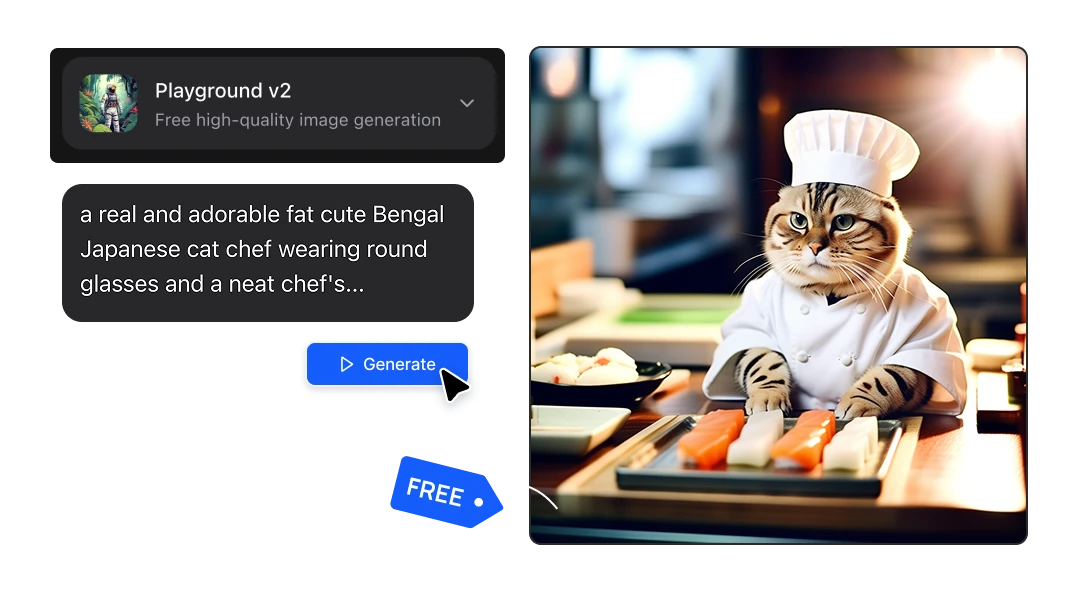
Explore thirty directions before you spend anything on the right one
02

Turn a brief into something a client can react to, the same day

Clients can't respond to a paragraph, they respond to images. A freelancer can have visual directions by noon, an agency can walk into a pitch with the concept drawn instead of described, an architect can put a material palette in front of someone in 10 seconds. Playground v2 takes a prompt and returns a 1024×1024 image — enough to judge an idea, not enough to be mistaken for the final deliverable.

Turn a brief into something a client can react to, the same day
03

Find the prompt for free, then run it on the model that ships

Prompting is hard: the first version is never the one that works, most of the effort goes into discovering the phrasing that gets you the composition you had in mind. That discovery is now free. Once the prompt is right, you change the model in the dropdown and regenerate with Seedream 5.0, Nano Banana Pro, GPT Image 2 and more.

Find the prompt for free, then run it on the model that ships

Why agencies and freelancers keep a free model in the workflow

Exploration stops coming out of the project budget

If every render costs money, the concepting phase gets expensive. Use a free model for the divergent work and pay only for the ones that reach the client. For a studio running several briefs at once, that's a real difference at the end of the month. It removes the negotiation you have with yourself when you want to try one more idea

Exploration stops coming out of the project budget

Decisions happen earlier, so the expensive render is only made once

A costly mistake in design is a good image of the wrong idea: the render you present, and redo because the direction was never agreed on. Putting a free concepts in front of the client first gets the approval out of the way while it's still cheap. By the time you generate at full quality, the composition and framing are already signed off.

Decisions happen earlier, so the expensive render is only made once

Free images you can put in a deliverable, not just in a moodboard

The free concepts you generate are yours to keep and to use, with no watermark and no download cap For an e-commerce brand testing thirty product scenes, or a freelancer whose concept board sometimes becomes the campaign, that distinction is the whole point.

Free images you can put in a deliverable, not just in a moodboard

FAQs

Yes. Playground v2 costs 0 credits per generation on Artificial Studio, which means generating an image does not draw down a credit balance or a daily allowance. It is the only model in the Create Image tool priced at zero; every other model costs between 1 and 35 credits.

There is no daily limit on Playground v2, because generations cost nothing to run.

No.

Yes.

No. Images generated with Playground v2 come out clean at 1024×1024, with no watermark, badge or overlay, on the free model as well as the paid ones.

Yes, and it's the most common way people use Playground v2 here. Concepts, mood directions, composition tests and pitch visuals are exactly what a zero-credit model is for, and because the images carry commercial rights and no watermark, there's no line between "this was just an exploration" and "this went to a client". If a concept turns out to be good enough to ship as-is, you can ship it; if it needs to be better, you regenerate the same prompt on a paid model.

1024×1024 pixels, square. Playground v2 doesn't accept a custom aspect ratio, so if you need 16:9, vertical or a poster format, either generate here and use Extend Image to reframe it, or pick a model like Seedream 4.5 or Flux 2 that takes an aspect ratio directly.

Different jobs. The paid models are for the image you deliver: exact product matching, readable text, specific aspect ratios, print-grade detail. The free model is for the thirty images you make on the way there, which nobody but you will ever see. Most of the work in visual production is discovery — finding the composition, testing the mood, arriving at the prompt — and paying per attempt at that stage is what makes teams stop exploring too early.

Anything the rest of the platform does. You can upscale it, remove the background, expand the canvas, restyle it, animate it into a video, turn it into a 3D model or drop it into one of the mini apps for a poster, a product ad or a social post. The free image is a starting point rather than a dead end.

Yes. The Artificial Studio API exposes the same model at the same zero cost, and there's an MCP server so you can call it from Claude directly.

As many as it takes, which is the point of it costing nothing. In practice most people land on a direction somewhere between the eighth and the twentieth image, then spend one or two paid generations on the final. Compared with generating twenty paid images at 6 to 8 credits each, moving the exploration to a free model is the difference between a brief costing 150 credits and costing 15.

Change the model in the dropdown and regenerate the same prompt. Z-Image Turbo and FLUX.1 Schnell are the cheapest steps up, Seedream 4.5 and Flux 2 are the general-purpose workhorses, and Nano Banana Pro and GPT Image 2.5 is what to reach for when the image has to be exactly right.