Generate images, videos, music and 3D in Claude and ChatGPT
Artificial Studio MCP connects 100+ AI models (Veo 3.1, Kling 3.0, Nano Banana Pro, GPT Image, ElevenLabs) to the chat you already use. One account, one credit balance, no tab-switching.
1
Copy the Artificial Studio URL
Click copy. You'll paste it in the next step.
2
Open Connectors
The button opens Claude's Add custom connector window. Or go to Customize → Connectors → Add → Add custom connector.
In ~/.cursor/mcp.json, add a server named artificial-studio with this URL:
3
Sign in
Restart Cursor. A browser opens the first time so you can sign in to Artificial Studio and approve access.
1
Copy the Artificial Studio URL
It's a remote MCP server over HTTP with OAuth sign-in.
2
Add a remote MCP server
In Windsurf, VS Code, Cline or any MCP client, add the URL as a remote (HTTP) server. Windsurf uses serverUrl instead of url.
3
Sign in
The first time the client connects, a browser opens. Sign in to Artificial Studio and approve access.
No API key · 20 free credits every day · Set up in 2 minutes
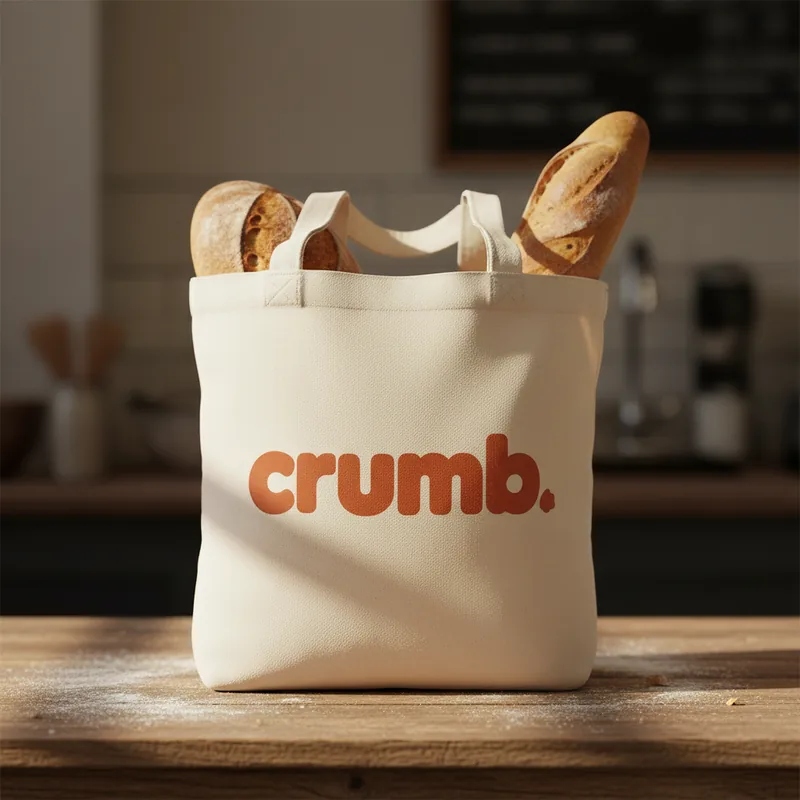
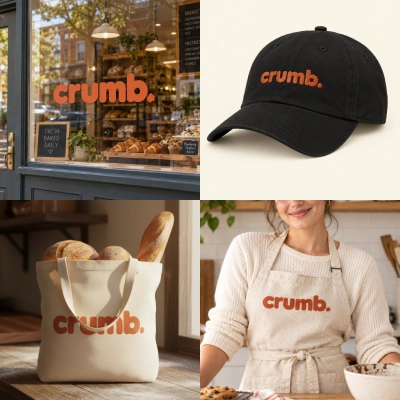
My client is opening Crumb, a neighborhood sourdough bakery. Design the logo, show it on a tote bag and the storefront, and make a 10-second Instagram teaser with music.
On it. I’ll design the logo, place it on the tote and the storefront, then turn the storefront into a teaser that pushes in to the logo, and score it.
Artificial Studio ·Logo Generator · GPT Image 2.511 credits
Artificial Studio ·Logo Mockup ×2 · GPT Image 2.522 credits
Artificial Studio ·Create Video · MiniMax H3 Max160 credits
Artificial Studio ·Create Music · Eleven Music · 10 s10 credits
Instagram teaser · 1:1
Logo
Tote bag
Storefront
Done. 203 credits for the full brand launch. Want a 9:16 story version with the opening hours?
Real output: every asset above was generated with the Artificial Studio MCP.
What is the Artificial Studio MCP?
The Artificial Studio MCP is a remote Model Context Protocol server that connects any AI assistants to 100+ AI models for images, video, audio, music and 3D. You describe what you need in the chat; your assistant picks the right model, shows you the cost, generates it and returns the result.
It’s built for designers, creative agencies and freelancers who already work with an AI assistant and want to produce finished creative assets without switching between separate AI tools.
100+
AI models for image, video, audio and 3D
20
Free credits every day to try any model
2 min
To connect to Claude or ChatGPT, no API key
What you can create with Artificial Studio in Claude and ChatGPT
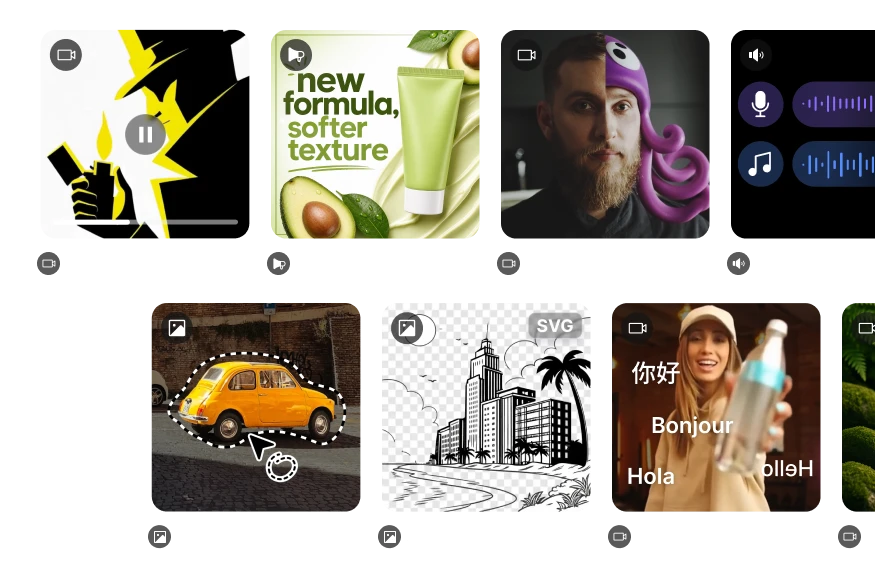
Every tool in Artificial Studio is available from the chat: generation, editing, translation, upscaling and ready-made creative apps.
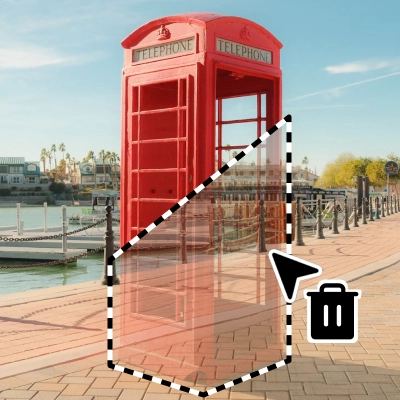
Edit any photo with a prompt, remove objects, expand the canvas or change the lighting
Upscale, remove backgrounds (free) and transfer styles
Virtual try-on for fashion and e-commerce
AI video generation, editing and translation
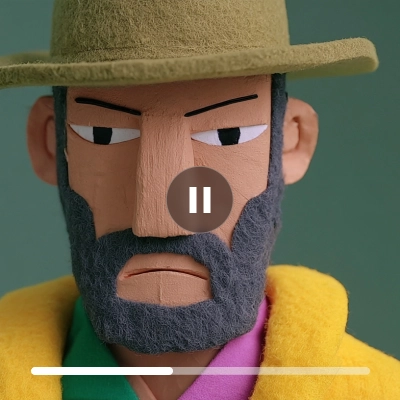
Text-to-video and image-to-video with Veo 3.1, Kling 3.0, SeeDance 2.5, MiniMax H3, Wan 3.0 and Luma Ray 3.2
Restyle and edit footage with Runway Aleph 2, extend clips, replace characters and transfer motion
Translate videos into other languages while keeping the speaker's voice
Upscale to 4K at 60 fps, add synchronized audio and remove backgrounds
Voiceovers, music and sound effects
Realistic voiceovers with ElevenLabs and OpenAI voices
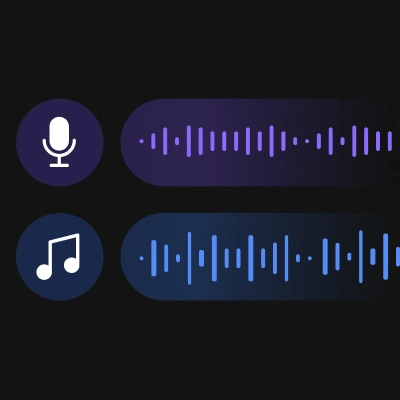
Original music up to 2 minutes with Eleven Music
Sound effects from a text description
Rewrite or remix any track with Stable Audio 3, and transcribe audio with Whisper
3D models, renders and motion
Text-to-3D with Meshy 6, Hunyuan 3D v3.1 Pro, Tripo H3.1 and Rodin 2.5
Image-to-3D with Trellis 2, Hunyuan 3D and TripoSR, delivered as GLB files ready for Blender
Render any 3D model in a new scene from any camera angle
Human motion animations from text, delivered as FBX
Ready-made creative apps
Logo generator, logo mockups and brand kits
Product ads, smart product scenes and white-background product photos
Professional headshots, passport photos and anime portraits
Posters, YouTube thumbnails, social posts and album covers
Brief in. Campaign out.
From one prompt to a full campaign: real examples
Copy a prompt, paste it into Claude or ChatGPT with Artificial Studio connected, and watch the assistant chain the tools for you.
Launch campaign for a product (images + video + music)
“Create a launch campaign for my sneaker brand: 3 ad images in 1:1, 4:5 and 9:16 with Nano Banana, animate the best one into a 5-second vertical video with Kling 3.0 Standard, and add a 15-second upbeat track.”
Create ImageCreate VideoCreate Music
≈ 164 credits(3 images × 8 + 5 s × 25 + 15 s × 1)
Brand kit and merch mockups from a logo
“Design a logo for Mono, a small ceramics studio, then show it on a tote bag, a coffee cup and a business card.”
Logo GeneratorLogo Mockup ×3
≈ 32 credits(1 logo × 8 + 3 mockups × 8)
Translate a video into other languages with the same voice
“Translate this 30-second product video into Spanish and French, keeping my voice.”
Upload fileTranslate Video ×2
≈ 480 credits(30 s × 8 × 2 languages)
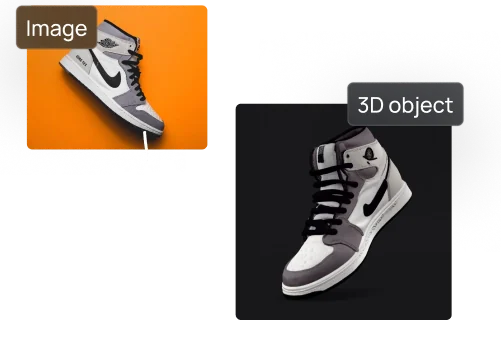
Turn a photo into a 3D model and render it
“Turn this photo of our chair into a 3D model with Trellis 2, then render it in a sunlit Scandinavian living room.”
Separate AI tools make you the integration layer: copy a prompt here, download there, re-upload somewhere else. With the Artificial Studio MCP, your assistant does the switching.
Chain multiple tools in a single conversation
Ask for a product image, animate it, add music and upscale it to 4K in one message. Claude or ChatGPT runs every step for you: no tabs, no downloads and re-uploads between tools.
The AI picks the right model and shows the cost first
Ideogram for text in images, Nano Banana for consistency, Kling Turbo when you're on a budget. Your assistant compares the options, tells you the credit cost and asks before it spends.
Work from your brief, brand guidelines and local files
Your assistant already has your brief, your notes and your project files. It writes better prompts from that context, and in Claude Code or Claude Desktop it can upload your own images, videos and audio as inputs.
Create variations and formats in bulk
"Make 10 versions of this ad in 1:1, 4:5 and 9:16" is one sentence, not an afternoon. The repetitive production work is exactly what the assistant handles best.
Automate repeat workflows with agents and n8n
The same account powers the MCP, the REST API and the n8n node, so a workflow you design in a chat can become an automation that runs on its own.
Deliver more. Hire less.
AI content production for creative agencies
Agencies use the Artificial Studio MCP to produce ad images, videos, voiceovers and music for clients directly from Claude or ChatGPT. One subscription replaces separate seats for image, video and audio tools, and every teammate works from the same credit balance.
Full campaigns from a single brief
Localize videos into new languages with the same voice
Variations in every format for paid social
Say yes to more briefs.
AI tools for freelance designers and creatives
Freelancers use the Artificial Studio MCP to offer video, music, voiceover and 3D work without learning new software or subcontracting. Go from brief to a first draft the same day, inside the assistant you already use to plan the project.
Video, audio and 3D as new services
Same-day drafts for client presentations
Plans from a few dollars a month, credits that never expire
Skip the busywork, keep the craft.
AI workflows for designers and 3D artists
Designers use the Artificial Studio MCP to generate concepts, mockups, vector graphics and 3D models, then refine them in their own tools. 3D models arrive as GLB files ready for Blender, and the Artificial Studio Blender extension lets you generate without leaving the viewport.
Concepts and mockups in minutes
Text-to-3D and image-to-3D, ready for Blender
Render models in any scene for client previews
AI models available in Claude and ChatGPT through Artificial Studio
A selection of the 100+ models you can use from the chat, with their cost in Artificial Studio credits. Your assistant always shows the cost before generating.
How much does it cost to generate images and videos in Claude?
Each model has a fixed price in credits, and the same credits work in the app, the API and the MCP. Every account gets 20 free credits every day to try it. Plans start at $9/month for 1,300 credits. Here’s what a small campaign costs:
One subscription instead of separate plans for Midjourney, Runway, ElevenLabs and Freepik.
20 free credits every day
To try it!
$9/ month
For 1,300 credits
Never expire
Unused credits roll over
Deliverable
Model
Credits
10 product images
GPT Image 2.5
110
2 videos, 5 seconds each
MiniMax H3 Max
160
30-second music track
Eleven Music
30
300-character voiceover
ElevenLabs TTS
30
Complete mini campaign
330
≈ $2.28 on the Starter plan.
Choose a plan that fits your needs
Access 100+ AI models for images, videos, audio, 3D and more. All plans include commercial rights and credits that never expire.
You want to generate images, videos, music, voiceovers or 3D models without leaving Claude or ChatGPT.
You need a video, a jingle or a voiceover for a campaign but only use a chat assistant.
You pay for several AI subscriptions (images, video, voice, music) and want one account and one credit balance.
You want to use specific models like Veo 3.1, Kling 3.0, SeeDance, Nano Banana Pro or ElevenLabs from a chat.
You want to localize videos into other languages while keeping the original voice.
You need 3D models from a text prompt or a photo, ready to import into Blender.
You build agents or automations (Claude Code, Cursor, n8n) that need to generate media.
Frequently asked questions about the Artificial Studio MCP
The Artificial Studio MCP is a remote Model Context Protocol server that connects Claude, ChatGPT and other AI assistants to 100+ AI models for images, video, audio, music and 3D. Once connected, you ask for what you need in the chat and the assistant generates it with your Artificial Studio account.
Copy the MCP URL https://api.artificialstudio.ai/mcp. In Claude.ai or Claude Desktop, go to Customize → Connectors → Add → Add custom connector, paste the URL, click Continue and Add, then sign in to Artificial Studio and approve access. In ChatGPT, turn on Developer mode in Settings → Apps → Advanced settings, create an app with the same URL and choose OAuth. In Claude Code, run: claude mcp add --transport http artificial-studio https://api.artificialstudio.ai/mcp. Cursor, Windsurf and VS Code use the same URL as a remote MCP server. It takes about 2 minutes and needs no API key.
It works with Claude (Claude.ai, Claude Desktop and Claude Code), ChatGPT, Cursor, Windsurf, VS Code and any other MCP client that supports remote HTTP servers.
No. You connect with the URL https://api.artificialstudio.ai/mcp and sign in with your Artificial Studio account the first time. There are no keys to copy or store.
The MCP uses the same credits as the rest of Artificial Studio. Each model has a fixed cost: for example, a GPT Image 2.5 image costs 11 credits and a second of MiniMax H3 Max video costs 16 (768p). Every account gets 20 free credits every day to try it, and plans start at $9/month for 1,300 credits. Credits roll over and never expire.
You can try it for free: every Artificial Studio account gets 20 free credits every day, enough for a couple of images with most models. For regular use, plans start at $9/month for 1,300 credits, and unused credits accumulate from month to month instead of expiring.
Yes. You can pass files that are already online, and in clients that can run commands (like Claude Code) the assistant uploads your local files for you before generating.
Yes. Paid plans include commercial usage rights, so you can deliver what you create to clients, publish it or sell it.
The MCP is for working inside AI assistants and code editors, with a one-line setup and sign-in. The REST API is for building Artificial Studio into your own apps and automations, with an API key. Both use the same account, credits and plan.
Every generation is saved to your Artificial Studio library, so you can find, download or reuse it later from the app or ask your assistant to list recent generations.
Start creating with Artificial Studio in Claude and ChatGPT
Connect once, then ask for images, videos, music, voiceovers and 3D in any conversation.
 Claude
 ChatGPT