Comparing Artificial Studio to Adobe Firefly

Adobe Firefly is a great tool for AI image and video creators. Artificial Studio does that, and goes far further, with 50+ tools covering every format your team needs in one subscription.

No credit card required
AI Avatar Maker

Discover why teams prefer Artificial Studio over Adobe Firefly

Limited AI tool variety

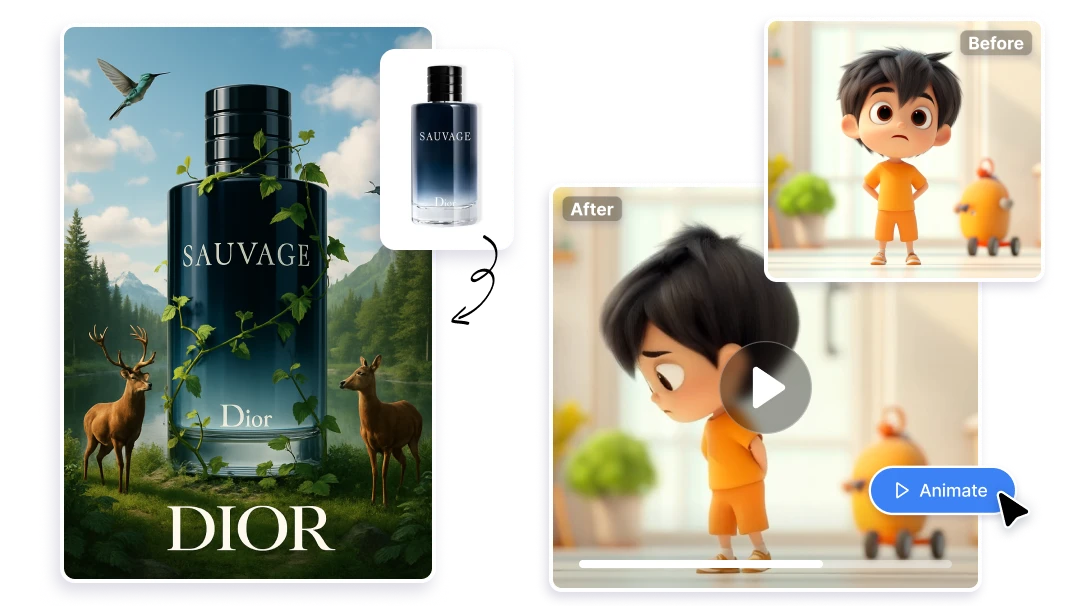
Artificial Studio offers 50+ AI tools for every type of creative work — video, image, audio, music, marketing, and branding — covering all video generation and editing needs, image editing, image animation, and even specialized tools like Video Translate, Character Replace, Song Splitter, Drum Generator, Face to Sticker, Tattoo Designer, and a wide range of mini apps. Adobe Firefly has no equivalents.
Incomplete AI video tools

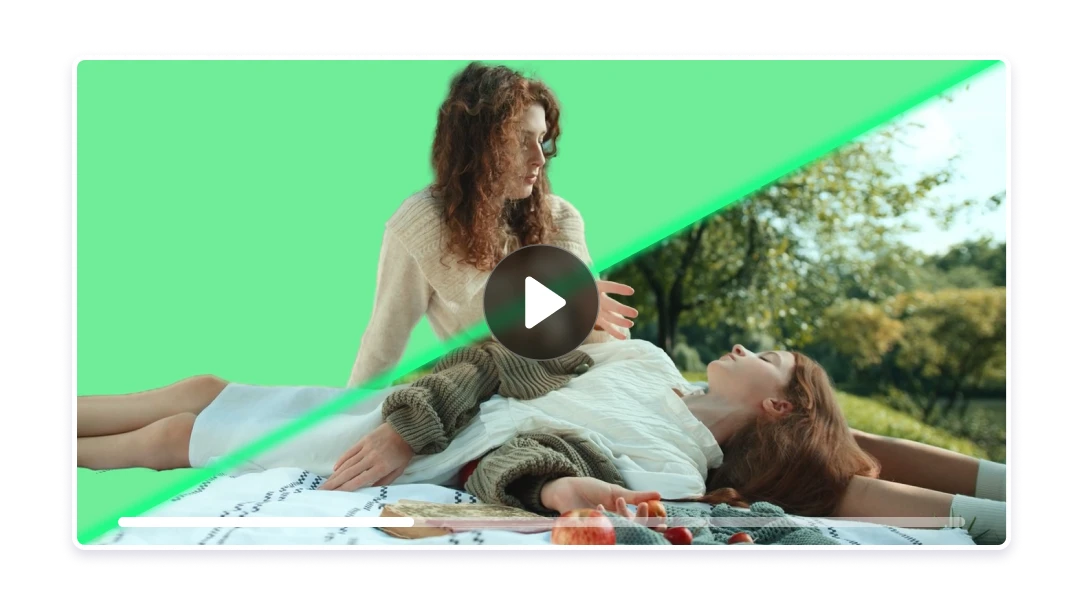
Artificial Studio brings Edit Video, Extend Video, Video Upscaler, Video Sync Audio, and Video Translate all in one place. With Artificial Studio, creators can deliver polished, ready-to-publish video assets — without the extra time and cost that Firefly's gaps add to every project.

Incomplete AI audio tools

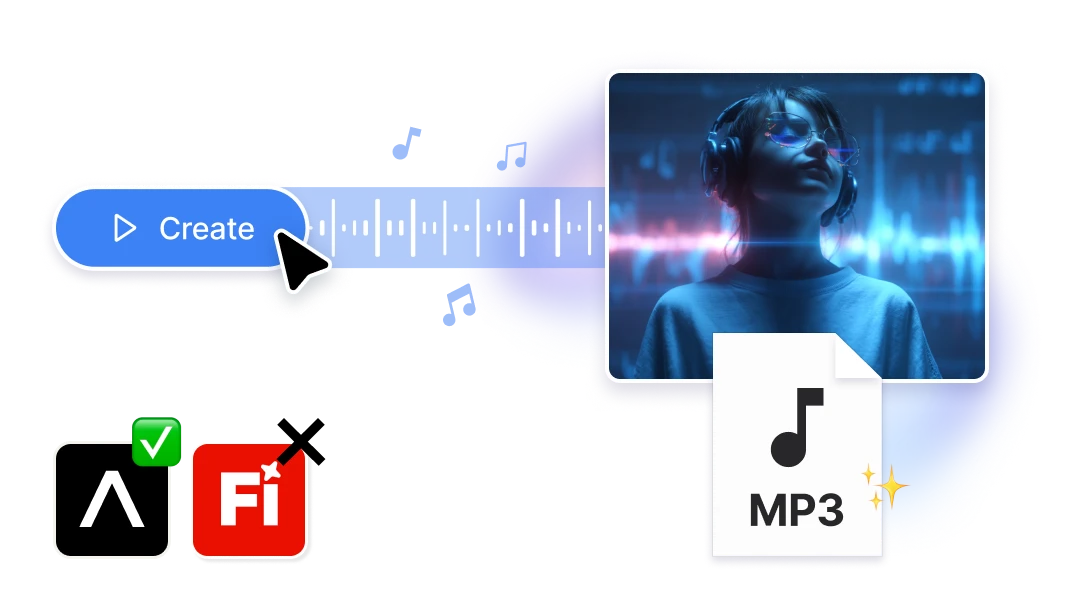
Adobe Firefly covers audio at a basic level, but not with the depth Artificial Studio offers. Artificial Studio brings the full audio stack under one roof: Create Music, Song Splitter, Drum Generator, Sound Effects, Text to Speech, Audio to Text, and Audio to Subtitles — so creators can build complete, production-ready content without ever leaving the platform.

Firefly gives you power inside Adobe. Artificial Studio gives you freedom outside of it.

Not built for non-designers
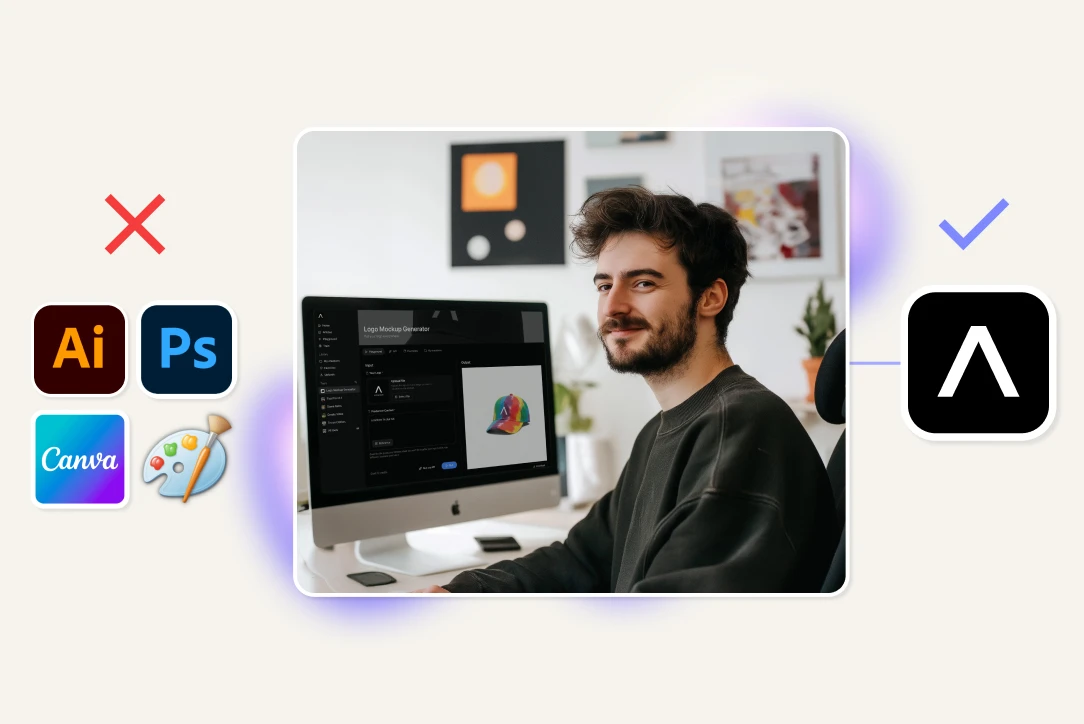
Adobe Firefly is designed for existing Adobe users. Artificial Studio works for marketers, creators, freelancers, e-commerce owners, and developers — no design background required.
Missing high-demand niche tools
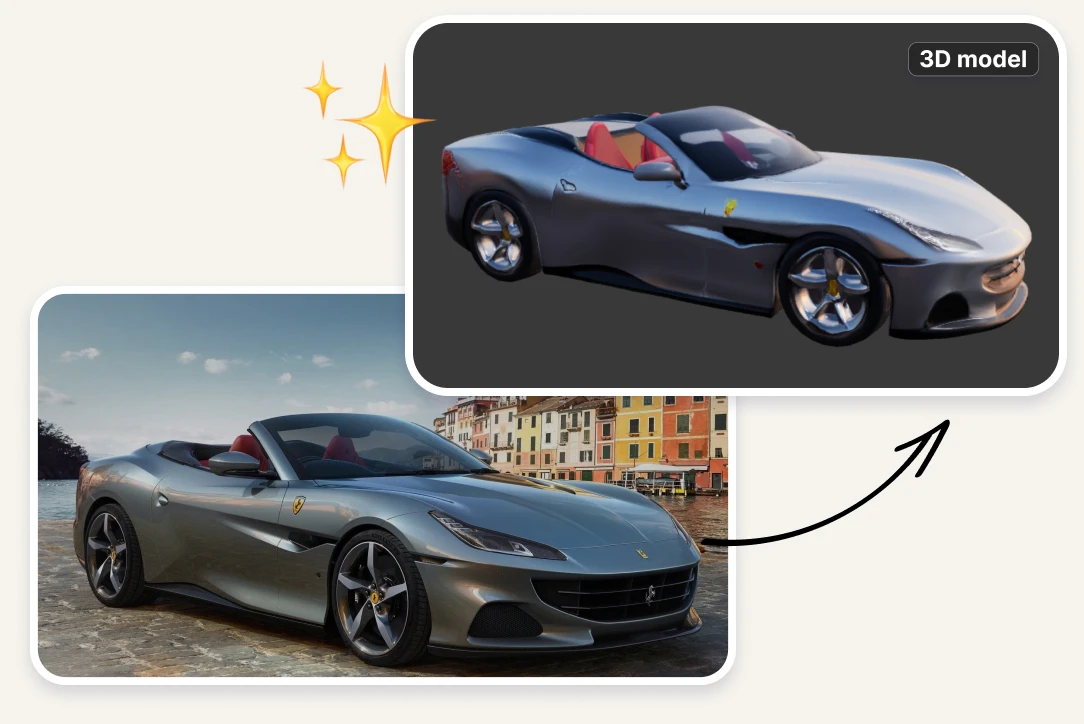
Artificial Studio includes AI tools that serve 3D designers, SVG creators, and more. For creators who need to deliver polished, ready-to-publish marketing assets, Firefly's gaps add time and cost to every project. Artificial Studio includes a full marketing and design toolkit: logo generator, social media post creator, product ad creator, YouTube thumbnail designer, event poster creator, business card designer, tattoo designer, and more.
Know exactly what your creative stack is costing you, and cut it in half
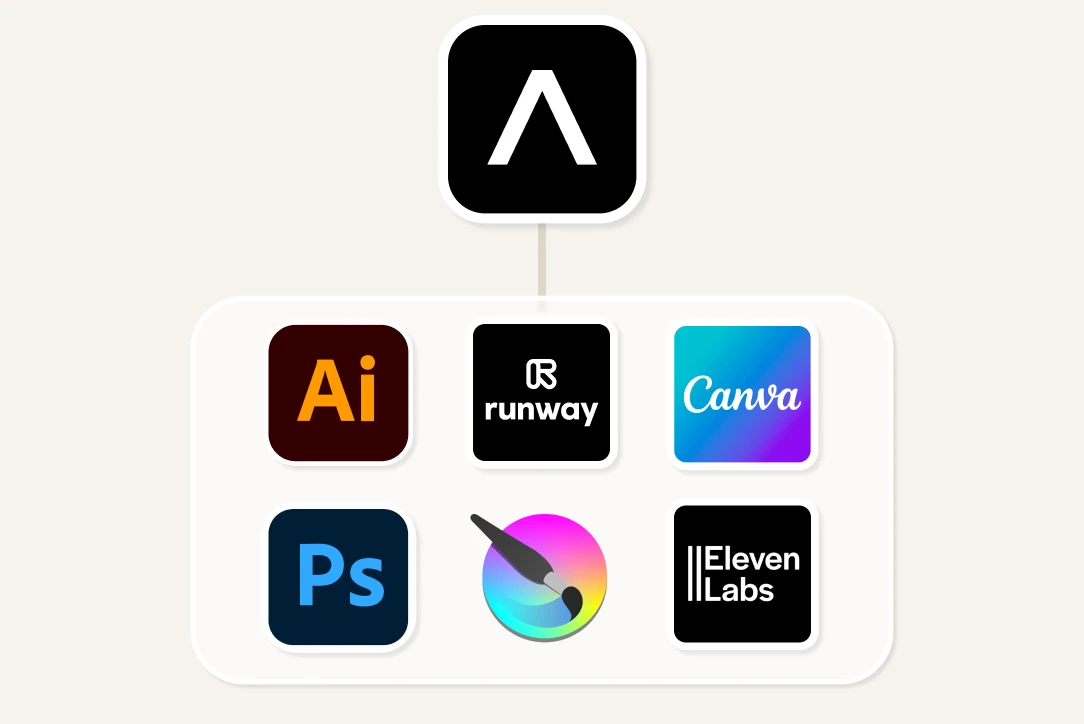
With Artificial Studio, one subscription replaces the four to six separate AI tools most creators rely on to fill Adobe Firefly's gaps. No more juggling Suno for music, ElevenLabs for voice, and Canva for design on top of your Adobe Firefly plan. Track everything you create, manage every format, and deliver every asset from a single platform — at a fraction of the combined cost.

FAQs

Adobe Firefly's Pro plan starts at $19,99/mo and covers image generation, video and sound. However, covering Adobe Firefly's gaps — music, design tools, marketing assets — requires subscribing to additional platforms like Suno (~$10/month), ElevenLabs (~$22/month), and Canva Pro (~$15/month), bringing the total to $80–$90+/month across multiple tools. Artificial Studio's Pro plan is $23.17/mo billed annually covers all of those capabilities in a single subscription, plus animation, 3D, music, video, depth map, everything! making it significantly more cost-effective for creators who need to produce content across formats.
It depends on your workflow. Adobe Firefly is a choice if you already pay for Adobe Creative Cloud and your work lives inside Photoshop, Illustrator, or Premiere Pro. But if you need a broader set of AI tools — video editing, audio production, image generation, marketing assets, and more — Artificial Studio covers far more ground in a single platform, without requiring any prior Adobe subscription.
To access Firefly's most powerful features, yes. Many of Firefly's best tools — like Generative Fill in Photoshop or Generative Extend in Premiere Pro — only work inside Adobe apps, which require a Creative Cloud plan starting at $59.99/month for the full suite. Artificial Studio works standalone, with no additional software required.
Quite a lot. Artificial Studio includes tools that Firefly has no equivalent for: Video Translate, Video Sync Audio, Video Upscaler, Character Replace, Song Splitter, Drum Generator, Sound Effects, Audio to Subtitles, Image to 3D, Game Asset Generator, SVG Creator, Tattoo Designer, Face to Sticker, and 26 specialized Mini Apps. Firefly focuses on image and basic video generation within the Adobe ecosystem. Artificial Studio covers the full creative stack.
Firefly introduced video generation features in 2026, but they are still tightly integrated into Premiere Pro. If you don't use Premiere Pro, you have limited access. Artificial Studio offers a complete video toolkit — Create Video, Edit Video, Extend Video, Video Upscaler, Video Translate, Video Sync Audio, Character Replace, and Video Background Remover — all accessible without installing any desktop software.
Adobe Firefly includes basic audio features like text-to-speech and soundtrack generation. Artificial Studio goes significantly further with a complete audio stack: Create Music, Song Splitter, Drum Generator, Sound Effects, Text to Speech, Audio to Text, and Audio to Subtitles — giving creators everything they need to produce audio-complete content in one place.
Firefly is primarily designed for users already familiar with Adobe products. Its interface assumes a design background. Artificial Studio is built for marketers, content creators, freelancers, and e-commerce owners with no design experience — with dedicated tools like Social Media Post Generator, Product Ad Creator, YouTube Thumbnail Designer, Logo Generator, Event Poster Generator, and Business Card Designer.
Artificial Studio. It has dedicated tools for every social media content format: Social Media Post Generator, YouTube Thumbnail Designer, Event Poster Generator, Meme & Sticker Generator, and Animate Image — plus Mini Apps for platform-specific formats. Adobe Firefly can generate images for social media, but it lacks purpose-built tools for these specific outputs.
Adobe Firefly can generate and edit product images inside Photoshop. However, Artificial Studio offers more specialized e-commerce tools: Smart Product Scene, Product Packaging Creator, Product Ad Generator, Logo Mockup Generator, Background Remover, and a Virtual Clothes Try-On tool for fashion retailers — all without needing Photoshop.
Yes. Artificial Studio is one of the most complete Adobe Firefly alternatives for small businesses, solopreneurs, and freelancers. It covers image, video, audio, music, and marketing tools in a single platform — without the cost or complexity of an Adobe Creative Cloud subscription. For teams that need volume and variety without enterprise overhead, Artificial Studio is the more practical choice.
Artificial Studio. It covers the entire content creation workflow: video editing and extending, upscaling, translating, audio generation, sound effects, subtitles, thumbnails, and background removal — all in one place. Adobe Firefly offers strong image tools, but its video capabilities require Premiere Pro, and it lacks audio production tools that creators need for full-length content.
Adobe Firefly has a standalone web interface at firefly.adobe.com, but its most powerful features — Generative Fill, Generative Extend, Quick Cut — only work inside Creative Cloud applications. Artificial Studio is fully browser-based and works independently from any other software, making it more accessible for users who don't work inside the Adobe ecosystem.
Adobe Firefly makes sense if you already pay for Creative Cloud, your workflow depends only on Photoshop or Premiere Pro, and your main need is AI-assisted editing within those apps. For everything outside that ecosystem — standalone video production, audio creation, niche design tools, marketing assets — Artificial Studio is the stronger choice.
Artificial Studio. Its tools are built for results, not for designers. Whether you're a marketer creating ads, an e-commerce owner building product visuals, a musician generating backing tracks, or a developer creating game assets — Artificial Studio has a dedicated tool for your use case. Adobe Firefly is powerful, but it assumes you know your way around Adobe software.
For most creators, marketers, and small business owners — yes. Artificial Studio covers every major use case Firefly handles, and adds dozens of tools Firefly doesn't have: video translation, audio production, 3D conversion, niche design tools, and more. The only case where Firefly has a clear advantage is deep integration with existing Adobe CC workflows. Outside of that, Artificial Studio offers more breadth, more accessibility, and more creative freedom.

Related topics