AI Video Depth Map Generator
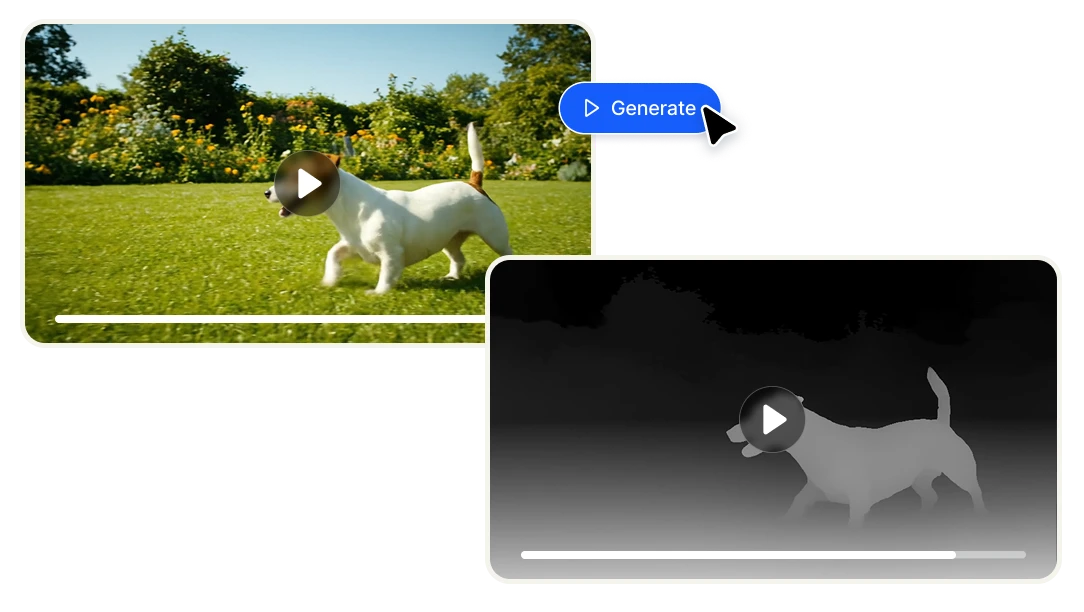
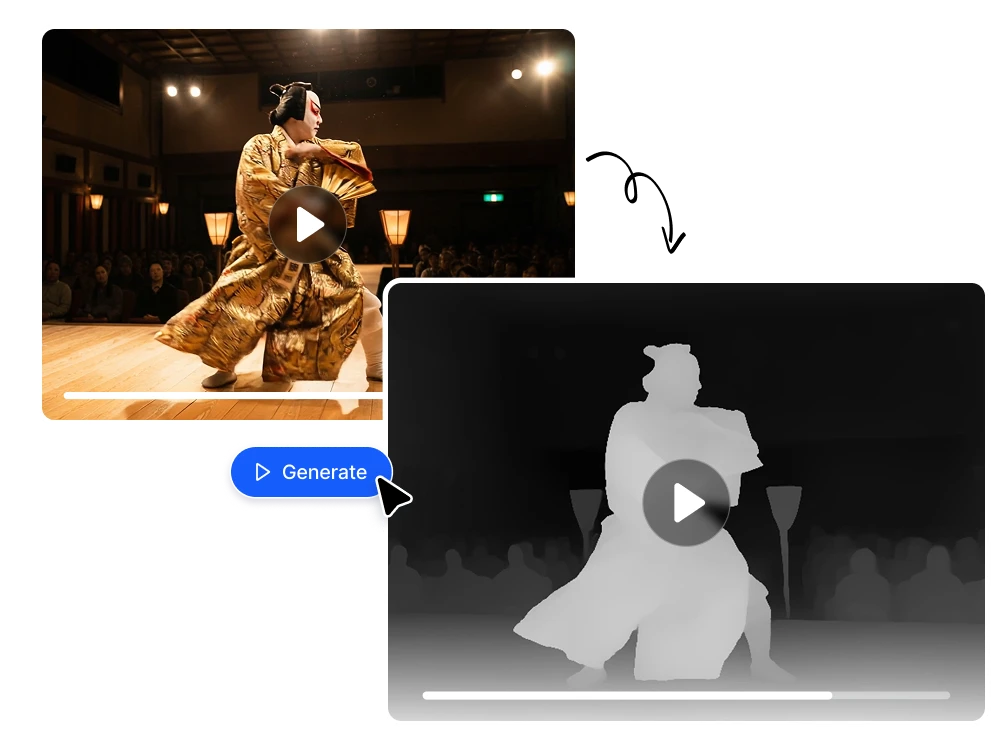
Upload any video and generate a frame-accurate depth map in seconds. Get a grayscale depth pass ready to use in After Effects, Nuke, ComfyUI, ControlNet workflows, and 3D compositing pipelines — no manual rotoscoping, per-frame processing or technical setup required.
Features
Instant depth pass for After Effects, Nuke, and professional VFX pipelines
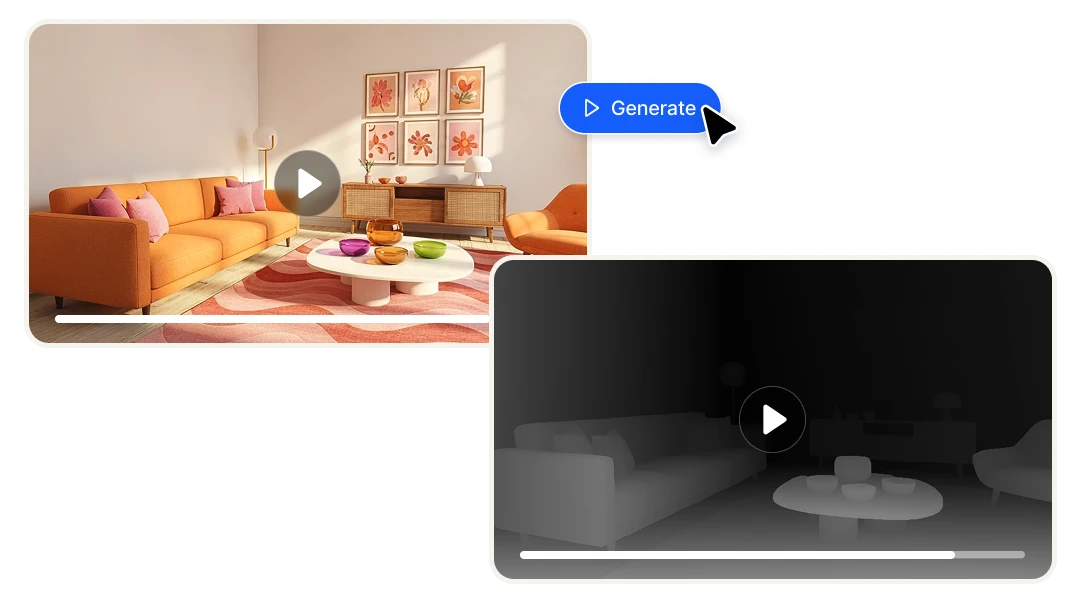
Generating a depth pass traditionally means rotoscoping frame by frame, using lidar data, or paying for a plugin like Red Giant Depth Generator or Slapshot.ai — tools that require installation, licensing, and technical setup just to get a usable Z-depth output. Video Depth Map generates a frame-accurate grayscale depth pass from any uploaded video in seconds. Drop it directly into After Effects or Nuke as a depth matte and use it for rack focus simulation, atmospheric fog, volumetric depth-of-field, background separation, or any depth-driven composite — no per-frame manual work required.
ControlNet-ready depth input for AI video generation with Wan, ComfyUI, and Stable Diffusion
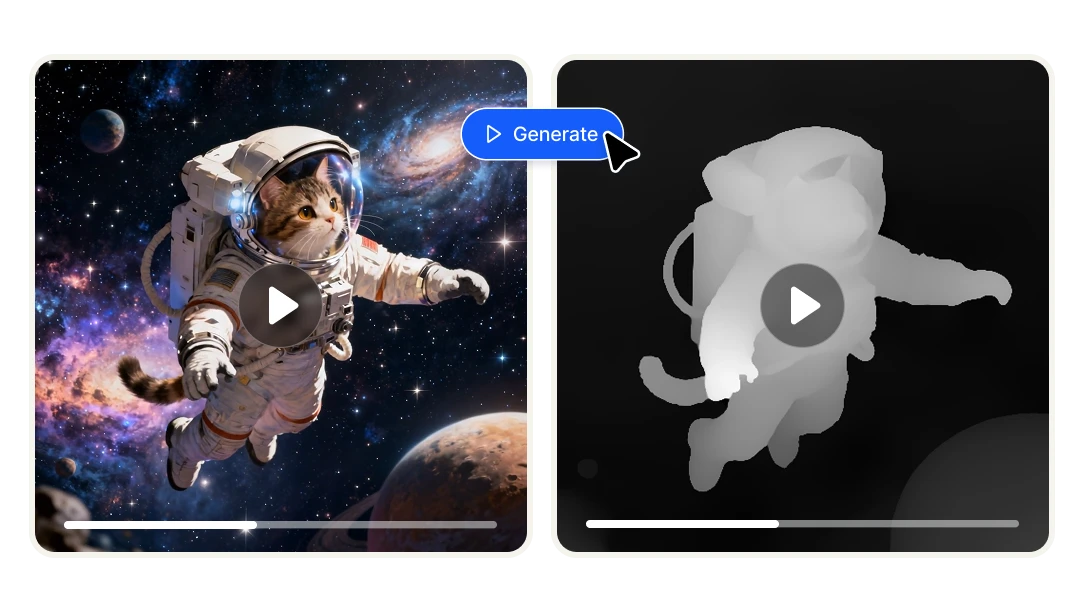
Depth maps are one of the most powerful control inputs in AI video workflows. When you feed a depth map into ControlNet — whether you're working with Wan2.1, Wan2.2, AnimateDiff, or ComfyUI pipelines — the AI understands the spatial structure of your scene and maintains it across frames. That means you can re-stylize, animate, or transform footage while preserving correct 3D depth relationships between subjects and backgrounds. Video Depth Map produces temporally consistent depth output across the full video length, not just single frames — which is exactly what stable AI video generation workflows require.

Frame-consistent depth estimation across the full video — not just single frames
Most depth map tools are built for images. Apply them to video and you get flickering, inconsistent depth values between frames that make the output unusable for anything motion-based. Video Depth Map uses AI depth estimation trained specifically for video, producing smooth and temporally consistent depth across every frame of your clip. The result is a depth video you can actually use — for motion graphics, parallax effects, 3D compositing, or AI pipelines — without manual frame cleanup or stabilization in post.

Benefits

Cut hours of manual work down to seconds
Creating a depth pass manually, whether through rotoscoping, multi-layer masking, or running per-frame scripts in After Effects or Blender, is one of the most time-consuming tasks in post-production. Tools like Red Giant Depth Generator or Slapshot.ai speed it up but still require installation, plugin licensing, and technical configuration. Video Depth Map eliminates all of that. Upload your video, click generate, and download a temporally consistent depth map ready to use immediately. What used to take hours of frame-by-frame work now takes seconds.

No VFX or AI expertise required
Depth maps have historically been a tool reserved for technical VFX artists who know their way around Z-depth passes, ControlNet nodes, or compositing software. Video Depth Map removes that barrier entirely. If you can upload a video and click a button, you can generate a professional-grade depth map. Whether you're a filmmaker experimenting with cinematic effects, a content creator exploring AI video workflows, or a developer building a product that needs depth data — you don't need a technical background to get a usable result.

Integrate video depth estimation into your own product via API
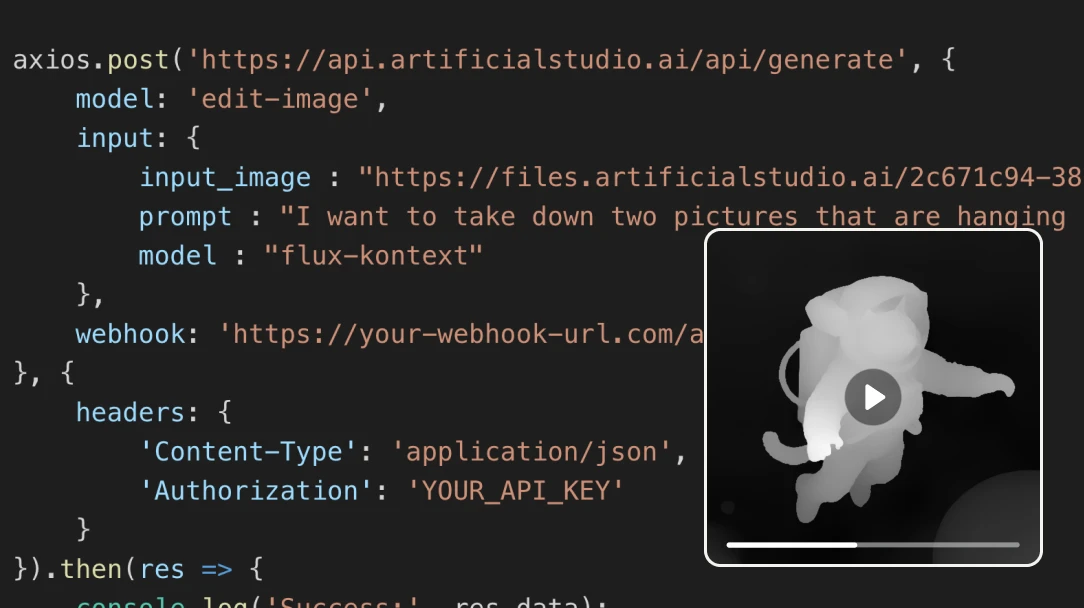
If you're building a video editing tool, an AI video platform, a post-production pipeline, or any product that needs depth data programmatically, Artificial Studio's API gives you direct access to Video Depth Map without going through the UI. Send a video, get a depth map back. No infrastructure to build, no depth estimation model to train or maintain. See the API documentation for integration details.
How AI video depth map works
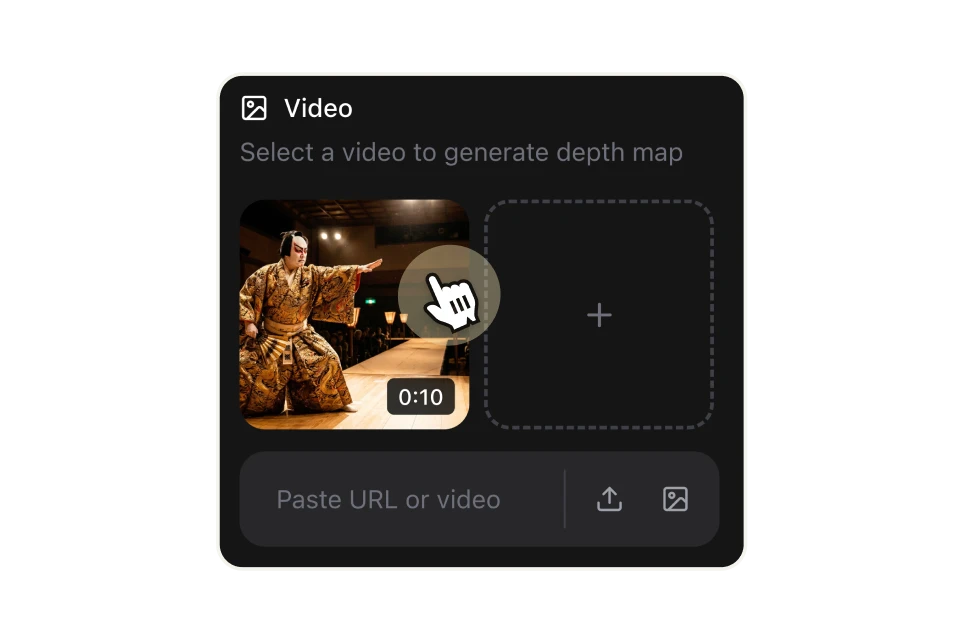
Upload your video or paste a URL
Start with any video file from your computer or paste a direct URL. No format conversion or preprocessing needed — upload your footage as-is and the AI handles the rest.

Choose your colormap style
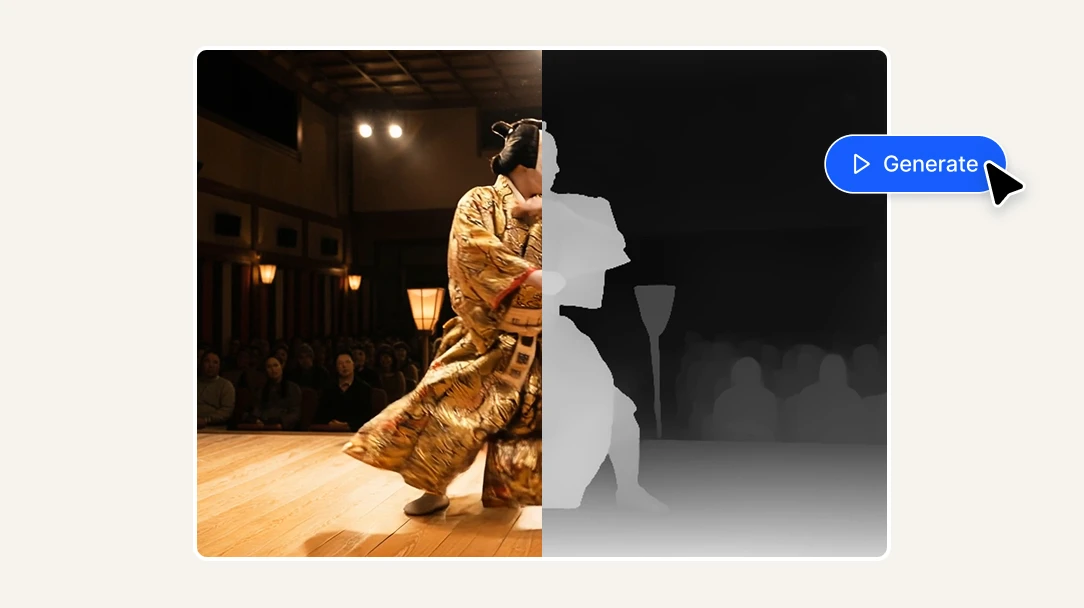
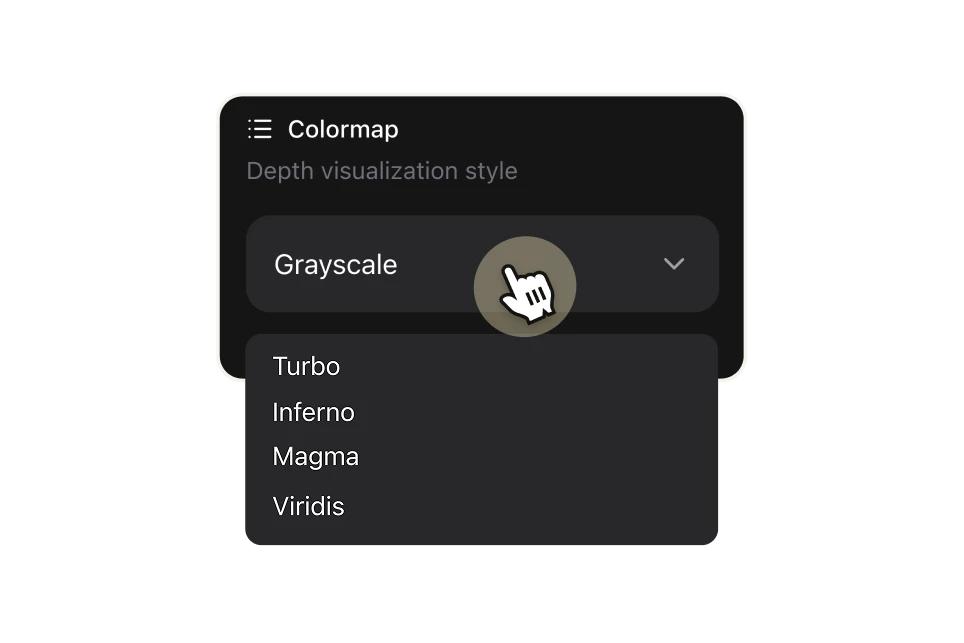
Select how you want the depth information visualized. Grayscale is the standard for VFX and ControlNet pipelines — bright areas are closest to the camera, dark areas are furthest away. For data visualization or creative use, choose from Turbo, Inferno, Magma, or Viridis colormaps, each mapping depth to a distinct color gradient.

Generate, download, and use in your project
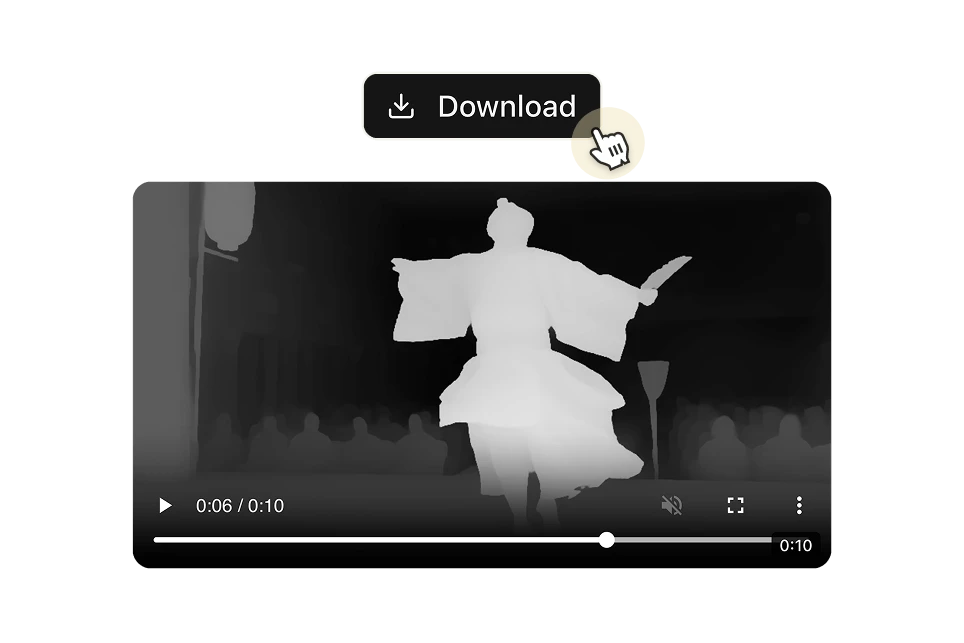
Click "Generate" and the AI processes your video frame by frame, producing a consistent depth map across the full clip. Download the result and drop it directly into After Effects, Nuke, ComfyUI, or any tool in your pipeline. Each second of video costs 8 credits ($0.046 USD).

FAQs
A depth map is a grayscale (or color-coded) representation of a video where each pixel's brightness indicates its distance from the camera — brighter means closer, darker means further away. This depth information is used across a wide range of professional workflows: adding realistic depth-of-field blur in post-production, creating atmospheric fog and volumetric effects, separating foreground from background without manual masking, generating 3D parallax animations, and — increasingly — as a control input for AI video generation pipelines like ControlNet, ComfyUI, and Wan2.1/2.2.
Video Depth Map is built for anyone who needs depth data from video footage without building or maintaining their own depth estimation pipeline. That includes VFX artists and motion designers who need Z-depth passes for compositing in After Effects or Nuke, AI video creators using ControlNet or ComfyUI workflows who need spatially consistent depth input, filmmakers and editors who want to add cinematic depth-of-field or fog effects to existing footage, developers and technical teams building video editing tools, AI platforms, or post-production pipelines that need depth estimation via API, and researchers or data teams that need depth data from video for machine learning or spatial computing projects.
Red Giant Depth Generator is a plugin that requires a Maxon subscription, installation inside After Effects, and works primarily within that specific ecosystem. Slapshot.ai is a standalone VFX-focused platform with its own pricing and workflow. Both are strong tools for their specific use cases, but they're single-purpose products with separate subscriptions. Artificial Studio's Video Depth Map is part of a suite of 50+ AI tools — your credits work across video, image generation, design, product photography, and more. You're not paying a separate subscription for a niche depth estimation plugin. And unlike plugin-based tools, Video Depth Map works entirely in the browser — no installation, no compatibility issues, no plugin updates to manage.
There are five colormap styles available. Grayscale is the standard for VFX compositing and ControlNet pipelines — it's the format expected by After Effects depth passes, Nuke Z-depth inputs, and most AI video control workflows. Turbo, Inferno, Magma, and Viridis are color-coded colormaps that map depth to distinct color gradients — useful for data visualization, scientific applications, creative visuals, or any use case where you need to distinguish depth layers at a glance. If you're using the depth map as a technical input in a production pipeline, use Grayscale. If you're creating a visual artifact or need clearer depth differentiation for analysis, the color options give you more contrast between depth layers.
When you apply a single-image depth estimator to video frame by frame, the depth values fluctuate between frames — objects appear to jump in depth even when they're stationary. This flickering makes the depth map unusable for motion-based applications like compositing, parallax effects, or AI video generation. Video Depth Map uses a model trained specifically for video, producing smooth and consistent depth values across the full clip. That temporal consistency is what makes the output actually usable in professional workflows without manual frame cleanup.
Yes — this is one of the primary use cases. Depth maps are one of the most effective control inputs for AI video generation. When you use a depth map as a ControlNet conditioning input in ComfyUI, Wan2.1, Wan2.2, or AnimateDiff pipelines, the AI uses the spatial structure of your scene to maintain correct 3D relationships between objects across frames. This lets you re-stylize, animate, or transform footage while preserving the original geometry and depth. Video Depth Map produces output in the format and consistency level these workflows require.
You can upload video files directly from your computer or paste a URL from the internet. The tool accepts standard video formats used in production workflows. No conversion or preprocessing required before uploading.
Processing time depends on the length and resolution of your video. Most clips are processed in seconds to a few minutes. The AI analyzes every frame to produce temporally consistent depth output across the full video length.
Each second of video costs 8 credits. On the standard plan (1,300 credits for $7/month billed annually), that works out to approximately $0.046 per second of depth map generated. For context, a standalone depth estimation plugin like Red Giant costs as part of a Maxon subscription starting at $149/year — and only works inside After Effects. At Artificial Studio's rate, you can process over 300 seconds of video for the equivalent cost.
Yes. If you're building a video editing platform, an AI video tool, a post-production pipeline, a spatial computing application, or any product that needs depth data from video programmatically, Artificial Studio's API gives you direct access without going through the UI. Send a video and colormap preference, get a depth map video back. No depth estimation model to train, host, or maintain on your end. See the API documentation for integration details.
Yes. Depth maps generated with Artificial Studio can be used for commercial purposes — VFX production, client projects, AI-generated video, product demos, or any other commercial application. Check the terms of service for full details on usage rights.
Yes. All outputs are automatically saved to your Artificial Studio library. You can access, download, or share them at any time from your account.