AI Sketch to Image — Draw, Describe & Generate
Draw a rough sketch, add a text description, and watch AI transform it into a detailed, realistic image — in any style you want. Renaissance painting, anime illustration, photorealistic portrait, concept art — the style is yours. The execution is AI's. No design skills, no software, just your idea and a canvas.

Why use an AI sketch to image generator
From rough sketch to stunning image. No design skills required
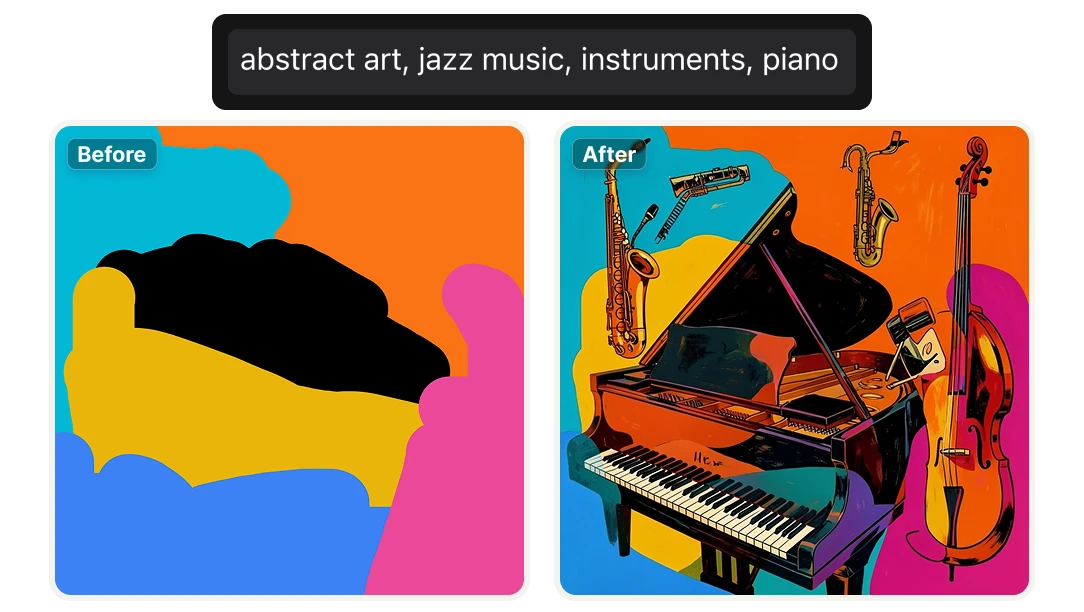
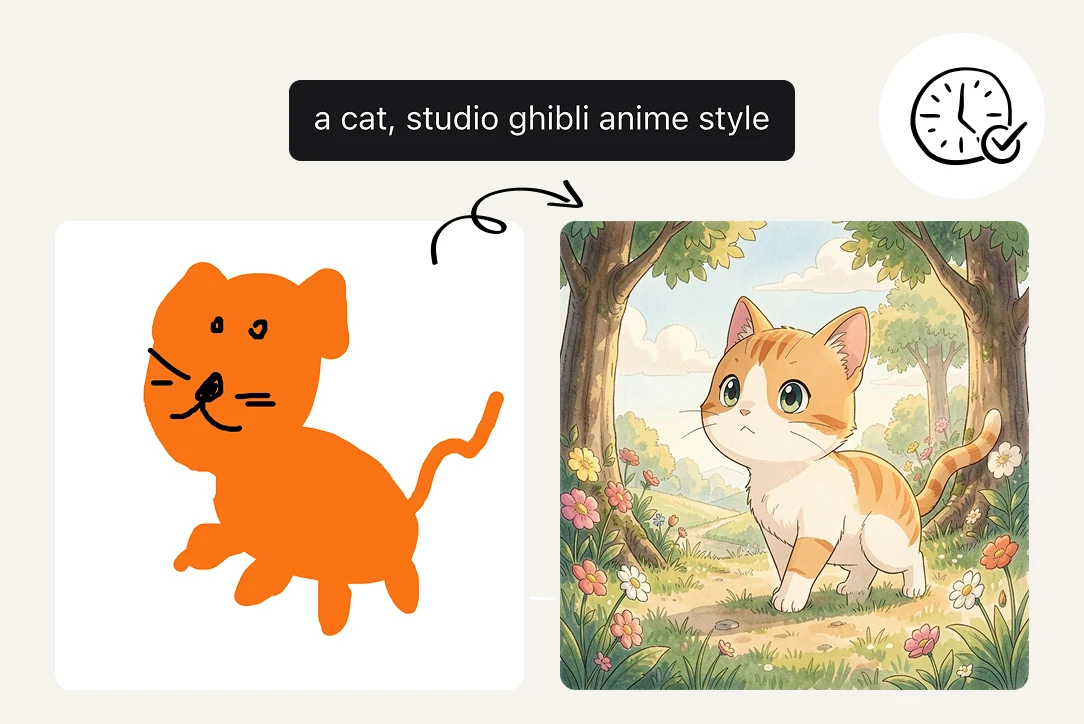
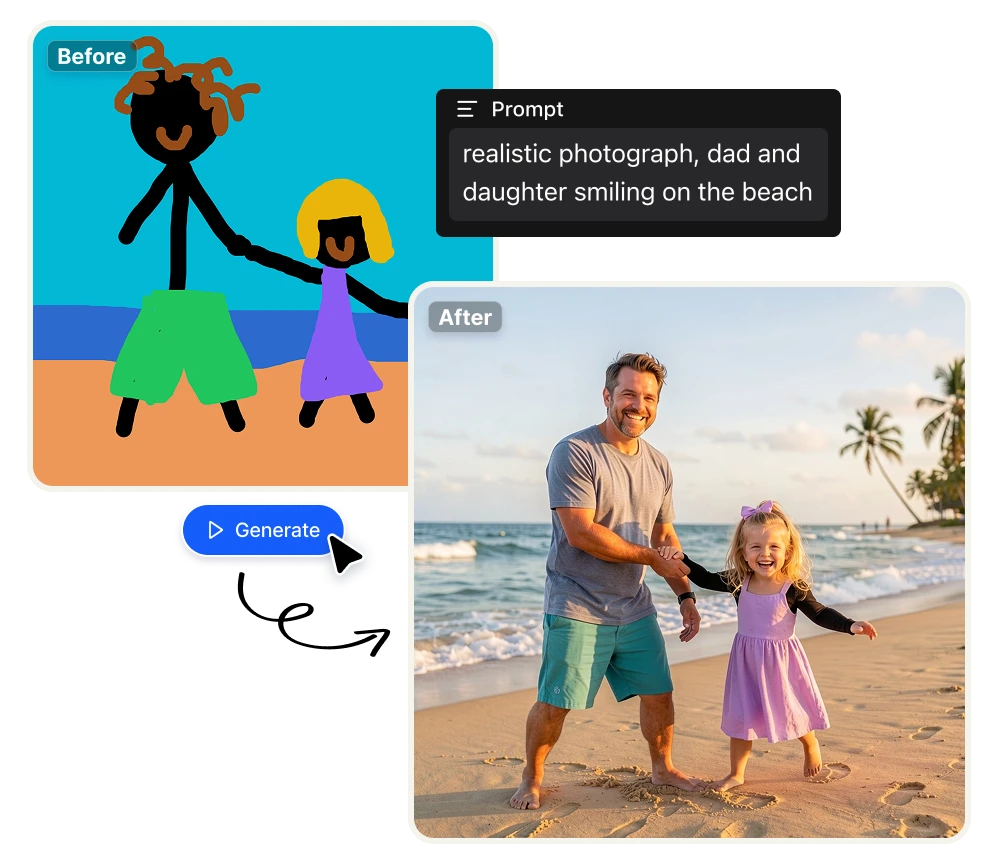
Draw any shape or composition on the canvas, add a text prompt describing the style and details you want, and let the AI generate a fully realized image from your input. Renaissance painting, anime illustration, photorealistic portrait, concept art — the AI interprets both your drawing and your description to produce the result. No Photoshop, no illustration skills, no experience required.
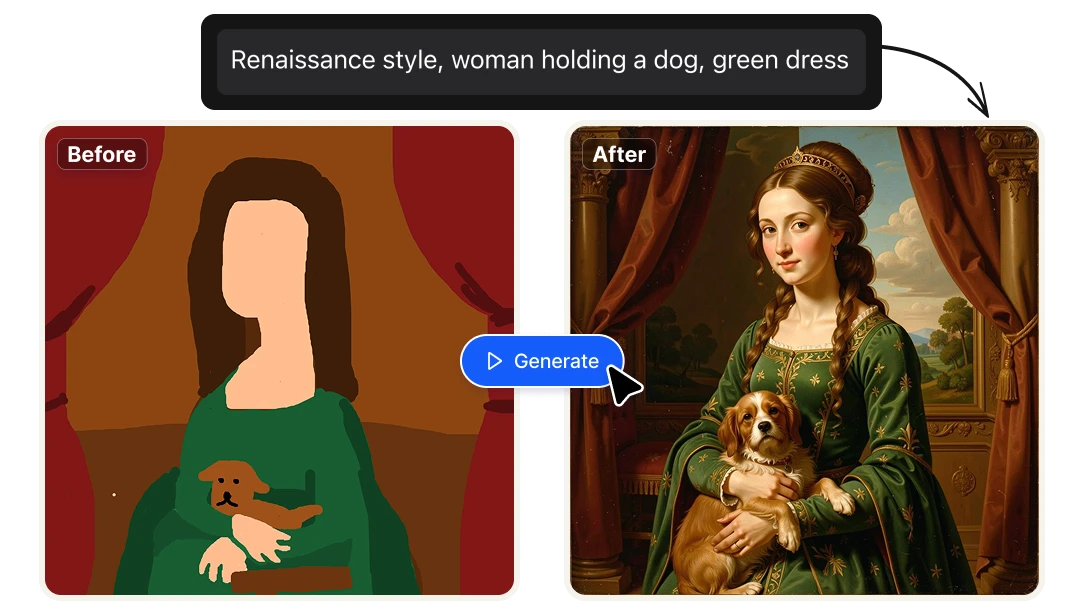
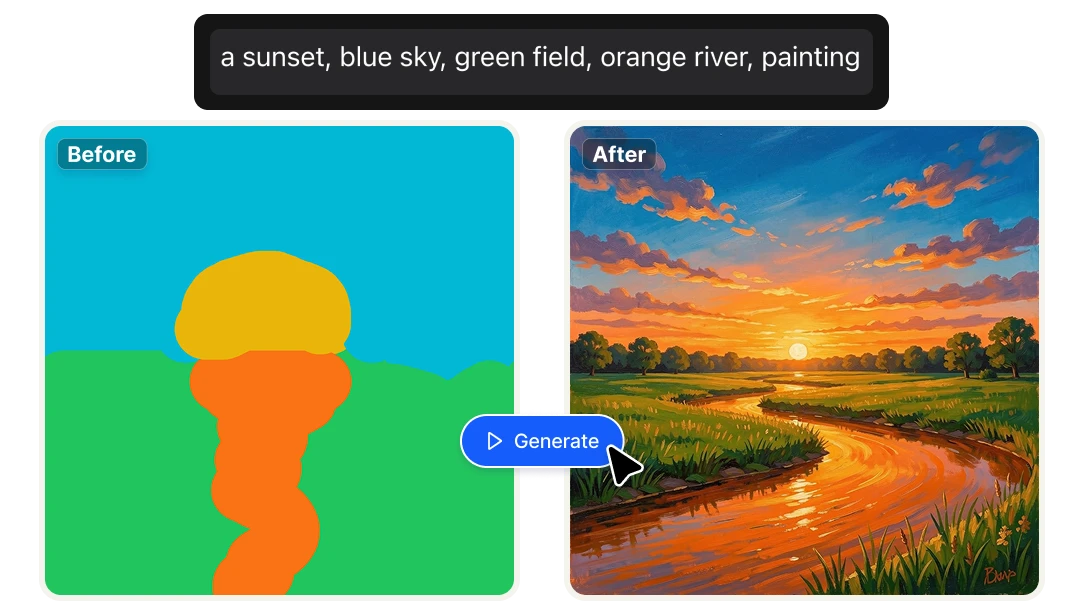
Any style, any subject — infinite creative directions
The same sketch produces completely different results depending on your prompt. Draw a simple figure and describe "oil painting, dramatic lighting, baroque style" — or "flat vector illustration, minimal, pastel colors." The canvas stays the same. The style is entirely yours. Generate multiple variations from a single drawing to explore directions before committing to one.

Generate at scale for less than 3 cents per image
Each image generation costs 4 credits — approximately $0.023 at standard plan rates. For content creators, marketers, and designers who need high volumes of original AI-generated images, that's 87 unique images per dollar. No per-image pricing, no usage caps beyond your monthly credits, no subscription to a separate image generation tool.

Why Artificial Studio's Image Canvas is different

From blank canvas to finished asset in seconds
Illustrators, marketers, content creators, and product designers no longer need to describe a visual concept in words and hope the AI interprets it correctly. With Image Canvas, you draw the composition you have in mind — even roughly — and the AI fills in the details. What used to take hours of back-and-forth prompt engineering now takes a single sketch and a single generation. Ideal for anyone who thinks visually and needs to move fast.

Integrate sketch-to-image directly into your product
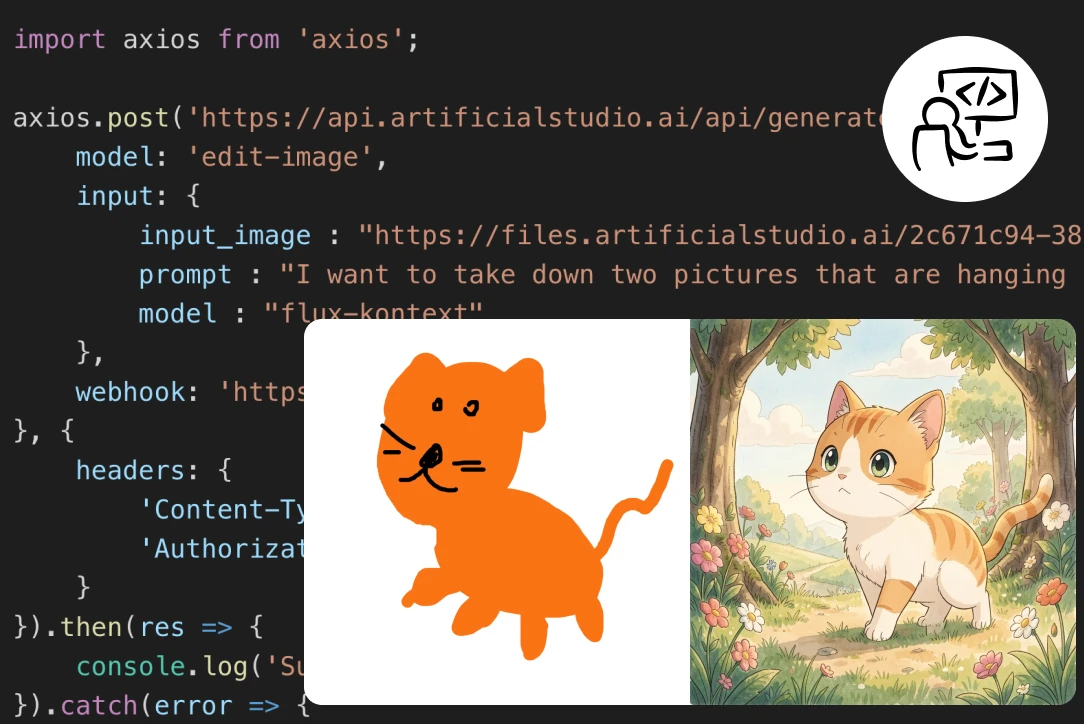
Need to offer AI image generation from user sketches inside your own platform? Artificial Studio's API gives developers direct programmatic access to Image Canvas — so you can embed sketch-to-image functionality into any app, tool, or workflow without building the underlying model yourself. From creative tools to education platforms to custom design applications, the same technology powering Image Canvas is available via API at scale.

The only sketch-to-image tool built into a full creative pipeline
Canva and Freepik offer sketch-to-image as a standalone feature. Generate the image, download it, and you're done — whatever comes next happens somewhere else. Artificial Studio's Image Canvas is part of a platform with 50+ AI creative tools. Draw a sketch, generate the image, animate it, convert it to video, remove the background, turn it into a product ad, or take it directly into the AI Chat to keep iterating — all without leaving the platform. No other sketch-to-image tool gives you that. The image is just the starting point.
How AI Sketch to Image works
Draw your sketch and describe the result
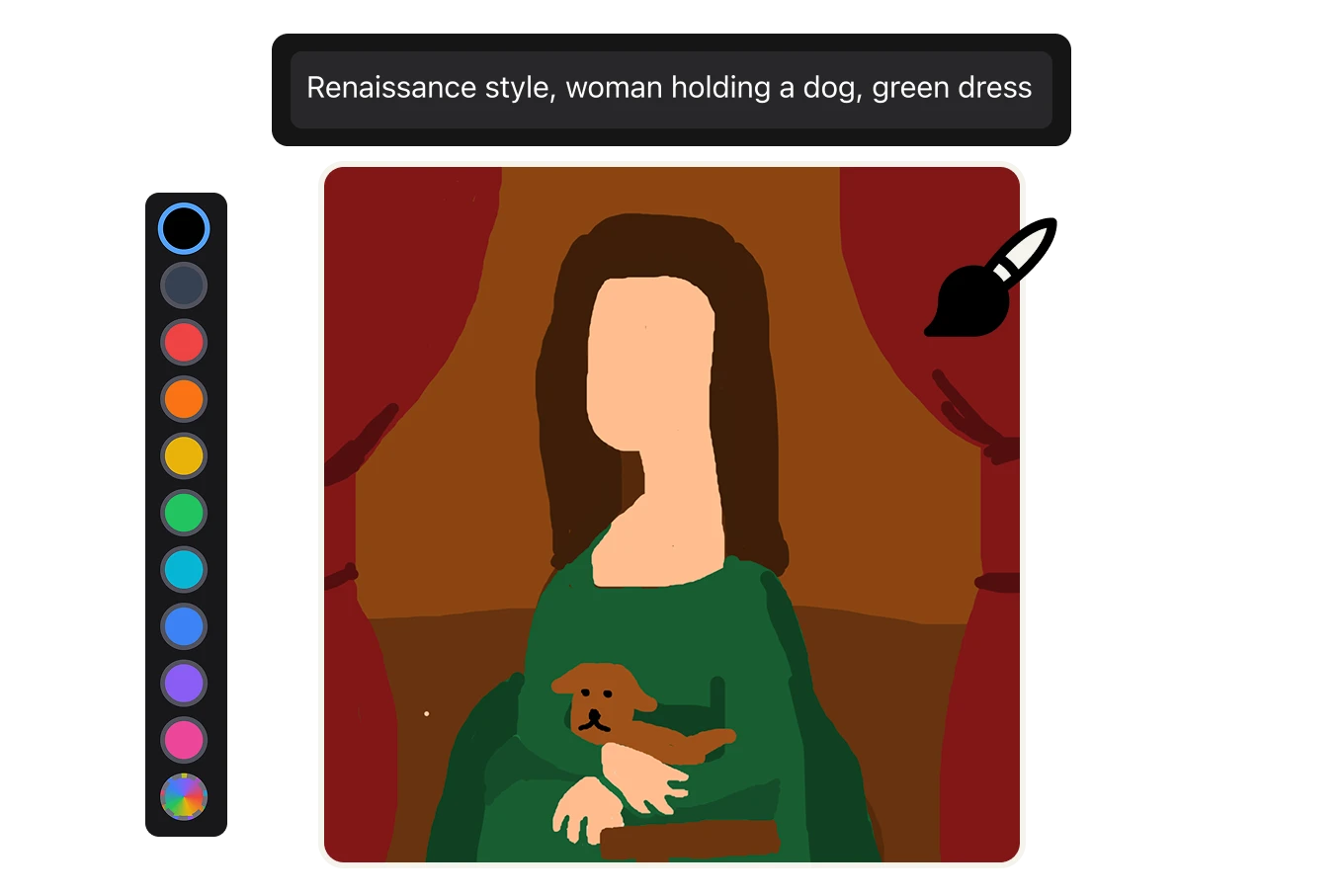
Pick a color from the 10 presets or choose your own, adjust the brush size, and draw the composition you have in mind on the canvas — a rough outline, a figure, a scene. The level of detail is up to you. Then type your prompt in the text field above: describe the style, the mood, the colors, and any details you want in the final image. Renaissance painting, abstract art, photorealistic portrait, Picasso-style illustration — the AI reads both your drawing and your description together.

Adjust your settings and generate
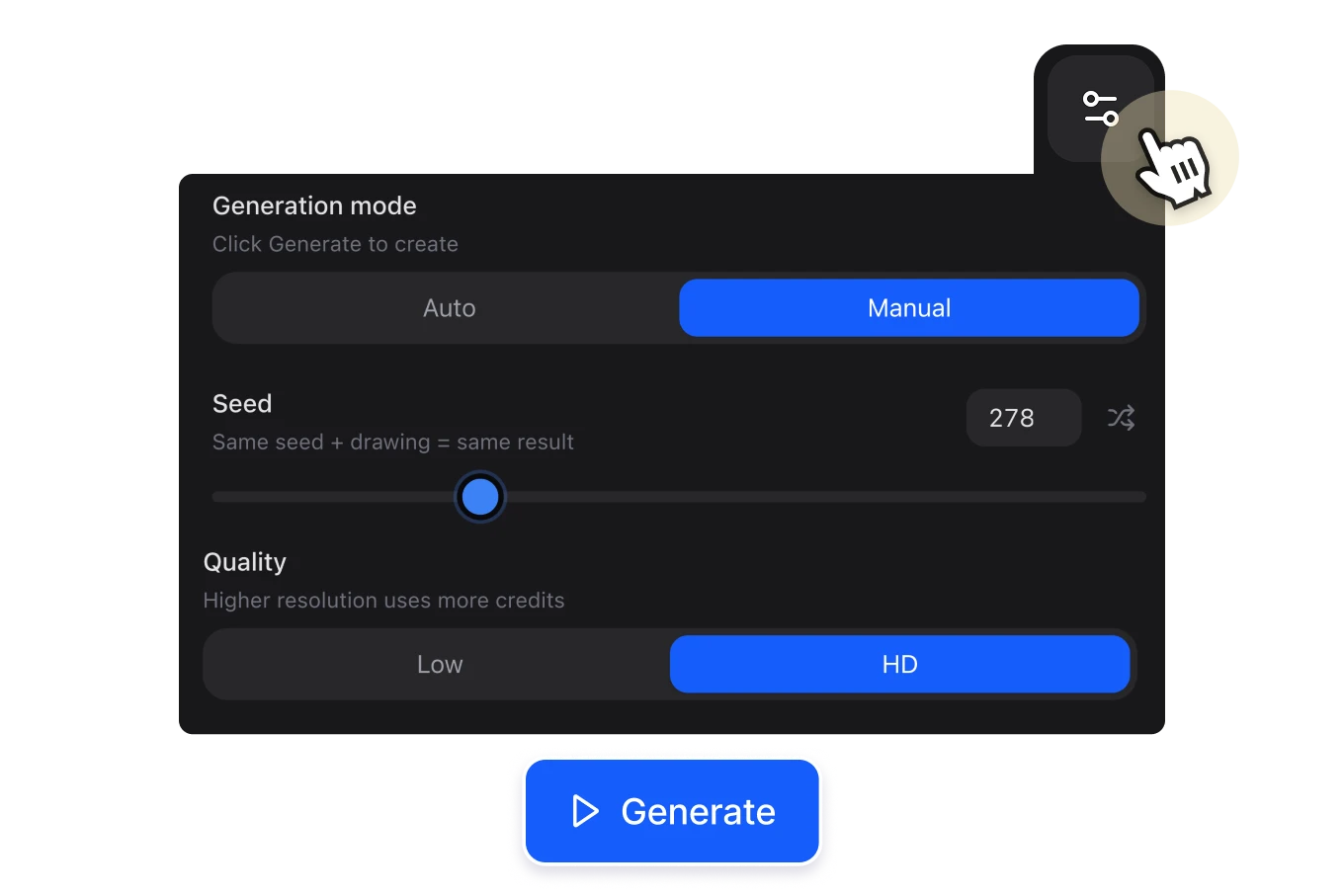
Click the "Generate" button to create your image. Before generating, you can fine-tune the output using the advanced settings (optional): switch between Manual mode (generate on demand) or Auto mode (generates a new image with every brushstroke in real time), choose between Low or HD quality, or you can even set a Seed number — using the same seed with the same drawing and prompt will always produce the same result, useful for iterating consistently. Each generation costs 4 credits.

Save, download, or keep iterating
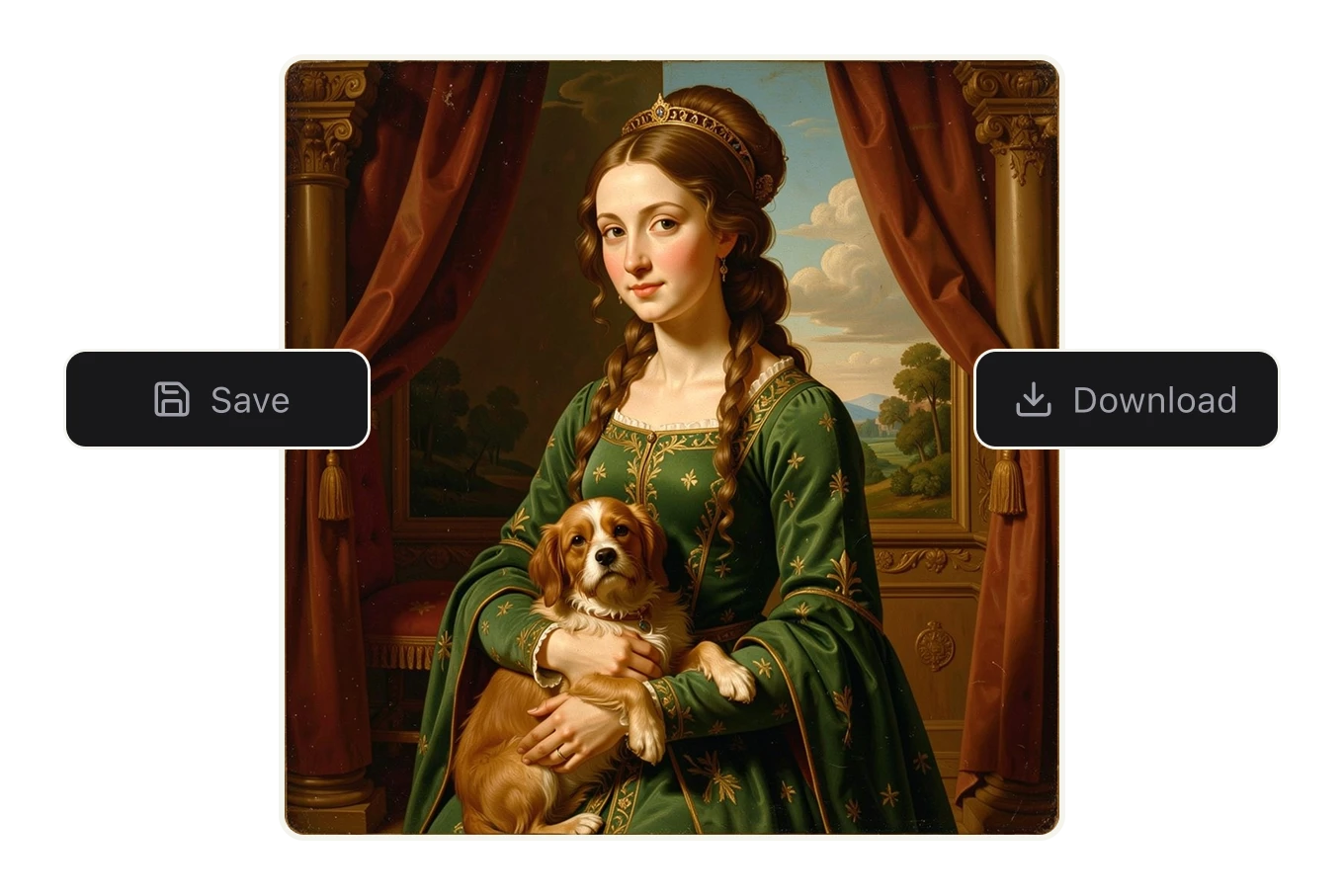
When you get a result you like, hit "Save" to keep it in your library or "Download" to use it immediately. Not happy with the result? Adjust the prompt, redraw part of the sketch, change the seed, or switch to a different style and generate again. Every iteration costs less than 3 cents — so experimenting until you get exactly what you want adds up to almost nothing.

FAQs
An AI sketch-to-image generator lets you draw a rough composition on a canvas, add a text description of the style and details you want, and have an AI model generate a fully realized image from both inputs. The AI reads your drawing for structure and composition, and your prompt for style, mood, and subject — combining both to produce the final result. No illustration skills required.
Each generation costs 4 credits. On Artificial Studio's annual plan ($8/month), you get 1,400 credits per month — which works out to approximately $0.023 per image, less than 3 cents. At that rate, you can generate up to 350 images per month on a single plan. That's less than the cost of a stock photo license for a single image.
No. The AI uses your sketch as a structural guide — where the subject is, how the composition is arranged, what's in the foreground and background. A rough outline is enough. The detail, texture, lighting, and style all come from your text prompt. Many of the best results come from very simple sketches paired with specific, detailed prompts.
Any style you can describe in text. Renaissance painting, photorealistic portrait, anime illustration, oil painting, watercolor, abstract art, Picasso-style cubism, concept art, flat vector illustration, Studio Ghibli-style — the AI interprets the style from your prompt and applies it to the composition of your sketch.
Canva and Freepik offer sketch-to-image as a standalone feature — you generate the image and then take it elsewhere to do anything further with it. Artificial Studio's Image Canvas is part of a platform with 50+ AI creative tools. Once you generate your image, you can animate it, convert it to video, remove the background, turn it into a product ad, upscale it, or continue iterating in the AI Chat — all without leaving the platform. No other sketch-to-image tool gives you that pipeline.
The Seed is a number that controls the randomness of the AI generation. Using the same seed with the same drawing and the same prompt will always produce the same result — which is useful when you want to iterate on a specific direction without the output changing unpredictably. Shuffle the seed to explore new variations, or lock it in to refine a result you like.
Auto mode generates a new image every time you make a brushstroke on the canvas — so the output updates in real time as you draw. It's useful for exploring a composition quickly and seeing how the AI interprets each change as you make it. Manual mode (the default) only generates when you press the Generate button, giving you more control over when you use your credits.
Yes. Image Canvas has a quality toggle — switch between Low and HD before generating. HD output uses more credits per generation but produces a higher-resolution image suitable for print, large-format use, or any context where image quality matters.
Yes. Images generated through Artificial Studio can be used in commercial projects — marketing materials, products, client work, and more. Check the current terms of service for full licensing details.
Yes. Artificial Studio's API gives developers programmatic access to Image Canvas and the rest of the platform's 50+ tools. If you want to integrate sketch-to-image generation into your own product, app, or workflow, the API lets you do that without building the underlying model yourself.
Adobe Firefly's sketch-to-image feature is integrated into Photoshop and requires a Creative Cloud subscription starting at $59.99/month. Image Canvas is accessible directly in the browser, requires no additional software, and costs less than 3 cents per image on Artificial Studio's standard plan. For users who don't already work inside the Adobe ecosystem, the cost and accessibility difference is significant.