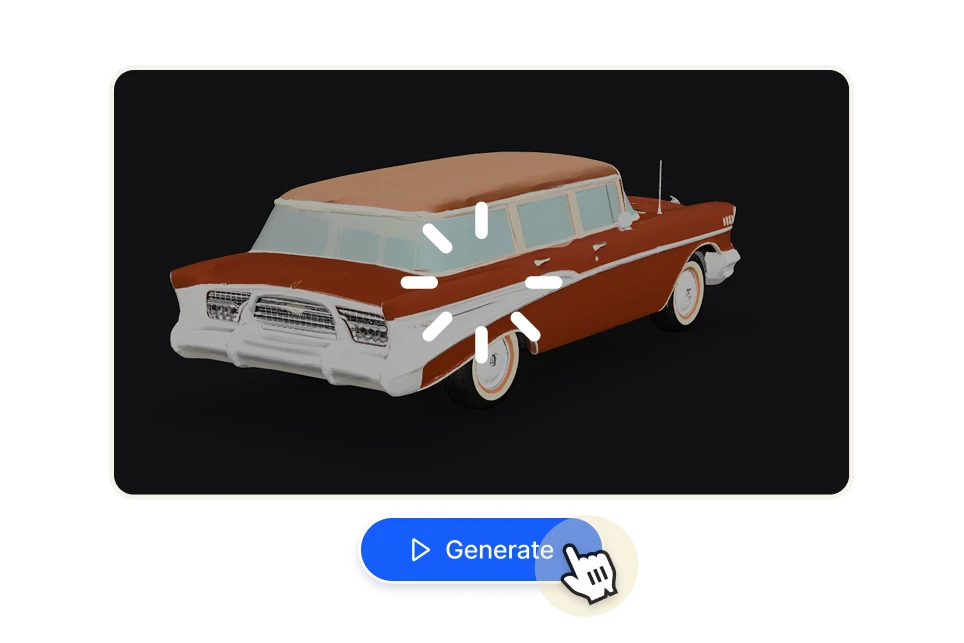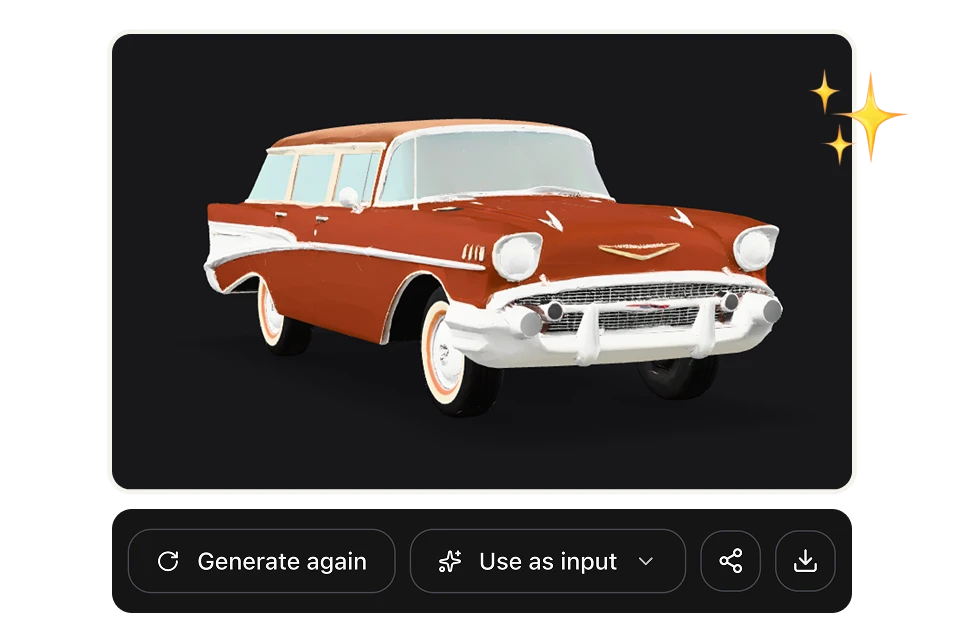
Meshy 6 — Turn text prompt into a 3D Model

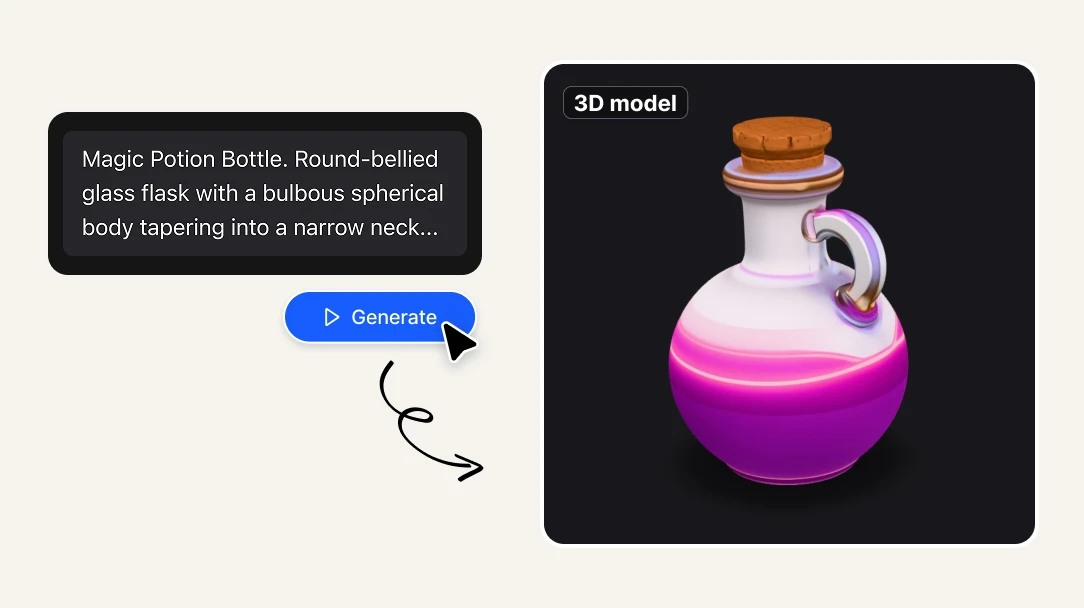
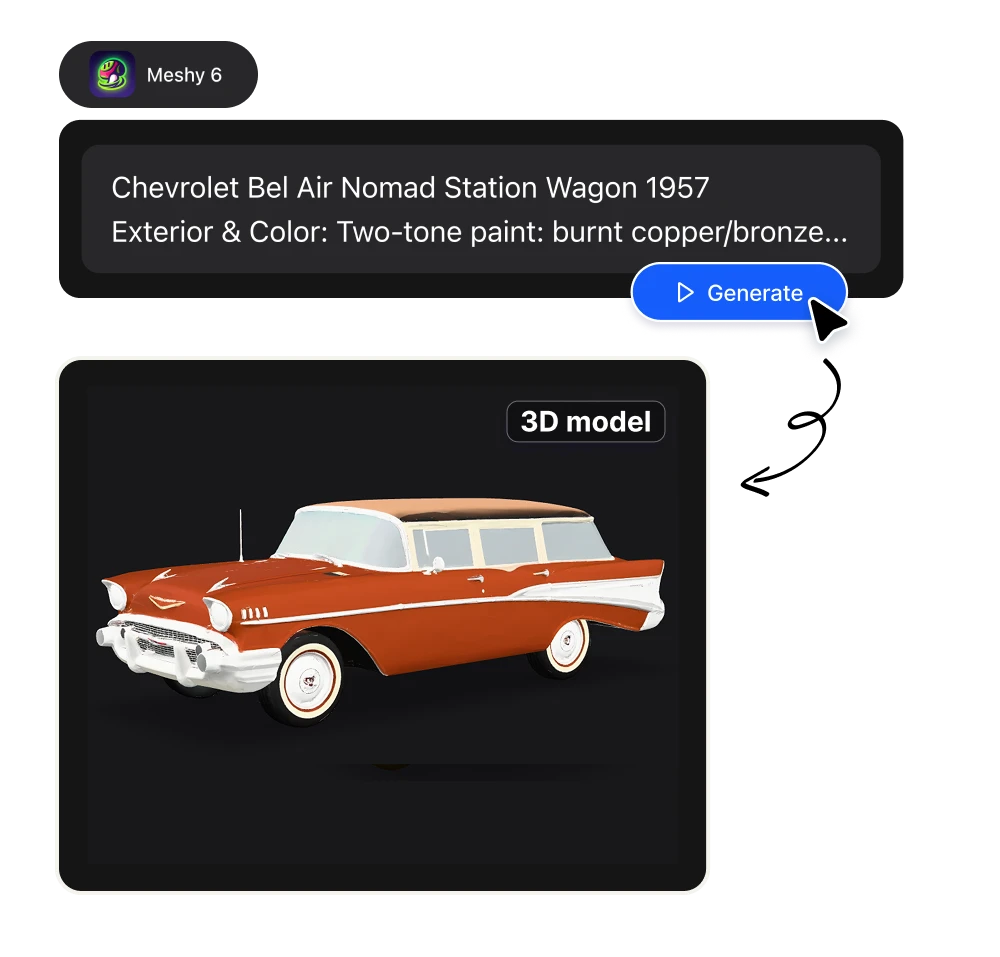
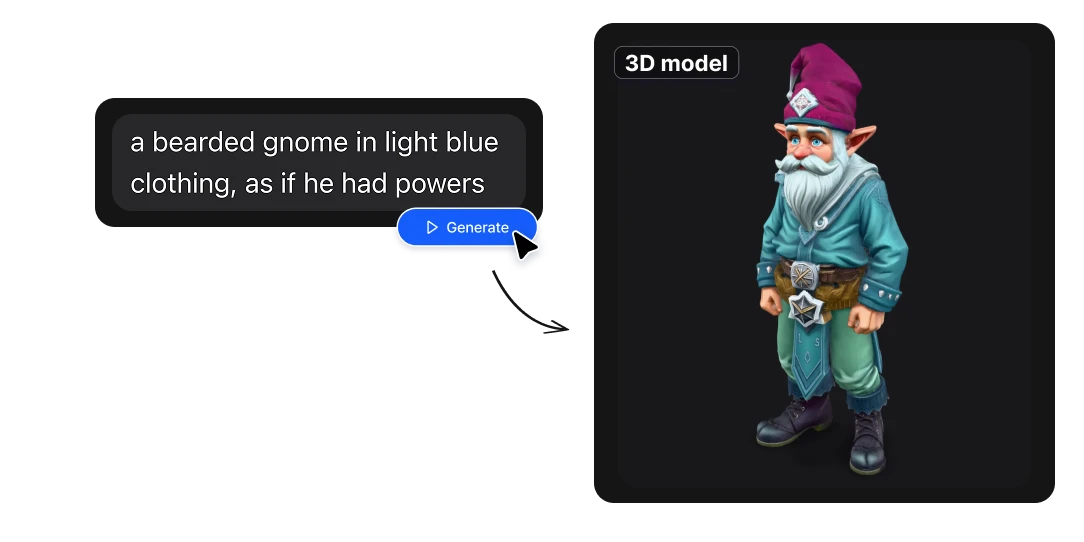
Describe the object you want in plain English and Meshy AI builds it for you: a clean, textured 3D model exported as a ready-to-use .glb file. Drop it straight into Blender, Unity, or Unreal — or use it as-is. Sculpting-level quality, generated in minutes, starting at about $1 per model.

No credit card required
AI Avatar Maker

What makes Meshy 6 different

What is Meshy 6?

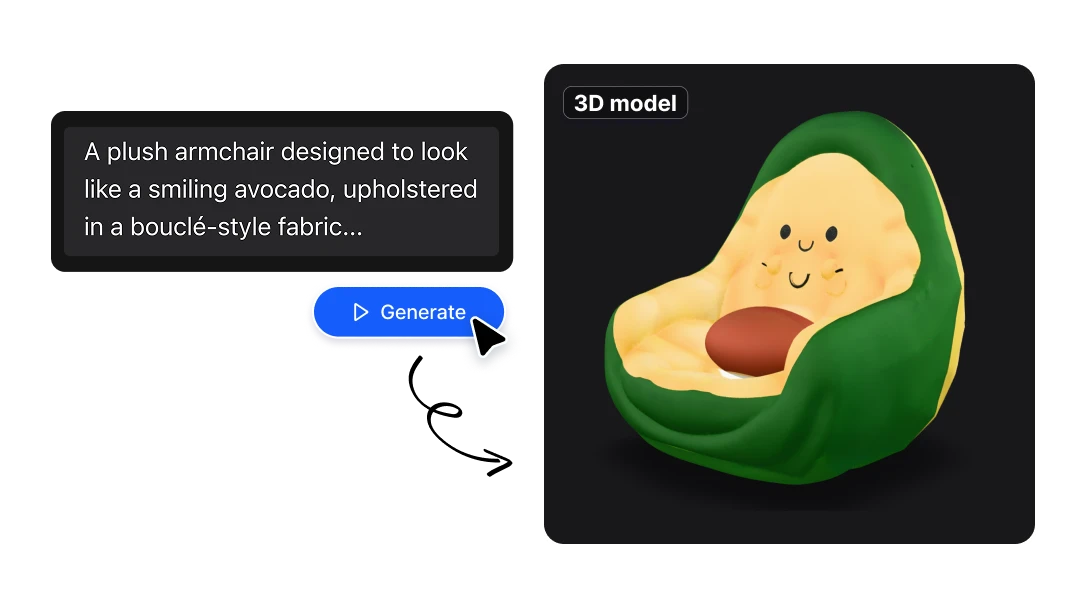
Meshy 6 is the latest version of Meshy AI, a text-to-3D model that turns written prompts into fully-formed 3D objects. On Artificial Studio, Meshy 6 powers our Text to 3D tool: you type a description, and the model generates a complete mesh with textures, exported as a .glb file compatible with virtually every major 3D application. Meshy 6 is a significant step up from earlier versions. It produces smoother, more anatomically correct geometry for characters and organic shapes, sharper edges and cleaner silhouettes for hard-surface and mechanical designs, and includes a dedicated low-poly mode for real-time and game workflows. In short: less cleanup, more usable results, straight out of the prompt.
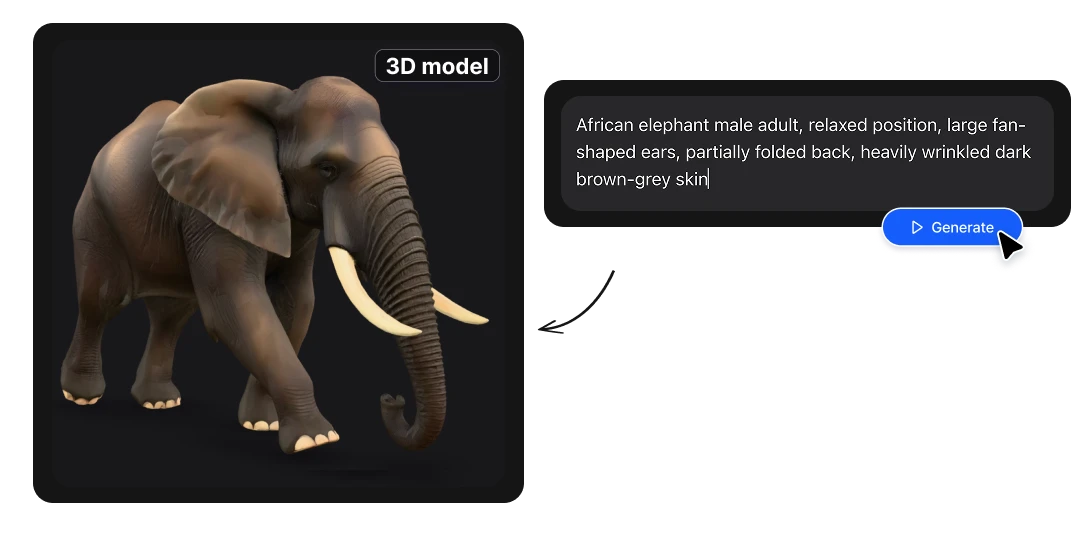
Sculpting-level geometry

Meshy 6 generates smoother, more accurate organic surfaces than any previous version. Characters, creatures, and natural forms come out with believable anatomy and topology, which means dramatically less manual cleanup before your model is ready to rig, animate, or refine.

Crisp hard-surface detail

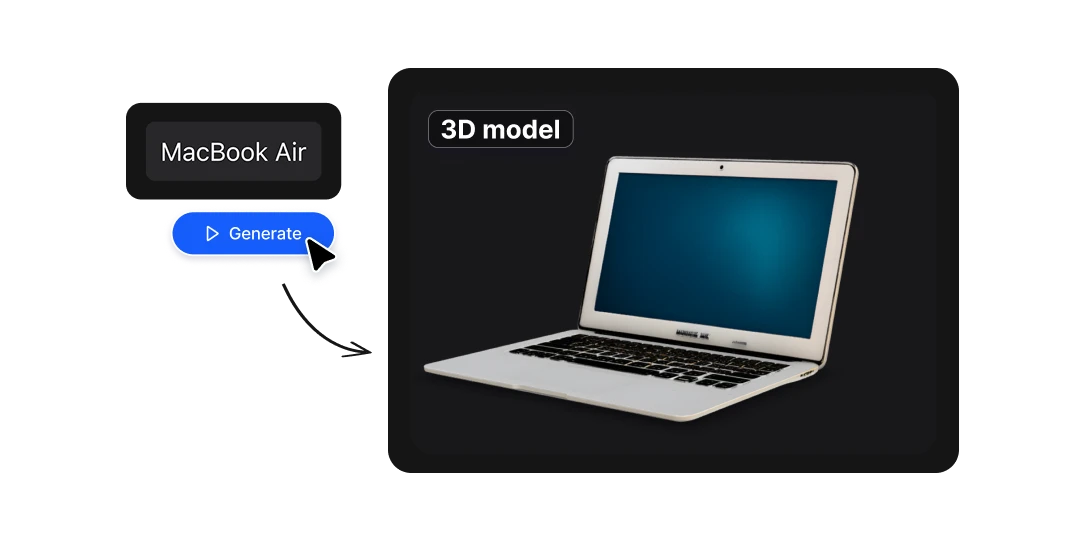
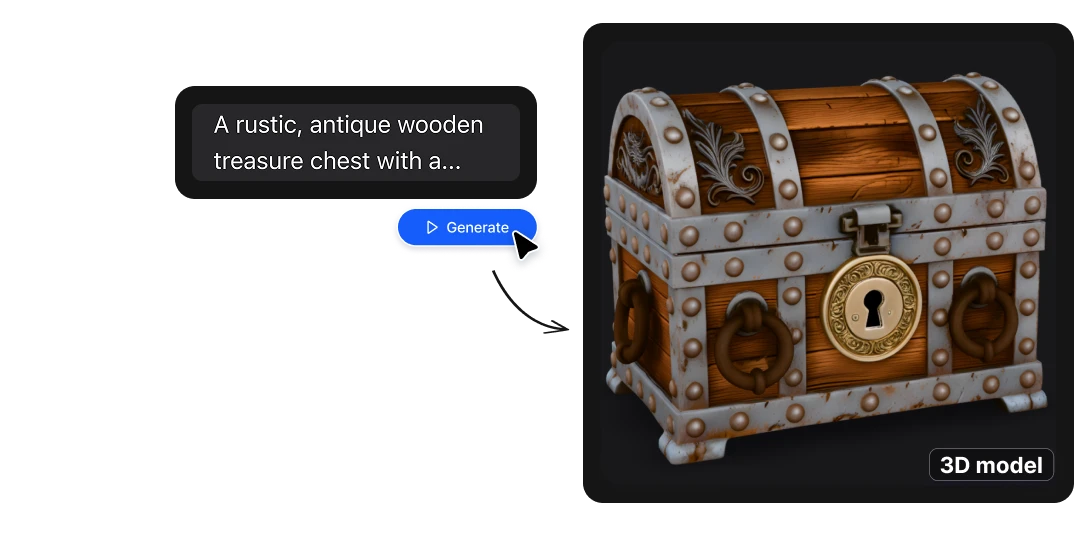
For mechanical parts, props, furniture, and product designs, Meshy 6 delivers sharper edges, clearer silhouettes, and a cleaner overall structure. Bolts read as bolts, panels read as panels — the kind of definition that used to require careful manual modeling.

Clean, textured GLB — ready for Blender

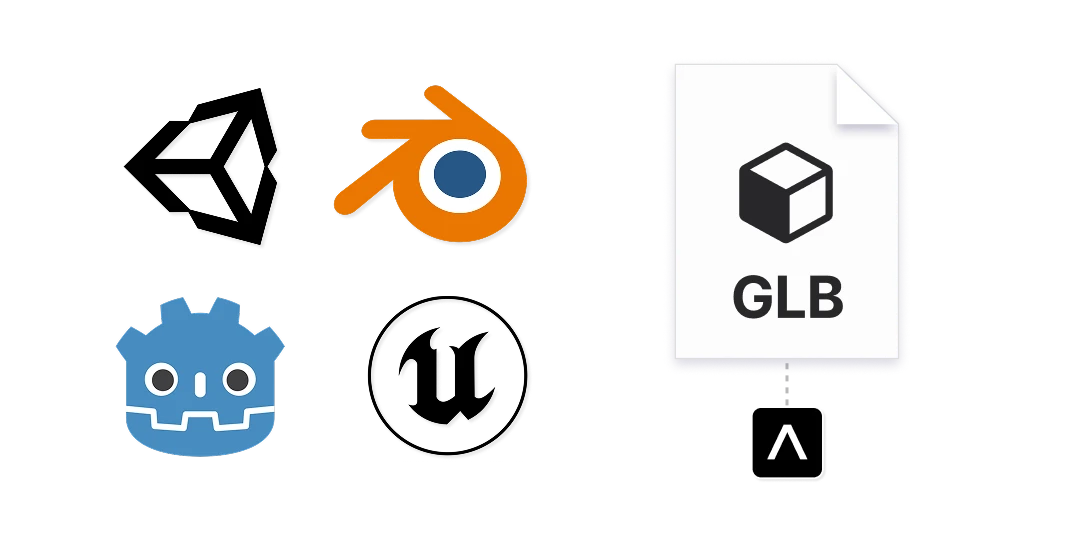
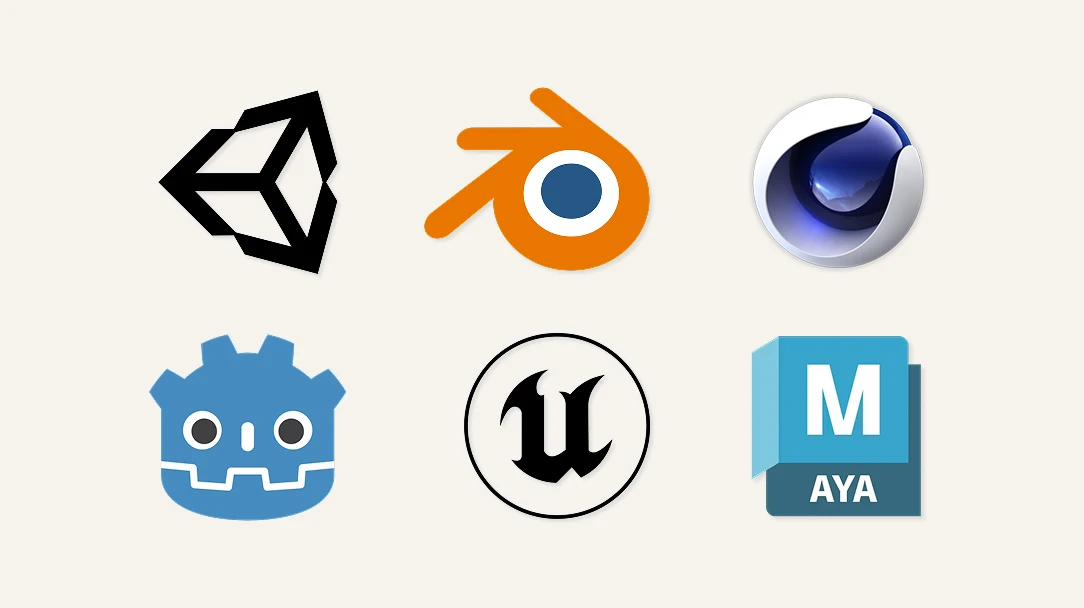
Every generation exports as a standard .glb, the universal format that opens natively in Blender, Unity, Unreal Engine, Godot, and web viewers like three.js and model-viewer. No conversion headaches, no broken materials — just import and go.

Built for the people who move fast

3D designers & artists — Skip the tedious blockout. Generate a base mesh from a prompt, then bring it into your DCC of choice to sculpt, retopo, and finish. Meshy 6 becomes the fastest first draft you've ever had. 3D & creative studios — Hit deadlines without ballooning your modeling hours. Concept faster, fill scenes quicker, and give clients something to react to on day one instead of week two. Game developers & indie devs — Prototype levels and mechanics with placeholder-quality-plus assets, or ship low-poly models straight into your engine. Populate a world before you've hired a full art team. Product & industrial designers — Visualize ideas in 3D the moment you have them. Generate variations of a form, present them, iterate — all before committing to a detailed CAD build. Motion, AR/VR & web creators — GLB is the native language of real-time and the web. Generate assets that drop directly into your AR scenes, WebGL experiences, and motion projects.

What people build with it

Rapid prototyping — turn a concept into a spinnable 3D object in minutes Scene population — generate props, set dressing, and background assets at volume Game asset drafting — low-poly, engine-ready meshes for real-time worlds Client concepting — show ideas in 3D before investing in full production 3D printing prep — start from a solid base mesh and refine for print Base meshes for sculpting — a fast starting point for ZBrush/Blender detailing AR/VR & web (three.js) — GLB assets ready for real-time and browser viewers

Generate 3D objects fast, cheap, and ready to use

Low-poly mode for real-time and games
Need assets that run fast in a game engine? Meshy 6's low-poly mode produces efficient meshes optimized for real-time performance, so you can populate scenes and prototype gameplay without spending hours on retopology.
Minutes, not hours
Blocking out a 3D asset by hand can eat an afternoon before you've even started detailing. Meshy 6 gives you a complete, textured base mesh in minutes — turning your idea into something you can actually look at, spin around, and iterate on almost immediately.
Genuinely affordable
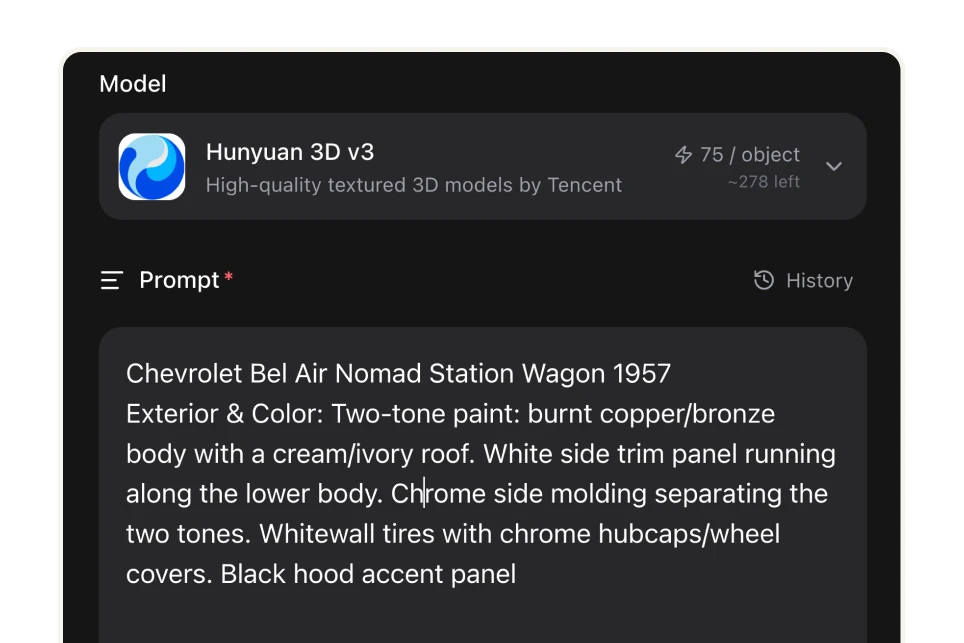
On Artificial Studio, a Meshy 6 model costs 160 credits — and 1,300 credits are just $9. That's roughly $1.10 per 3D model. Prefer to stretch your budget even further? You can switch the same Text to 3D tool to lighter engines like Hunyuan 3D v3 for about $0.52 per model, with quality that holds up beautifully for most jobs.

From prompt to polished 3D asset in three steps

Describe it.
Write what you want — "a weathered medieval treasure chest with iron bands," "a low-poly sci-fi hover bike," "a ceramic coffee mug with a rounded handle." The more specific your prompt, the closer the result.
Generate it.
Meshy 6 builds the geometry and textures for you in minutes and delivers a standard .glb file. No retopology software, no sculpting, no waiting on a render farm.
Use it or refine it.
Use the model as-is for prototypes, previews, and real-time scenes — or open the GLB in Blender, ZBrush, Unity, or Unreal and polish it to final quality. Meshy 6 handles the heavy 0-to-80% so you spend your time on the last 20% that matters.

FAQs

What is Meshy 6? Meshy 6 is the newest version of Meshy AI, a text-to-3D generator that turns written prompts into complete 3D models. It improves on earlier versions with smoother organic geometry, sharper hard-surface detail, and a low-poly mode for games. On Artificial Studio it powers the Text to 3D tool and exports models as GLB files.
What file format does Meshy 6 export? Meshy 6 on Artificial Studio outputs .glb (glTF binary) — a universal 3D format with geometry and textures in a single file. GLB imports directly into Blender, Unity, Unreal Engine, Godot, and web viewers, with no conversion needed.
Can I use Meshy 6 models in Blender? Yes. GLB is natively supported by Blender (File → Import → glTF 2.0). Generate a model from a prompt, download the GLB, and open it in Blender to sculpt, retopologize, re-texture, or finish it however you like.
How much does Meshy 6 cost? On Artificial Studio, each Meshy 6 model costs 160 credits, and 1,300 credits cost $9 — about $1.10 per model. You can lower the cost further by switching the Text to 3D tool to a lighter engine like Hunyuan 3D v3 (about $0.52 per model).
Is Meshy 6 good enough for professional work? Meshy 6 is best used as a high-quality starting point. It gets you 80% of the way to a finished asset — clean base geometry and textures — which you can use directly for prototypes, previews, and real-time scenes, or refine in Blender/ZBrush for final production quality. It's designed to accelerate a professional workflow, not replace your judgment.
Do I need 3D modeling experience to use it? No. If you can describe an object in a sentence, you can generate it. The 3D expertise only becomes useful later, if and when you choose to refine the model in dedicated software.
What can I make with Meshy 6? Props, characters, creatures, vehicles, furniture, product concepts, game assets, environment pieces, and more — anything you can describe clearly in a prompt.