Turn any surface photo into a full PBR material

Upload a photo of brick, wood, concrete or fabric and get back a complete material set for free: normal map, base color, roughness, metalness and height. It takes seconds, and the maps drop straight into Blender, Unreal Engine or Unity.

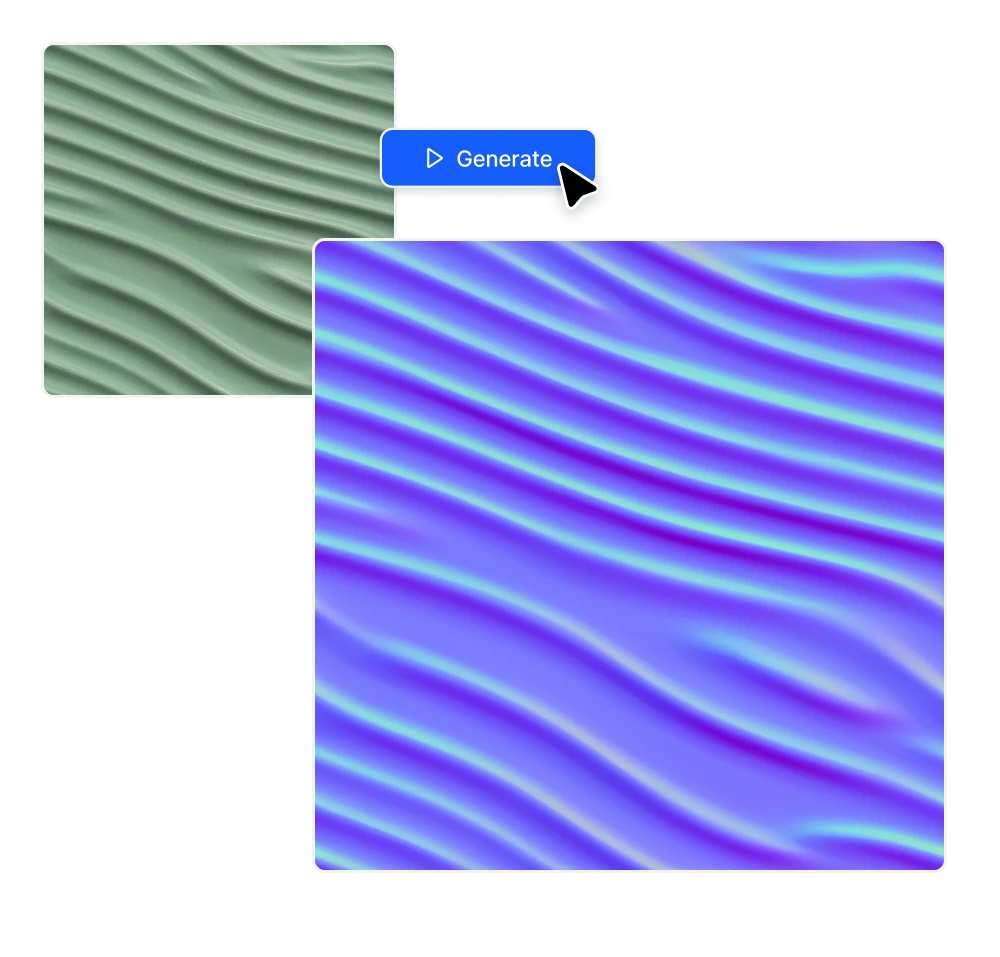
Generate a normal map

No credit card required

Turn any surface photo into a full PBR material

Five maps from one photo

01

Normal maps that read the surface correctly

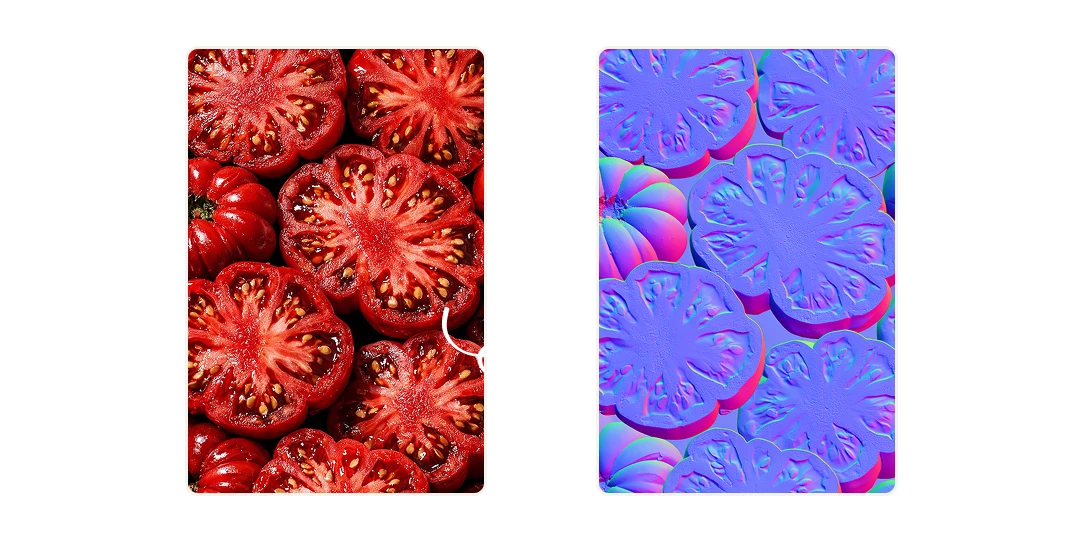
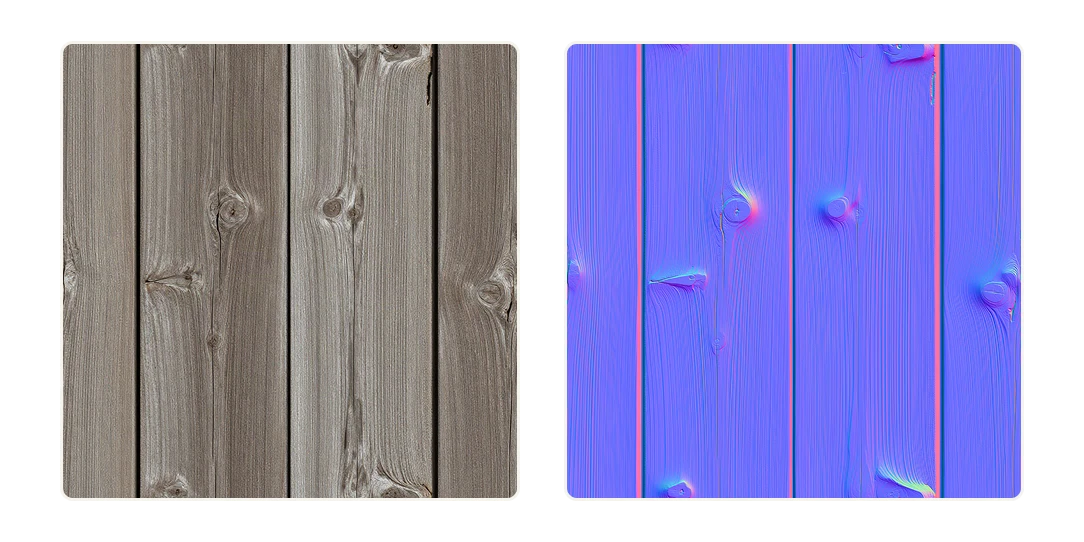
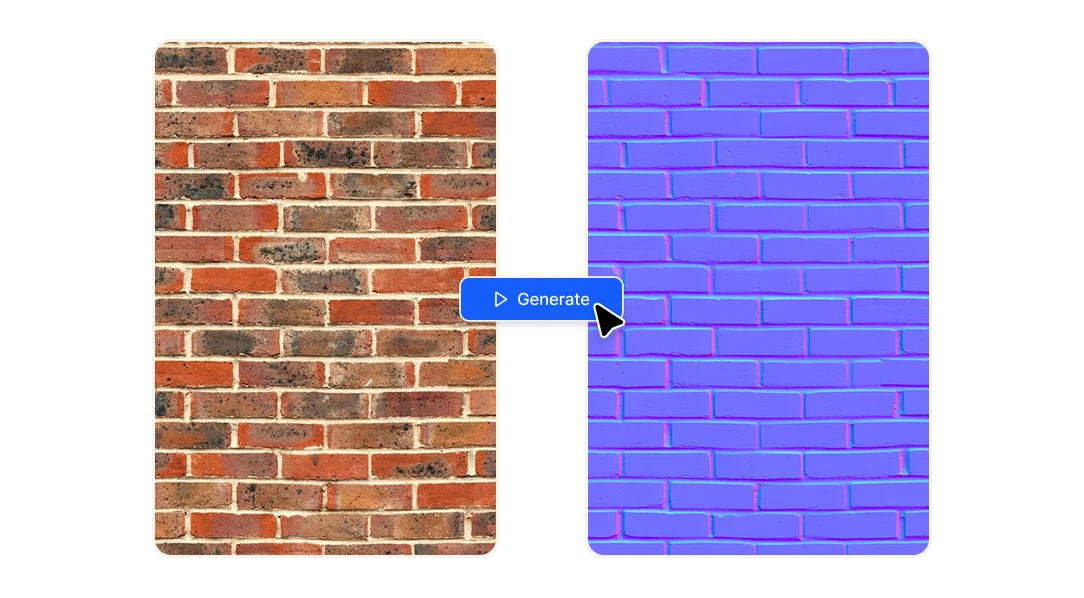
A normal map stores the direction each point of a surface faces, which is why the engine can light a flat plane as if it were covered in cracks, grain and bumps. Our generator separates real depth from flat pigment, so mortar joints and bark grooves come through as actual relief.
Normal maps that read the surface correctly
02

The rest of the PBR set, generated at the same time

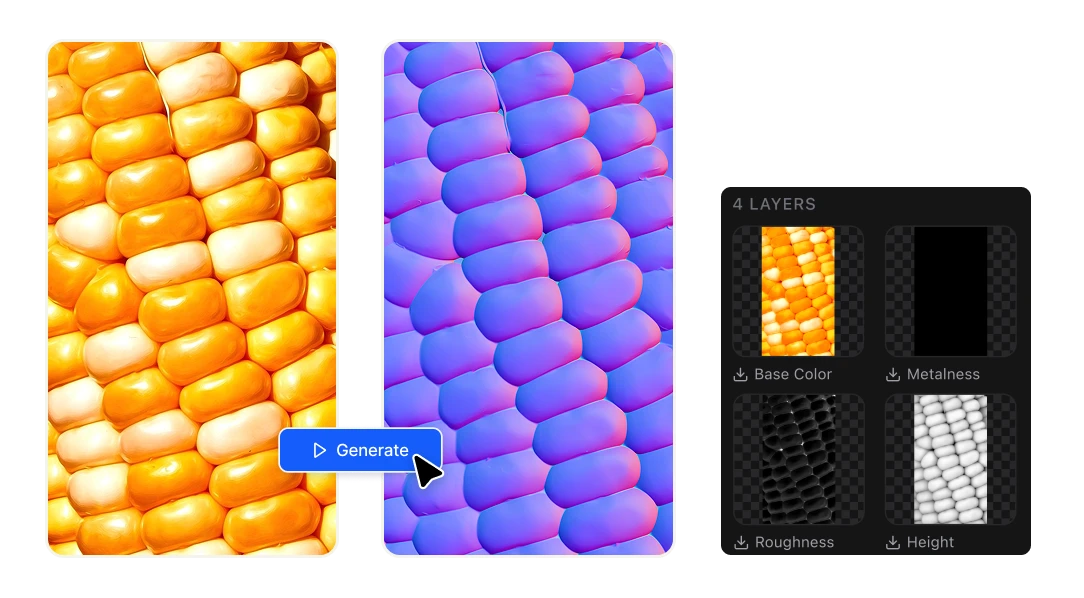
You get the normal map, base color that strips out baked-in shading so the albedo stays neutral, roughness tells the renderer which parts are polished and which are matte. Metalness marks the areas that should behave like metal. Height gives you real displacement when you need geometry.

The rest of the PBR set, generated at the same time
03

Built for the software you already use

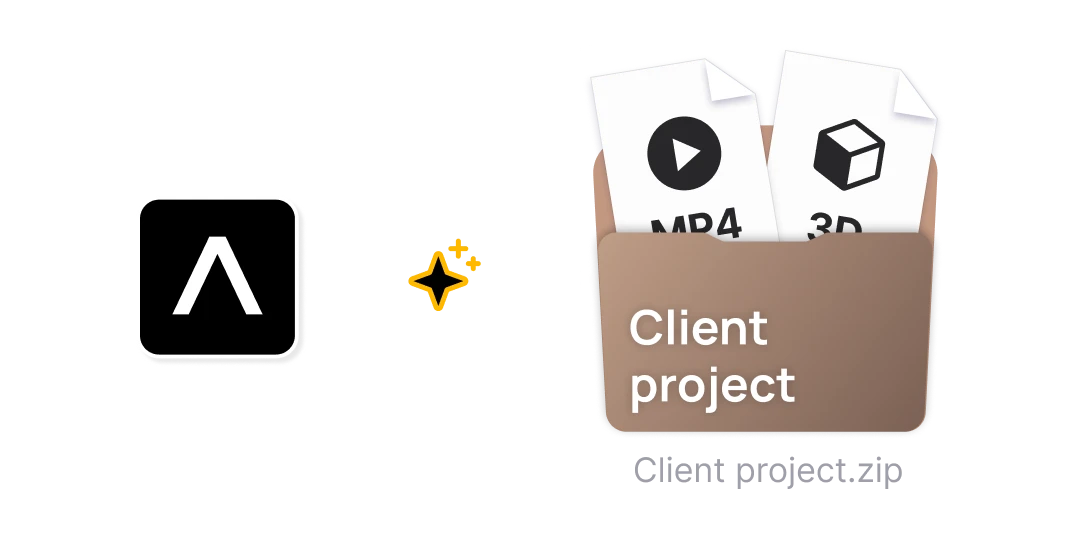
Every map comes out as a standard image file to use in OpenGL and DirectX green channel handling. Drop them into a Principled BSDF in Blender, a material instance in Unreal, a Standard Surface in Godot, an aiStandardSurface in Maya, or a Redshift and Octane material in Cinema 4D.

Built for the software you already use

Why 3D artists use it

Use your own reference instead of a library

Photograph the wall outside your studio, the fabric on your couch or a piece of scrap metal, and turn it into a material nobody else has. Stock texture libraries are fine until your scene starts looking like everyone else's. This lets you build a look that belongs to the project.

Use your own reference instead of a library

Stop hand-building materials in Photoshop.

The usual route is a bevel-and-emboss stack or a high-pass filter, tweaked by eye until the relief looks passable, then repeated four more times for the other channels. That's an afternoon per material. Here you upload the photo and the whole set is done before you've finished reading this sentence.

Stop hand-building materials in Photoshop.

Free, so you can iterate

A one-megapixel image costs 10 credits and your account refills with 20 credits every day at no charge. That means you can test a dozen references, throw out the ones that don't work, and try again tomorrow without touching your budget or committing to a subscription.

Free, so you can iterate

FAQs

A normal map is an image where the red, green and blue channels store a direction rather than a color. Each pixel describes which way that point on the surface is facing, so the renderer can calculate light as though the surface had real bumps and grooves in it, even when the geometry underneath is a flat plane. That's why normal maps look mostly violet: the tone around RGB 128, 128, 255 means "facing straight at the camera," and the pink, green and cyan areas are where the surface tilts away.

A height map is grayscale and stores one number per pixel: how far up or down that point sits. A normal map stores three numbers and describes the angle of the surface. Height maps can physically displace geometry, which is heavier to render but gives you a real silhouette. Normal maps are a lighting trick that costs almost nothing. Most materials use both, and this tool gives you both.

Photoshop can generate one through Filter, 3D, Generate Normal Map, or you can build it manually with high-pass and channel work. It works, but you're eyeballing the strength slider, you only get the normal, and you still have to author roughness, metalness and base color separately. This tool produces all five maps from the same source in one pass, which is the part that actually eats your time.

Shoot the surface straight on, with even, diffuse light and no hard shadows crossing the frame. The generator infers depth from brightness, so a strong cast shadow gets misread as a groove. Materials where color and relief line up naturally are the easiest wins: brick, tree bark, cobblestone, cracked concrete, rough plaster, woven fabric. Surfaces where the pattern is pigment rather than depth, like animal markings or printed cloth, will still produce a map, but expect some invented relief.

The generator preserves whatever is in your source image. If you feed it a seamless texture, the output maps stay seamless. If your photo has visible edges, you'll want to make it tileable before uploading.

Yes. The maps you generate are yours to use in client work, games and commercial renders. Just make sure you have the rights to the source photograph you uploaded.

Ten credits per megapixel. Your account receives 20 free credits every day, so a couple of standard-resolution materials a day cost nothing. Larger textures consume more credits proportionally, and you can top up if you're processing a full material library in one sitting.

No. This runs in the browser and outputs standard image files. If you already use Substance, these maps work fine as a starting point inside it, but you don't need any of that software to get a usable material into your scene.