Logo to vector converter Free

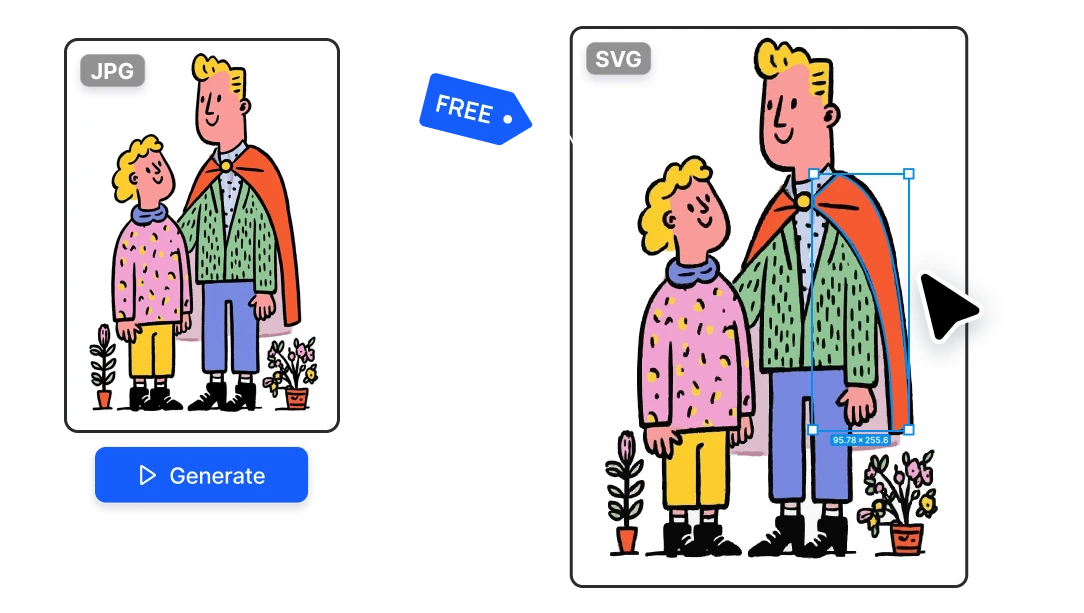
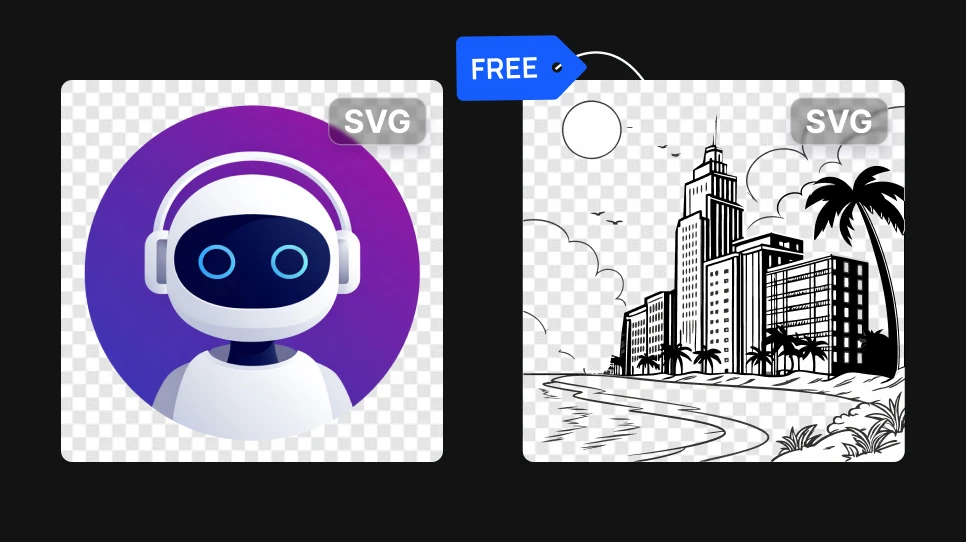
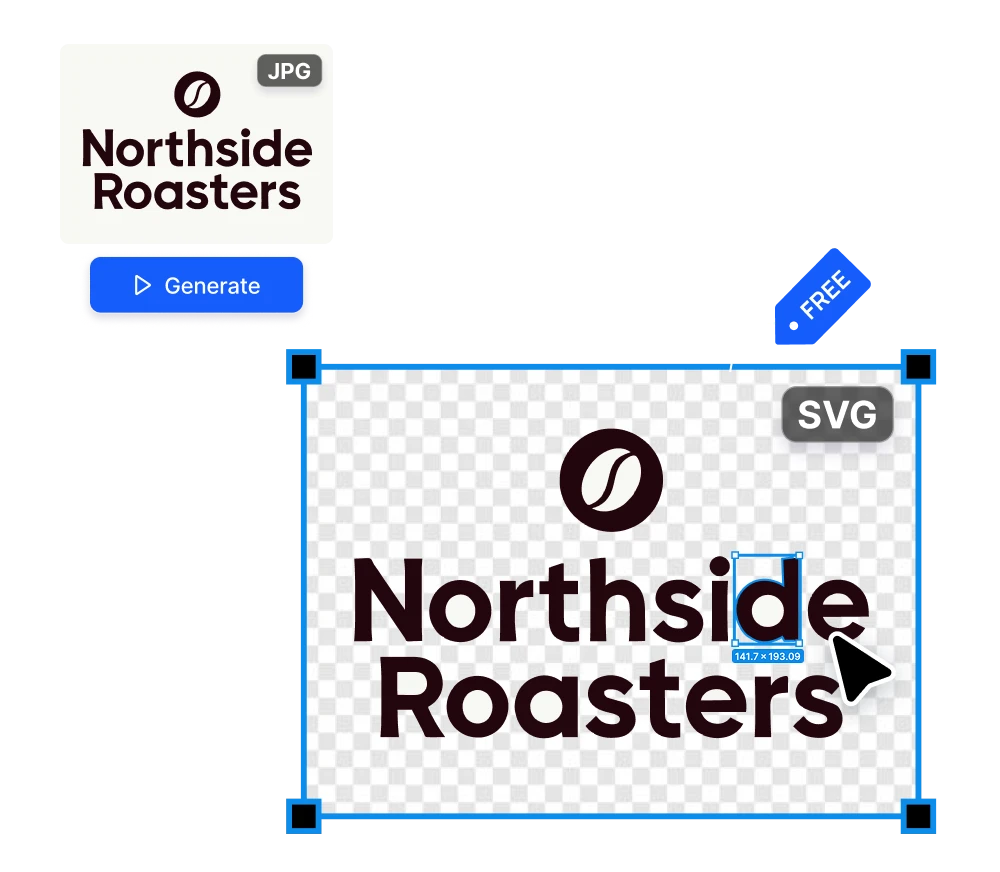
Turn any logo or image into a clean, scalable SVG in seconds. Upload a JPG or PNG, and get a vector file you can print at any size or keep editing in Figma or Illustrator.

Vectorize your logo free

No credit card required

Logo to vector converter Free

How to get a vector file of a logo for free

01

Redrawing a logo by hand takes too long

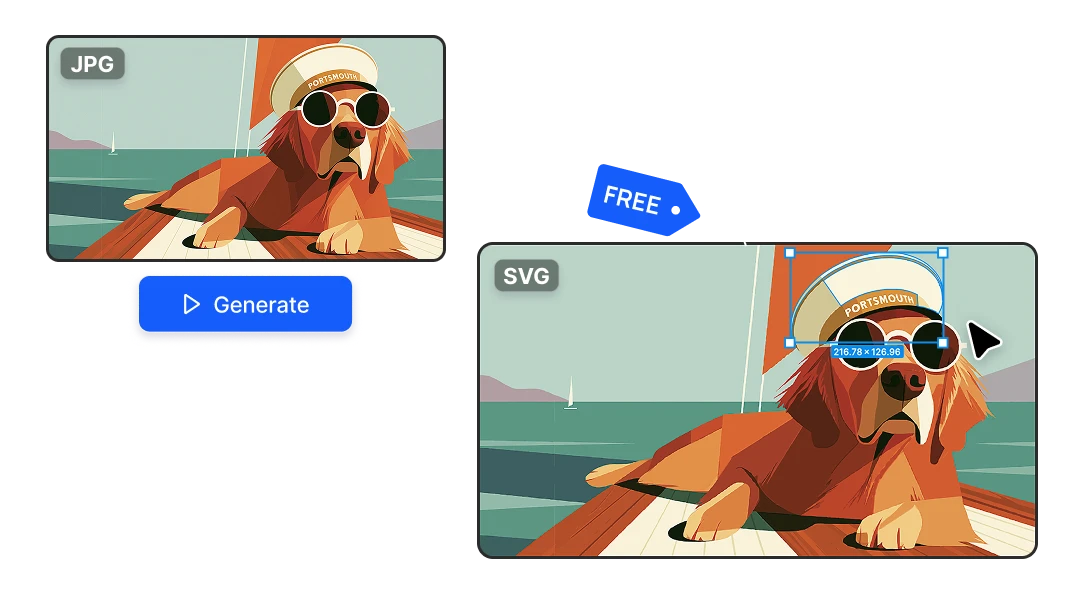
The usual fix is opening Illustrator and running Image Trace and cleaning up the mess, or redrawing every curve with the pen tool. It can take an hour or two for something the client sees as a small favor. Here you upload the image and get a clean SVG back in a few seconds.
Redrawing a logo by hand takes too long
02

Your client doesn't have the original file

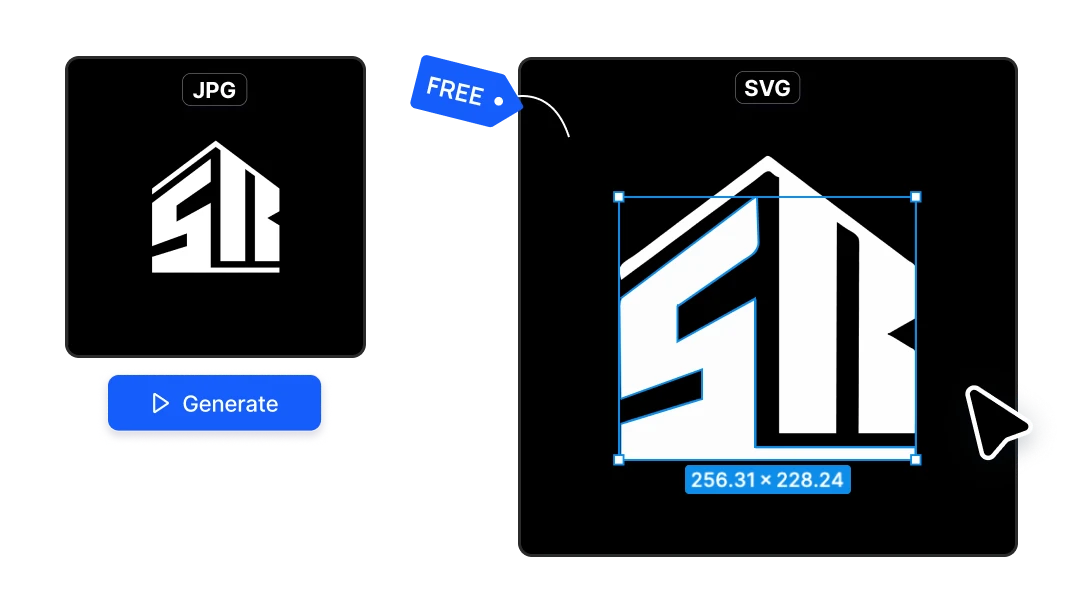
The logo was made years ago, the designer who made it is gone, and all the client can find is a small JPG from their Instagram profile. That file won't work on a banner, sign or printed shirt. This converter turns that image into a vector file.

Your client doesn't have the original file
03

Who uses this Logo to SVG converter

→ Freelancers who get a client's logo as a JPG and need an SVG. → Agencies preparing brand assets or merch for clients. → Print shops that need vectors for screen printing, vinyl cutting, embroidery or laser engraving. → Small businesses who only have an image of their logo and need it for a sign or a website.

Who uses this Logo to SVG converter

Why vectorize your logo here

No Illustrator, no redrawing

Skip Image Trace and the hour of cleaning up stray points with the pen tool. The file comes back ready to use, and if you want to adjust something, every shape stays editable.

No Illustrator, no redrawing

Free every day

You get 20 free credits every day and each conversion costs 1 credit, so you can vectorize up to 20 logos a day at no cost. If you need more, credits start at $9 for 1,300!

Free every day

Many logos at once

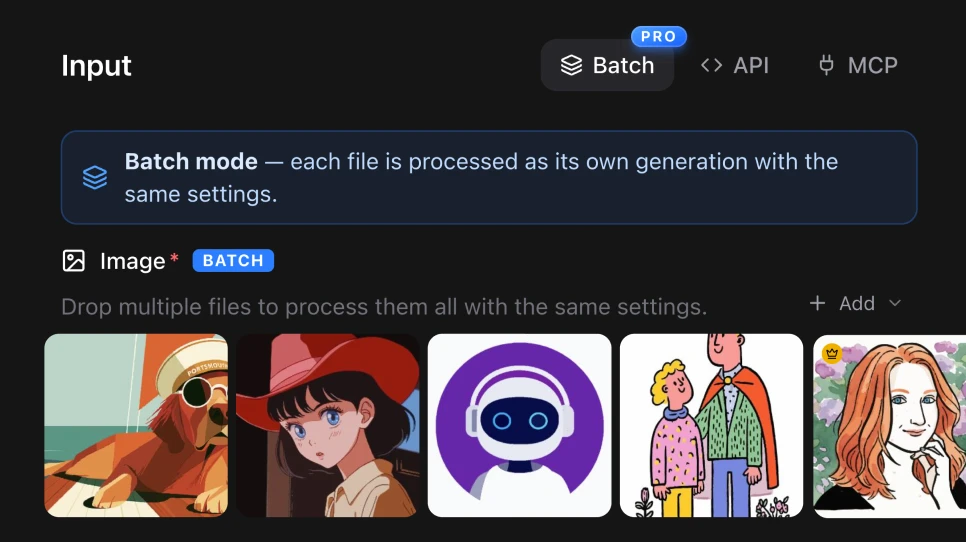
Working on a sponsors' wall, a partner page or a rebrand with dozens of files? The PRO plan includes Batch, so you can upload all the logos and convert them together.

Many logos at once

How it works

1

Upload the logo

Drop in the logo as a JPG, PNG or any common image format. It can be the low-resolution file your client sent you or a screenshot from their website.

Upload the logo
2

Generate

The AI traces the image into vector paths. In a few seconds you get a real SVG file, not a bigger picture.

Generate
3

Download and use it

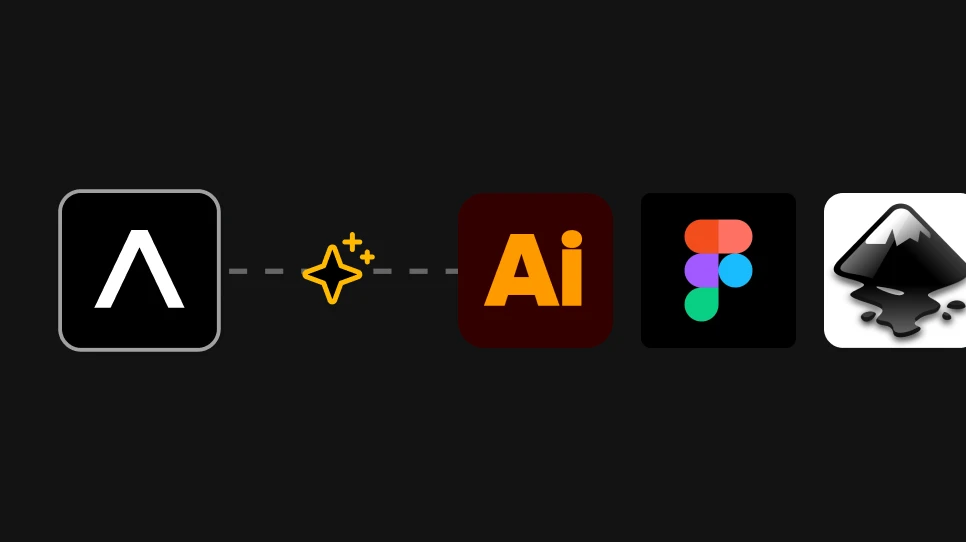
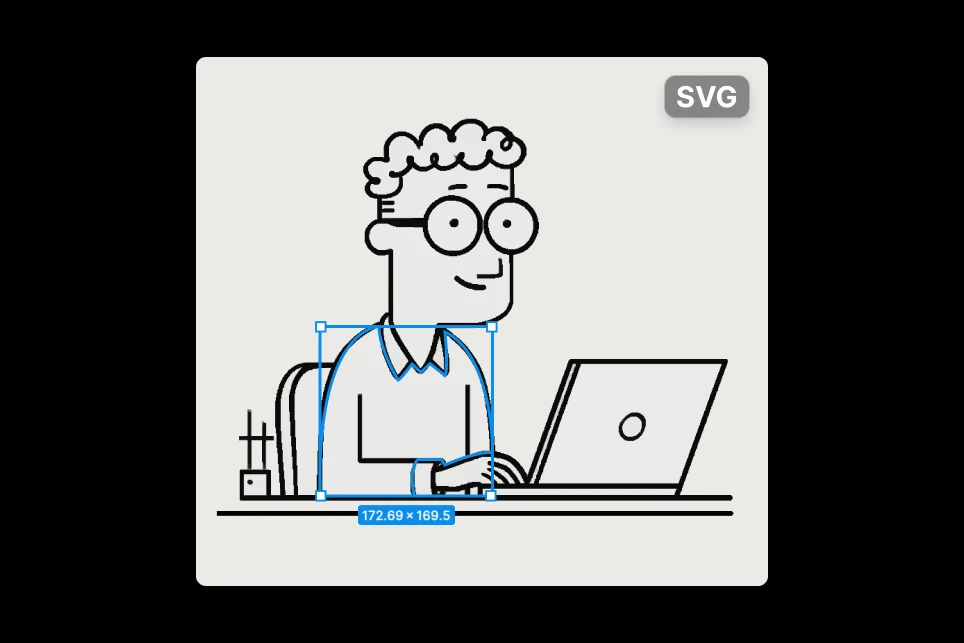
Download the SVG and send it to the printer, or open it in Figma, Illustrator or Inkscape to change colors, fix details or export it as PDF or EPS.

Download and use it

FAQs

Yes. Artificial Studio gives you 20 free credits every day, and converting a logo costs 1 credit. You don't need a card to start.

JPG, PNG and other common image formats. The result is a standard SVG file that works in every browser and design tool.

Yes. Download the file and open it in Figma, Illustrator, Inkscape or any vector editor. You can change colors, move elements and export it to PDF or EPS.

Logos with flat colors and clear edges, which is most of them. If the original image is very small or blurry, run it through Upscale Image or Remove Blur first to get cleaner curves.

You can rebuild it with Text to SVG. Describe the logo, its shapes, text and colors, and the tool generates it as a vector from scratch.

Yes. The SVG files you create are yours to use for print, merch, websites and any other business use. Just make sure you have the rights to the logo itself.

The converter is also available through Artificial Studio's MCP server, so you can use it directly inside Claude, Cursor, ChatGPT, Gemini and n8n. Paste the logo into the chat and the SVG comes back there. With n8n you can automate it, so every logo that lands in a folder gets converted to vector on its own.