Comparing Artificial Studio to Canva

Canva is built for templates and basic design. Artificial Studio is built for AI-powered creative production — with 50+ tools covering video, image, audio, product photography, fashion, real estate, branding and marketing, all in one subscription.

No credit card required
AI Avatar Maker

Discover why creators choose Artificial Studio over Canva

Canva is a design tool. Artificial Studio is a creative production platform.

Canva helps you arrange elements on a canvas using pre-made templates. Artificial Studio generates the elements themselves — videos, images, music, product photos, virtual staging, model photography — using 50+ specialized AI tools. The difference isn't cosmetic. It's structural. Canva gives you a starting layout. Artificial Studio gives you the raw creative output your projects actually need.
Video generation that goes beyond 8-second clips.

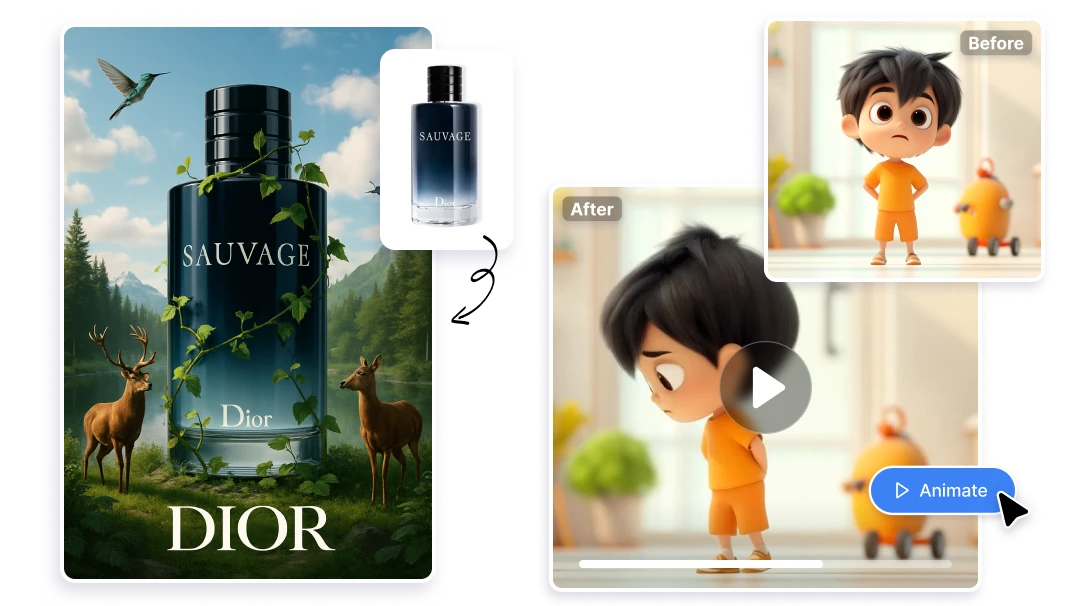
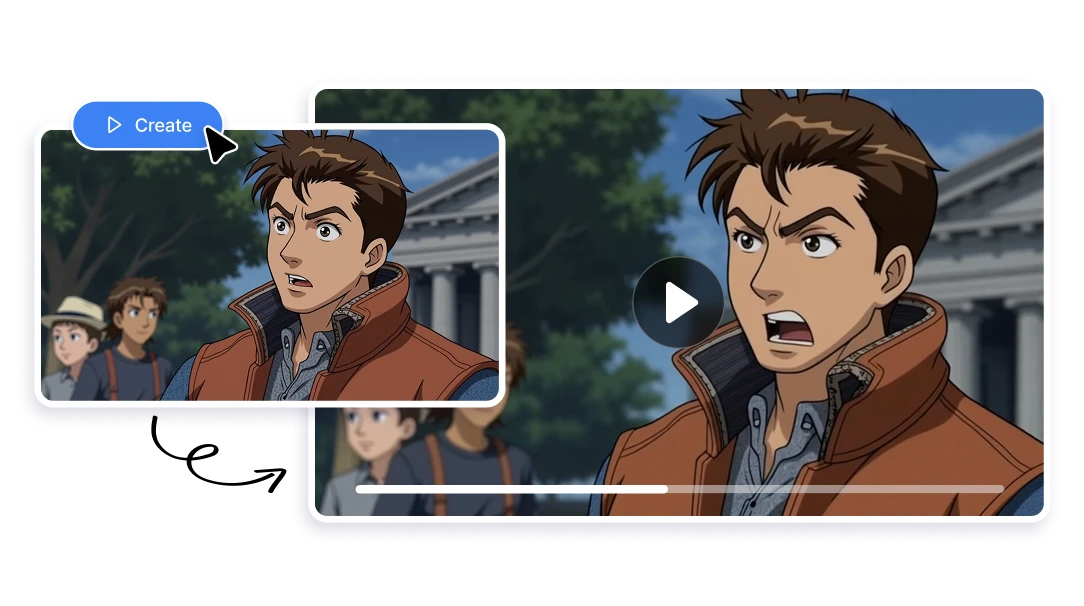
Canva's AI video generation produces clips up to 8 seconds long, limited to 5 generations per month on the Pro plan. English-only prompts. No model selection. Artificial Studio offers a complete video toolkit: Create Video, Edit Video, Extend Video, Video Upscaler, Video Translate (150+ languages), Video Sync Audio, Character Replace, Animate Image, Animate 2D Images, and Video Background Remover — all without clip length restrictions or monthly generation caps that stop your workflow after five uses.

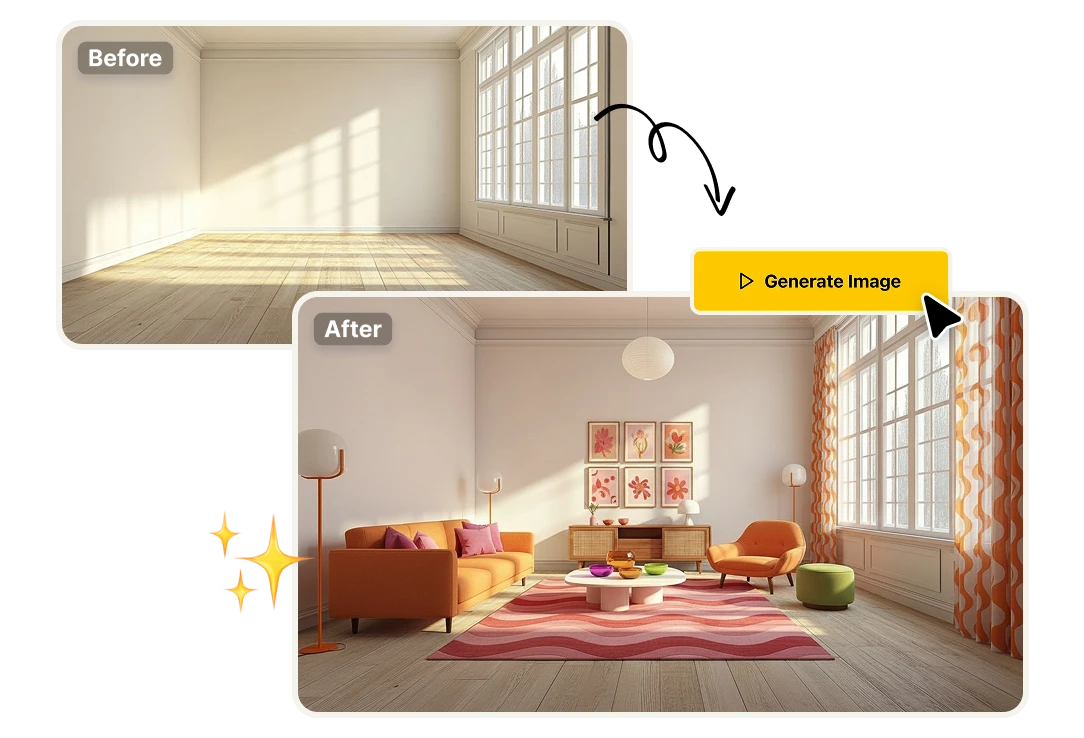
Real estate staging built for listings, not mood boards.

Canva's AI Interior Styler offers basic room visualization with preset styles — designed for inspiration, not for listing photography. Artificial Studio's Interior Design Visualizer and Virtual Furniture Staging produce photorealistic staged rooms built to the standard real estate agents and property developers actually need. The output goes directly into a listing. No additional editing, no Photoshop cleanup.

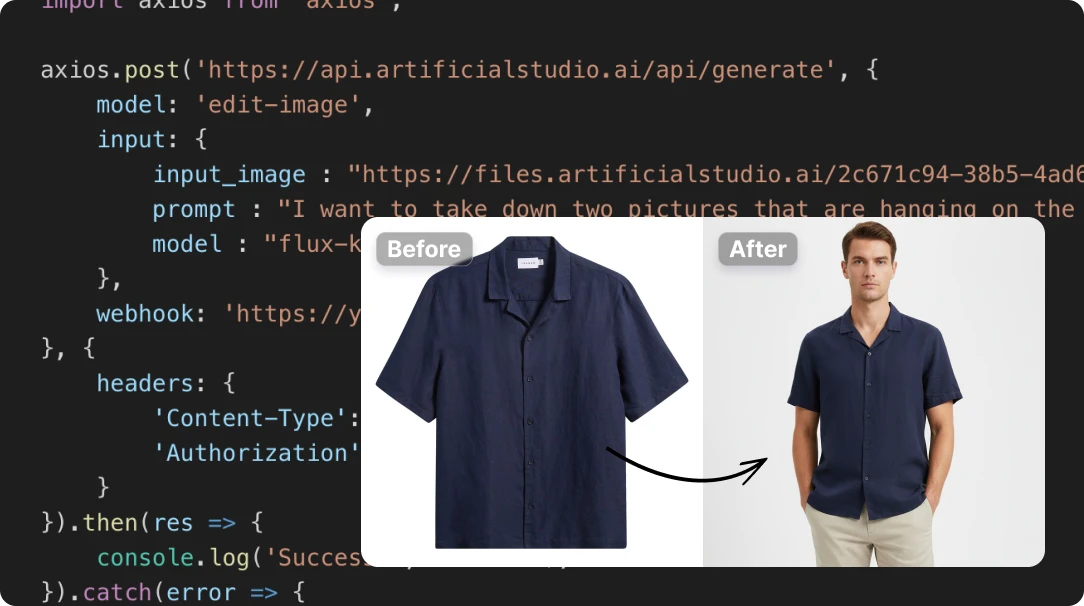
An API for developers. Not just a widget for websites.

Canva offers APIs for embedding its editor and managing assets — but zero access to its AI generation capabilities. Developers cannot use Canva's AI tools programmatically. Artificial Studio provides a unified API covering Video, Image, Audio, and Text AI — so developers, agencies, and platforms can integrate AI-powered creative production directly into their products and workflows. If you're building a tool that needs AI generation at scale, Canva's API won't help you. Artificial Studio's will.

ArtificialStudio gets compared to Canva, a lot

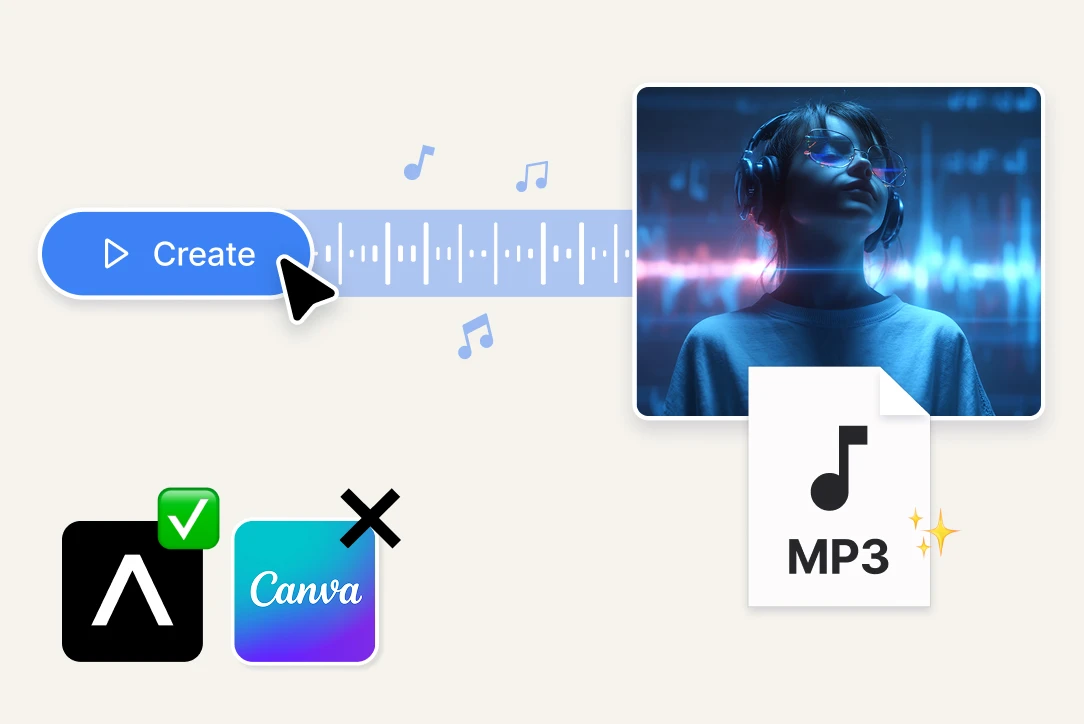
A complete audio stack, not a background music picker.
Canva integrates Soundraw for background music — useful for adding a lo-fi beat to a social post. Artificial Studio covers the full audio production pipeline: Create Music, Song Splitter, Drum Generator, Sound Effects, Text to Speech, Audio to Text, and Audio to Subtitles. If your content needs a voiceover, a custom soundtrack, separated stems, or auto-generated subtitles, Artificial Studio handles it natively. Canva doesn't.
Product photography that replaces a studio, not just a background.
Canva's product photo tools are limited to basic background removal and simple editing — with batch processing capped at 10 images and visible quality gaps on fine edges like hair, jewelry, and transparent materials. Artificial Studio offers a dedicated product photography workflow: Background Remover, White Background Generator, Smart Product Scene, Product Ad, Image Upscaler, Remove Blur, and Remove Unwanted Objects. The output is marketplace-ready for Amazon, Zalando, ASOS, or any e-commerce listing — without a photographer, a studio, or manual retouching.
Fashion e-commerce tools Canva doesn't have.
Canva has no garment-on-model generation. Artificial Studio does. Show Your Garment on a Model takes a flat lay or hanger photo and generates a studio-quality image of a model wearing it. Change Outfits with Text lets you modify the color, fabric, or cut using plain language. Try on Clothes lets customers visualize a garment on themselves before buying. For fashion brands producing content at scale, these tools replace model bookings, photo shoots, and reshoots entirely.

FAQs

Canva Pro is $15/month per user, or $120/year. The Teams plan moved to a per-user model at $100/user/year with a 3-user minimum — a 300% increase from the previous flat rate. But the real cost isn't the Canva subscription alone — it's everything Canva can't do that forces you to subscribe to additional platforms. When you factor in the tools needed to cover Canva's gaps in video, audio, product photography, and fashion content, the total easily reaches $80–$100+/month. Artificial Studio's Pro plan covers all of those capabilities in a single subscription.
It depends on what you need. Canva is a strong template-based design tool — excellent for social media graphics, presentations, and simple visual content. But if your work requires AI video generation, audio production, product photography, fashion model generation, virtual staging, or API integration, Canva either doesn't offer those capabilities or offers them at a basic level with tight usage limits. Artificial Studio covers all of those use cases natively, with 50+ dedicated tools.
A significant amount. Artificial Studio includes tools Canva has no equivalent for: Video Translate (150+ languages), Video Sync Audio, Video Upscaler, Character Replace, Extend Video, Song Splitter, Drum Generator, Sound Effects, Audio to Subtitles, Show Your Garment on a Model, Change Outfits with Text, Try on Clothes, Virtual Furniture Staging, Interior Design Visualizer, Image to 3D, Image to SVG, Game Asset Generator, Tattoo Designer, Smart Product Scene, Product Ad, and a unified AI API for developers. Canva focuses on template-based design. Artificial Studio covers the full creative production stack.
Canva offers basic video editing and recently added AI video generation via Google's Veo-3 model — but output is limited to 8-second clips, 5 generations per month on Pro, English-only prompts, and no model selection. Artificial Studio offers a complete video production toolkit: Create Video, Edit Video, Extend Video, Video Upscaler, Video Translate, Video Sync Audio, Character Replace, Animate Image, Animate 2D Images, and Video Background Remover — all without the restrictive generation caps.
Canva integrates Soundraw for background music generation — choose a genre, mood, and duration. It does not offer voice generation, speech synthesis, song splitting, drum generation, sound effects, or audio-to-text transcription. Artificial Studio includes all of those: Create Music, Song Splitter, Drum Generator, Sound Effects, Text to Speech, Audio to Text, and Audio to Subtitles.
Canva offers background removal and basic image editing, but product photo quality is noticeably lower than dedicated tools — with batch processing capped at 10 images and visible artifacts on fine edges. Artificial Studio provides a complete product photography pipeline: Background Remover, White Background Generator, Smart Product Scene, Product Ad, Image Upscaler, Remove Blur, and Remove Unwanted Objects — built specifically for marketplace-ready product imagery at catalog scale.
Canva has a basic AI Clothes Changer app for try-on visualization, but it cannot generate models wearing your garments from a flat lay or product photo. Artificial Studio includes Show Your Garment on a Model, Change Outfits with Text, and Try on Clothes — purpose-built tools for fashion brands that need studio-quality model photography without booking models or photo shoots.
Canva launched AI Interior Styler and Canva Listings in early 2026, offering basic room restyling and MLS template auto-population. These are useful for quick mockups but not photorealistic enough for professional listing photography. Artificial Studio's Interior Design Visualizer and Virtual Furniture Staging produce listing-ready staged rooms that meet the quality standard real estate agents and property developers require.
No. Canva offers APIs for embedding its editor, managing assets, and team administration — but none of its AI generation capabilities (text-to-image, text-to-video, background removal) are available through the API. Developers cannot integrate Canva's AI into their own products. Artificial Studio provides a unified AI API covering Video, Image, Audio, and Text generation — built for agencies, platforms, and developers who need programmatic access to AI creative tools.
Yes. Artificial Studio is one of the most complete Canva alternatives for small businesses, e-commerce brands, freelancers, and agencies. It covers image, video, audio, music, product photography, fashion, real estate, and marketing tools in a single platform — without the AI credit limits, per-user pricing escalation, or ecosystem lock-in that Canva imposes. For teams that need production-ready creative output, not just templates, Artificial Studio is the more practical choice.
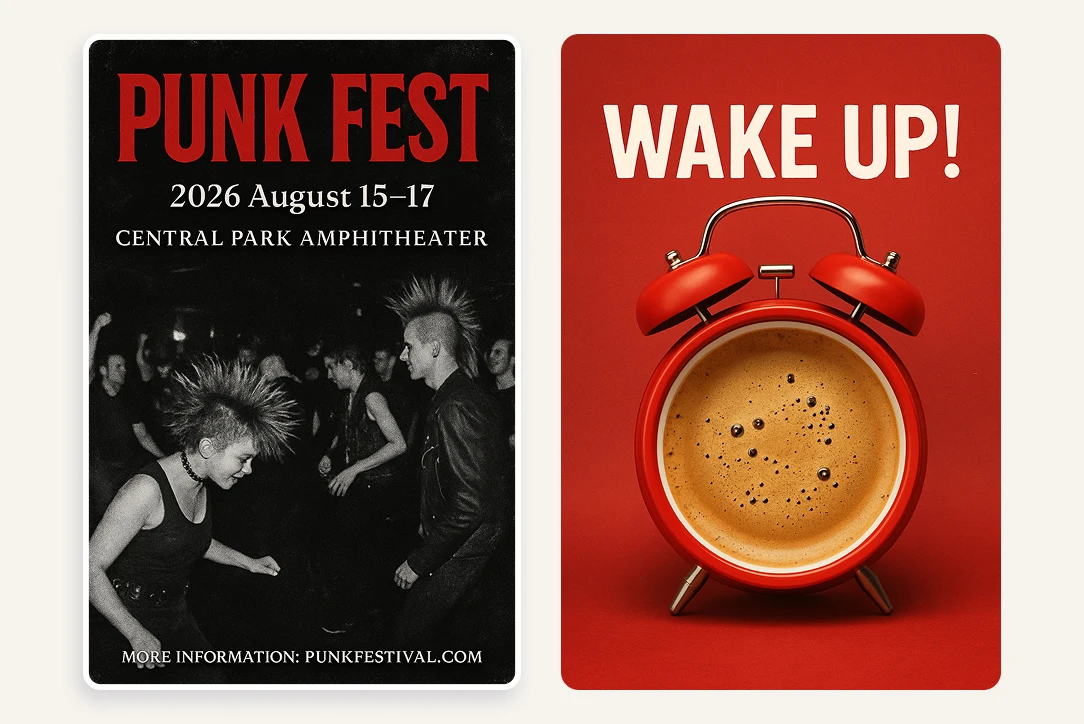
Both platforms offer social media tools, but they work differently. Canva provides templates you customize — good for quick posts with a consistent layout. Artificial Studio generates the content itself: Social Media Post Generator, YouTube Thumbnail Designer, Event Poster Generator, Meme & Sticker Generator, Animate Image, plus the full video and audio stack needed for Reels, TikToks, and YouTube content. If your social content requires original AI-generated assets rather than template customization, Artificial Studio covers more ground.
Canva restructured its Teams plan from a flat rate for 5 users (~$120/year) to a per-user model at $100/user/year with a mandatory 3-user minimum. For a team of 5, that's roughly $500/year — a 300% increase. Artificial Studio doesn't charge per user in the same way, and a single subscription covers all 50+ tools without per-feature upsells or AI credit limits that force upgrades.
For most creators, marketers, and small business owners who use Canva primarily for AI-powered content creation — yes. Artificial Studio covers every AI use case Canva handles and adds dozens of tools Canva doesn't offer: video translation, full audio production, product photography, fashion model generation, virtual staging, 3D conversion, SVG creation, and a developer API. The one area where Canva retains an advantage is template-based design for presentations, documents, and simple layouts. If templates are your primary need, Canva is still useful. For AI-powered creative production, Artificial Studio is the stronger platform.
Canva is the better choice if your primary need is template-based graphic design — presentations, social media templates, documents, and simple visual layouts. It's also well-suited for teams that need collaborative design editing in a browser. For everything beyond templates — AI video production, audio creation, product photography, fashion content, real estate staging, niche creative tools, and API integration — Artificial Studio is the more capable platform.

Related topics