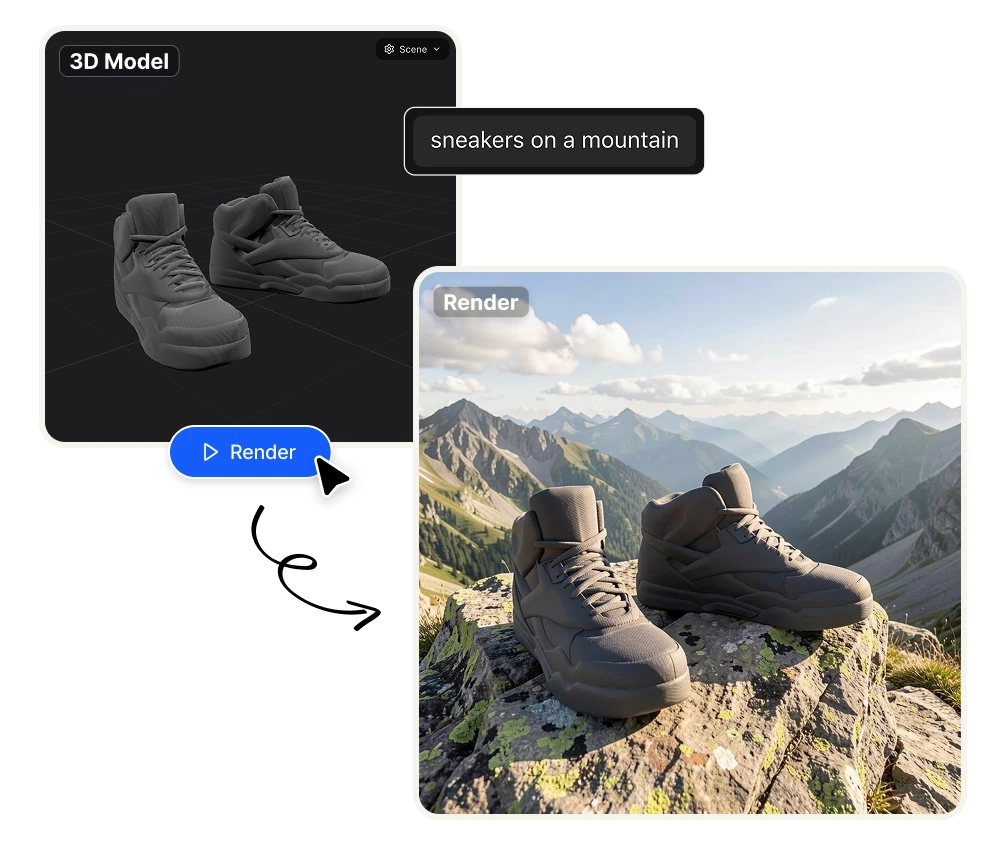
AI 3D Model Render

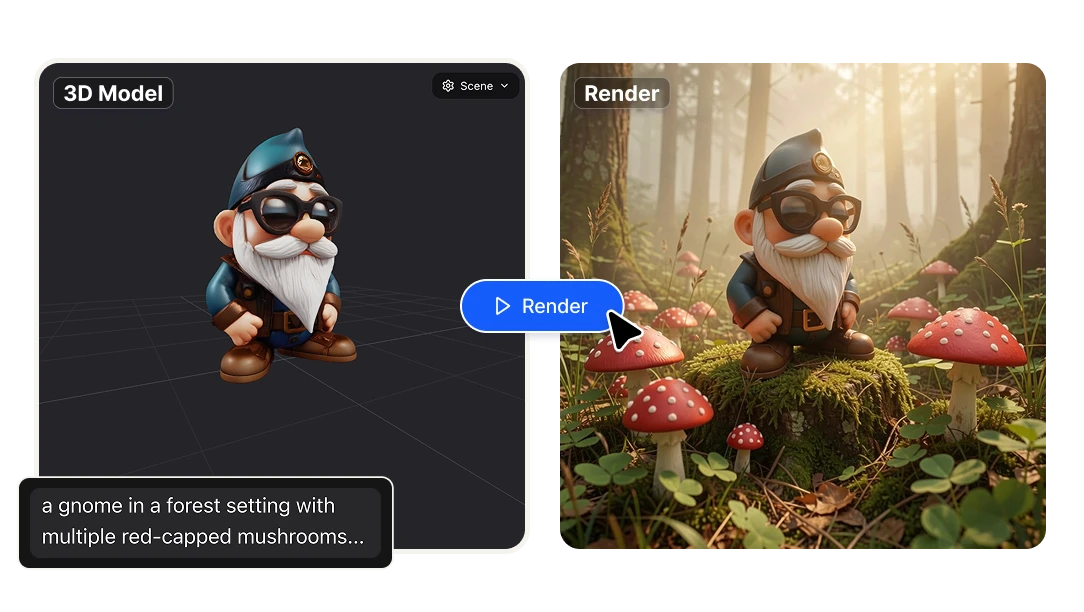
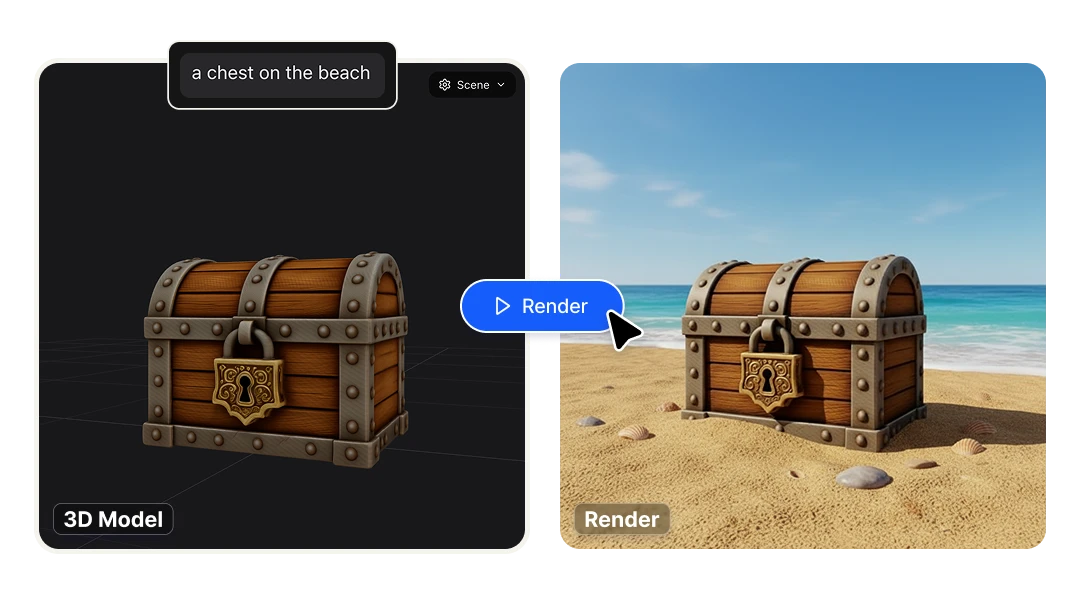
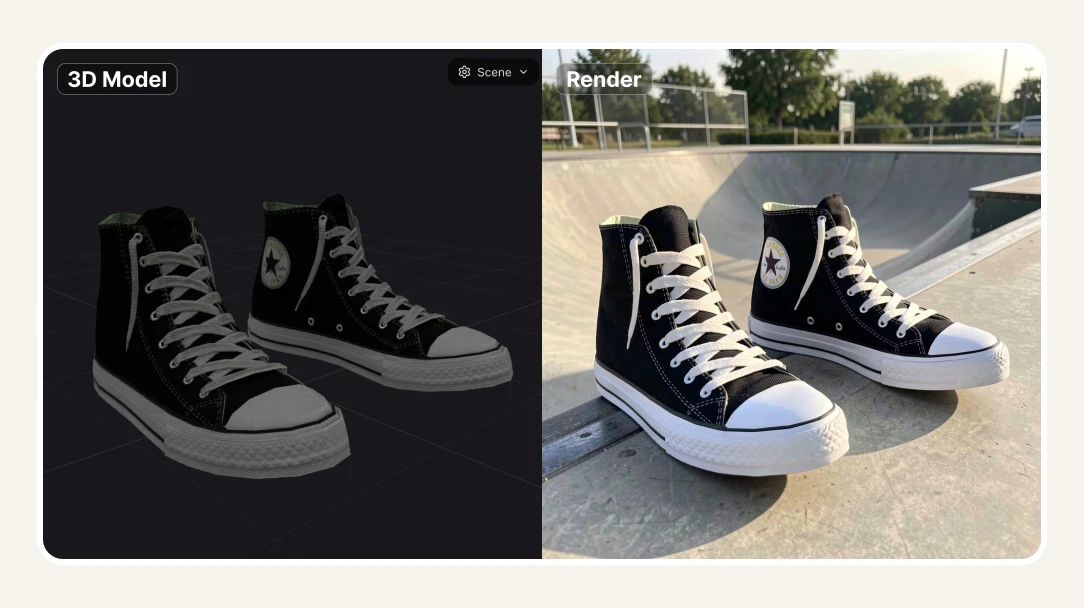
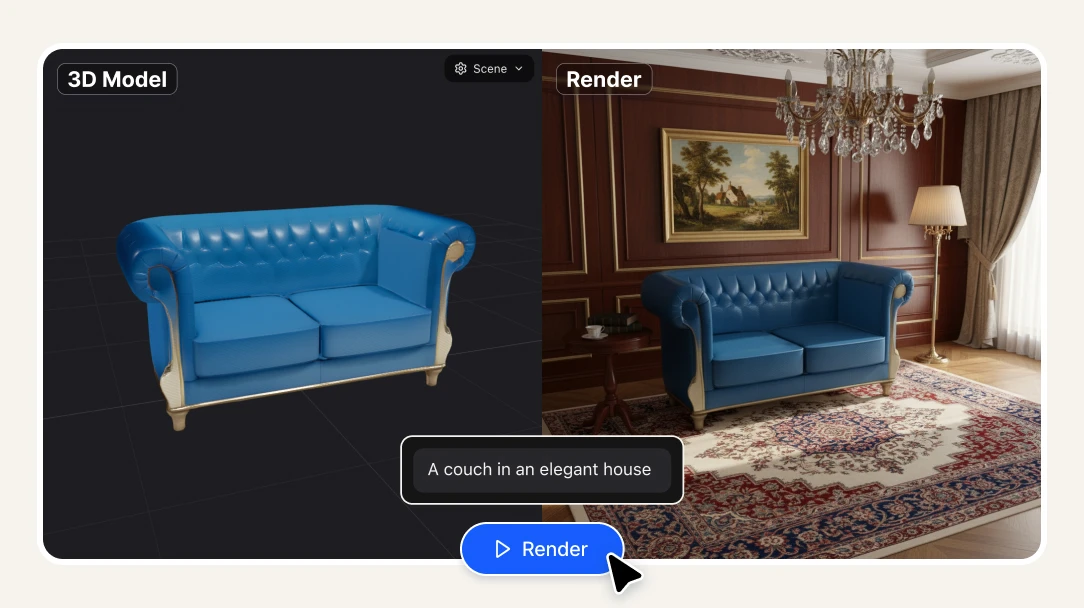
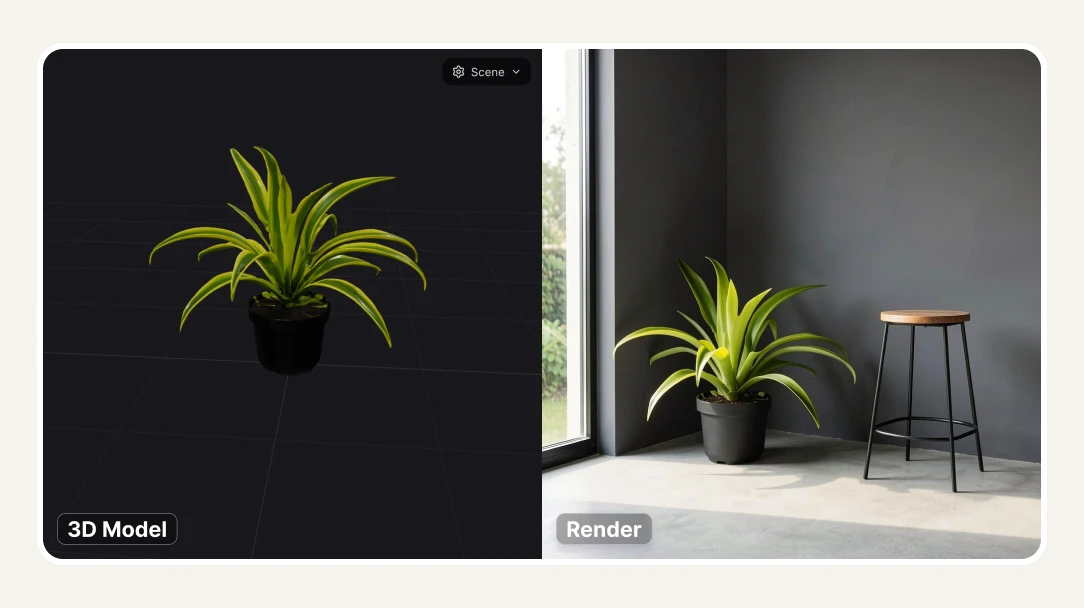
Transform any 3D model into a photorealistic scene with AI. Upload your model, frame the perfect angle, describe the scene, and generate a studio-quality render in seconds. Perfect for product photography, furniture visualization, and marketing assets.

No credit card required
AI Avatar Maker

Features

Upload any 3D model and control the camera before you render

Most AI rendering tools give you no control over perspective — you upload a file and get whatever angle the algorithm chooses. 3D Model Render lets you position the camera exactly where you want it before generating the image. Rotate, zoom, and frame the shot yourself, then render. What you see is what you get.
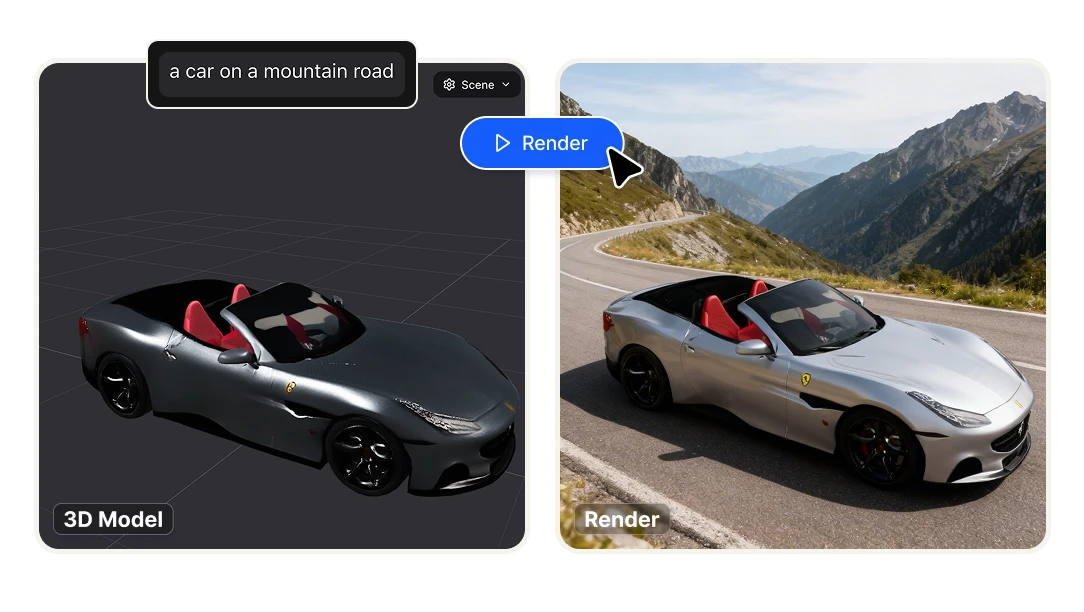
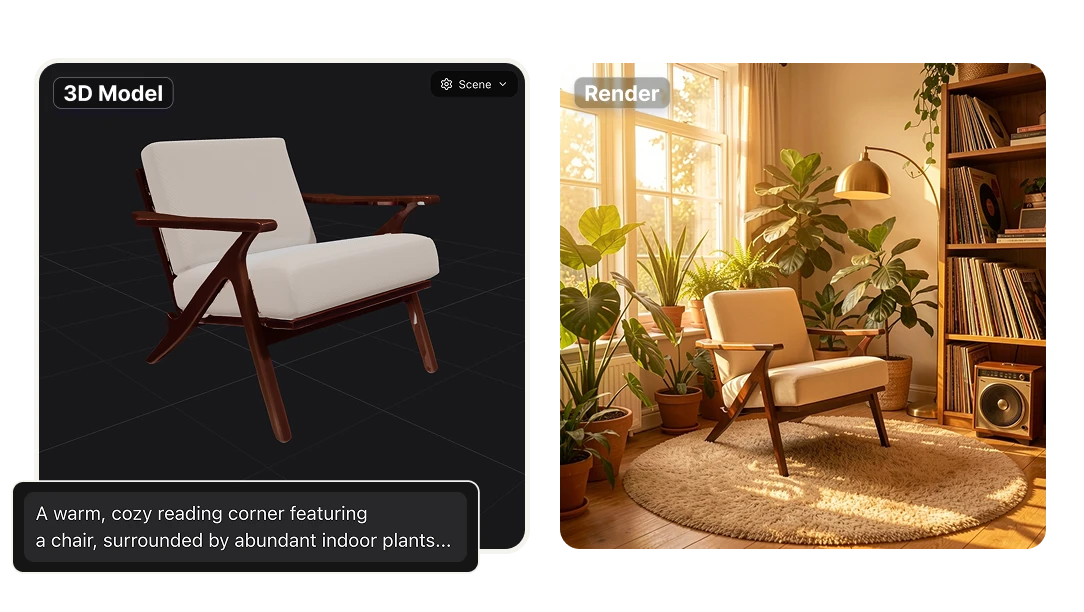
Describe any scene in plain text — The AI builds it around your model

No need to build backgrounds in Blender, set up lighting rigs, or hire a CGI studio. Type what you want — "a living room in a modern Scandinavian apartment," "a minimalist white studio with soft shadows," "an outdoor terrace at sunset" — and the AI places your 3D model into that scene with photorealistic lighting, depth, and atmosphere. One prompt, one render.

Works with the 3D models you already have

No proprietary formats, no re-exporting, no rebuilding your assets from scratch. Upload the 3D files you already use in your design or production workflow and render them directly. Built for product designers, furniture brands, industrial designers, and anyone who already works with 3D assets and needs professional visuals fast.

One tool for the entire visual production pipeline

Agencies and creative teams typically juggle multiple tools to produce a single product visual — a 3D software for the model, a rendering engine for the image, a photo editor for the background, and a separate tool for the final composite. 3D Model Render collapses that entire pipeline into one workflow: upload, frame, describe, render. No switching between tools, no file conversion, no back-and-forth with a rendering specialist.

Benefits

Replace product photography sessions with AI renders
A professional product photography session — studio rental, photographer, lighting setup, post-production — costs hundreds to thousands of dollars per shoot. And if you need to show the same product in five different environments, you shoot five times. With 3D Model Render, each scene costs 8 credits ($0.046). Generate as many variations as you need, in any setting, without leaving your desk.
Show your product in any context before it's even manufactured
E-commerce brands, furniture companies, and product designers constantly need visuals before physical production is complete. 3D Model Render lets you generate marketing-ready images, catalog photos, and ad creatives from a 3D file — before a single unit is built. Compress your go-to-market timeline and eliminate the dependency on physical samples for visual content.
Scale your product visualization pipeline with the API
If you're building an e-commerce platform, a furniture configurator, a real estate tool, or any product that needs to generate 3D renders programmatically, Artificial Studio's API gives you direct access to 3D Model Render without going through the UI. Send a 3D model, a camera position, and a scene description — get a photorealistic render back. No rendering infrastructure to maintain, no CGI pipeline to build in-house. See the API documentation for integration details.

How it works

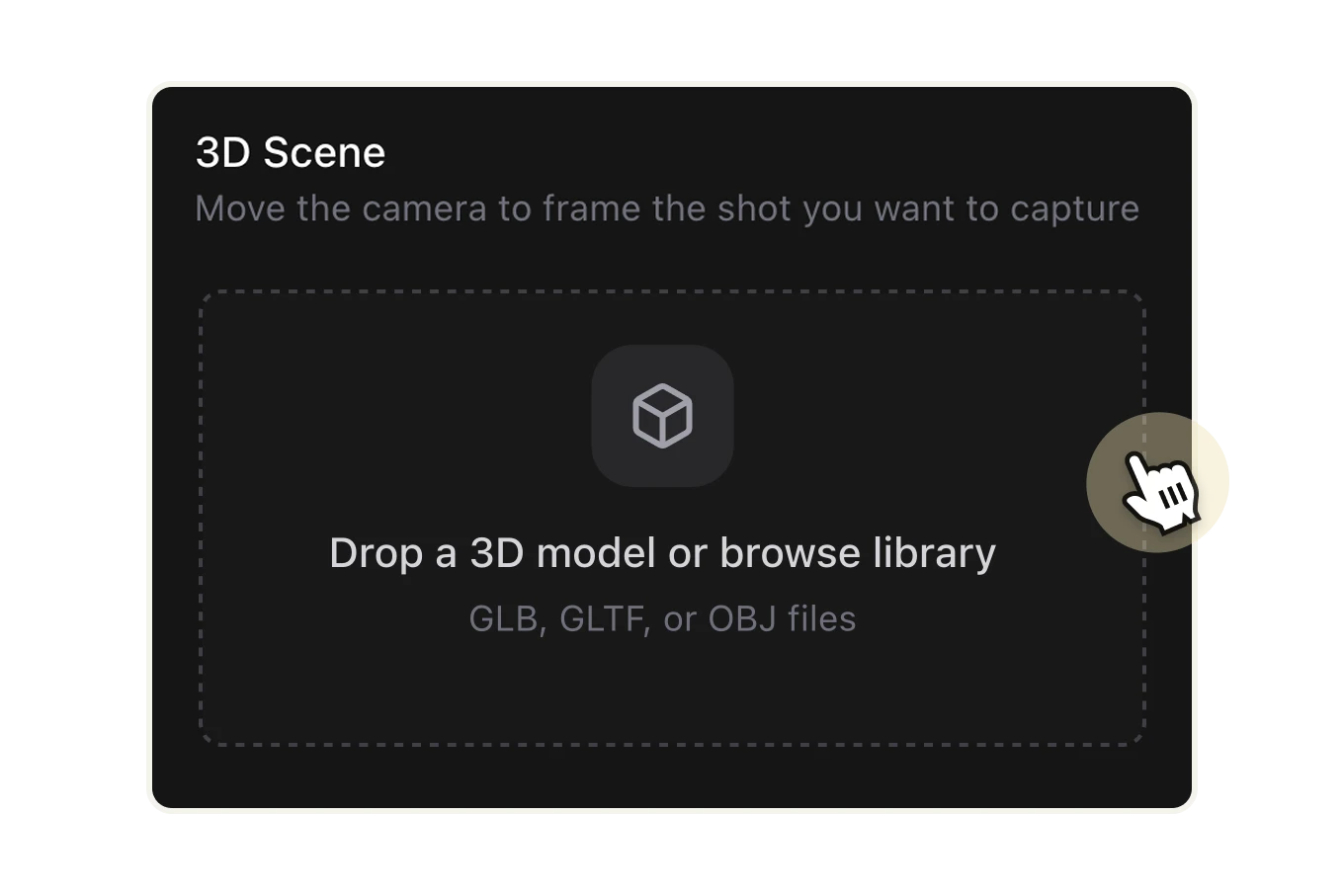
Upload your 3D Model and choose AI
Select and upload your 3D model file to the platform. The tool accepts various 3D model formats for processing like GLB, GLTF and OBJ files. Choose an AI model to work: Nano Banana, Nano Banana 2, FLUX 2 Klein 9B, Qwen, Grok Imagine and Seedream 4.0.
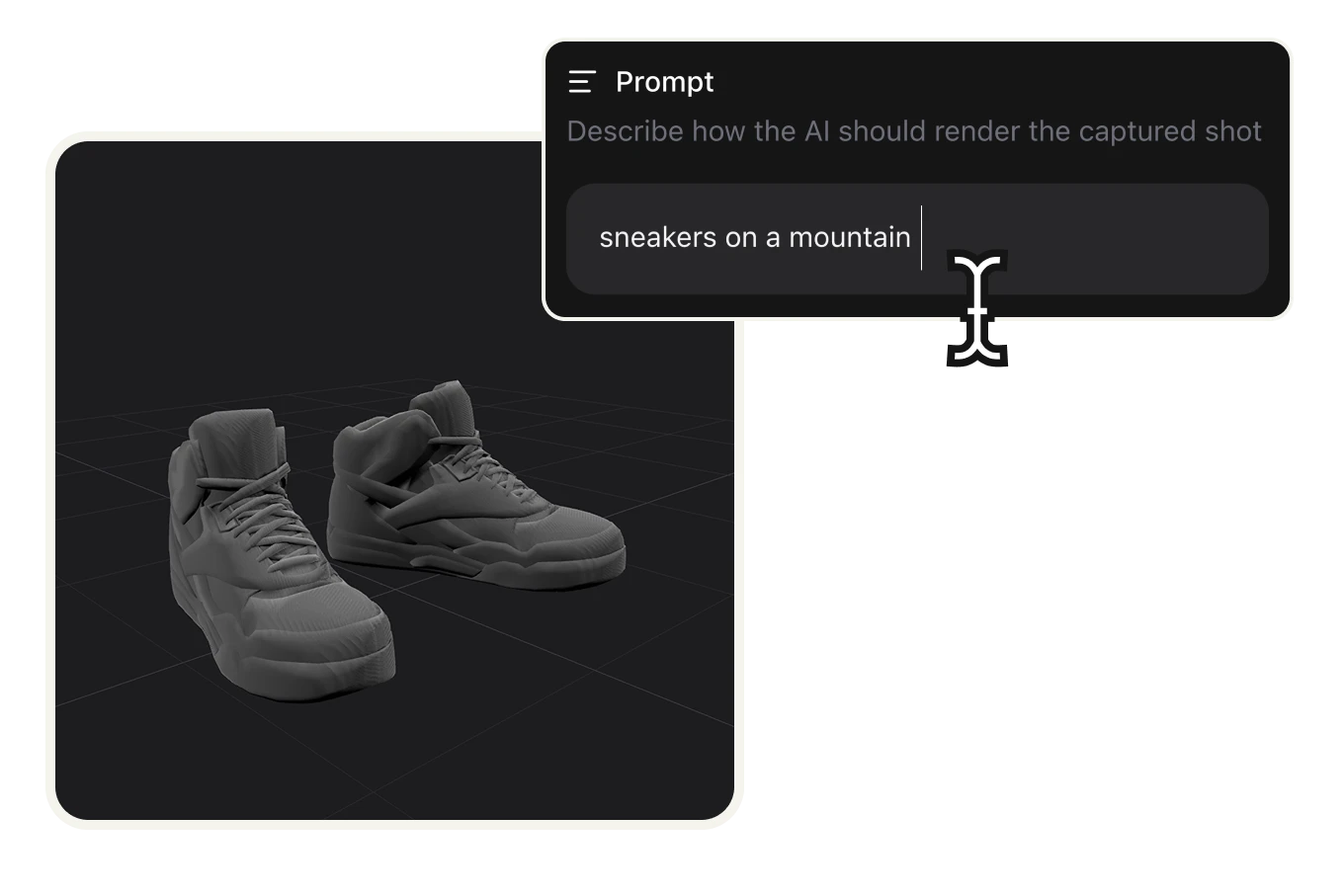
Set camera position and write prompt
Use the camera controls to frame your 3D model from any angle. Position and adjust the viewpoint to capture the perfect perspective. Describe how the AI should render the captured shot, like "a couch in an elegant house"
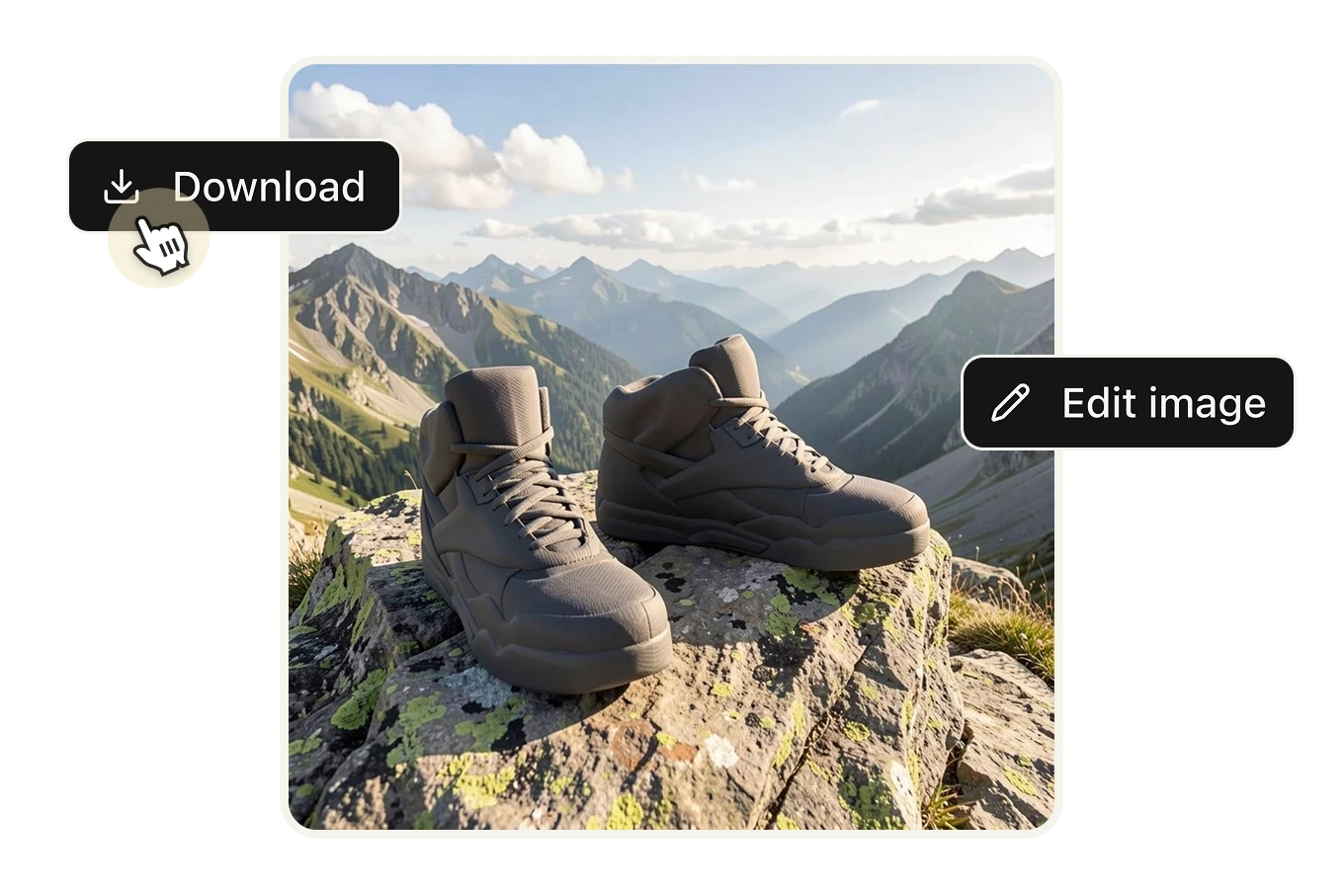
Generate AI transformation
Choose from available AI models and generate your transformed 3D visualization. The AI will process your model, prompt and camera settings to create the final image. Then you can download it or edit the image.

FAQs

3D Model Render is an AI tool that takes any 3D model file, lets you position the camera to frame the exact shot you want, and then generates a photorealistic image based on a scene you describe in plain text. You control the angle and perspective through an interactive 3D viewer — then type something like "a bedroom in a Scandinavian apartment with warm afternoon light" and the AI renders your model into that scene. The result is a production-ready image you can use for e-commerce, marketing, or presentations.
It's built for anyone who works with 3D assets and needs professional visuals without a full CGI pipeline. That includes product designers and industrial designers who need marketing images before manufacturing is complete, furniture and home decor brands that need to show products in lifestyle contexts, e-commerce stores that need product photos in multiple settings without multiple photoshoots, agencies that produce visual content for product clients, and real estate developers who need to visualize furnished spaces from architectural models.
You can upload standard 3D model formats commonly used in product design and visualization workflows. If you're working out of Blender, SketchUp, Cinema 4D, or similar tools, export your model in a standard format and upload it directly — no need to rebuild assets or convert files manually.
Blender and KeyShot are powerful but require significant technical expertise — setting up lighting rigs, applying materials, building background environments, and running render passes that can take minutes or hours depending on scene complexity. 3D Model Render compresses that entire process into a prompt. You describe the scene in plain language and the AI handles lighting, environment, atmosphere, and compositing. It's not a replacement for a full rendering pipeline when ultra-precise material control is needed — but for product visualization, catalog images, and marketing assets, it's dramatically faster and requires zero rendering expertise.
Vizcom is primarily built for industrial designers going from sketch to render — its workflow starts with 2D concept art, not a finished 3D model. CGDream and Visoid are strong tools but operate as standalone rendering platforms with their own subscription models and credit systems. With Artificial Studio, 3D Model Render is part of a suite of 50+ creative AI tools — your credits work across image generation, video, design, product photography, and more. You're not paying a separate subscription for a niche rendering tool.
For a large percentage of use cases — yes. A traditional product photography session requires a studio, a photographer, lighting equipment, props, post-production, and sometimes multiple sessions to cover different scenes and contexts. Each additional environment means another shoot. With 3D Model Render, once you have a 3D model of your product, you can generate it in any scene, any lighting condition, any context — for a fraction of the cost. Each render costs 8 credits ($0.046). The limitation is that AI renders work from a 3D model, so you need the model file to start — if you only have a physical product and no 3D file, you'd need to create one first.
Yes, and this is one of the core use cases. Upload your model once, frame different camera angles, and generate the same product in completely different scenes — a kitchen, a warehouse, a luxury showroom, an outdoor setting — each with a different prompt. This is how brands build full visual libraries for product launches without multiple photoshoots or CGI studio contracts.
This is one of its strongest use cases. Product designers and brands frequently need marketing visuals, investor decks, and catalog images before a physical unit exists. As long as you have a 3D model — which most product design workflows produce anyway — you can generate photorealistic marketing images at any stage of development. Launch campaigns, validate concepts with customers, and build pre-order pages before production even begins.
Each render costs 8 credits. On the standard plan (1,400 credits for $8/month billed annually), that's approximately $0.046 per image. A traditional CGI studio charges anywhere from $200 to $2,000 per rendered scene depending on complexity. At that rate, you could generate over 17,000 AI renders for the cost of a single professionally outsourced CGI image.
Yes. Images generated with Artificial Studio can be used for commercial purposes — product listings, advertising, social media, pitch decks, and marketing campaigns. Check the terms of service for full details on usage rights.
Yes. If you're building an e-commerce platform, a product configurator, a furniture visualization tool, or any product that needs to generate renders programmatically, Artificial Studio's API gives you direct access. Send a 3D model, a camera position, and a scene description — get a render back without going through the UI. See the API documentation for integration details.
Yes. All renders are automatically saved to your Artificial Studio library. You can access, download, or share them at any time from your account.