01
Ready-made color palettes
Try a new look in one click. Choose one of the preset palettes and see your image in new colors in seconds, no color theory needed.
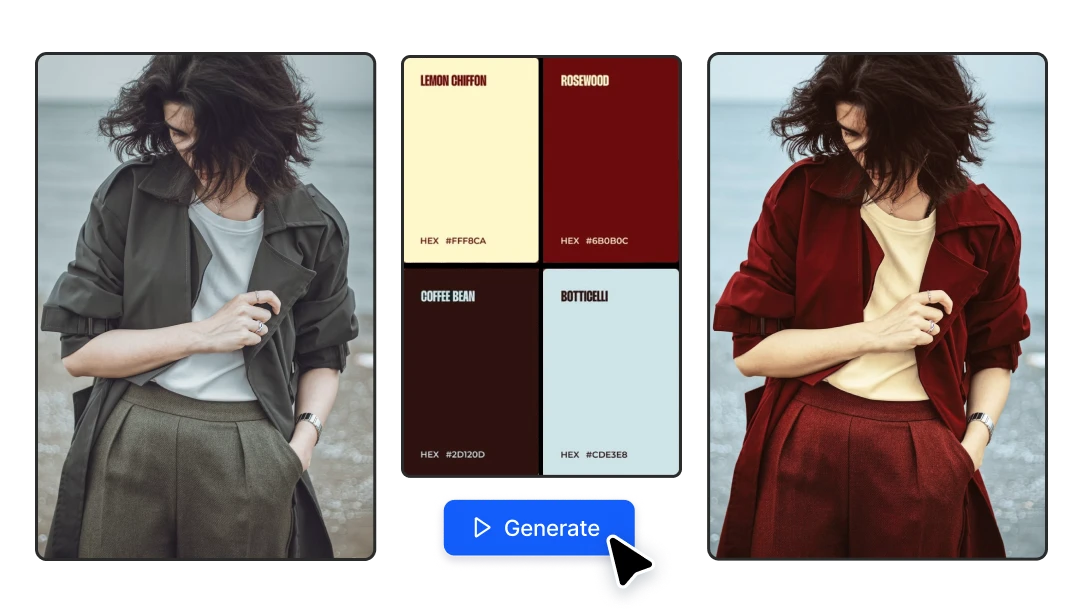
Upload an image, pick a color palette and get it back in new colors. Same composition, same details, a whole new look. Free to try, no design skills needed.
No credit card required
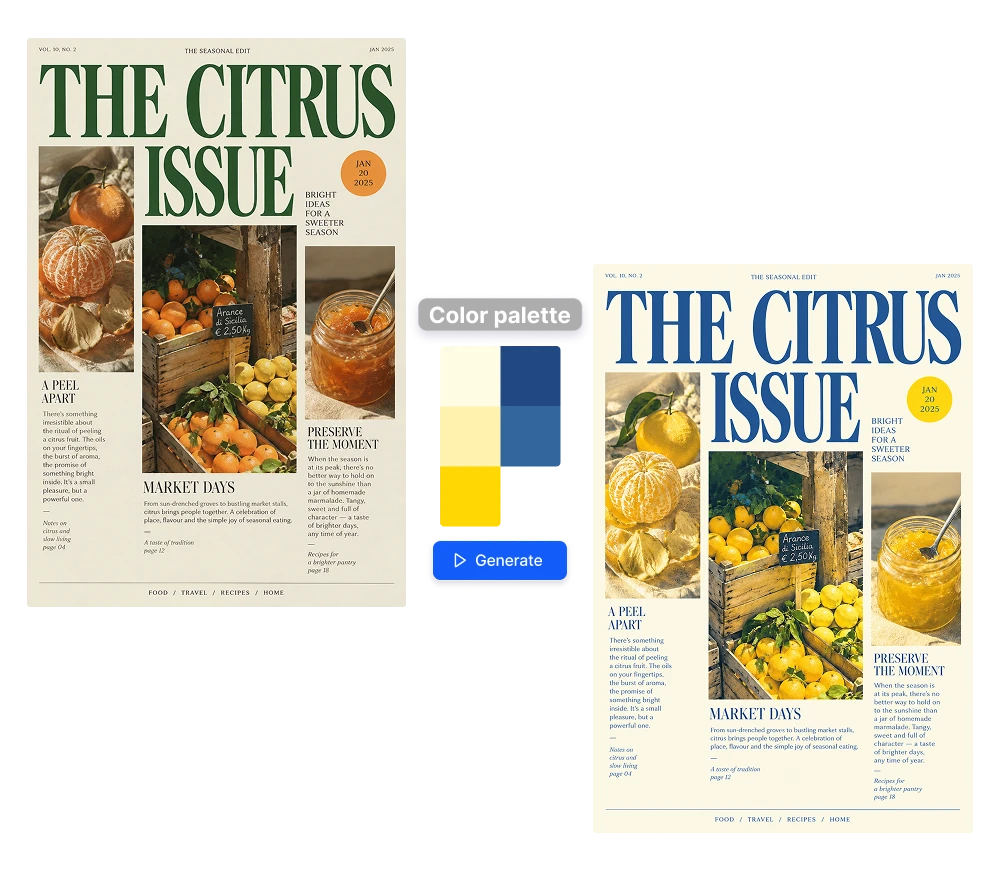
Try a new look in one click. Choose one of the preset palettes and see your image in new colors in seconds, no color theory needed.
Enter the exact colors you need with HEX codes, or extract a palette from any reference image. Match a moodboard, a collection or a client's colors without guessing.
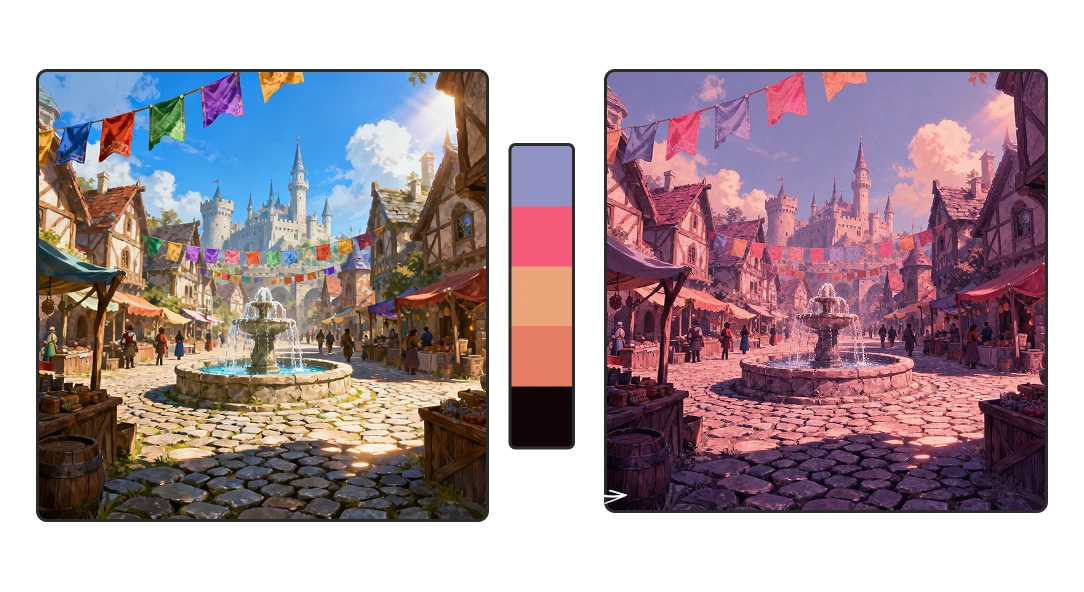
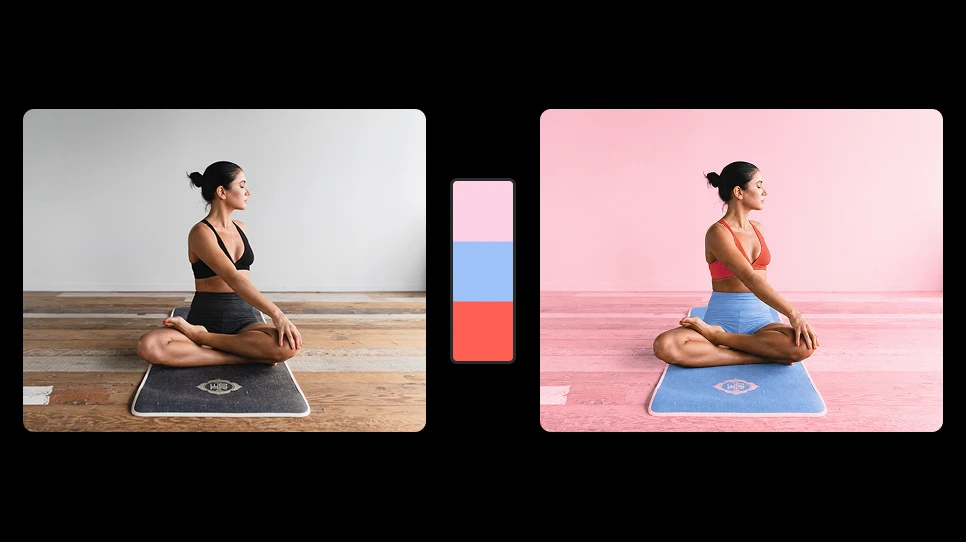
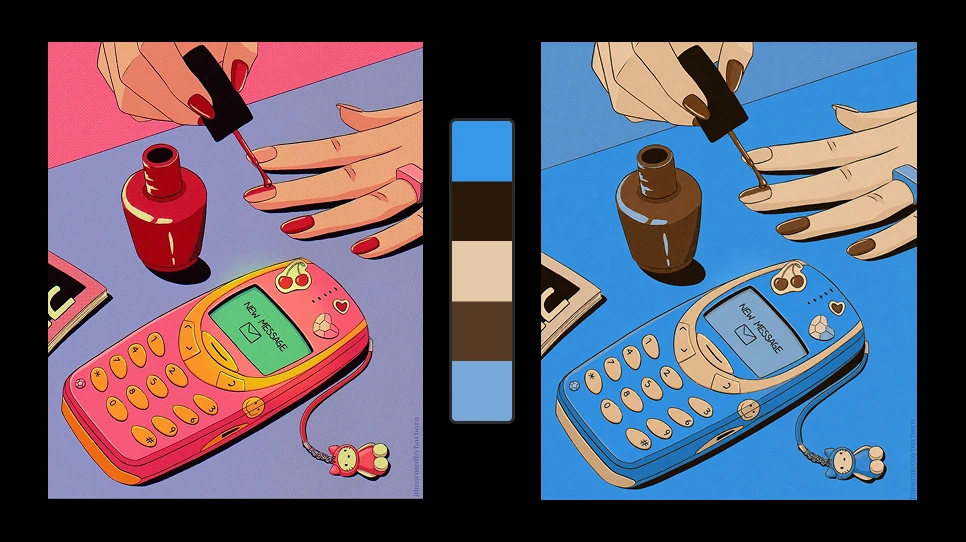
The AI changes the colors, not the content. Shapes, faces, textures, light and composition stay the same, so the result looks natural, not filtered or tinted.
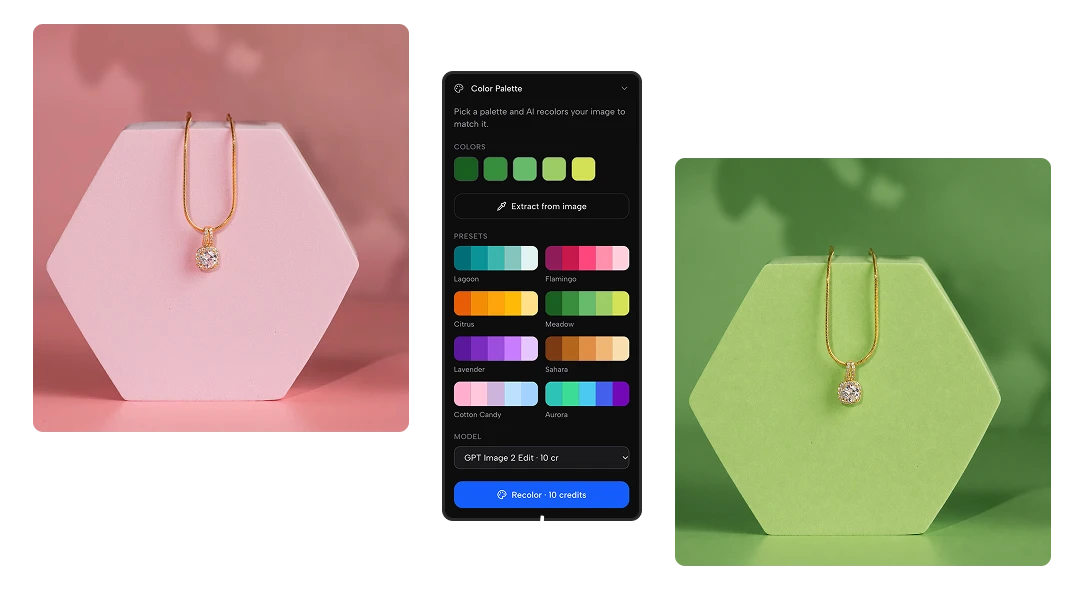
No more hue/saturation layers, masks and selective color, one image at a time. Designers, freelancers and marketers get a recolored image in seconds and spend the time on the creative work.
The perfect photo in the wrong colors no longer goes to waste. Recolor stock photos, product shots, illustrations and AI-generated images so they fit your campaign, your season or your feed instead of starting from scratch.
Apply the same palette to a whole set of images and keep every asset on-brand. Great for social media feeds, e-commerce catalogs, presentations, moodboards and interior or architecture mockups.
Open the AI image recolor tool and upload a photo, illustration, product shot or any image you want to change.
Pick a preset, enter your own HEX codes or upload a reference image to extract its colors.
Press the blue Generate button and get your image back in the new colors, ready to download and use.
An AI image recolor tool changes the colors of an image to match a color palette you choose. Unlike a filter or a color overlay, it understands what is in the image and recolors each part (backgrounds, clothes, objects, walls) while keeping the shapes, textures and lighting intact.
Open Artificial Studio's AI image recolor tool, upload your image, choose a color palette and press Generate. Every account gets 20 free credits a day, so you can recolor images for free every day without installing any software.
Yes. You can enter your own colors with HEX codes, choose one of the preset palettes, or upload a reference image and extract its color palette. The AI applies those exact colors to your image.
Yes. Upload a reference image (a moodboard, a painting, a photo you like) and the tool extracts its colors. Then it recolors your image with that palette, so both images share the same color scheme.
No. The AI changes the colors, not the composition. People, products, objects, text placement and lighting stay where they are. If a tone isn't right, adjust the palette and generate again.
For recoloring, yes. Instead of adjustment layers, masks and selective color, you pick a palette and the AI does the work in seconds. No design skills or paid software needed.
Photos, illustrations, product images, social media graphics, interior and architecture renders, posters, patterns and AI-generated images. If an image is in the wrong colors for your project, you can recolor it.
Graphic designers, freelancers and creative agencies keeping client work on-brand; e-commerce brands showing products in new colorways or seasonal looks; architects and interior designers testing color schemes on a render; and content creators who want a consistent feed.
Yes. Recolor a product photo to preview new colorways, create seasonal versions or match a collection, without a new photoshoot.
The tool uses Nano Banana 2 Edit by default (16 credits per image). We recommend switching to GPT Image 2 Edit, which follows color palettes very well and costs 10 credits per image, so you get 2 free recolors a day.
It's free to start: you get 20 free credits every day. If you need more, the Starter plan gives you 1,300 credits for $9, which is about 130 recolored images with GPT Image 2 Edit.
Yes. Apply the same palette to every image in a campaign, a catalog or a feed so they look consistent. You can also do it in bulk from Claude or other AI assistants with the Artificial Studio MCP.
Enter the brand's HEX codes as your palette to make any image on-brand.