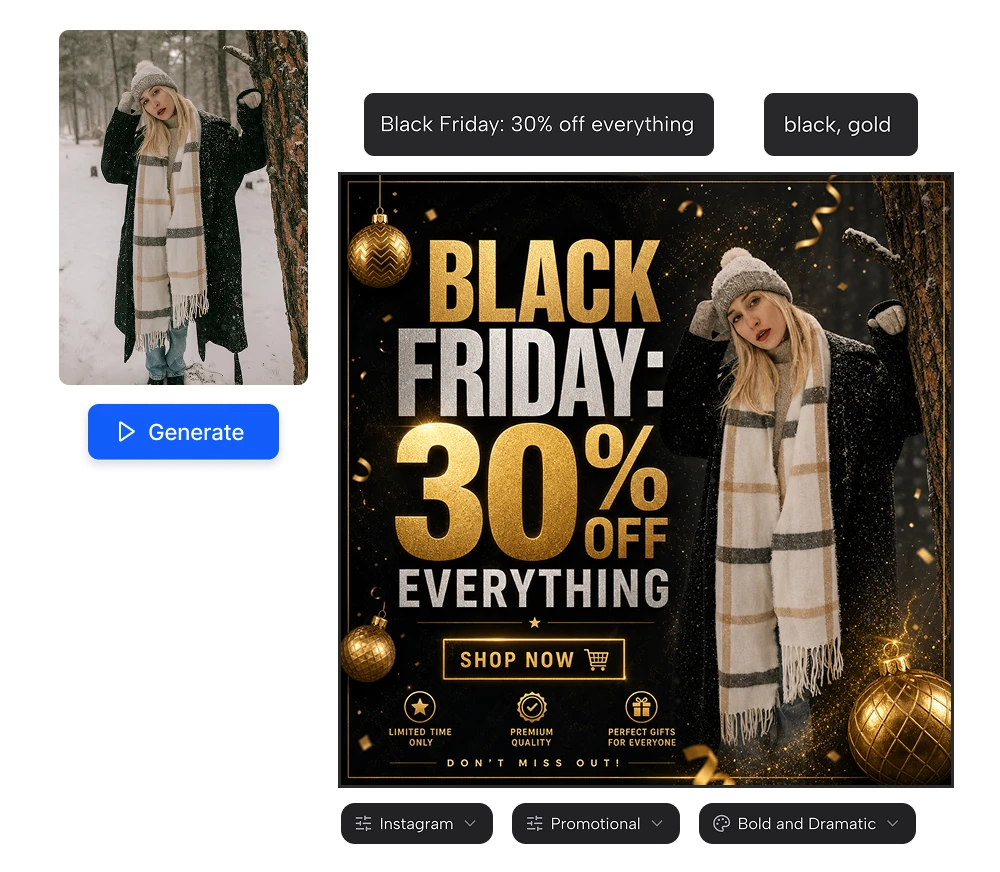
Christmas social media posts for every client, in minutes

Write the message, pick the platform and your client's colors, and get a finished Christmas post with the text already designed in. Instagram, Facebook, LinkedIn, Pinterest and TikTok. Free credits every day.

Create a Christmas post

No credit card required

Christmas social media posts for every client, in minutes

AI Christmas post design for agencies and freelance designers

01

Holiday posts with the text already designed in

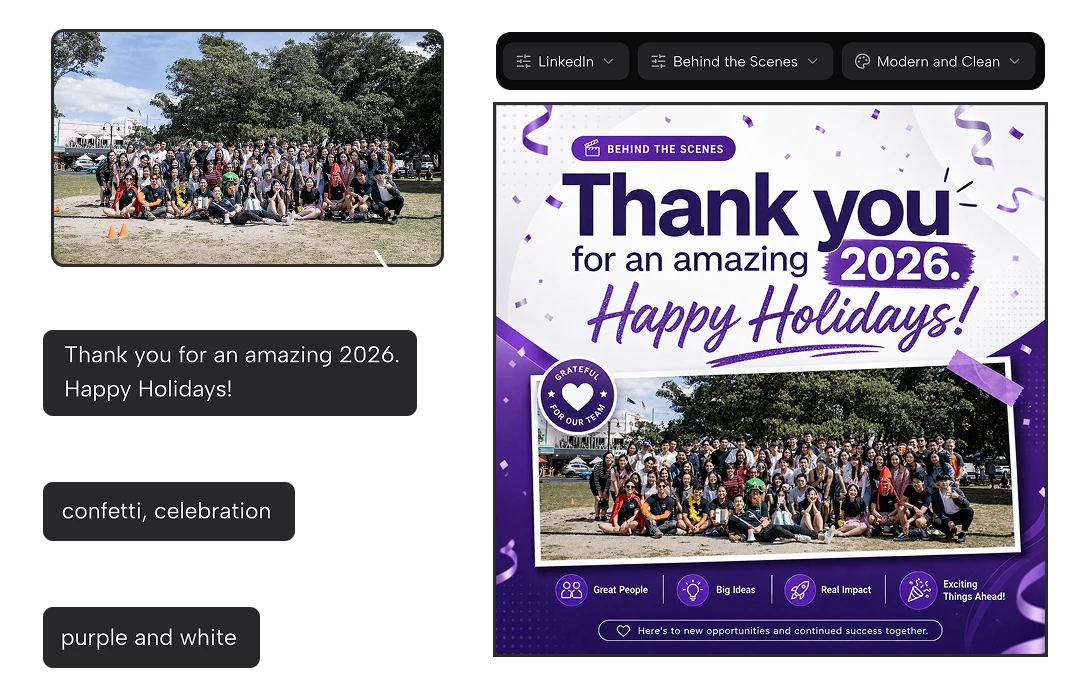
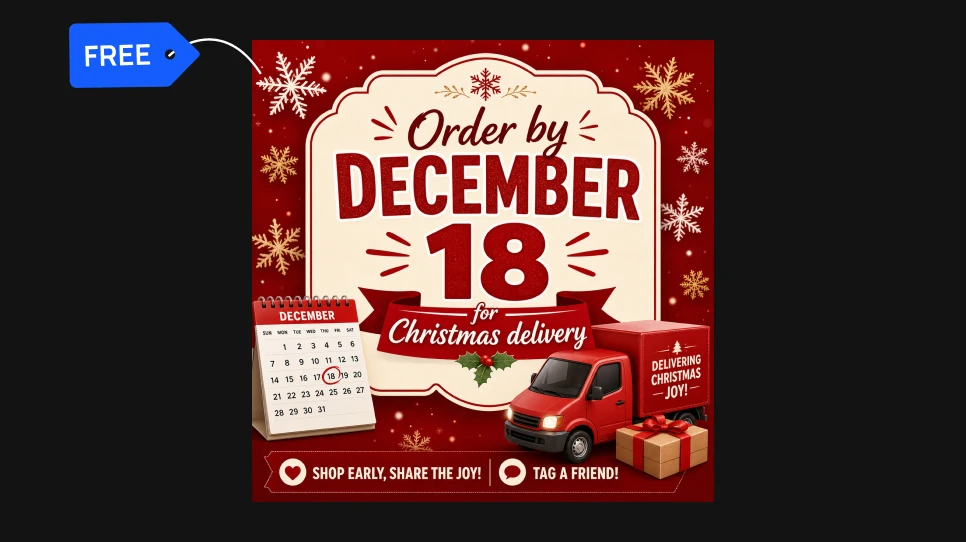
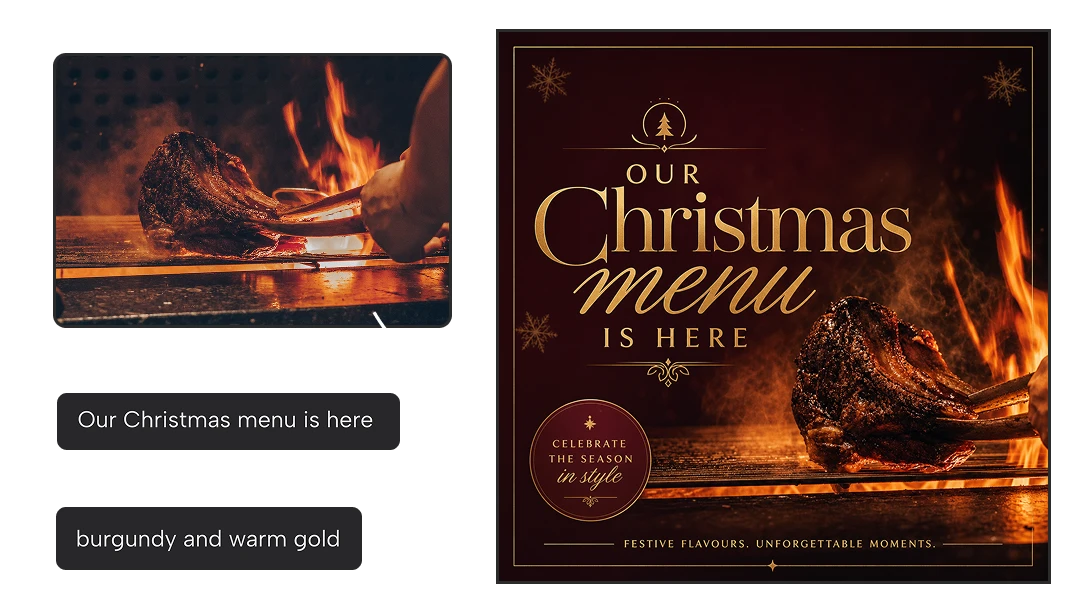
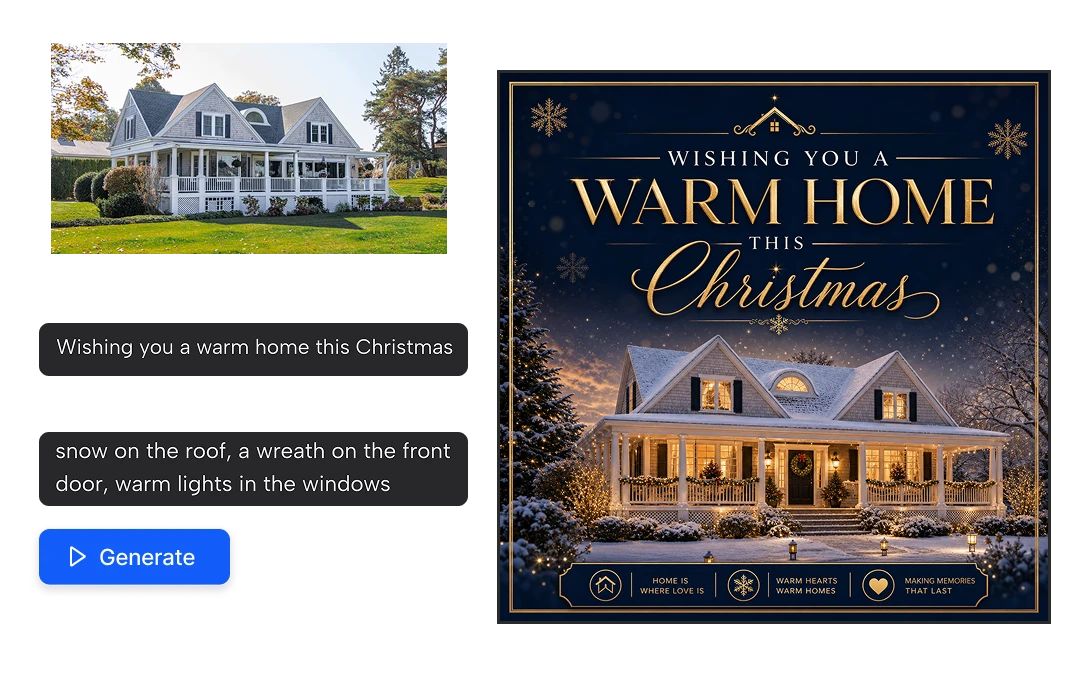
Most AI image tools give you a picture and leave the typography to you. Here the message is part of the design: "Merry Christmas from all of us", "20% off until December 24", "Last day to order for Christmas delivery". Write it once and get a finished post, with the text placed, sized and styled to fit the image. No Canva template to adapt, no layers to move around. Powered by OpenAI’s GPT Image 2.
Holiday posts with the text already designed in
02

On brand for every client

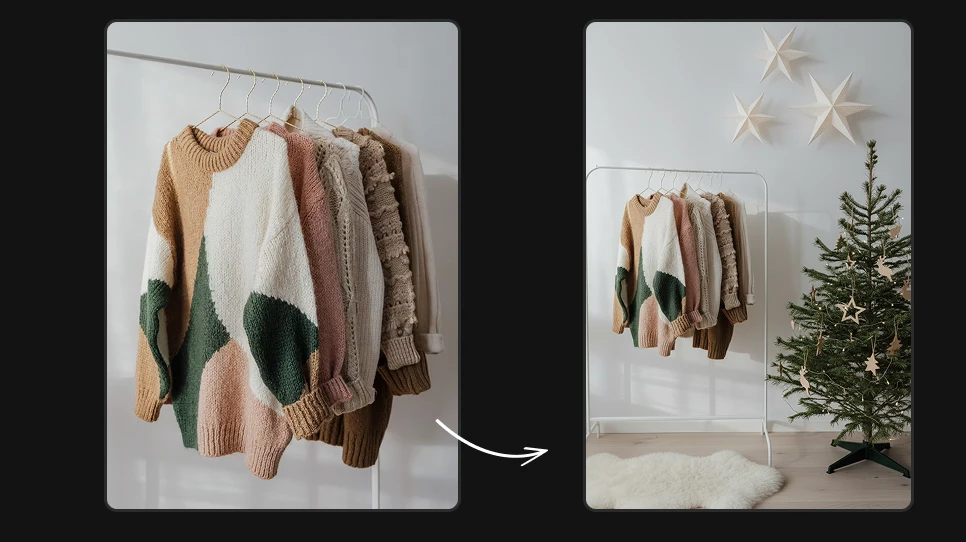
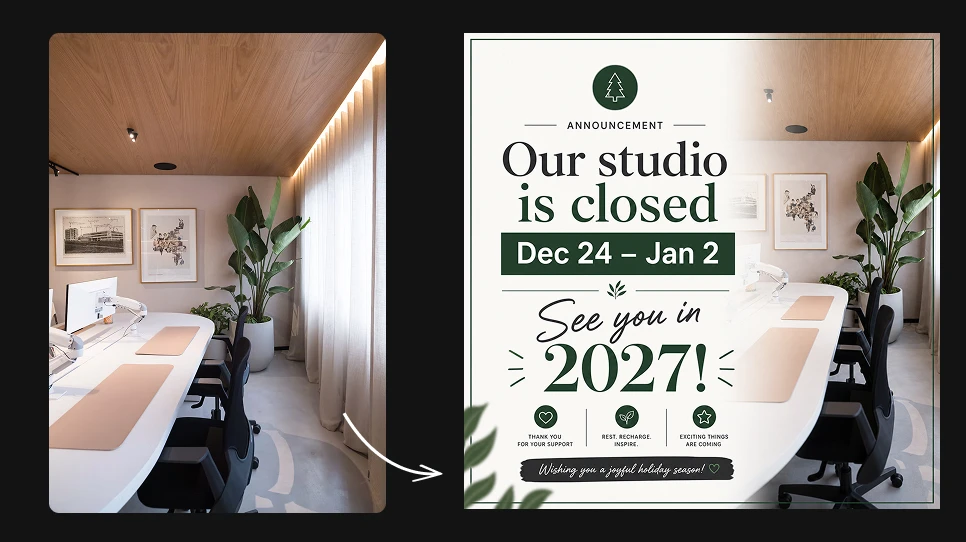
Each client has their own colors and tone, and Christmas can't make them all look the same. Set the color scheme with your client's brand colors, choose a visual style (Modern and Clean, Minimalist, Elegant/Luxury, Bold and Dramatic, Vintage, Corporate and more) and upload their product or a photo to build the post around. A law firm's Christmas greeting and a bakery's holiday promo come out looking like their own brands.

On brand for every client
03

Every platform and every type of holiday post

Choose the platform (Instagram, Facebook, Twitter/X, LinkedIn, Pinterest or TikTok) and the post type: promotional, product showcase, announcement, inspirational quote, behind the scenes or testimonial. That covers a full December calendar: Black Friday and Cyber Monday offers, Christmas greetings, holiday opening hours, last-shipping-date reminders, gift guides and New Year's wishes.

Every platform and every type of holiday post

Why agencies use it for the holiday rush

Get through December without working weekends

December is when every client wants their Christmas content at the same time. A greeting, a promo, holiday hours, a New Year's post, for every client and every platform. What used to take a week of designing goes into an afternoon, and your team gets their holidays back.

Get through December without working weekends

Say yes to more clients this season

When each post takes minutes instead of hours, holiday campaigns stop being a bottleneck. Take on the extra clients who come to you in November, or offer existing clients a full Christmas content pack you couldn't afford to make before.

Say yes to more clients this season

Free to try with your next client

Your account gets 20 free credits every day and each post costs 10, so you can create two Christmas posts a day without paying anything. No credit card, no subscription. Make a sample for a client today and show them what their December could look like.

Free to try with your next client

How to make a Christmas social media post in 3 steps

1

Add your content

Upload a photo (optional), write your Main Post Text and add Christmas details in Additional Elements (optional).

2

Set the brand and the format

Write your client’s colors in Color Scheme, then choose the Platform, Post Type and Visual Style.

3

Press Generate and download.

In seconds you have a finished Christmas post, text included, ready to schedule or send to your client.

FAQs

A solid December calendar usually mixes: Black Friday and Cyber Monday offers, a holiday gift guide, last-day-to-order reminders, holiday opening hours, a Christmas greeting, a behind-the-scenes post of the team, a thank-you or testimonial post, and a New Year's message. Each of these is a post type you can create with the tool.

In early November. Holiday shopping starts with Black Friday and Cyber Monday, and brands that wait until December miss the first wave of gift buyers. For agencies, that means having client campaigns designed and approved in the first half of November.

Save each client's colors, visual style and tone, then reuse them for every post you make for that client. If you work with Claude, connect the Artificial Studio MCP and ask for a full set in one message, for example "Create five Christmas Instagram posts for each of these three clients, using their brand colors".

Yes. Write the client's colors in the color scheme field ("navy and gold", "brand red and white") and upload one image to build the post around, like a product photo, a storefront or a team picture.

The tool is built to render text inside the image, and short messages come out clean in most cases. Keep the main text short, as you would for any social post, and always proofread before publishing or sending it to a client.

Yes. You write the message and the seasonal elements, so the post can be a Christmas greeting, an inclusive "Happy Holidays" message, a Hanukkah post or a New Year's countdown. Many brands post a neutral holiday greeting and a separate Christmas one.

Templates are fast, but thousands of brands use the same ones every December, and your client's post ends up looking like everyone else's. Here each post is generated from scratch with your client's message, colors and style, so it looks like their brand and not like a template.

It uses GPT Image 2 Edit, OpenAI's image model, known for rendering text inside images. That's what lets it design the message into the post instead of leaving the typography to you.

Yes. The posts you create are yours to use in client work, paid campaigns and social media.

Each post costs 10 credits, and every account gets 20 free credits a day, so you can make two Christmas posts a day for free. For a full holiday season, the Starter plan gives you 1,300 credits for $9 a month (about 130 posts) and the Pro plan 7,350 credits for $49 a month (about 735 posts).