AI Sketch to Render

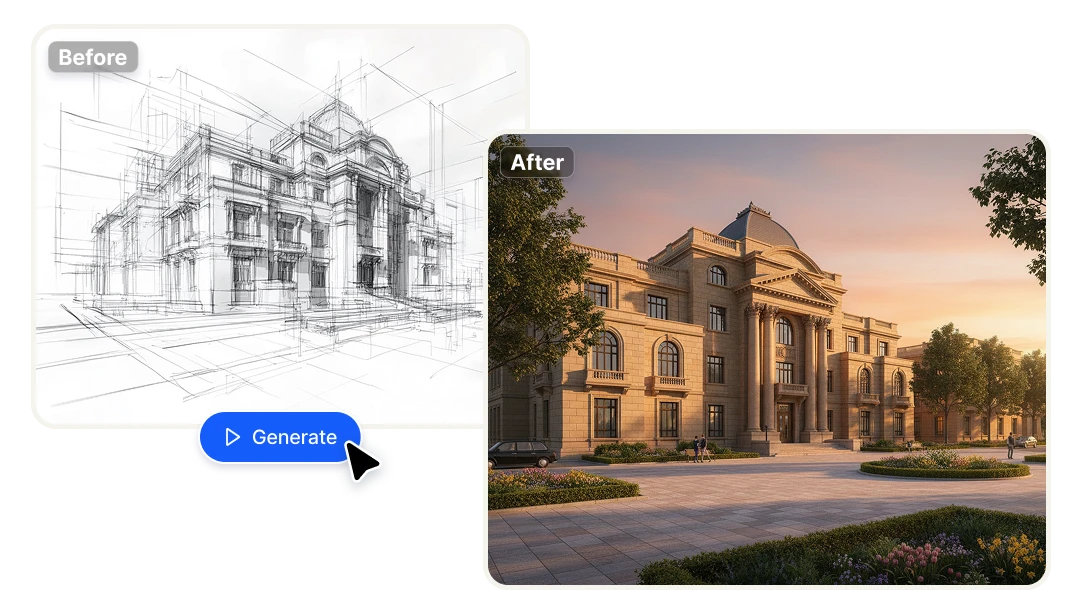
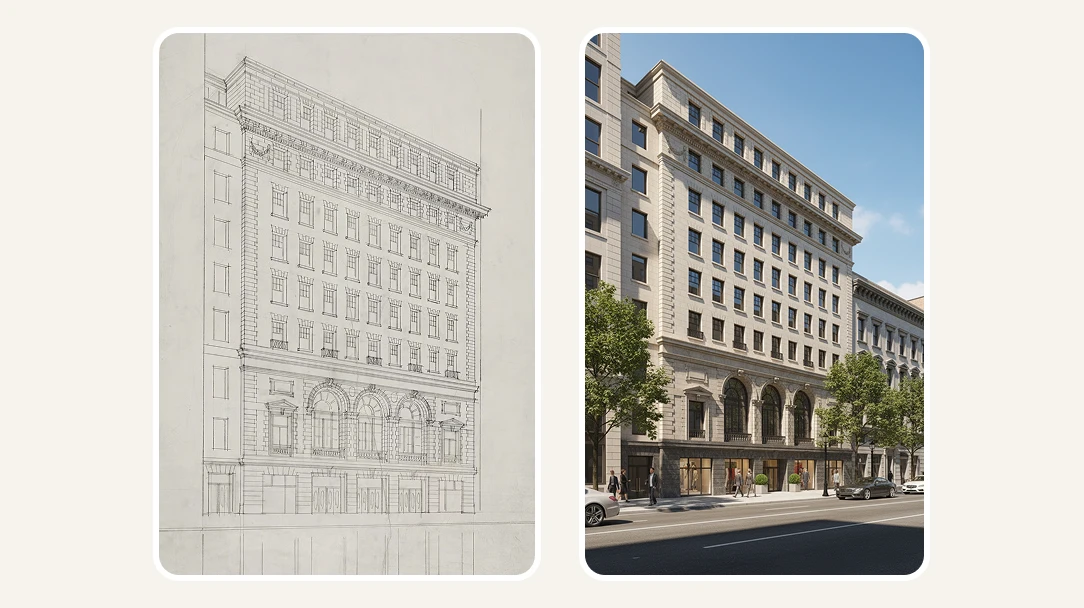
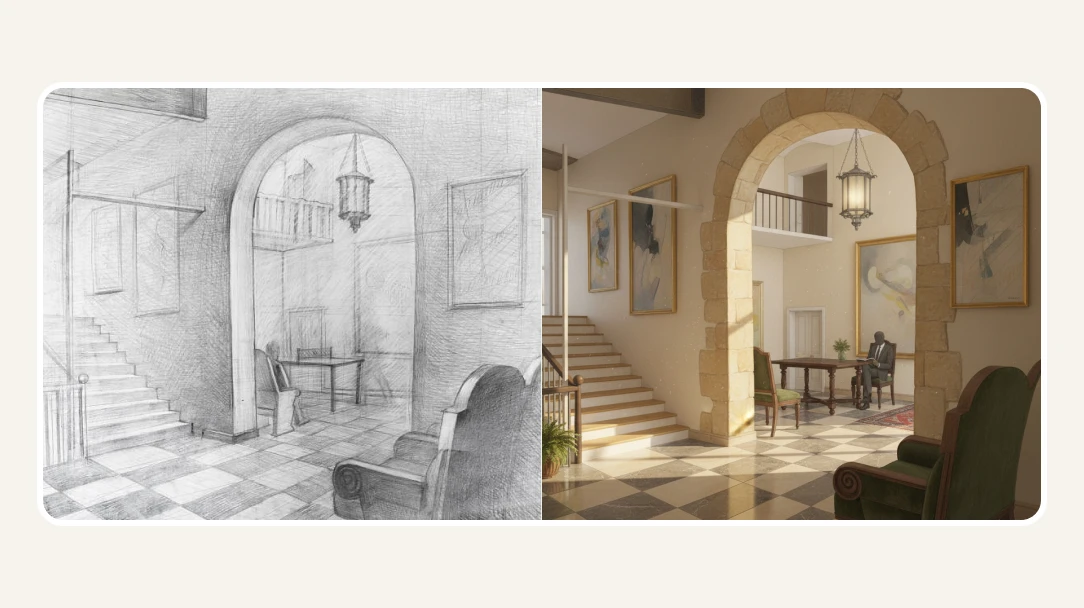
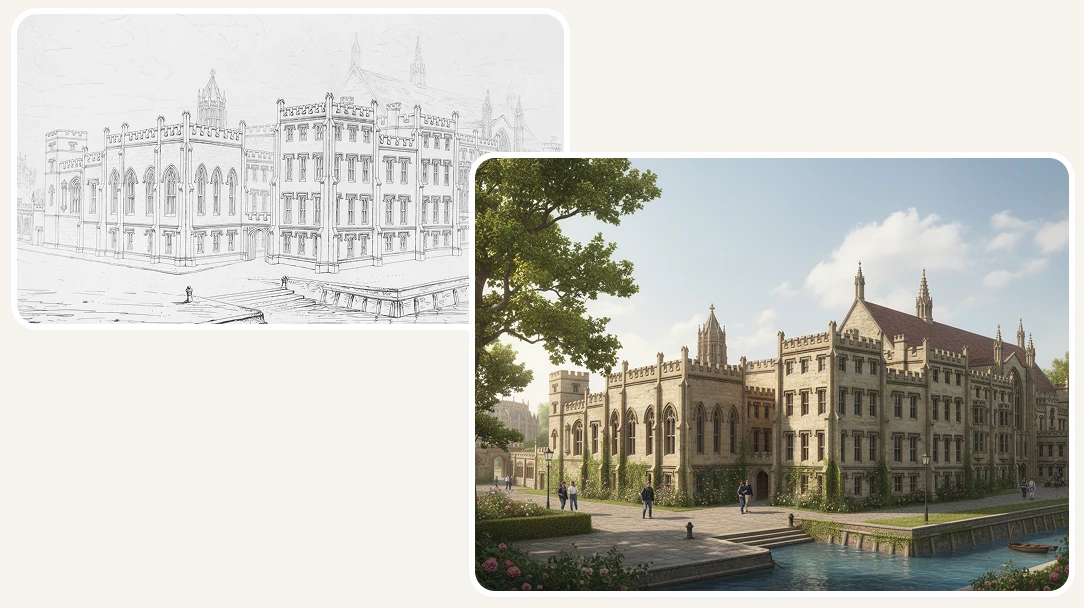
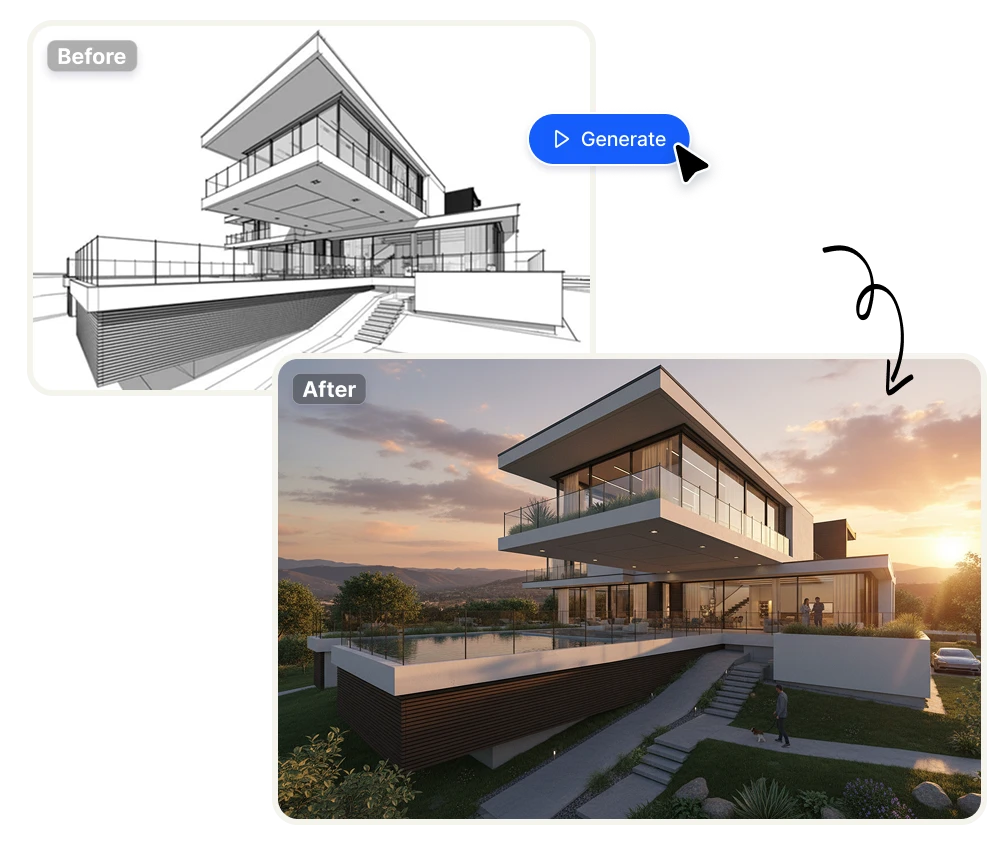
Upload your hand-drawn sketch, floor plan, or CAD drawing and get a photorealistic architectural render in seconds. Choose from 8 design styles and control lighting conditions — from Golden Hour to Night — with no 3D modeling software required.

No credit card required
AI Avatar Maker

Architectural Visualization in Seconds

From rough sketch to polished render — No 3D skills needed

Traditional architectural visualization requires hours of 3D modeling, texturing, and rendering. Sketch Render AI skips all of that. Upload any hand-drawn sketch, floor plan, or line drawing and the AI handles the rest — producing a photorealistic image that communicates your design vision clearly. Built for architects, interior designers, and students who need to move fast without learning new software.
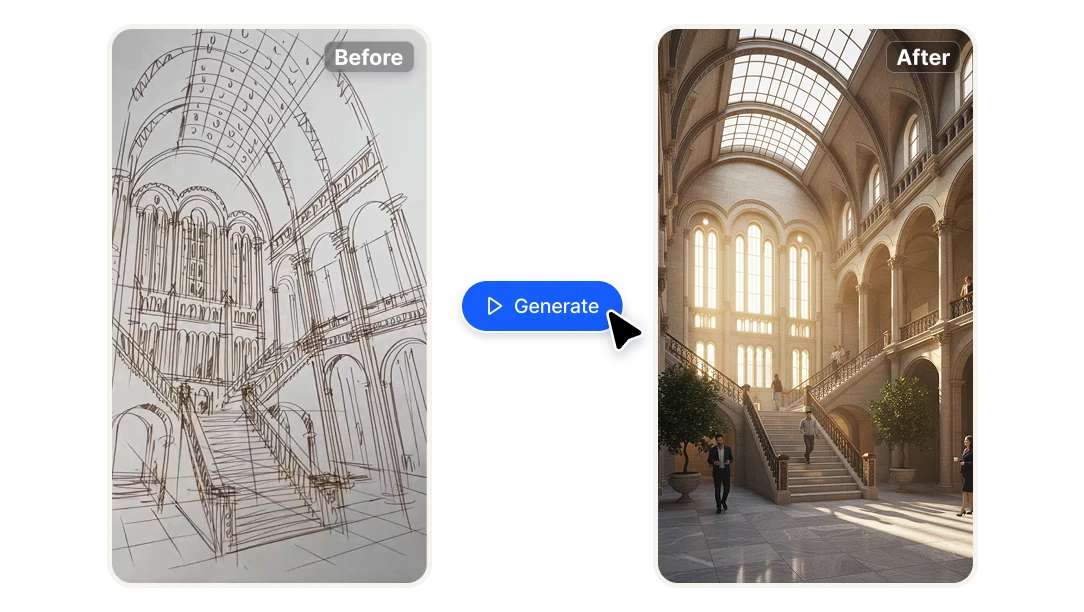
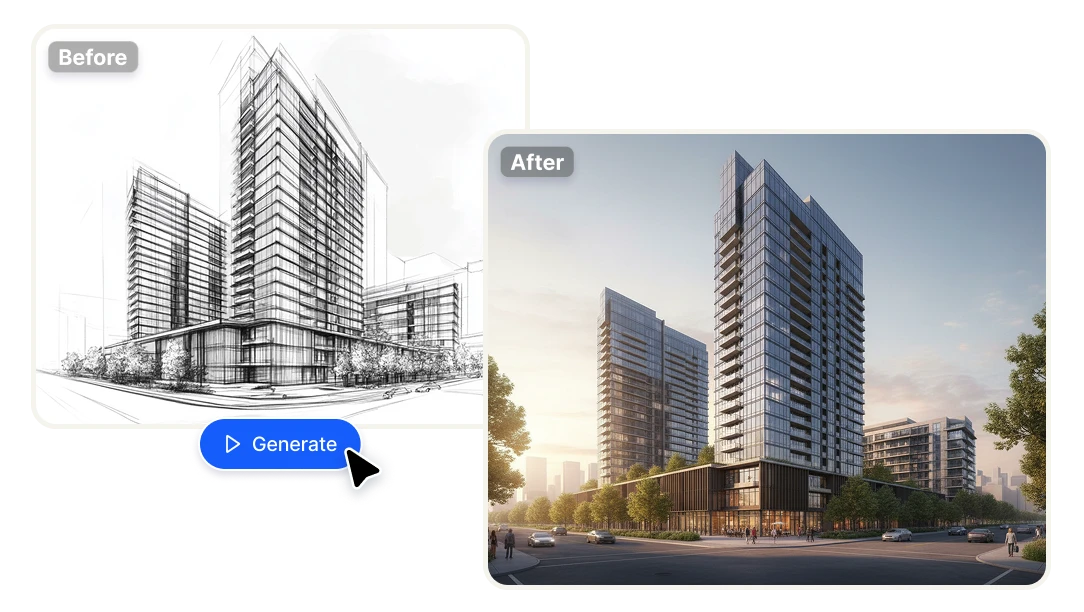
8 architectural styles, full creative control

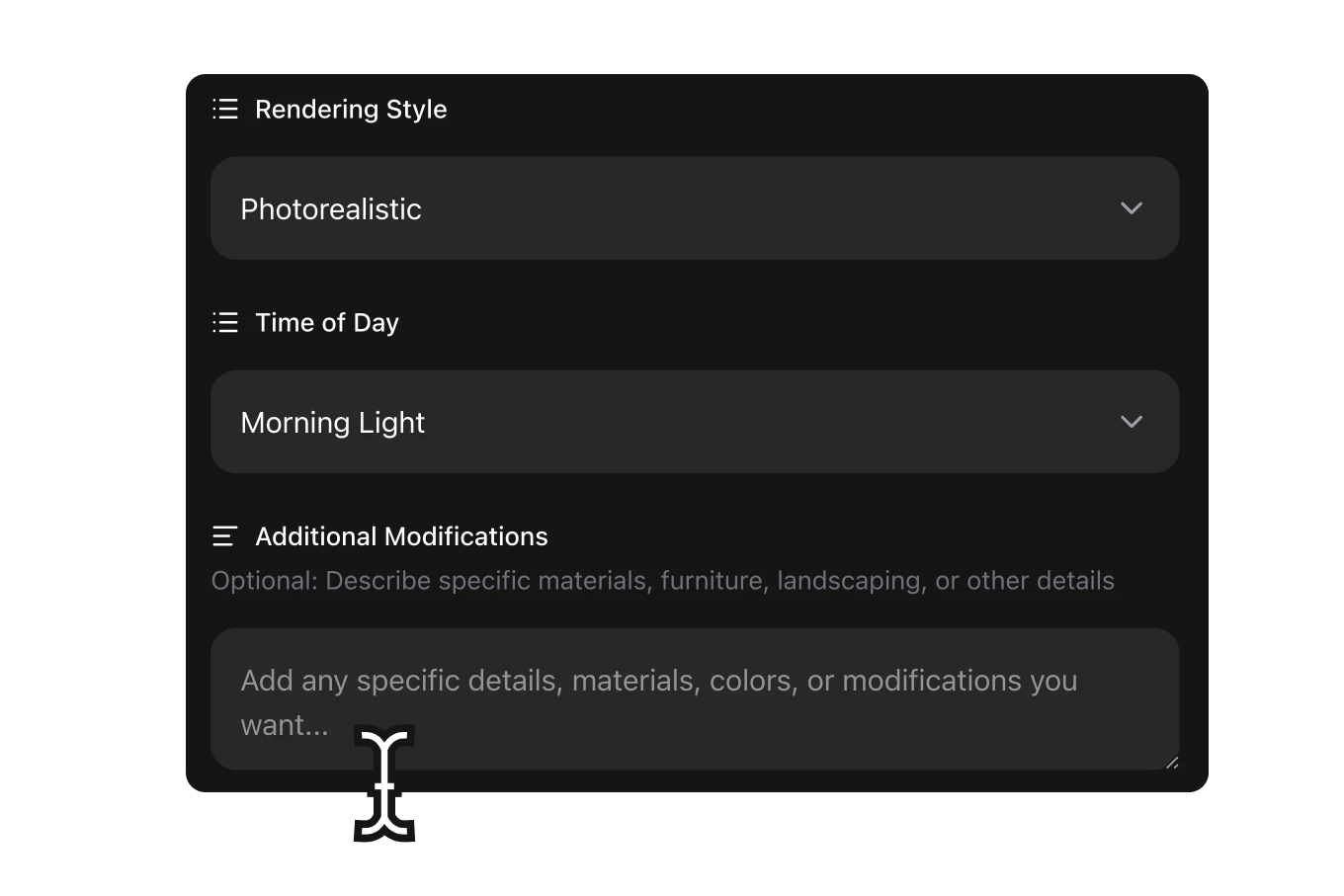
Every project has a different aesthetic direction. Choose from Photorealistic, Modern Minimalist, Contemporary, Classical, Industrial, Scandinavian, Art Deco, or Brutalist — and apply them instantly to any sketch. Need further customization? Add a text prompt to specify materials, colors, or spatial details. You direct the vision; the AI executes it.

Precise lighting for every scene

Lighting changes everything in architectural visualization. Select from 7 time-of-day conditions — Golden Hour Sunrise, Morning Light, Midday Sun, Afternoon Light, Golden Hour Sunset, Blue Hour, or Night with Artificial Lighting — to match the mood your design calls for, or to show clients how a space looks at different times of day.

Why Architects and Designers choose Artificial Studio

Cut visualization time from days to seconds
Producing a single high-quality architectural render traditionally takes hours of work across multiple tools. Sketch Render AI compresses that entire process into one upload. Present polished visuals in client meetings, pitch decks, or design reviews without delays — at any stage of the project.
Iterate without commitment
Early-stage design is about exploration, not perfection. Generate multiple render variations from the same sketch — different styles, different lighting — to test directions before investing in detailed modeling. The cost per render is minimal; the feedback loop is instant.
Professional output without a rendering specialist
Hiring a visualization artist or outsourcing renders adds cost and back-and-forth that slows projects down. Sketch Render AI gives solo architects, small studios, and design students access to professional-grade output independently — with results good enough for client presentations, portfolio work, and proposals.

How AI Sketch to Render Works

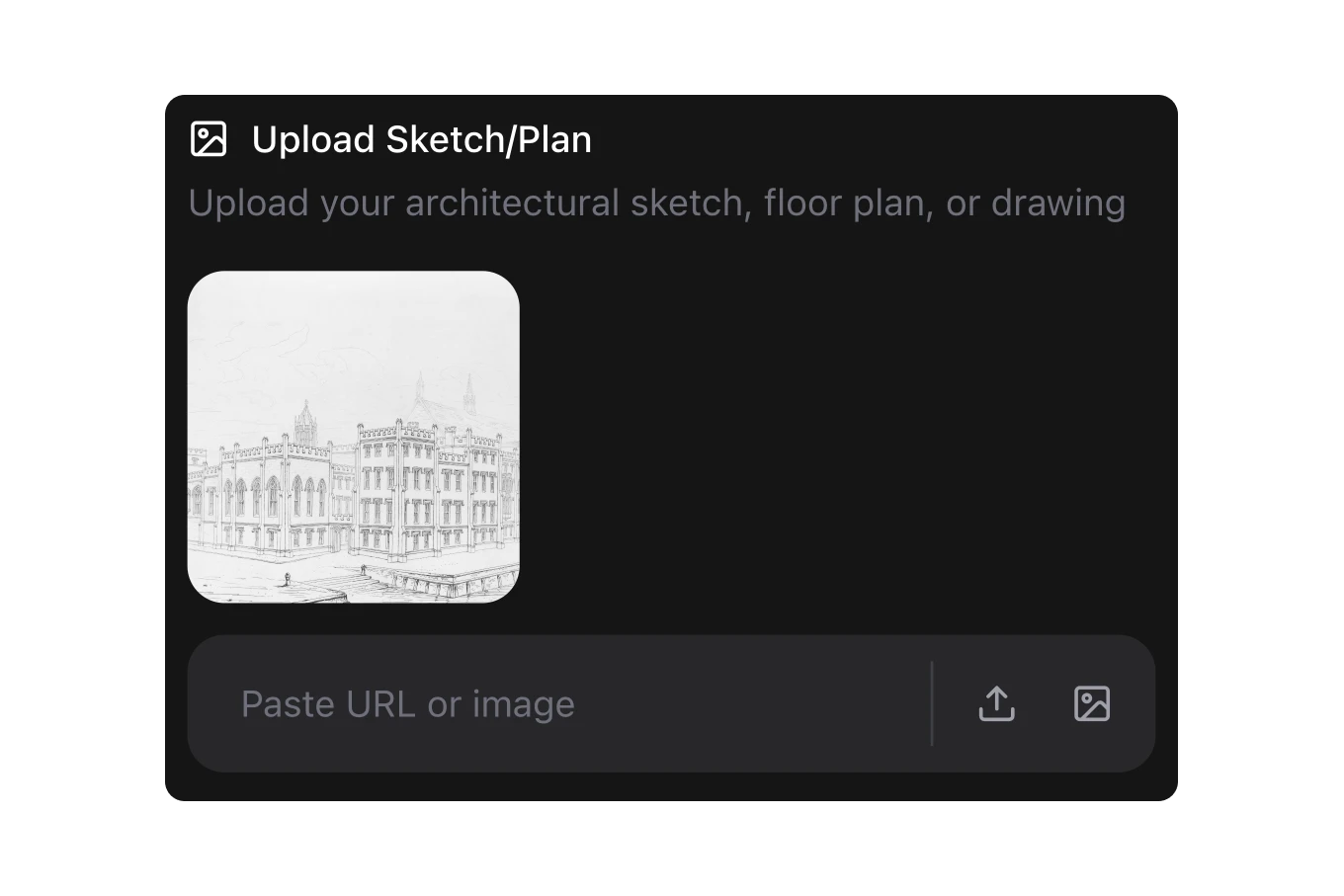
Upload your sketch or drawing
Start with whatever you have — a hand-drawn sketch on paper, a scanned floor plan, a CAD export, or a line drawing. No need to clean it up or prepare it in any special way. The AI reads the geometry and spatial structure of your design regardless of how rough or detailed it is.
Choose your style and lighting
Select from 8 architectural styles — Photorealistic, Modern Minimalist, Contemporary, Classical, Industrial, Scandinavian, Art Deco, or Brutalist. Then pick a time of day to set the lighting mood, from Morning Light to Night with Artificial Lighting. Add an optional text prompt if you want to specify materials, finishes, or any other detail.
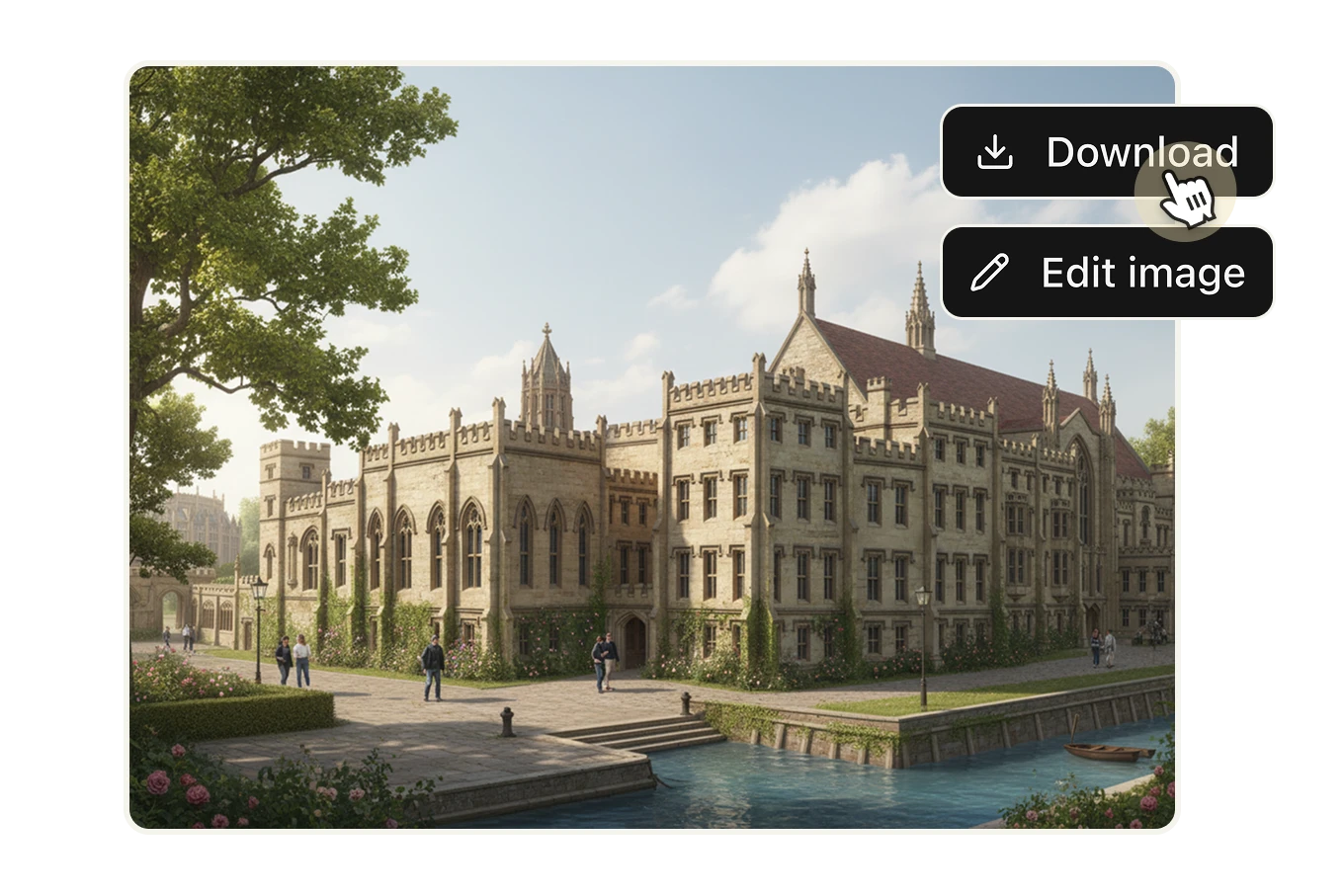
Generate and download your render
The AI processes your inputs and produces a photorealistic architectural render in seconds. Download it and use it immediately — for client presentations, design reviews, portfolio submissions, or project proposals. Each render costs 8 credits ($0.046).

FAQs

Traditional architectural rendering requires building a full 3D model, applying textures and materials, setting up lighting rigs, and running a render that can take hours — all in tools like 3ds Max, V-Ray, or Lumion. AI Sketch to Render skips that entire pipeline. You upload a sketch or line drawing, choose a style and lighting, and get a photorealistic result in seconds. No modeling. No specialized software. No render farm.
It's built for anyone who needs to communicate architectural or spatial ideas visually — without a dedicated visualization pipeline. That includes architects in early concept phases, interior designers pitching to clients, real estate developers needing quick visuals for proposals, architecture students building portfolios, and small studios that can't justify outsourcing renders for every project.
You can upload hand-drawn sketches (scanned or photographed), floor plans, CAD exports, line drawings, or any image that communicates the spatial structure of a space. The AI reads the geometry of the drawing regardless of how rough or clean it is. You don't need to prepare it in any special format.
Those tools are built exclusively for architectural rendering and require a dedicated account with their platform, their own credit systems, and their own pricing structures — often starting at $29–$49/month for limited renders. Artificial Studio's AI Sketch to Render is part of a broader creative platform: your credits work across 50+ AI tools — image generation, video, music, design, and more. You're not paying separately for a niche rendering tool. You're getting architectural visualization as part of a complete creative suite.
Yes. The tool is designed to work with whatever input you have. A rough sketch on paper, a basic floor plan from a real estate listing, or a diagram drawn in Figma — all are valid inputs. The AI interprets the spatial layout and applies your chosen style. You don't need to know anything about rendering, lighting setups, or 3D modeling.
You can render in Photorealistic, Modern Minimalist, Contemporary, Classical, Industrial, Scandinavian, Art Deco, and Brutalist. Each style applies a distinct material palette, structural aesthetic, and finish quality to your render. The same sketch can look completely different across styles — which makes it useful for exploring design directions with clients before committing to one.
Lighting dramatically changes how a space reads — the warmth of Golden Hour, the clinical clarity of Midday Sun, or the atmospheric quality of Blue Hour all communicate different things about a design. The 7 options available (Golden Hour Sunrise, Morning Light, Midday Sun, Afternoon Light, Golden Hour Sunset, Blue Hour, Night with Artificial Lighting) let you match the mood of the render to the context of the project — or show a client the same space under multiple conditions.
Yes. There's an optional text field where you can describe additional details — specific materials (concrete, oak flooring, floor-to-ceiling glass), color palettes, furniture types, landscaping, or any other element you want the AI to incorporate. This gives you a second layer of control on top of the style and lighting selectors.
Each render costs 8 credits. On the standard plan (1,400 credits for $8/month, billed annually), that works out to approximately $0.046 per render. For comparison, outsourcing a single architectural render to a freelance visualization artist typically costs $50–$300. At that rate, you could generate over 170 AI renders for the cost of one traditionally outsourced image.
AI Sketch to Render produces results that are appropriate for client presentations, design pitches, portfolio work, and proposals — which covers the majority of use cases where teams currently spend money on visualization. It is not a replacement for a photorealistic final-delivery rendering for a high-end real estate campaign. But for concept validation, client alignment, and early-stage communication, the output quality is more than sufficient — and the speed advantage is significant.
Yes. Artificial Studio offers API access, which means you can integrate AI Sketch to Render into your own tools, design workflows, or client-facing platforms. Architecture firms building internal tools, PropTech companies, or real estate platforms can use the API to generate renders programmatically without going through the UI. See the API documentation for details.