01
Multi-angle product photography from one shot
Upload a single product image and get every angle your store needs: front, profile, top-down, three-quarter. Photoroom cleans up product shots; this generates the ones you don't have.
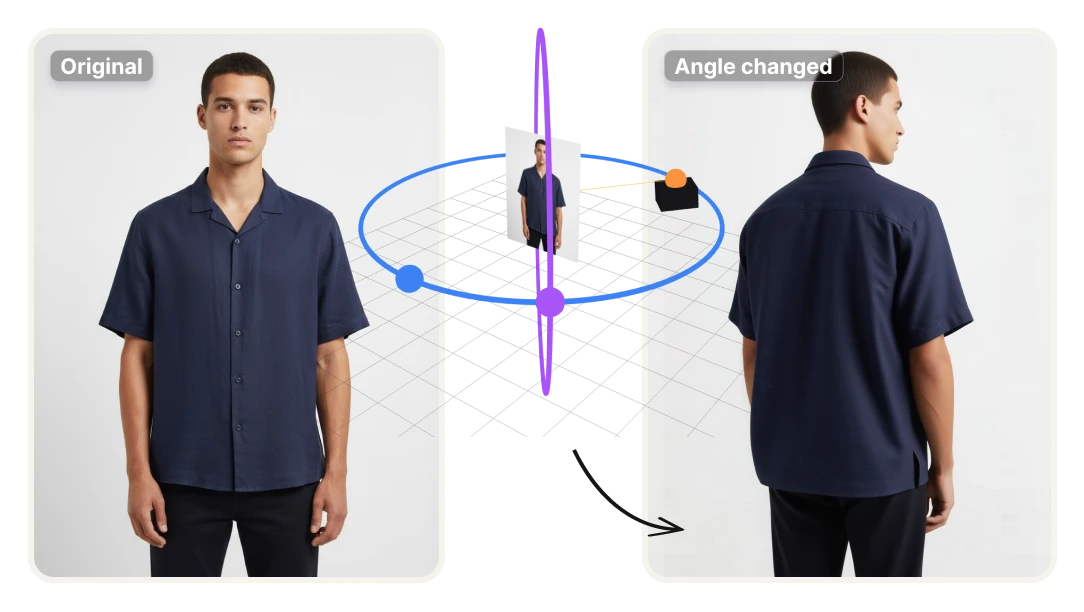
Change the camera angle of any photo without losing the subject's identity, the lighting, or the scene. Upload once, pick front, profile, low, or top-down, and get the new view in seconds.
No credit card required
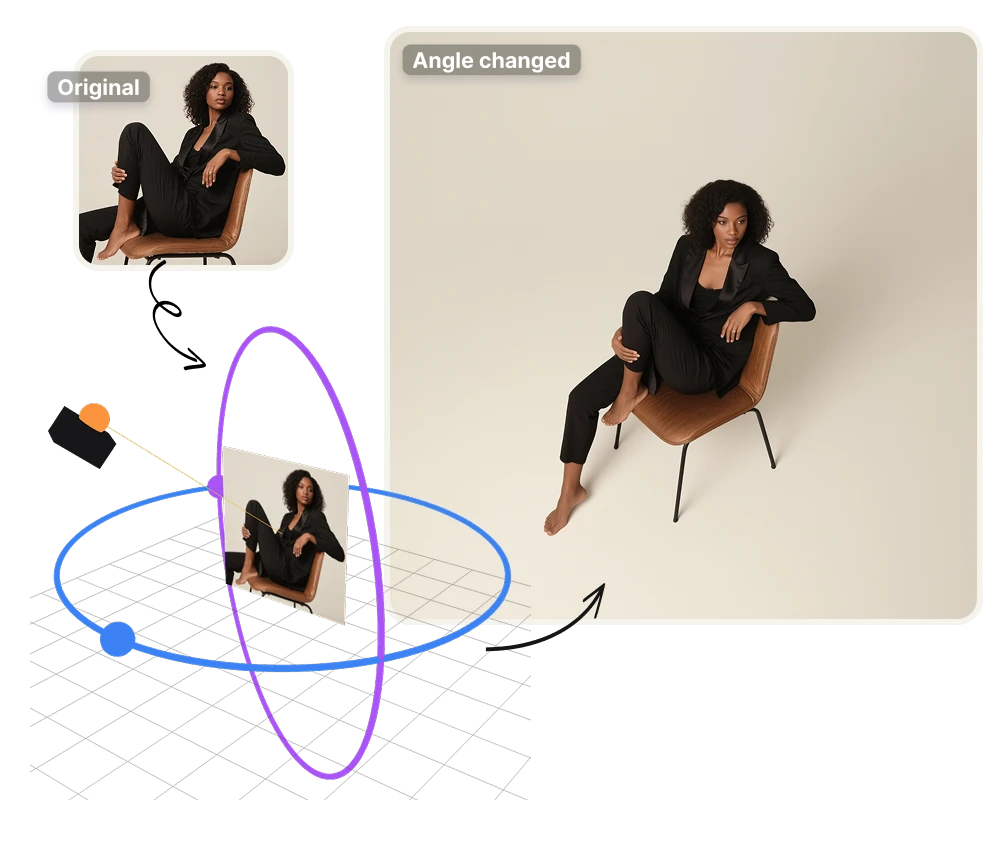
Upload a single product image and get every angle your store needs: front, profile, top-down, three-quarter. Photoroom cleans up product shots; this generates the ones you don't have.
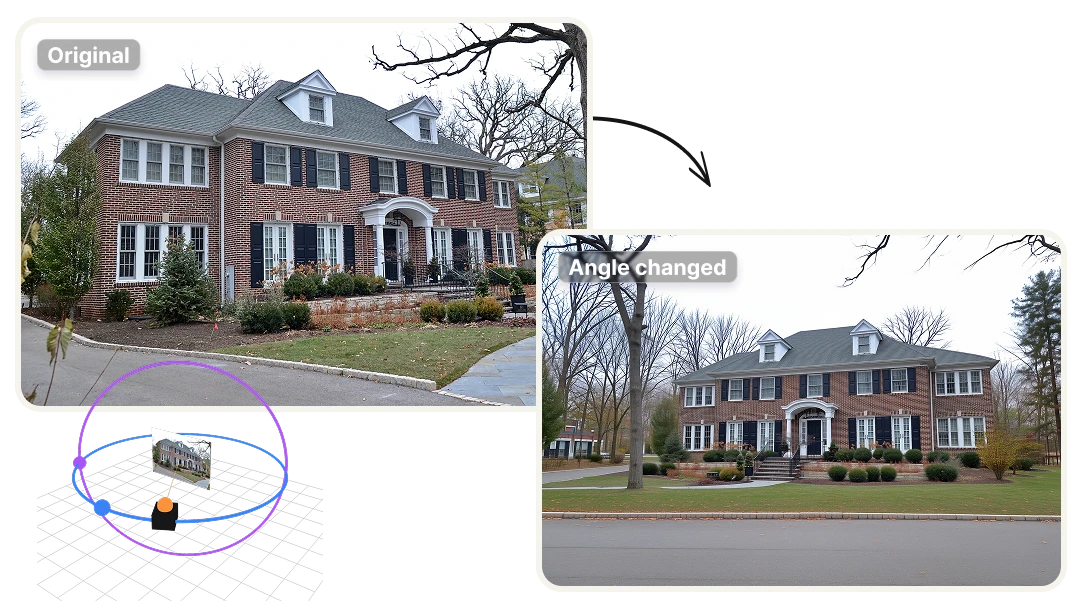
Generate wide, top-down, or eye-level entry views of any interior from a single photograph, with staging, lighting, and finishes preserved. Virtual Staging AI handles the decorating; this handles the angles.
Turn one portrait into the full set: LinkedIn front-facing, three-quarter for bios, profile for case studies. Tools like Aragon AI generate synthetic headshots from training data; this keeps the real photo you already approved and just changes the angle.
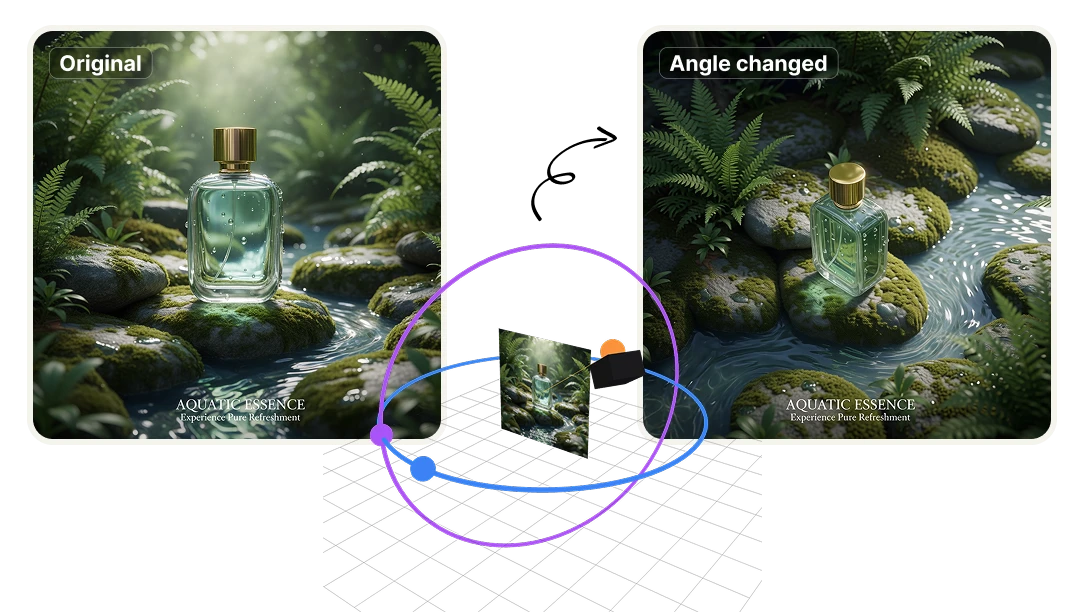
You already paid for the photo. Stop paying again every time a client needs a different view. Upload once, generate front, profile, top-down, and three-quarter — without booking another session or explaining the brief to a photographer twice.
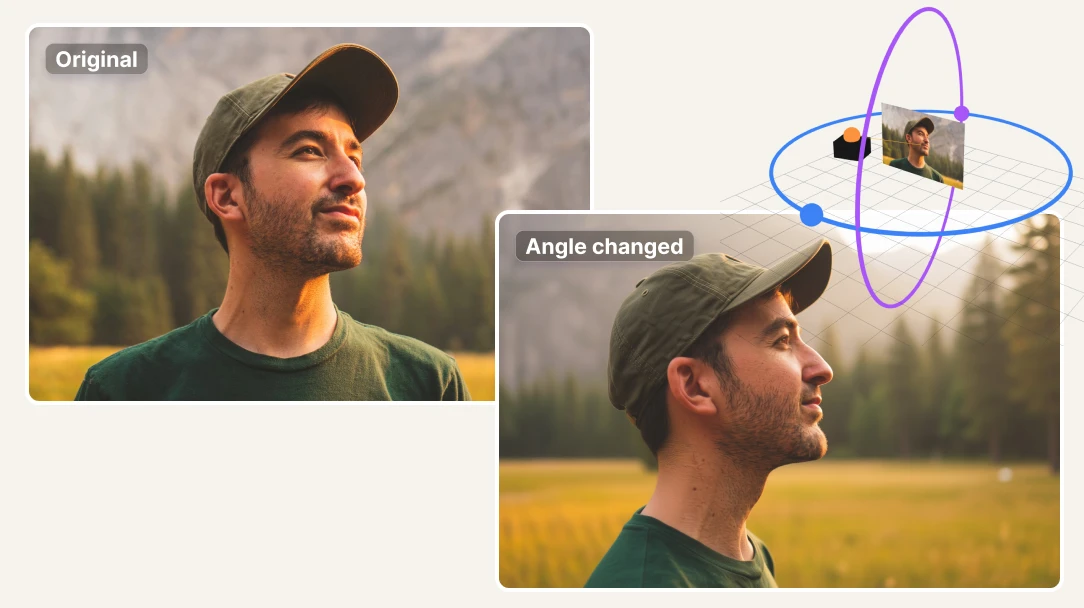
Generated angles preserve the original lighting, background, and subject identity. Your product page, your social posts, and your press kit all look like they came from the same shoot — because they did. No color-matching, no retouching to align new shots with old ones.
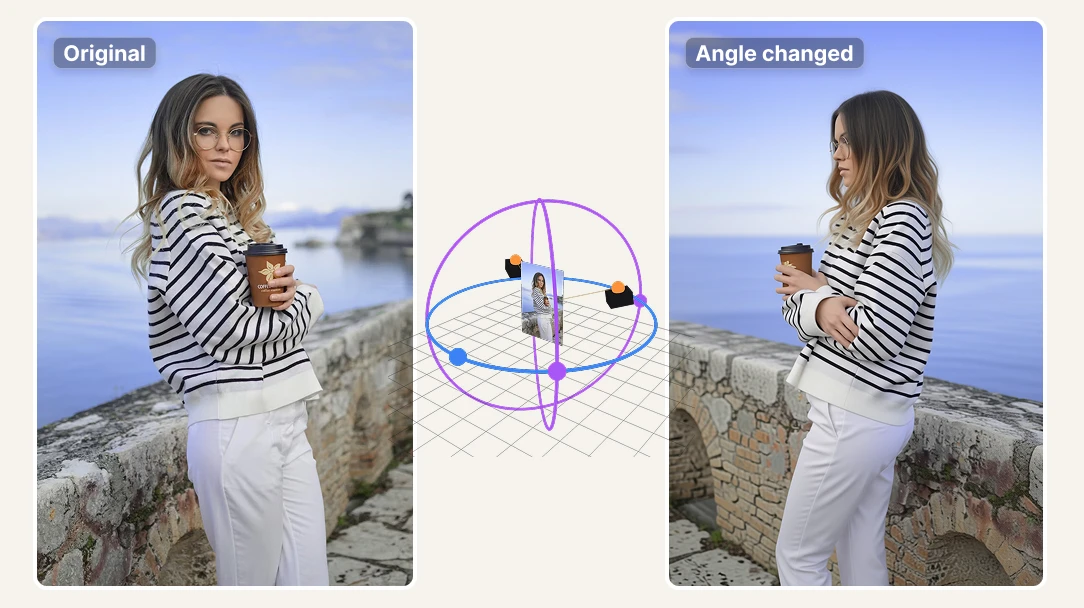
No photographer availability to check. No studio to book. No 3-day turnaround. When a client asks for a different angle at 5pm, you have it by 5:05 — and you don't have to explain why it took a week last time.
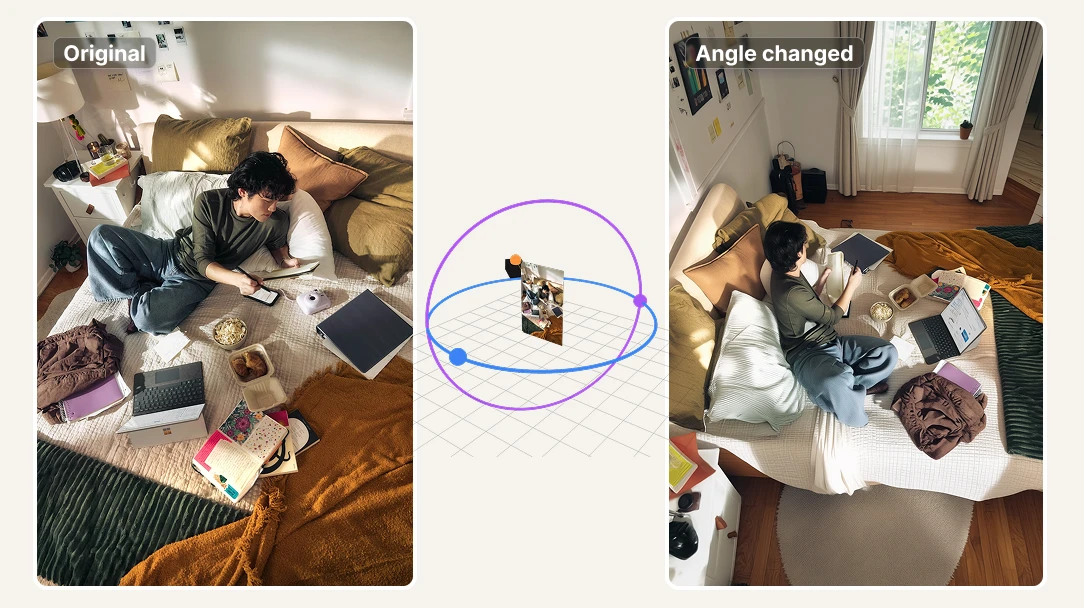
Upload an image from your computer or paste a URL. Any product shot, portrait, or interior photo works as your starting point.
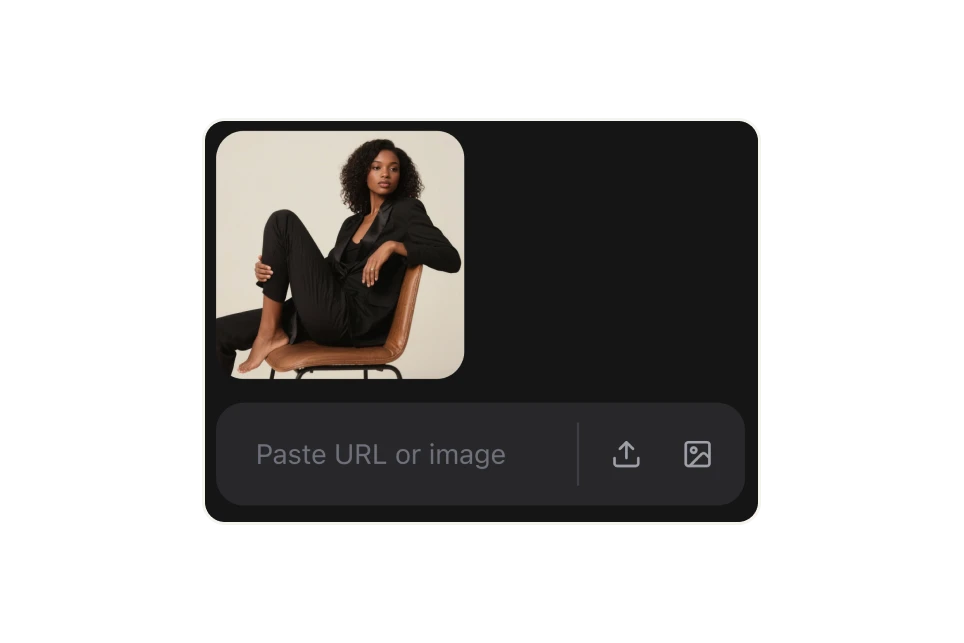
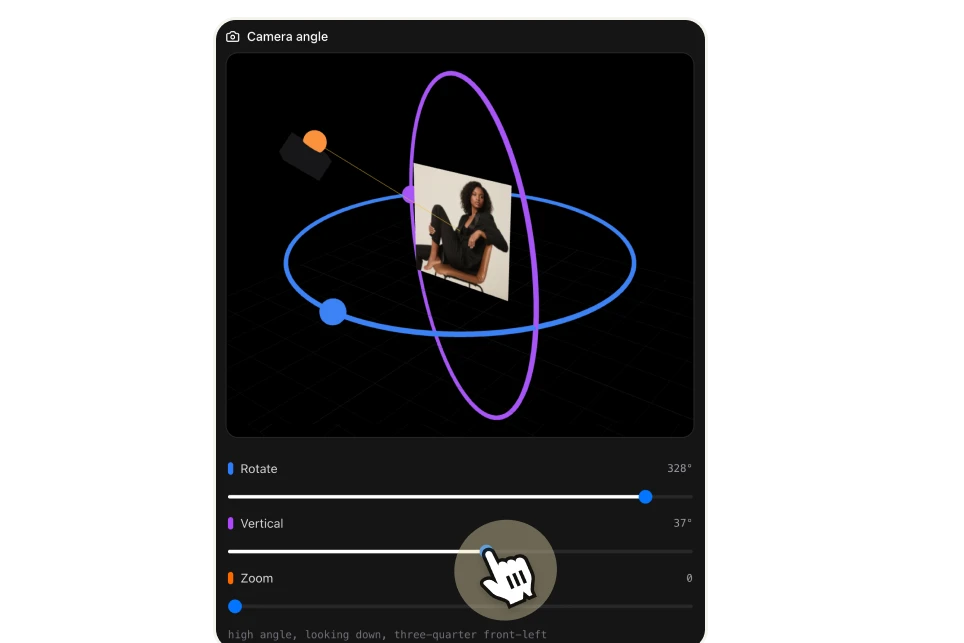
Drag the rings or use the sliders to position the camera exactly where you need it — adjust rotation, vertical tilt, and zoom independently. Add an optional text refinement (like "softer lighting" or "keep the same outfit") if you want to guide the output further.
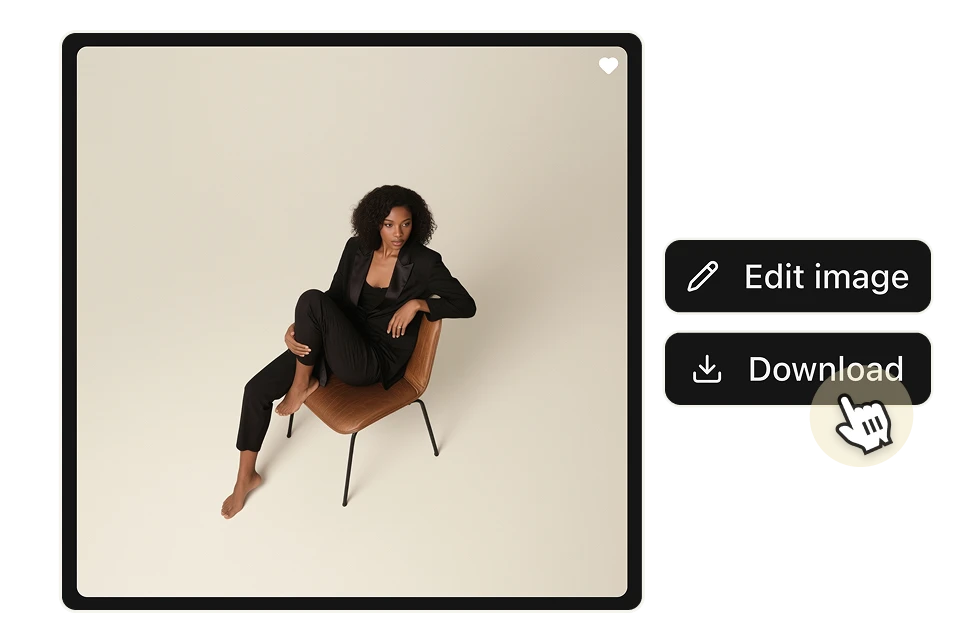
Hit Generate and your reframed image is ready in seconds. Download it directly or continue editing it inside Artificial Studio.
It's a tool that takes a single photo and generates new versions of it from a different perspective — front, profile, top-down, three-quarter — without reshooting. The AI reconstructs the depth and geometry of the image and renders it from the angle you specify, while keeping the subject's identity, lighting, and scene intact.
Cropping and rotating only reframe what's already in the image. This tool generates new visual information — what the subject would actually look like from a different camera position. It's the difference between moving the frame and moving the camera.
Product shots, portraits, headshots, and interior photography tend to produce the strongest results. Any photo with a clear subject and defined lighting works well. Heavily cluttered scenes or very low-resolution images may produce less accurate results.
Each generated image costs 6 credits. Paid plans start at $9/month for 1,300 credits — that's enough for over 200 angle variations for less than $0.05 per image, compared to $200–$5,000 for a traditional product photography session.
Yes. Artificial Studio has a free tier so you can test the tool before committing to a paid plan.
Yes. The Change Camera Angle tool is available through the Artificial Studio API, so you can integrate multi-angle generation directly into your product, store, or workflow. No infrastructure required — pay only for what you use.
Yes. The tool preserves the original lighting, background, and subject identity across all generated angles. The goal is that every angle looks like it came from the same shoot — because it started from the same source image.
This specific tool works with still images. For camera angle changes in video, Artificial Studio has a separate video editing suite.