AI Hairstyle Changer
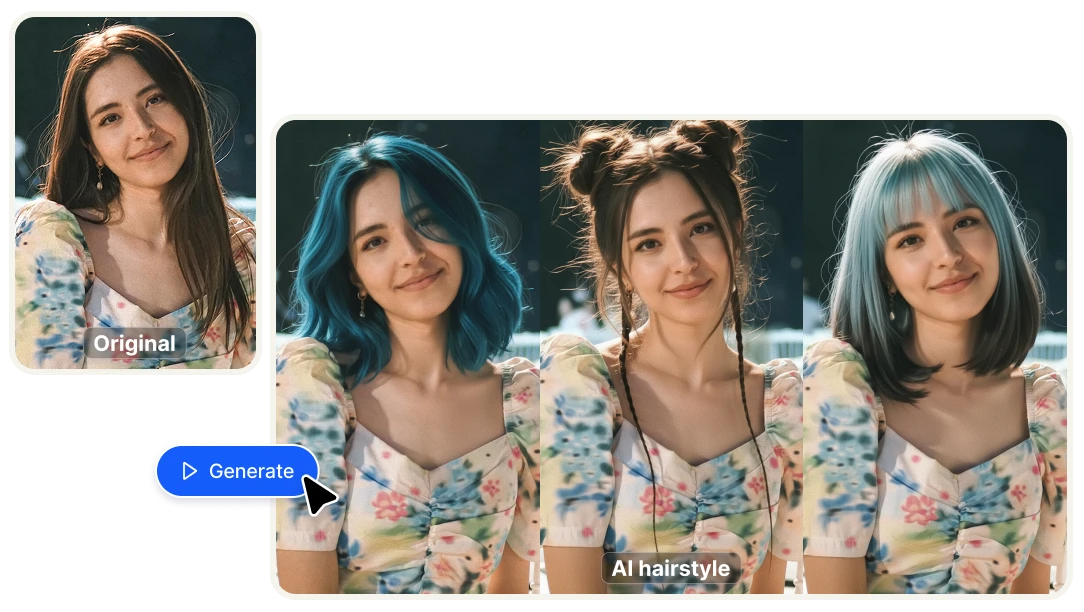
Upload a photo, describe the haircut or color you want, and see exactly how it looks on you — before you sit in the salon chair. Short pixie cut, balayage, curtain bangs, bold color change — describe any style in plain language and the AI generates a realistic preview on your actual face. No filters, no overlays. A real AI-generated image of you with a different hairstyle.

Try any haircut or color before you commit with AI
Try any hairstyle before you cut it
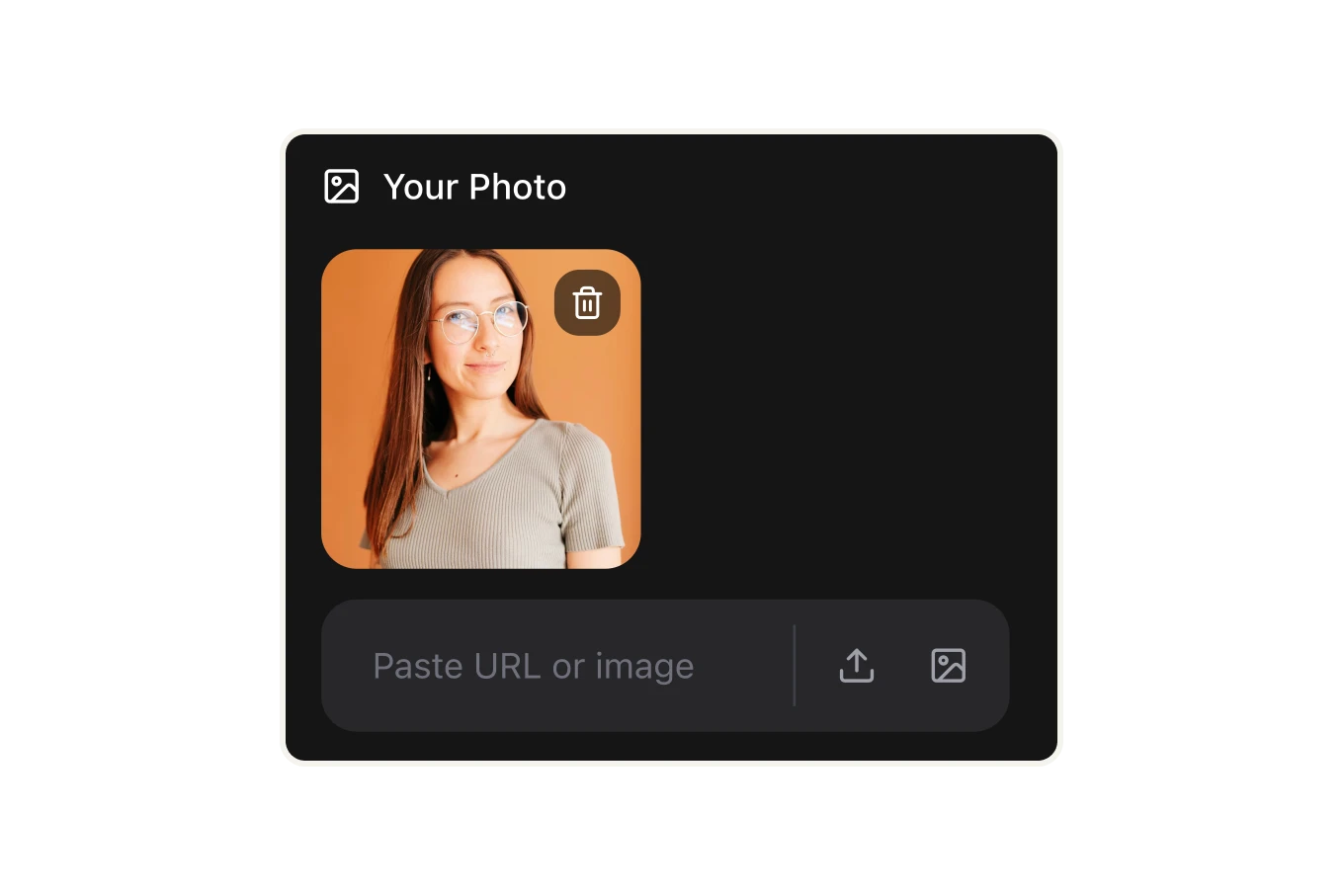
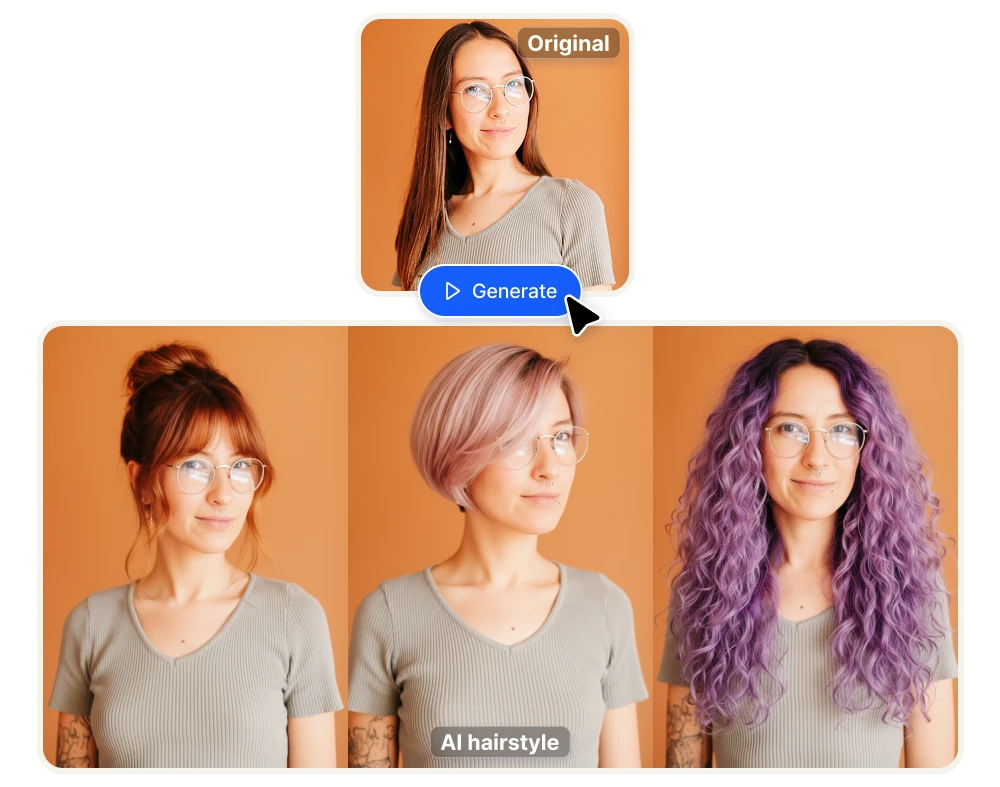
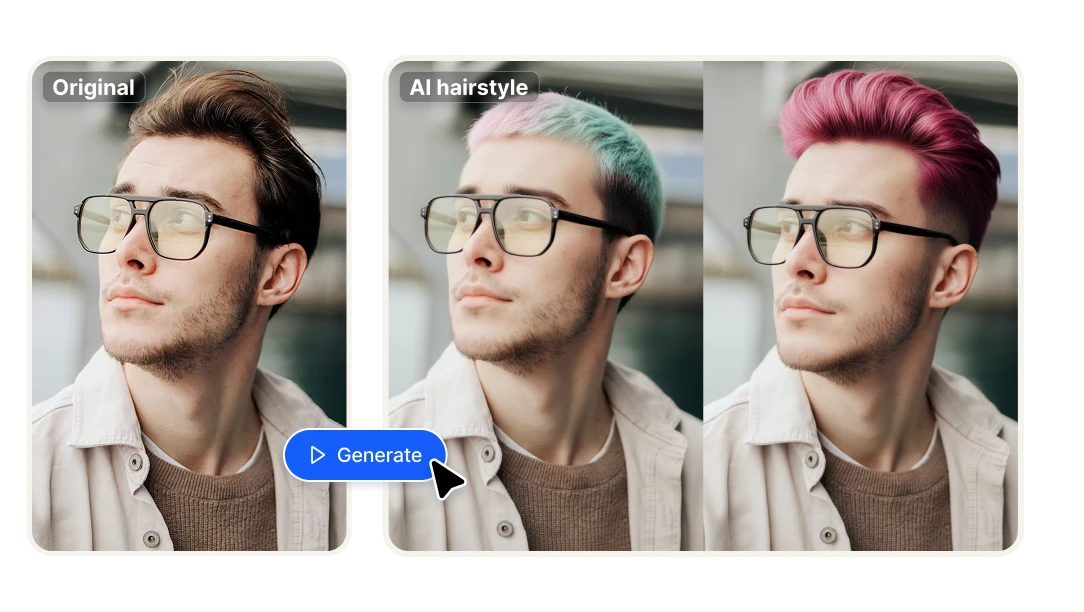
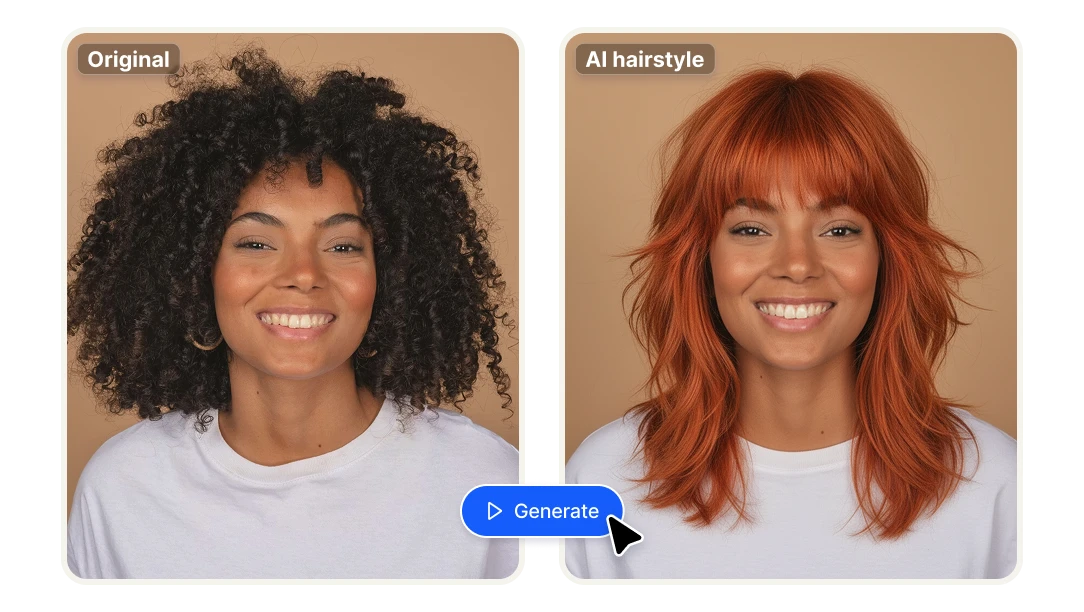
Upload a clear photo of yourself facing the camera, describe the haircut you want to try — length, texture, layers, bangs, cut style — and the AI generates a realistic image of you with that hairstyle applied. See how a pixie cut, a bob, curtain bangs, or a major length change looks on your actual face before committing to anything at the salon. No generic overlays, no avatar — your face, your features, a different haircut.
Change your hair color without the damage
Describe any color — balayage, platinum blonde, auburn, rose pink, black, highlights, ombre — and the AI applies it realistically to your photo, preserving your skin tone, face shape, and lighting. Test bold colors you'd never risk at the salon, compare multiple shades side by side, and arrive at your appointment knowing exactly what you want. No bleach, no commitment, no regret.

Describe any style in plain language — No app download required
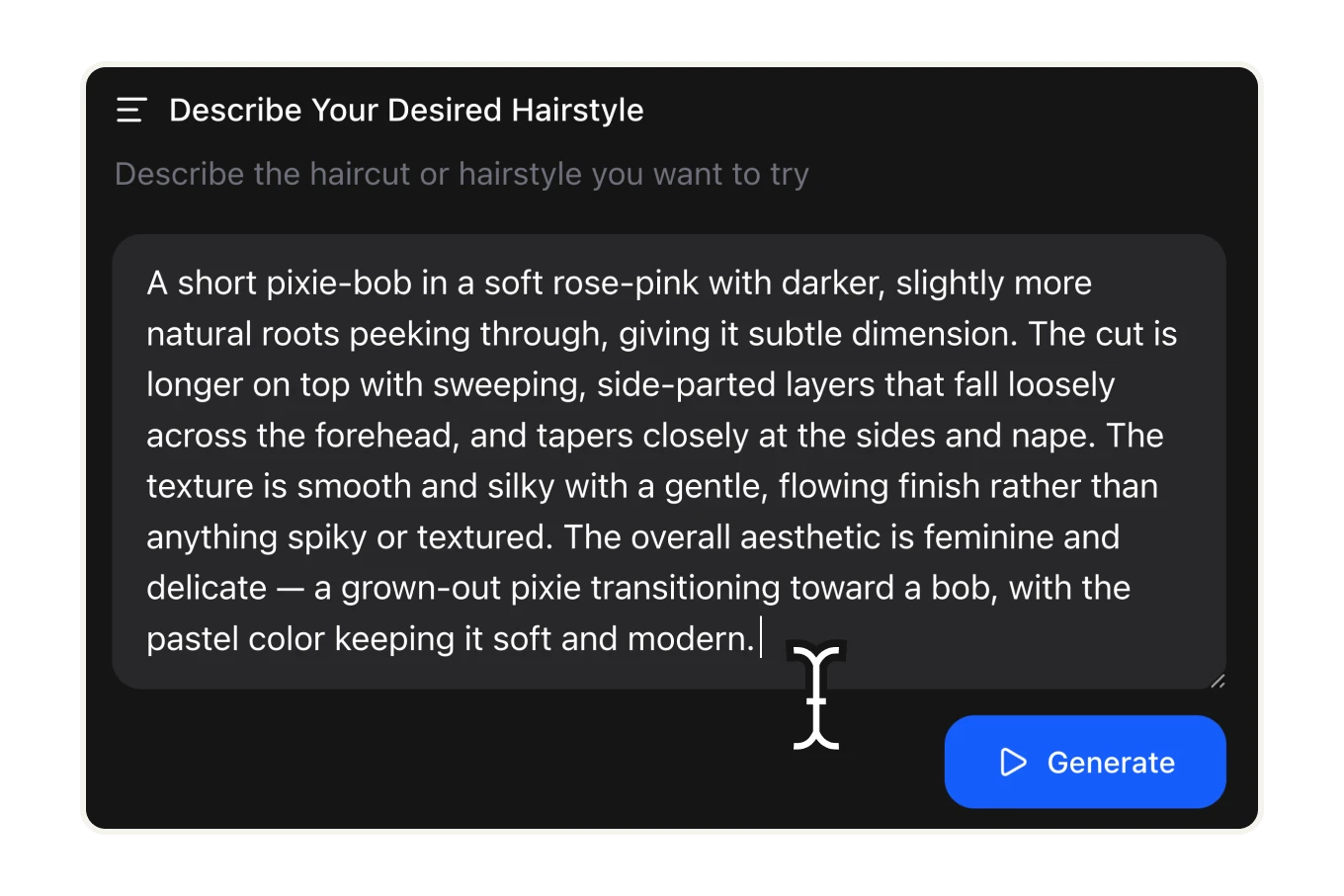
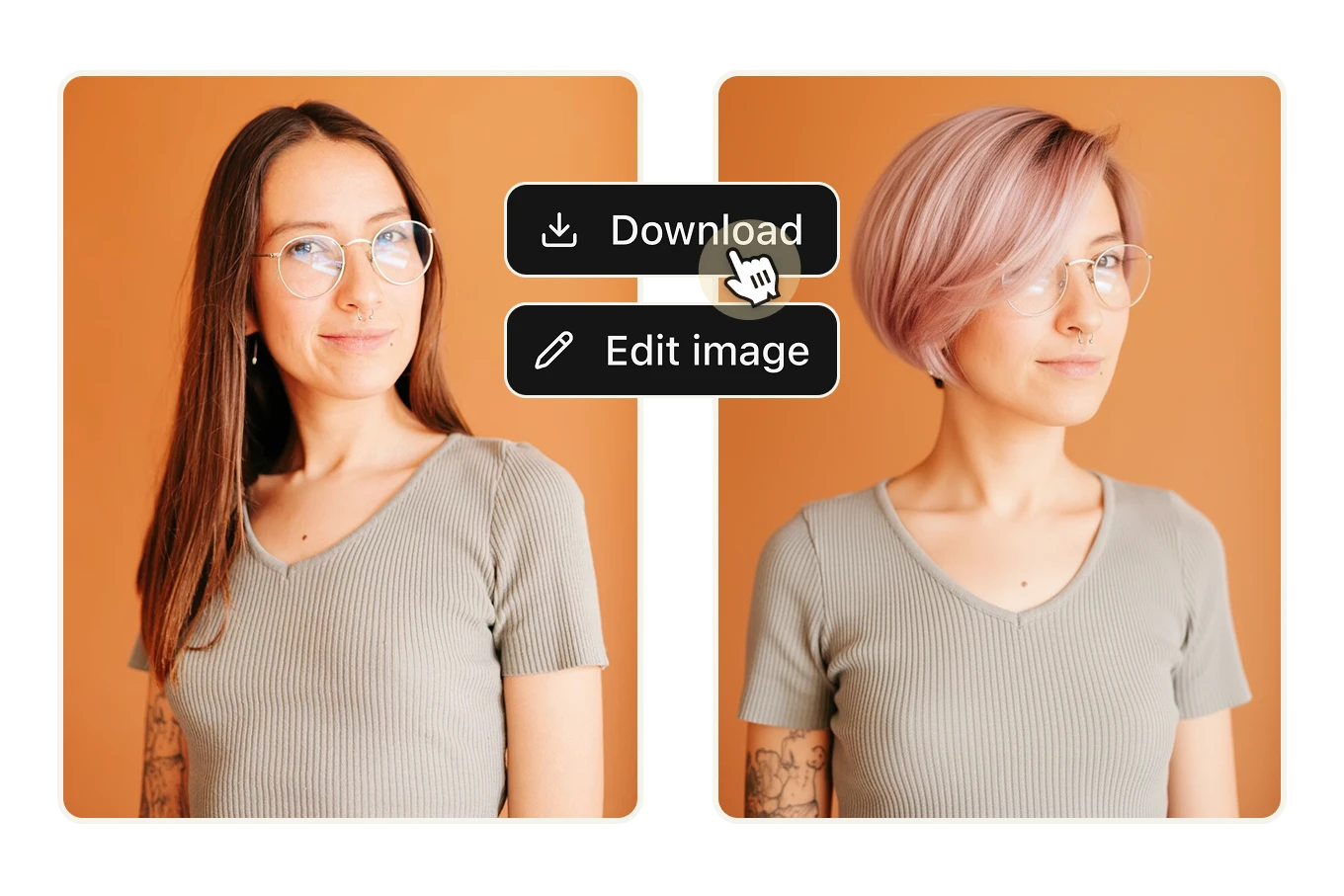
The more specific your description, the more accurate the result. "A short pixie-bob in soft rose-pink with darker roots, side-parted layers falling across the forehead" produces a different result than "short pink hair" — both work. The AI reads natural language and interprets cut, color, texture, and finish together. Fully browser-based, no software to install, results in seconds.

Why Artificial Studio's AI Hairstyle Changer is different

See the result before you spend the money
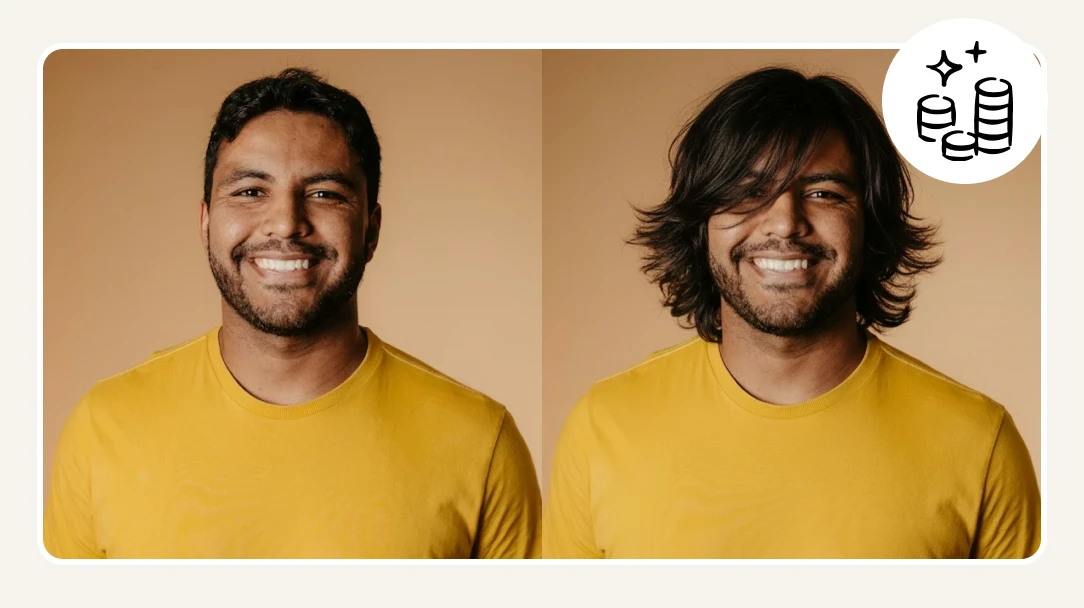
A major haircut or color treatment at a salon costs $80–$300+ — and if you hate the result, there's no undo button. AI Hairstyle Changer lets you preview the exact outcome before you commit, so you walk into the appointment with confidence instead of anxiety. At less than 5 cents per preview, testing 10 different styles costs less than a coffee.

Integrate virtual hair try-on into your product or platform
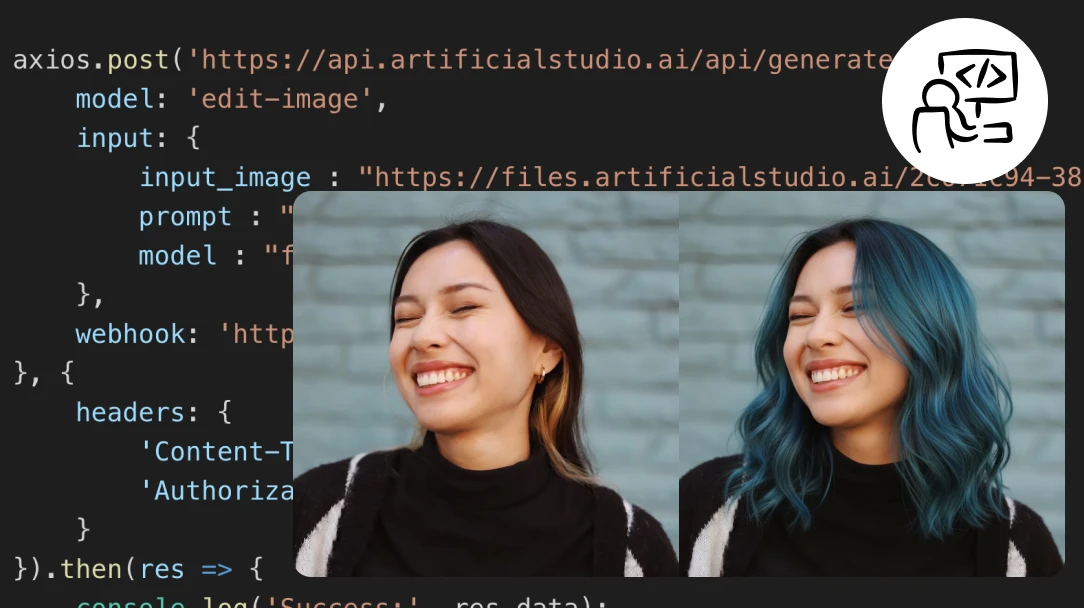
Building a salon booking app, a beauty e-commerce platform, or a hair care brand experience? Artificial Studio's API gives developers direct access to the AI Hairstyle Changer — so you can offer virtual hair try-on to your own users without building the underlying model. Add a "try before you buy" feature to any hair color product, or let customers preview styles before booking an appointment.

Part of a full creative platform — not a standalone beauty filter
Most virtual hairstyle tools do one thing: generate a hair preview and send you on your way. Artificial Studio's AI Hairstyle Changer is part of a platform with 50+ AI creative tools. Generate your new hairstyle preview, then use it for a professional headshot, a social media post, an anime portrait, or a product ad — all without leaving the platform. The preview is just the starting point.
How AI Hairstyle Changer works
Upload your photo
Upload a clear photo of yourself facing the camera — PNG or JPG. Front-facing with good lighting gives the most accurate result. The AI uses your face shape, skin tone, and current hair to generate a realistic preview of the new style on you specifically.

Describe the hairstyle you want
In the text field, describe the cut, color, and style you want to try. Be as specific or as general as you like — "short bob with blunt ends and copper highlights" or just "long wavy blonde hair" both work. The more detail you include about length, texture, color, and finish, the closer the output will match your vision.

Generate and compare
Hit Generate and get your preview in seconds — 8 credits per image, less than 5 cents. Not quite right? Adjust the description and generate again. Try multiple styles, compare them side by side, and screenshot the ones you want to show your stylist. Download them directly or keep editing them inside Artificial Studio.

FAQs
Unlike basic filters or overlays, Artificial Studio's AI Hairstyle Changer generates a completely new image of you with the hairstyle applied — not a sticker placed on top of your photo. The AI reads your face shape, skin tone, lighting, and current hair structure to produce a realistic preview. The more specific your text description, the more accurate the result.
A clear, front-facing photo with good lighting on your face gives the most accurate output. Avoid sunglasses, hats, or anything covering your hairline. A plain or neutral background helps, though it's not required. Portrait orientation works best — the AI needs to clearly see your face shape and hairline to apply the new style accurately.
Yes. Describe any color in your prompt — balayage, platinum blonde, auburn, ombre, rose pink, jet black, highlights — and the AI applies it realistically to your photo. You can test dramatic color changes you'd never risk at the salon, or compare subtle shade variations side by side before committing.
Each preview costs 8 credits — approximately $0.046 on Artificial Studio's annual plan ($8/month, 1,400 credits/month). That's less than 5 cents per hairstyle preview. You can generate up to 175 previews per month on the standard plan — enough to test dozens of styles before your next salon visit for less than the cost of a coffee.
Fotor, YouCam, and HairstyleAI are standalone hairstyle tools — you get the preview and that's it. Artificial Studio's AI Hairstyle Changer is part of a platform with 50+ AI creative tools. Once you generate your new look, you can turn it into a professional headshot, create a social media post, generate an anime portrait version, or continue refining it using the AI Chat — all without leaving the platform.
Yes — that's one of the most practical uses. Download the generated preview and bring it to your appointment as a visual reference. It's significantly clearer than trying to describe a style in words or searching for a celebrity photo that doesn't quite match your face shape. Your stylist sees exactly what you're envisioning.
Yes. Upload any photo — the tool works for any face, any gender, any current hair length. Describe the style you want: fade, undercut, textured crop, buzz cut, longer styles — the AI generates the result regardless of the starting point.
Like all AI hairstyle tools, results are most accurate for cuts and colors with clear visual contrast from your current style. Very fine details like natural curl behavior, frizz patterns, and growth direction are harder to replicate precisely — because those depend on your actual hair texture, which a photo can only partially capture. Use the previews as a strong directional guide, not a pixel-perfect guarantee.
Yes. Salon booking platforms, hair care brands, and beauty e-commerce products can integrate AI Hairstyle Changer directly into their own products via Artificial Studio's API. Offer virtual try-on to your users — for hair color products, appointment booking flows, or style recommendation tools — without building the underlying model.
No. AI Hairstyle Changer runs entirely in the browser — no download, no installation, no account required to try it. Upload your photo, describe the style, and generate your preview directly from any device.