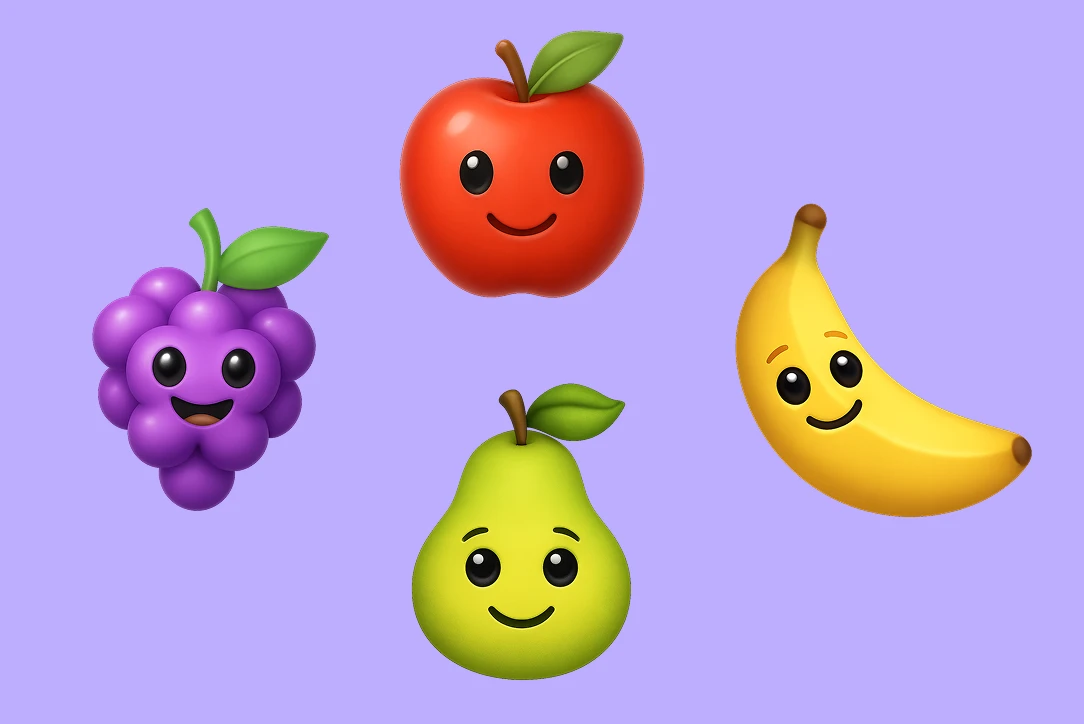
How to make custom emojis on iPhone

Learn what custom emojis are on iPhone, how to create and use them in iOS, and the real limitations set by Apple. This step-by-step guide explains the available options and shows alternative ways to personalize emojis beyond the default iPhone features.

No credit card required
AI Avatar Maker

What you can do with custom emojis on iPhone

Create AI Emojis from Your iPhone Browser

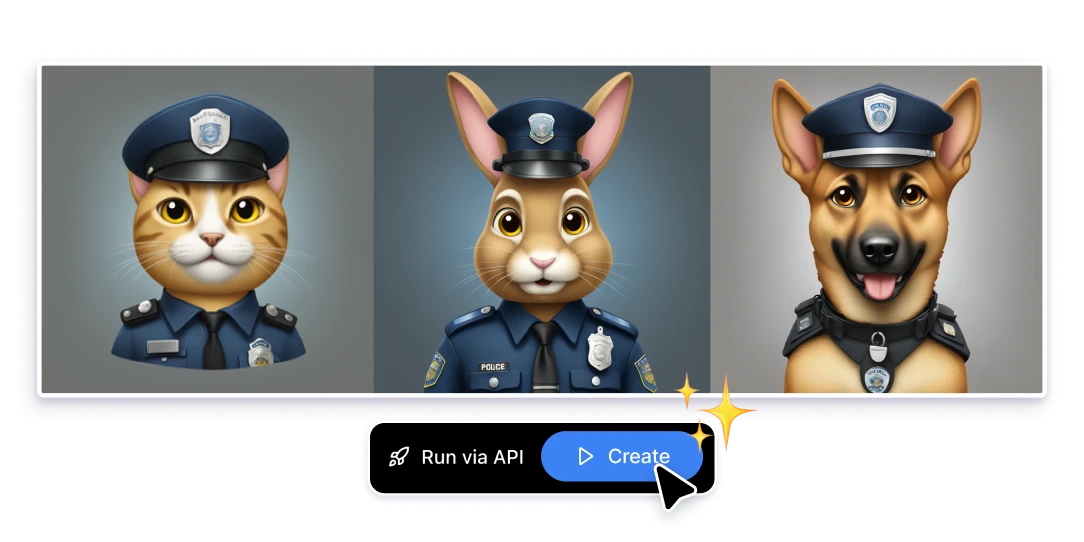
No downloads needed. iPhone users can generate custom emojis directly from the browser by describing what they want in plain text. It’s a simple way to turn ideas into emoji-style visuals while staying within the iOS experience.

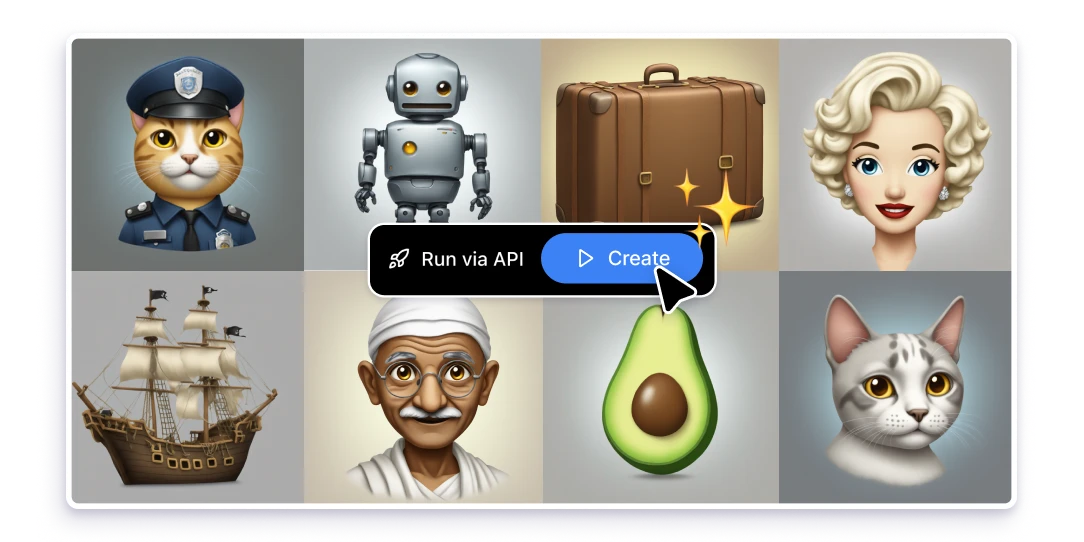
Made for iOS Messaging: Messages, WhatsApp, Telegram & More

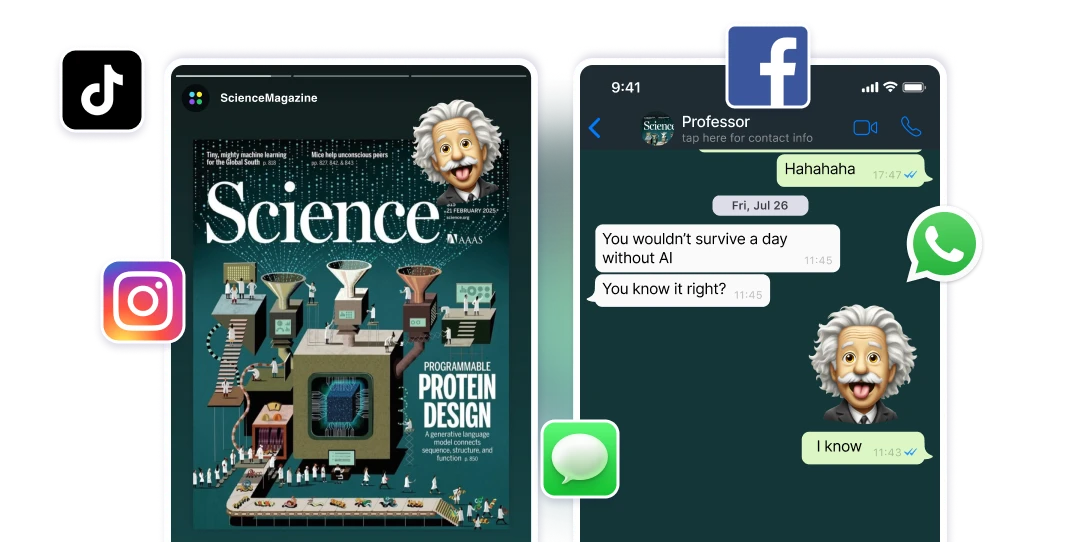
Custom emojis created with AI can be used across the apps iPhone users rely on every day—Apple Messages, WhatsApp, Telegram, and other chat platforms. Create an emoji once, then use it wherever you text, so your style stays consistent across conversations.

Express More with Truly Personalized Emojis

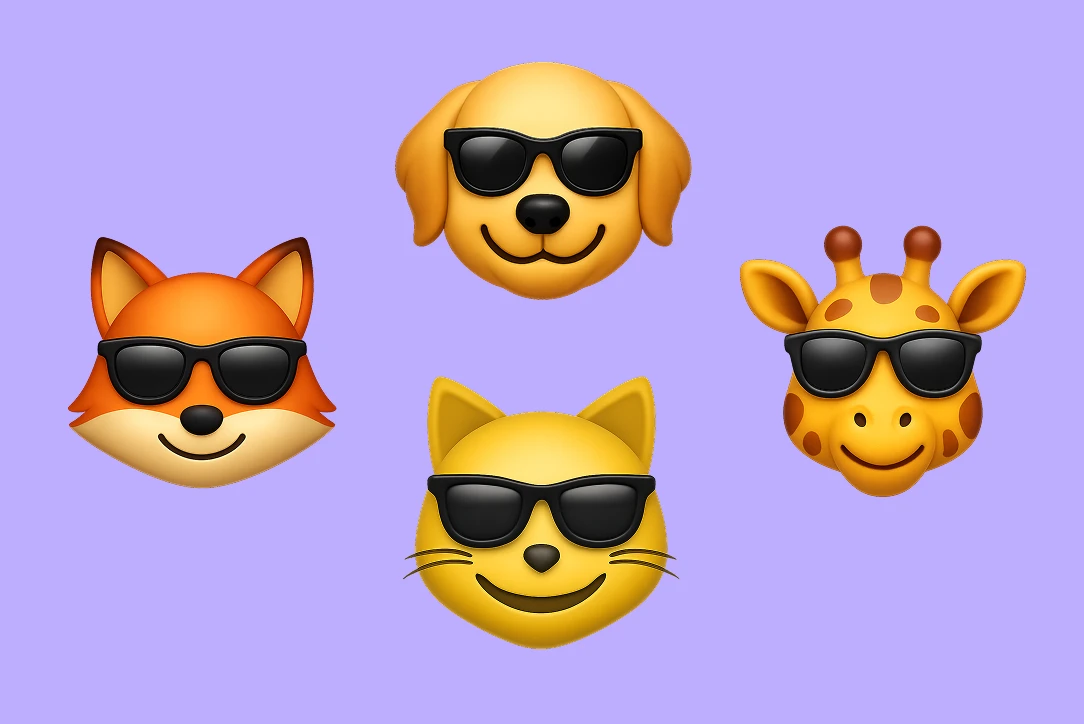
Default emojis are limited—custom ones let you say what you actually mean. With AI-generated emojis, iPhone users can create personalized reactions, inside jokes, and mood-specific visuals that make texting feel more human, more specific, and more you.

How iPhone users can create custom emojis online

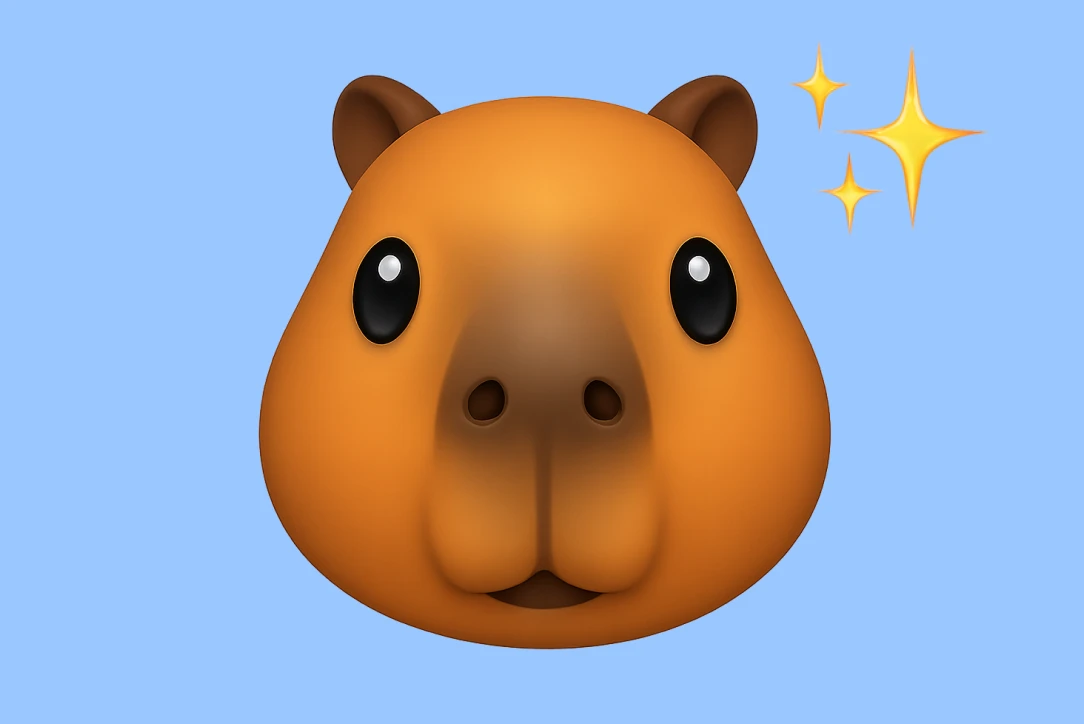
On iPhone, creating truly custom emojis is limited by iOS. While Apple offers options like Memoji and stickers, many users look for online tools that allow more creative freedom. These tools typically let you describe an emoji in words and generate a custom visual that can be saved and used across messaging apps.

Why iPhone users look for custom emoji alternatives

More creative freedom than native iOS options
Apple’s built-in emoji customization is limited to predefined styles and formats. Custom emojis allow iPhone users to go beyond what iOS offers and express ideas, emotions, or characters that don’t exist in the standard emoji set.
One Emoji, multiple messaging Apps
Generating custom emojis in Artificial Studio are not tied to a single app or platform. Once created, they can be used across iOS messaging apps like Messages, WhatsApp, Telegram, and others, making conversations more consistent and personal no matter where you’re texting.
A more personal way to express yourself
Text conversations often rely on generic emojis that don’t fully represent tone, humor, or personality. Custom emojis give iPhone users a more expressive and personalized way to communicate, helping messages feel more human and more intentional.

FAQs

Custom emojis on iPhone are personalized visual elements that go beyond standard emojis. In iOS, this usually includes options like Memoji or stickers, which are limited to Apple’s predefined styles and formats rather than fully custom designs.
iPhone does not currently allow users to create fully custom emojis at the system level. iOS offers features like Memoji and stickers, but these are restricted to Apple’s ecosystem and design rules. But Artificial Studio let you create custom emojis directly in your iPhone's browser.
Custom emojis are typically used as images or stickers within messaging apps on iPhone. They can be shared in apps like Messages, WhatsApp, and Telegram, depending on the format and the app’s supported features.
Apple tightly controls how emojis work in iOS to ensure consistency across devices and platforms. Because of this, users cannot add new emojis to the system keyboard or fully customize emoji designs beyond Apple’s built-in tools.
Yes. Many iPhone users explore online tools that allow more creative freedom than native iOS features. These alternatives make it possible to create personalized emoji-style visuals that can be saved and used across different messaging apps.

Related topics