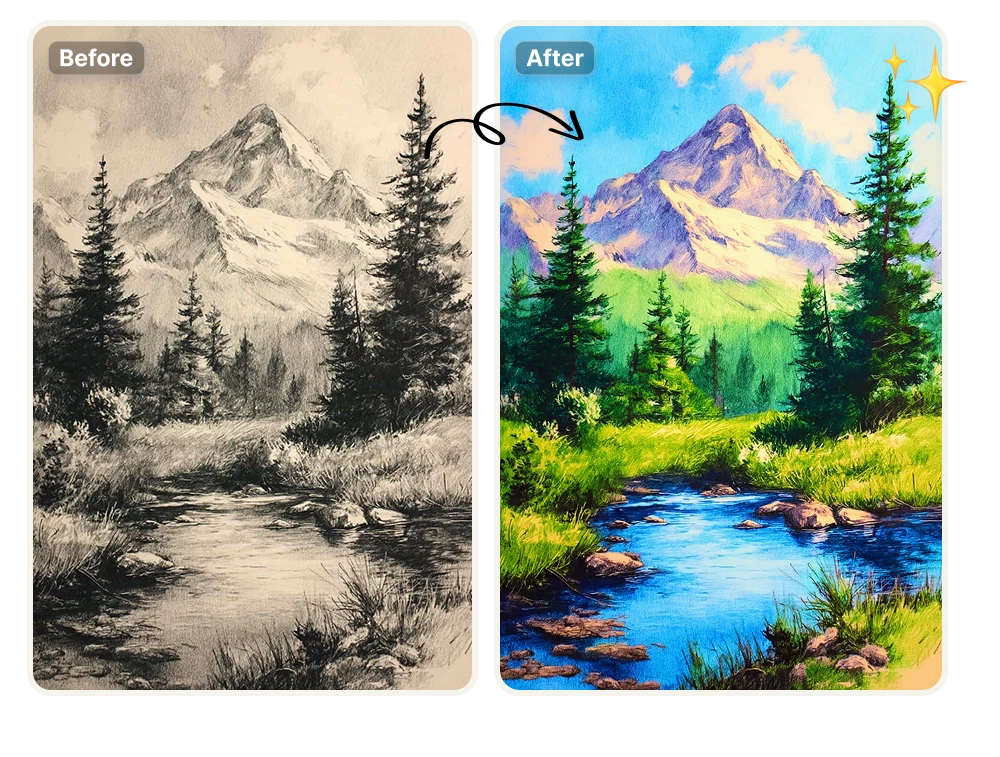
Colorize Landscape Drawings with AI

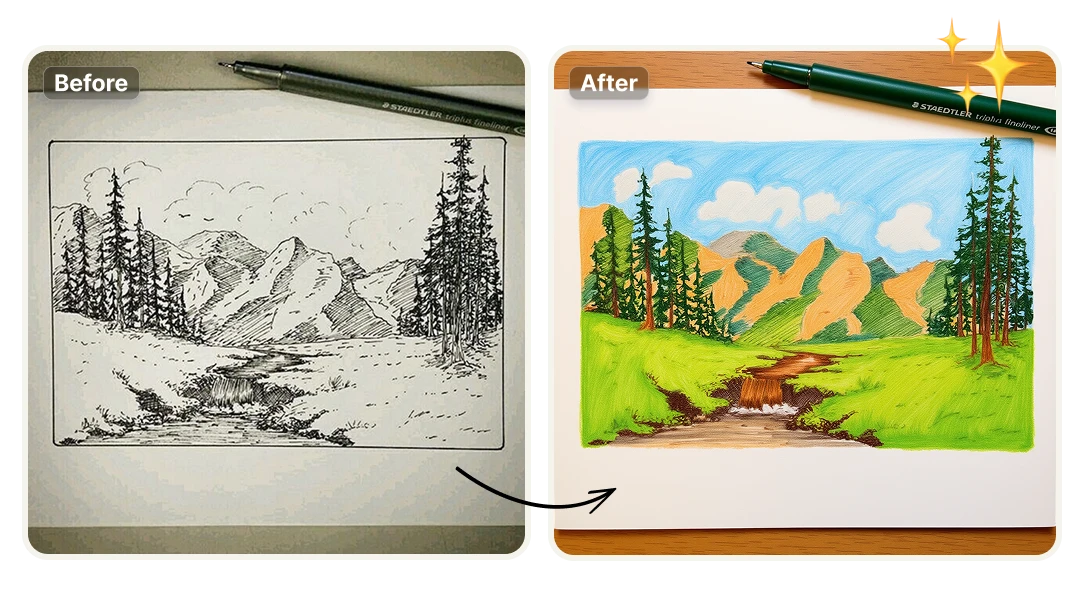
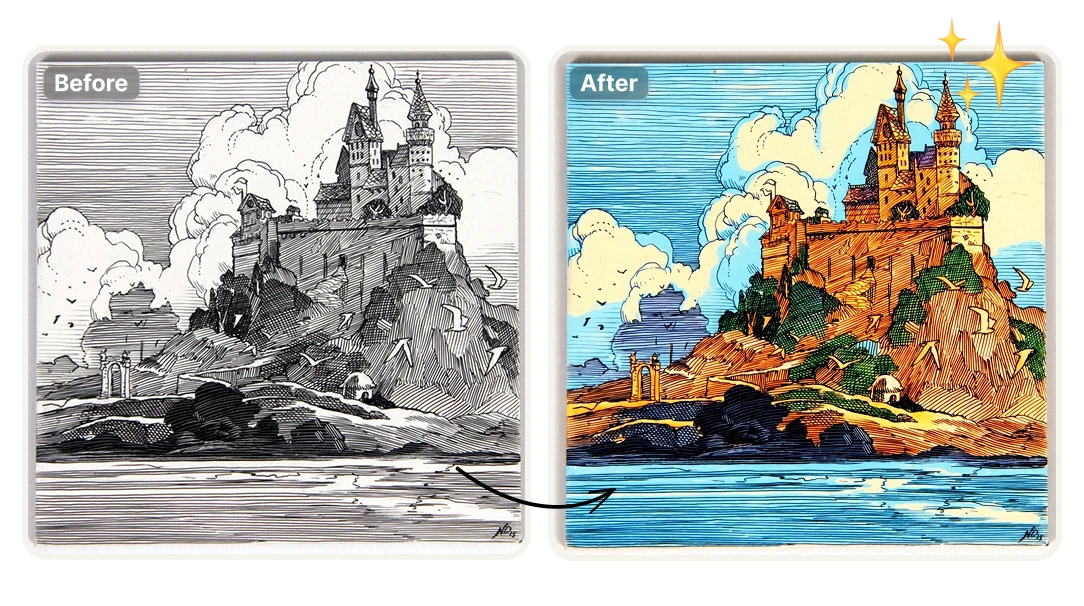
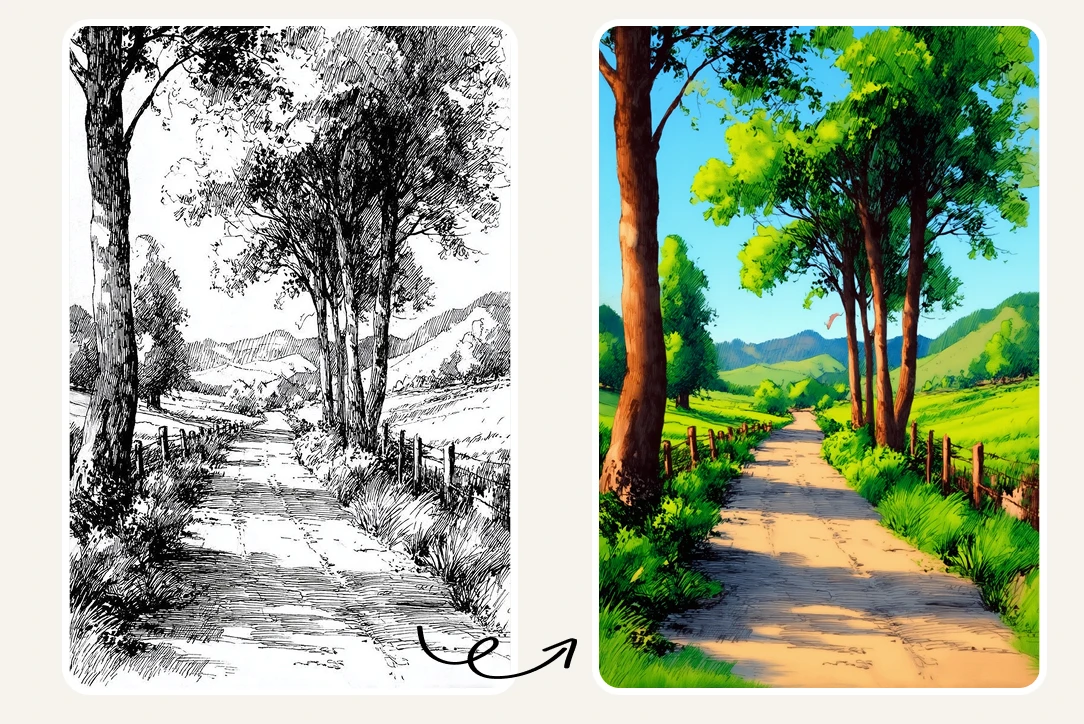
Bring landscapes, botanical sketches, and wildlife drawings to life with natural, realistic color. Our AI colorization tool understands vegetation, sky, water, terrain, and organic textures—applying lifelike palettes that preserve depth, atmosphere, and artistic intent.

No credit card required
AI Avatar Maker

Why Artists Use AI to Color Landscapes and Nature Illustrations

Turn Line Drawings into Living Landscapes

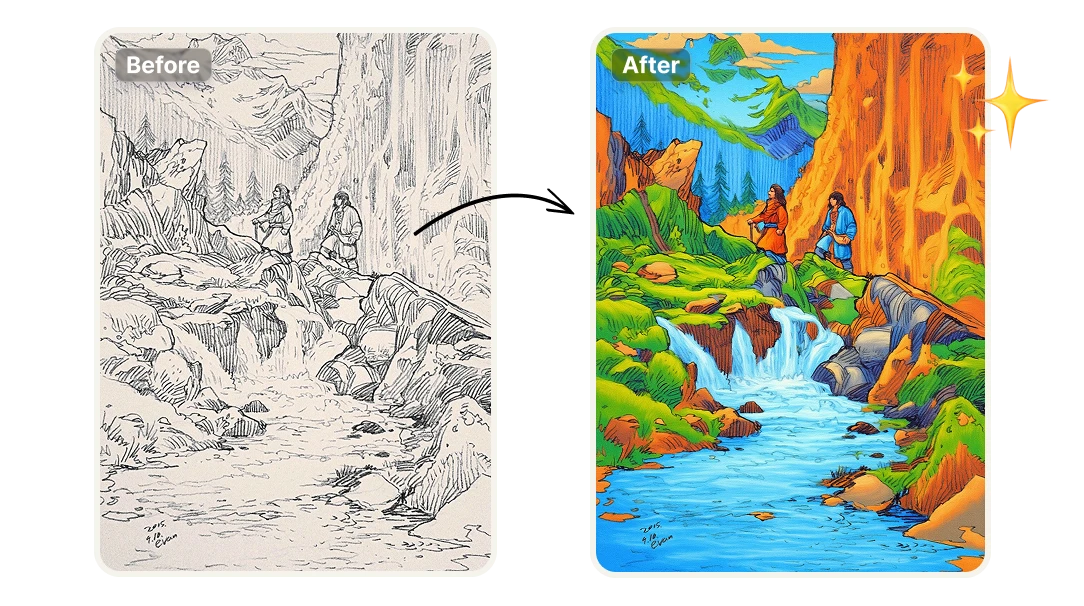
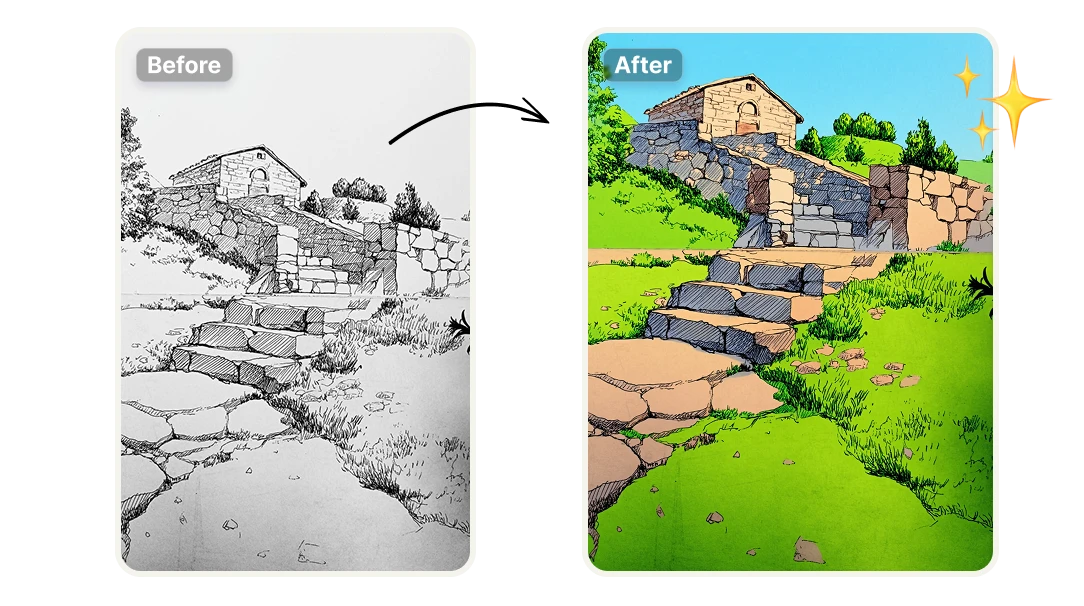
Bring forests, mountains, rural villages, dirt roads, and wildlife scenes to life with realistic, nature-accurate color. The AI understands environmental elements like vegetation, sky, terrain, water, and distance, applying harmonious palettes that preserve depth, atmosphere, and natural lighting—without flattening the original drawing.
Explore Natural Palettes Before Committing to Final Color

Landscape illustrators use this tool to move beyond black-and-white sketches and quickly test believable color directions. It allows artists to explore earthy tones, greens, sky gradients, and seasonal variations before investing hours in manual painting—making it ideal for pitching ideas, refining compositions, or preparing work for clients and publishers.

Create Environment Concepts Faster for Games, Film, and Animation

Concept artists working on natural worlds—jungles, forests, mountains, valleys, and rural settlements—use the tool to generate colored environment sketches in minutes. It enables fast mood exploration, atmosphere definition, and visual storytelling during early production stages, helping teams communicate ideas clearly without requiring finished renders.

Produce Professional, Educational, or Client-Ready Illustrations

Teachers, book illustrators, and freelance artists rely on AI colorization to transform nature drawings into polished visuals. Whether for educational material, children’s books, editorial illustration, or commercial projects, the tool helps deliver realistic, professional-looking artwork quickly—reducing production time while maintaining visual credibility.

Why Use AI for Landscape Colorization

Save Hours of Manual Work
Colorizing landscapes, forests, and natural scenes no longer requires hours of manual painting. With a single click, the AI automatically applies realistic, nature-accurate color—allowing you to move from sketch to colored illustration in seconds.
No Design or Painting Software Required
There’s no need to switch between complex illustration or painting tools. Artificial Studio replaces traditional workflows by giving you an AI-powered environment that handles color, depth, and atmosphere for natural scenes—directly from your browser.
Integrate Landscape Colorization via API
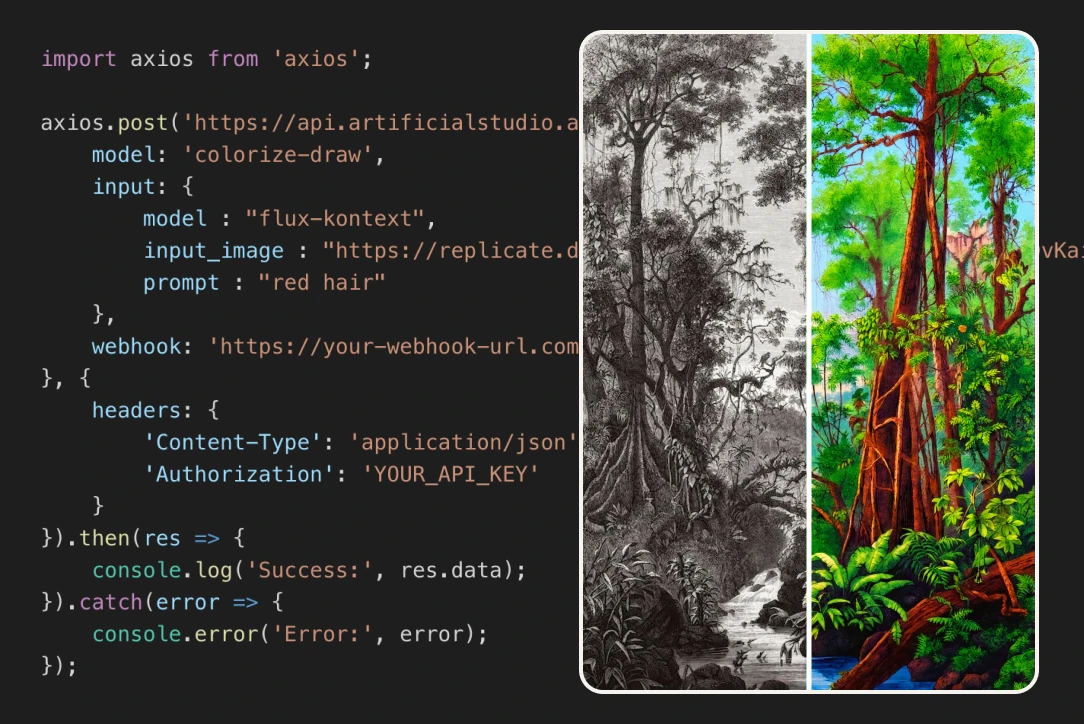
For studios, platforms, and product teams, this tool is also available through an API. You can integrate AI landscape colorization directly into your own service, app, or creative pipeline—alongside 50+ other AI tools offered by Artificial Studio.

Learn how to add color into Landscape sketches

Enter in the Artificial Studio AI tool
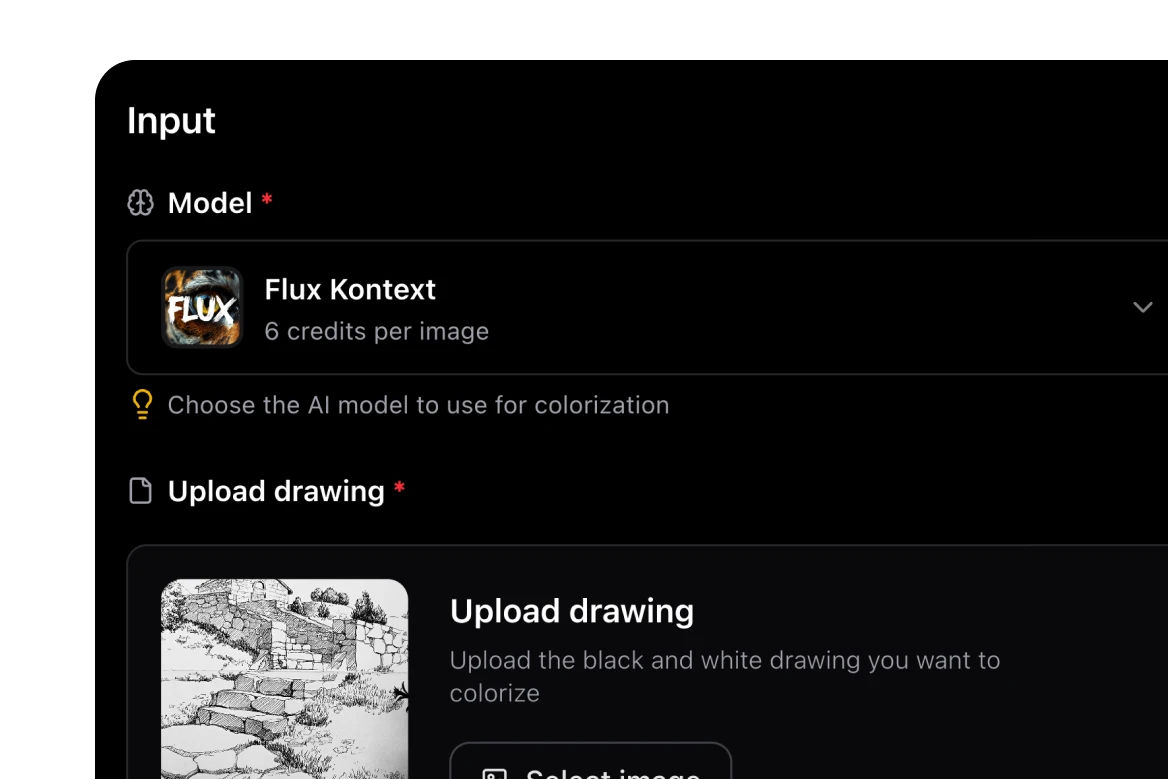
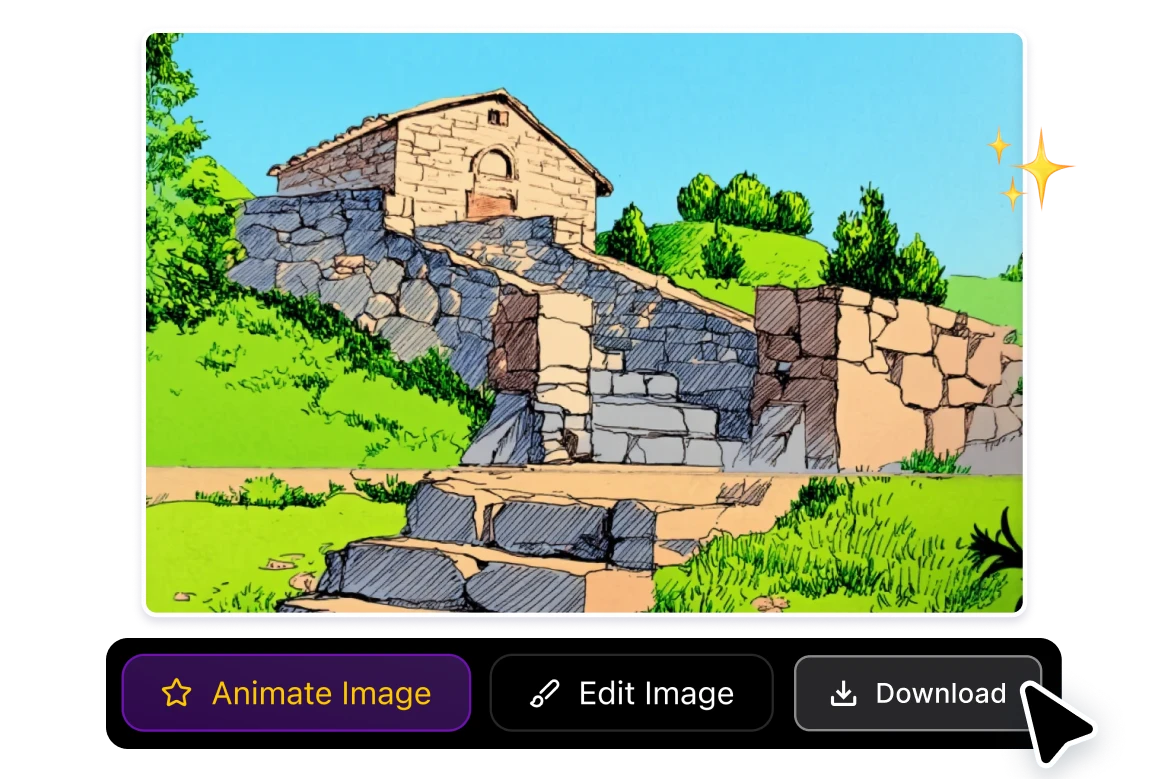
The flow is extremely simple. On the left side you will see a section to upload the image, below you can add the prompt (describe colors/style, but most of the time will work better if you let the AI think for itself!) and on the right side the example result.
Choose the Image
In the "Upload File" section you will find a "Select file" button where you can choose one of your creations in Artificial Studio or upload a file from your computer or phone.
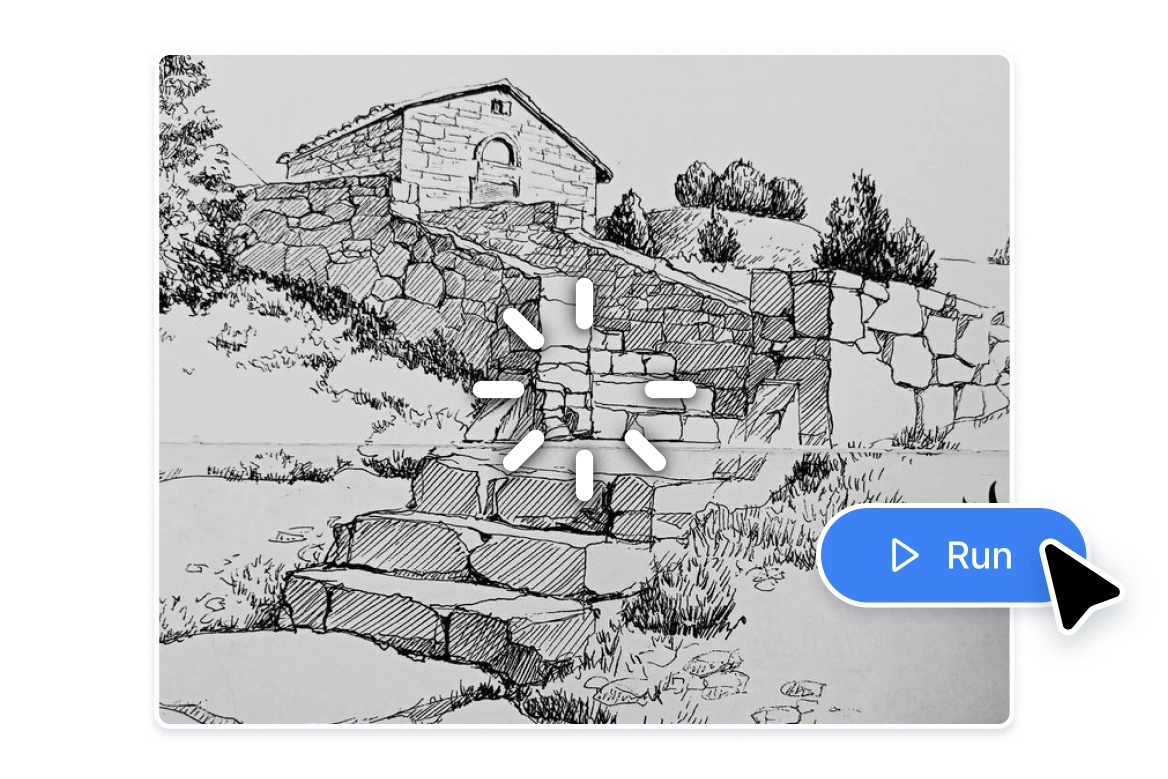
Click the button "Run"
Now that you have everything ready, you can press the blue "Run" button, wait a few seconds, and you will have an image that you can download and publish in your social media! (instagram, TikTok, Facebook, Twitter, Tumblr, etc.)

FAQs

AI drawing colorization uses machine learning to automatically add color to black-and-white drawings, sketches, and illustrations. This tool analyzes lines, shapes, depth, and environmental elements—such as vegetation, sky, terrain, and animals—to apply realistic and balanced color without manual painting.
The tool works especially well for landscape drawings, forests, jungles, mountains, rural villages, dirt roads, wildlife in nature, and environmental sketches. It is designed for natural scenes and organic elements rather than stylized characters or technical diagrams.
Manual coloring takes time, skill, and multiple iterations. With this AI tool, you can colorize a drawing instantly with one click. It removes repetitive work, accelerates production, and allows you to focus on composition, storytelling, or final refinements instead of base coloring.
No. You don’t need tools like Photoshop, Procreate, Clip Studio Paint, or Krita to color your drawings. Artificial Studio replaces complex painting workflows with an AI-powered solution that runs directly in your browser—no setup, brushes, or layers required.
This tool is ideal for landscape illustrators, concept artists for games or film, book illustrators, educators, freelancers, and content creators. It’s also useful for teams that need to produce large volumes of colored illustrations quickly without hiring additional designers or illustrators.
Yes. The colorized outputs can be used for professional work such as books, editorial illustrations, educational material, concept art, presentations, and digital products. Many creators use the results as final artwork or as a strong base for light post-editing.
While platforms like Krea or Runway offer broader creative tools, Artificial Studio focuses on simple, fast, and affordable AI utilities for creators. You get access to this colorization tool plus 50+ AI tools in one place, without complex workflows or high costs.
No. Artificial Studio is designed to be extremely affordable compared to hiring illustrators, outsourcing coloring work, or paying for multiple design software subscriptions. For the cost, you get instant AI colorization and access to a full suite of creative tools.
Yes. Artificial Studio offers an API that allows you to integrate AI drawing colorization—and more than 50 other AI tools—directly into your own app, platform, or workflow. This is ideal for startups, agencies, edtech platforms, or creative SaaS products.
This tool is especially useful when you need to quickly turn sketches into colored visuals, explore natural color palettes, create environment concepts, prepare illustrations for clients or publishers, or scale illustration production without increasing your team size.

Related topics