Turn Any Image into Origami Art
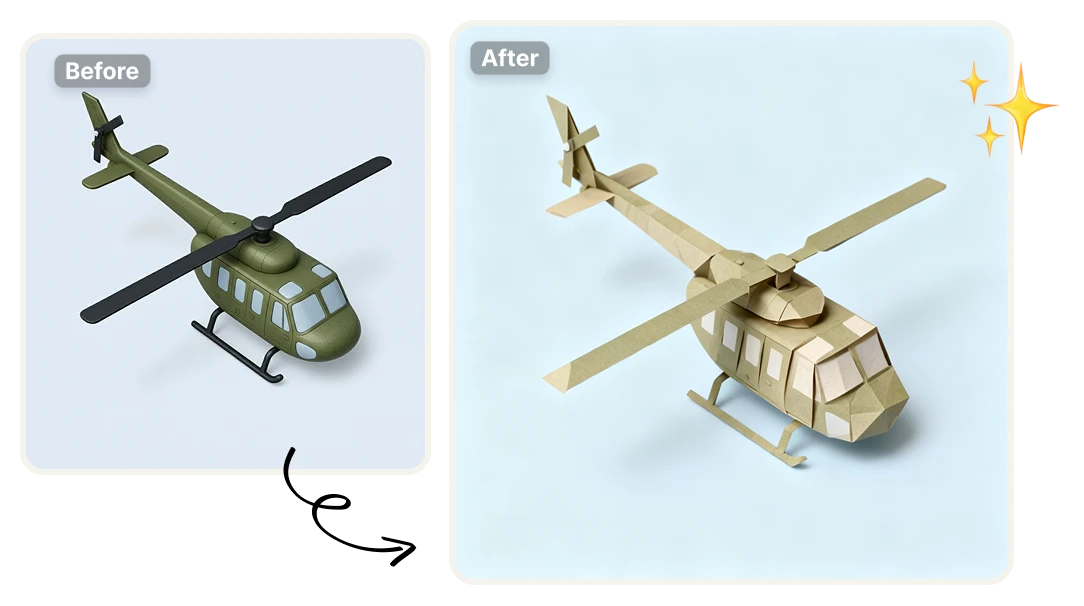
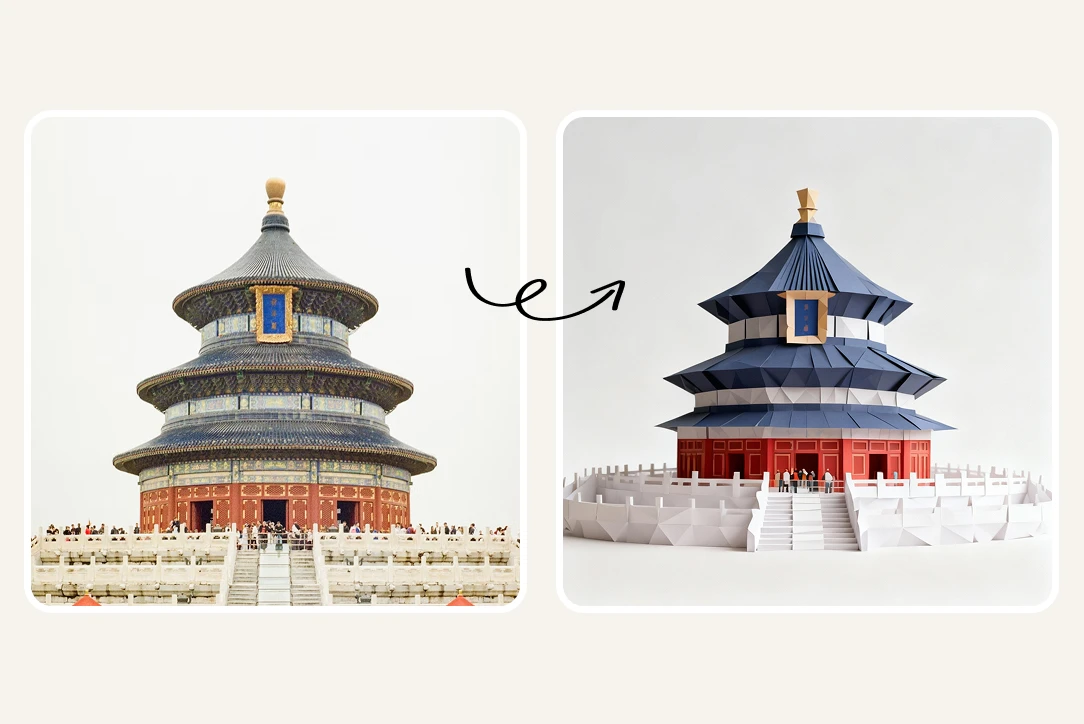
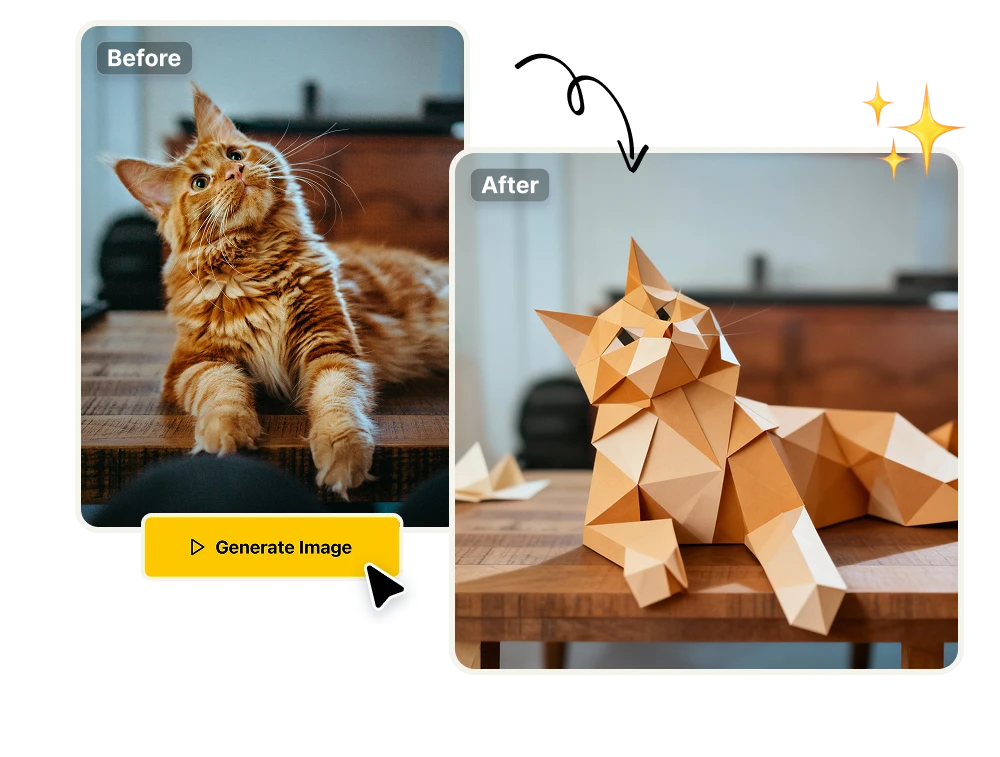
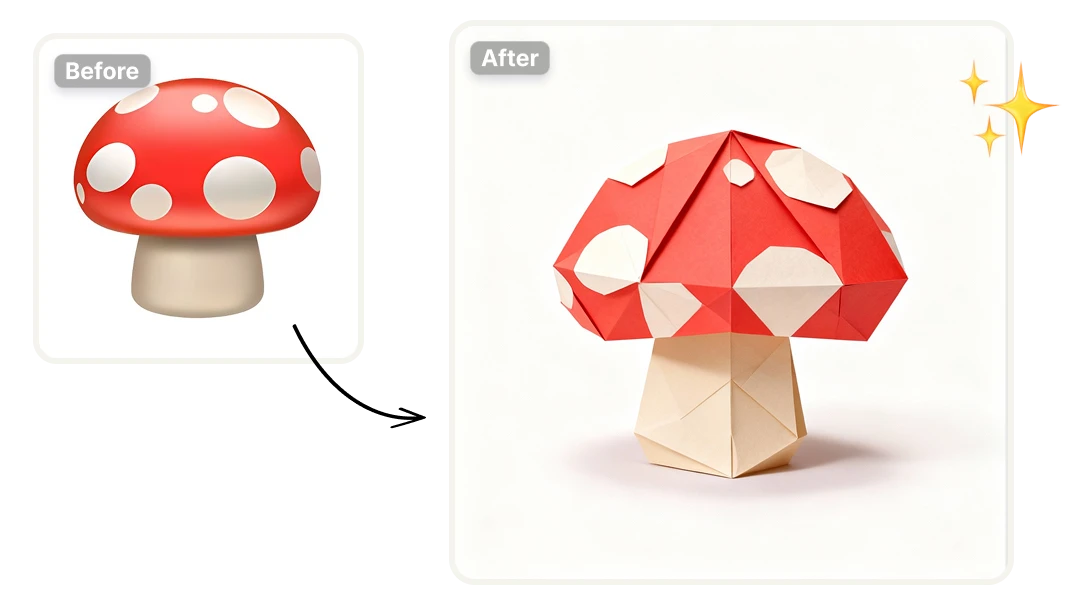
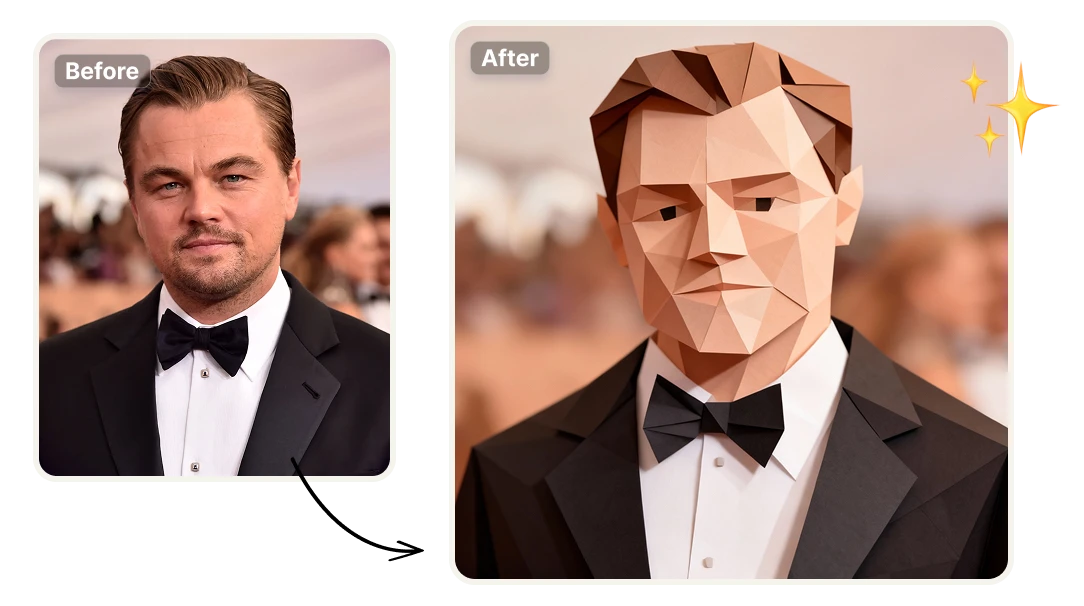
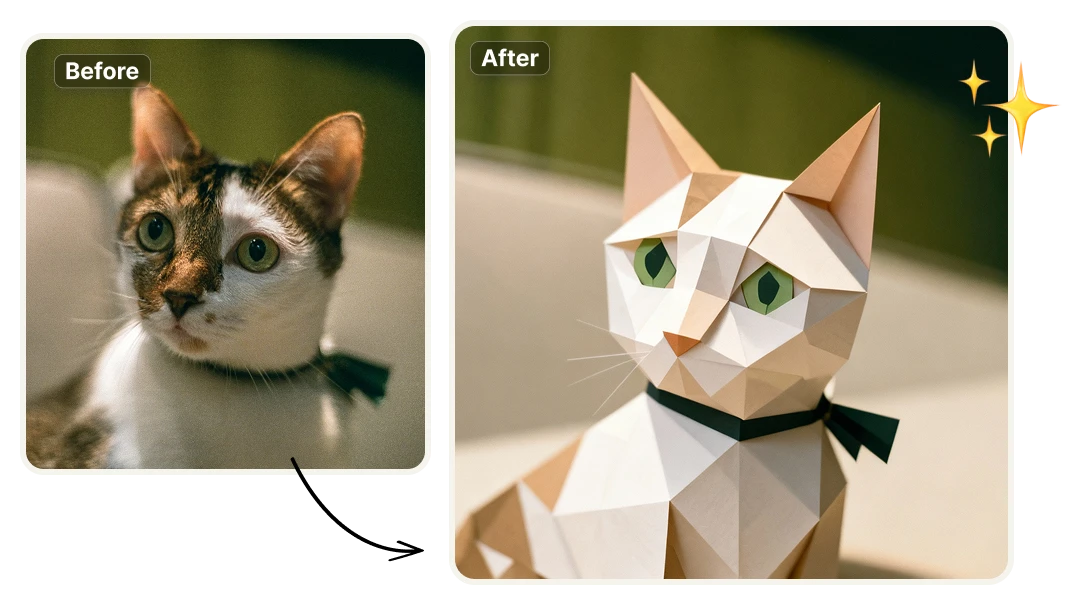
Transform photos into paper-crafted origami artwork with clean folds, geometric planes, and realistic paper texture. Preserve the essence of the original image while turning it into a distinctive, handcrafted-style visual—perfect for social posts, branding assets, posters, and personalized digital art. Create collectible-looking origami pieces in seconds, no design skills required.

Why Turn Your Images into Origami Art?
Instantly Stand Out Visually
Origami-style visuals are immediately recognizable. Sharp folds, geometric planes, and paper texture create a scroll-stopping look that cuts through generic filters and illustrations, helping your images stand out across social media, presentations, and digital campaigns.
Perfect for Branding, Content, and Campaigns
Create consistent origami-style visuals for branding, ads, thumbnails, posters, and creative campaigns. Whether you’re a marketer, designer, or creator, the folded-paper aesthetic gives your content a cohesive visual concept without custom illustration work.

Create origami art quick and simple

Save Hours of Design Work
Create polished, origami-style visuals in seconds instead of spending hours illustrating, masking, or experimenting with complex design techniques. Upload an image and get a ready-to-use result without manual adjustments, iterations, or design expertise.

One Platform Instead of Multiple Tools
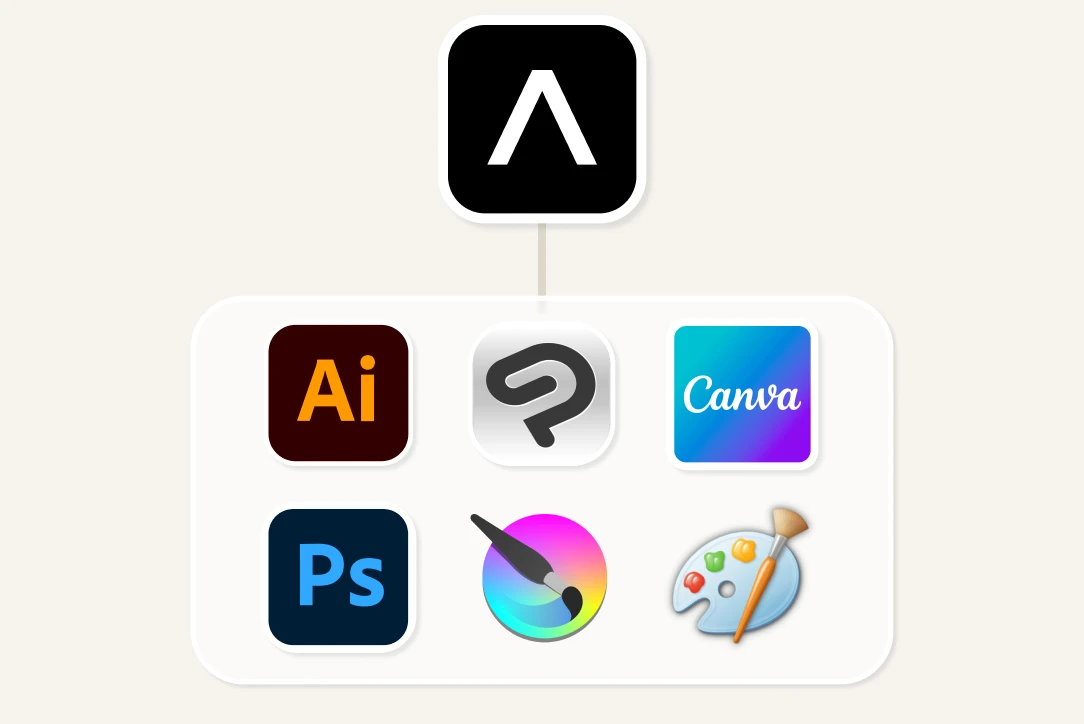
Skip the need for juggling software like Photoshop, illustration tools, and plugins. Artificial Studio brings powerful AI image transformations into a single platform, letting you create high-quality visuals faster and with far less complexity.

Scale with the Artificial Studio API
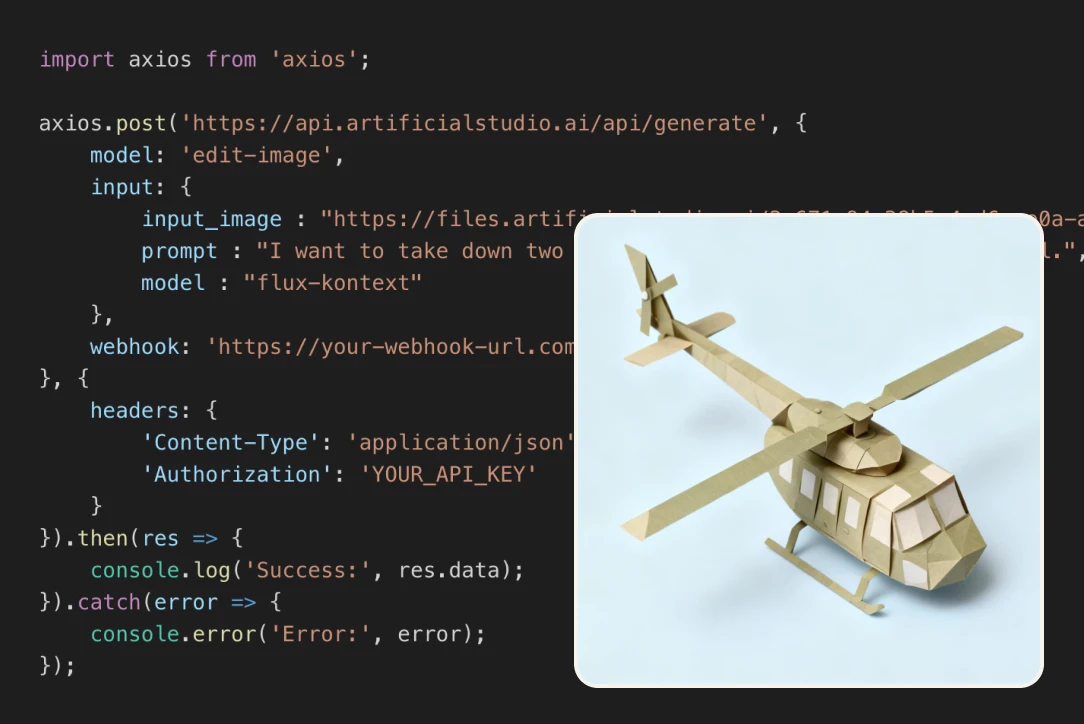
Integrate origami art generation and more than 50 AI tools directly into your product or service using the Artificial Studio API. Automate visual creation, build custom workflows, and offer advanced AI-powered features without managing multiple vendors or models.
How to Generate AI origami art
Upload your image
Upload one photo. Try to make sure the object you want to turn into origami looks good. It can be an animal, an object, an emoji, a person's face, and more.

Click generate
Click the yellow button "Generate image" and get a clean studio image of a folded origami art. It will preserve the essence of the original while adding a unique paper-crafted aesthetic.

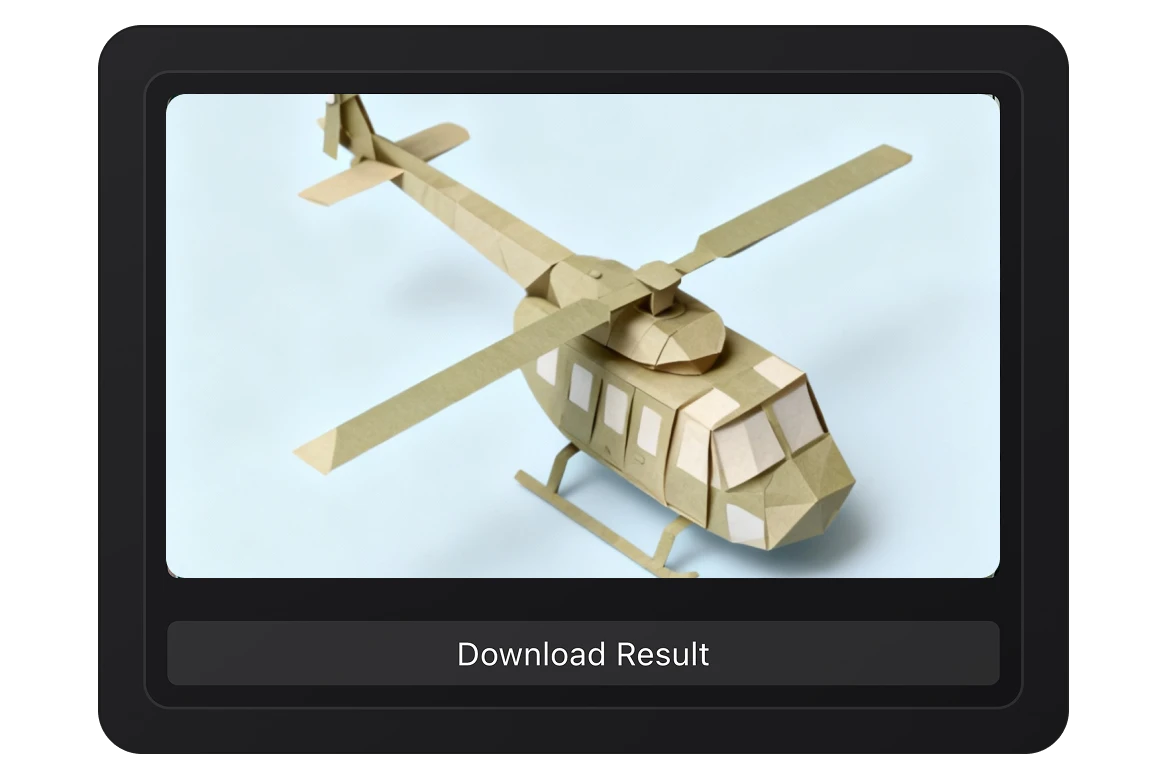
Get your new photo
After a couple of seconds your image will be ready. You can click in the button below the image, in the right side, and download it. Now you can use it in all your platforms and social media!

FAQs
An AI origami art generator converts any image into a paper-crafted origami style with clean folds, geometric shapes, and realistic paper texture. Instead of editing or illustrating manually, the AI transforms your photo into a folded-paper artwork in seconds.
Simply upload an image to Artificial Studio’s Origami Art app, generate the result, and download the final artwork. No design skills, templates, or manual adjustments are required.
Origami visuals stand out immediately. The folded-paper aesthetic feels handcrafted, minimal, and premium, making it ideal for social media, branding, posters, campaigns, avatars, and creative projects that need to look distinctive instead of generic.
This tool is designed for creators, marketers, designers, brands, educators, and businesses. It’s useful for social content, ads, branding visuals, presentations, posters, invitations, product concepts, and creative experiments—without needing professional illustration skills.
No. Artificial Studio replaces complex workflows that normally require Photoshop, illustration software, layers, masks, and hours of manual work. Everything happens in one AI-powered platform.
What could take hours—or days—with traditional design tools can be done in seconds. You upload an image and receive a ready-to-use origami artwork instantly, reducing production time dramatically.
Yes. For repetitive or high-volume visual needs, using AI origami generation is far more cost-effective than hiring additional designers or outsourcing custom illustrations, especially for campaigns, social content, or experiments. It reduces time, cost, and complexity. Instead of manual design, multiple tools, and long iterations, Artificial Studio lets you generate, test, and scale visuals instantly—without sacrificing quality or creativity.
Yes. Origami-style visuals can be used for branding, marketing campaigns, social media, ads, presentations, and creative assets, depending on your Artificial Studio plan and usage terms.
Clear subjects, good contrast, and simple compositions work best—such as portraits, pets, objects, products, and recognizable shapes. The AI preserves the essence of the image while translating it into folded paper geometry.
Unlike single-purpose platforms, Artificial Studio offers an all-in-one AI creative suite. You’re not limited to one effect or model—Origami Art is just one of more than 50 AI tools available in the same platform, all using a unified credit system.
No. Artificial Studio includes over 50 AI tools for image, video, audio, text, 3D, and style transformations. Origami Art is one specialized app within a much broader creative ecosystem.
Yes. Artificial Studio provides an API that allows you to integrate origami art generation—and 50+ other AI tools—directly into your own product, service, or workflow. The API is ideal for startups, SaaS products, agencies, developers, and platforms that want to offer AI-powered visual features without building or maintaining their own models. With the API, you can automate image-to-origami workflows, generate visuals in bulk, and integrate them into user-facing features, dashboards, or internal systems.
Absolutely. Origami-style images are ideal for avatars, posts, thumbnails, reels covers, and creative series that help your content stand out in crowded feeds. The origami aesthetic works especially well for concept-driven campaigns, product storytelling, minimal branding, and visual systems that need a cohesive and recognizable style.