
Use Grok Imagine Edit in these tools
Grok Imagine Edit powers 4 tools on Artificial Studio. Pick one to start creating.
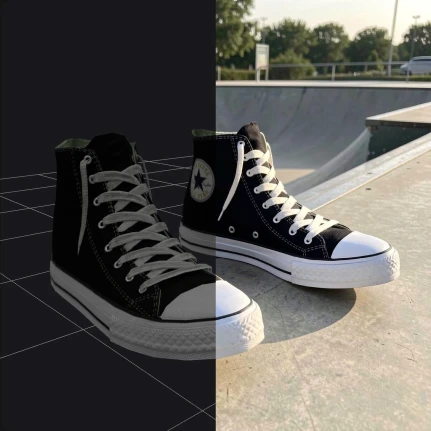
3D Model Render
Upload a 3D model, describe a scene, get a render with AI
Try in 3D Model Render

Edit Image
Modify or transform an existing image with AI
Try in Edit Image
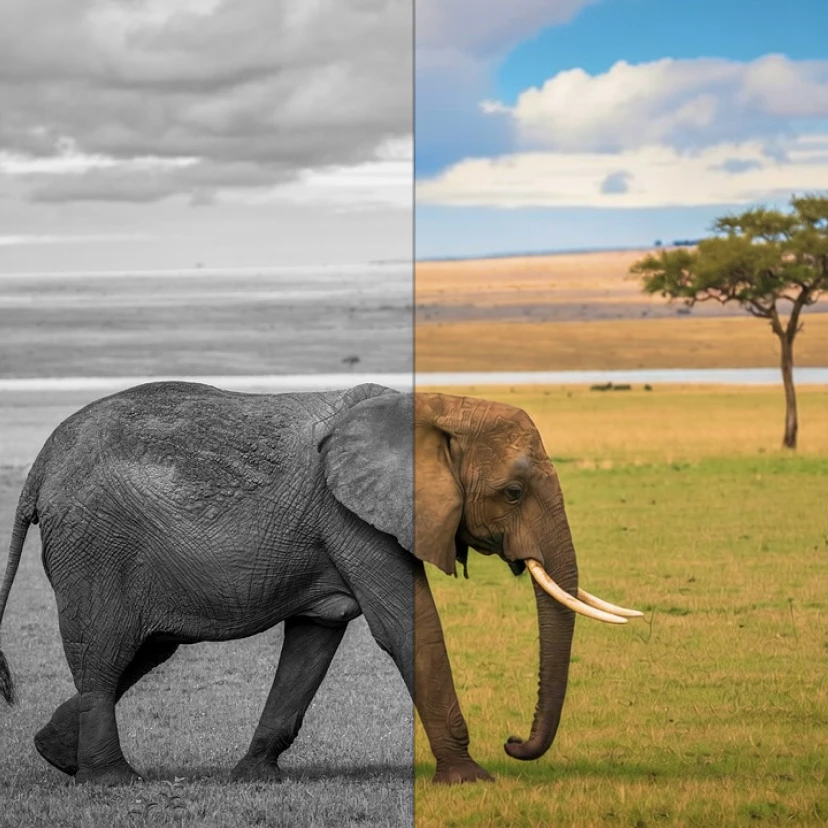
Colorize Photos
Turn black and white pictures into color with realistic and historically accurate colorization.
Try in Colorize Photos
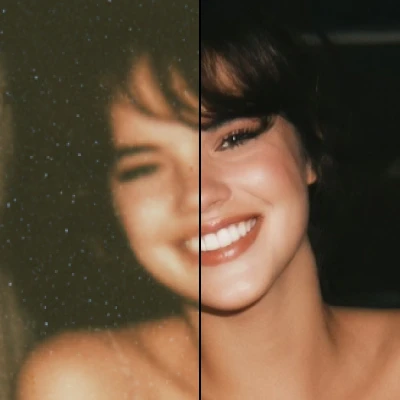
Remove Blur
Make blurry pictures clear and sharp with AI-powered deblurring technology.
Try in Remove Blur
Model specs
- Brand
- xAI
- Output type
- image
- Provider
- fal
- Cost
- 6 credits per image
- Available in
- 3D Model Render, Edit Image, Colorize Photos, Remove Blur
FAQs
xAI's Grok Imagine image editing model
Grok Imagine Edit costs 6 credits per image. You can buy credits from your account or use the free credits included with every Artificial Studio plan.
Grok Imagine Edit is available inside the following Artificial Studio tools: 3D Model Render, Edit Image, Colorize Photos, Remove Blur. Pick any of them to start creating image content with this model.
No. Grok Imagine Edit runs in the cloud on Artificial Studio. Open the tool in your browser and start generating — no downloads, no GPU required.
Outputs you generate on Artificial Studio can be used for commercial projects, subject to the terms of our Acceptable Use Policy. Review each model's provider terms for any model-specific limitations.