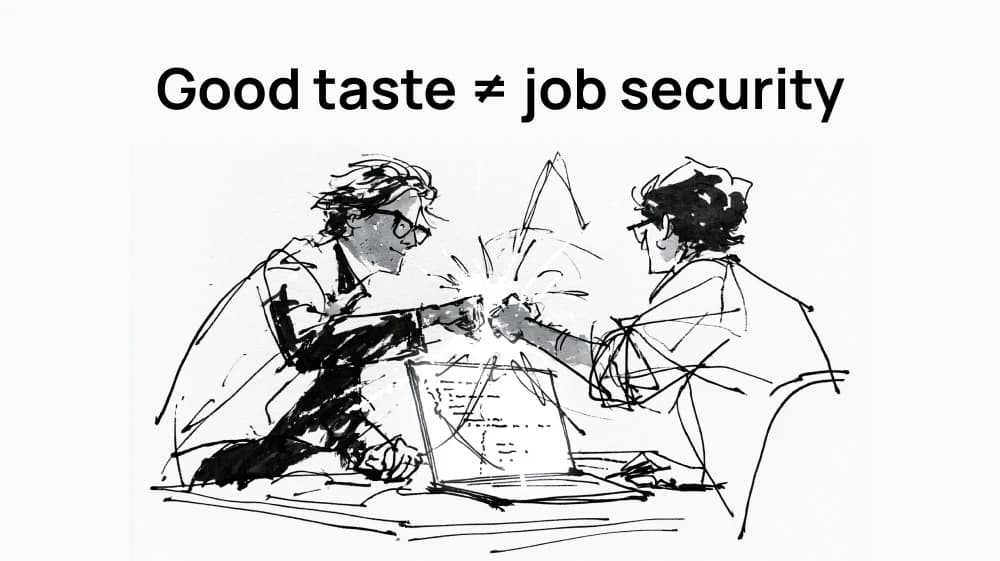
Stop overpaying for AI: match the model to the job
The smartest creative teams stopped using their priciest AI model for everything. Here's how "routing by task" cuts cost without cutting quality — and how to do it.
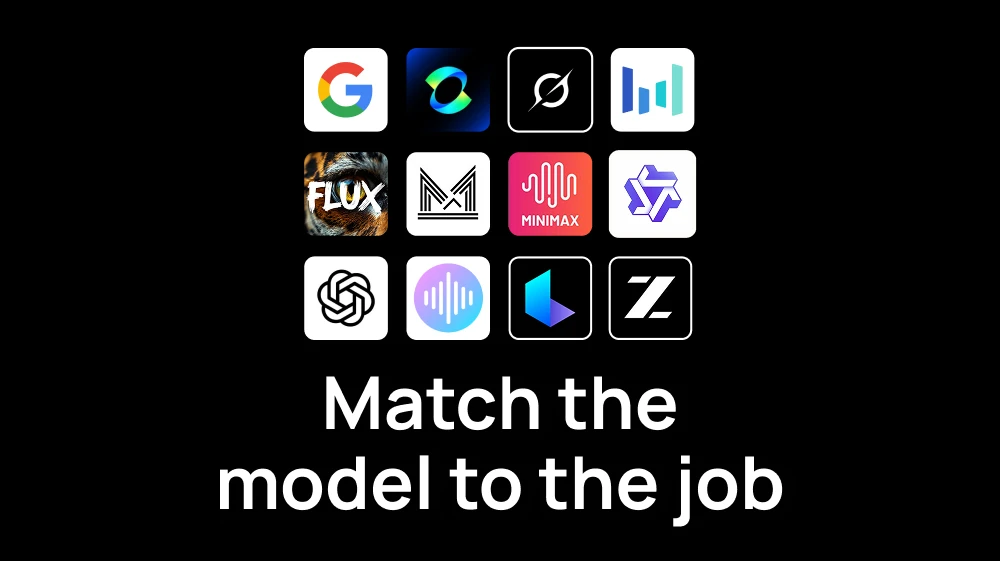
For the last two years, the rule was simple: reach for the newest, biggest, most powerful model and point it at everything. It produced some spectacular bills.
Now the smartest teams are doing the opposite and discovering that it is one of the most important skills in creative production.
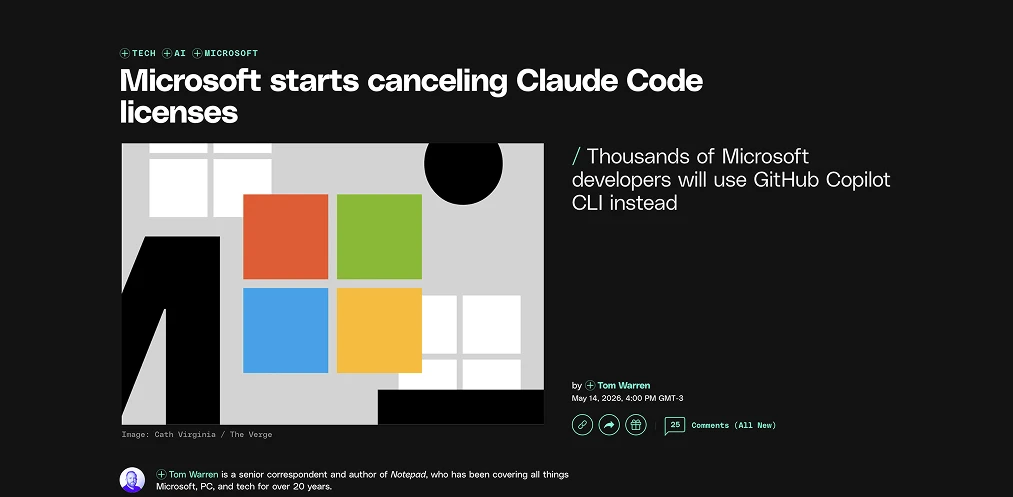
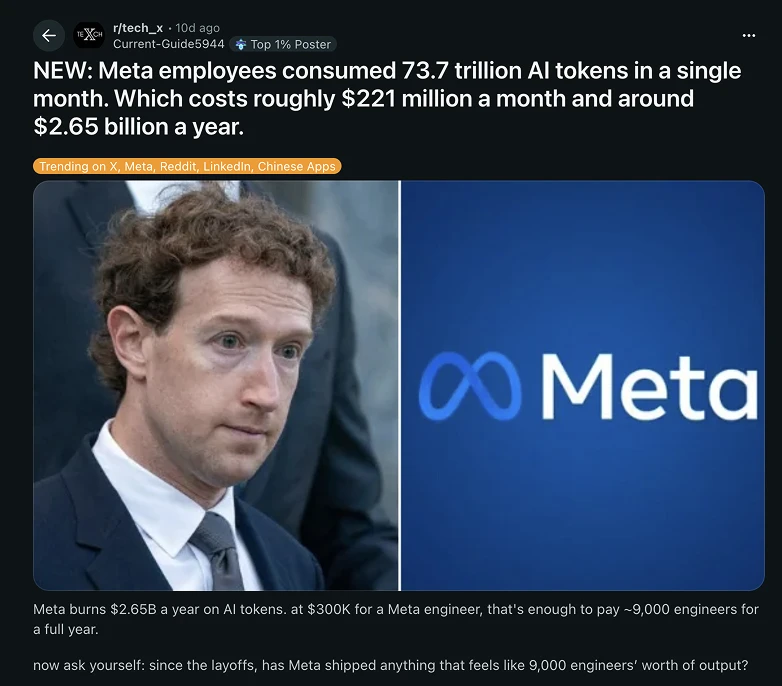
The industry even has a name for it now: model routing: matching each task to the model that actually fits it, instead of running everything on the most famous model. As CNBC reported this year, companies are moving away from "tokenmaxxing" toward efficiency, because teams that route intelligently avoid dramatically overpaying compared to those who default to the top-tier model for every job.
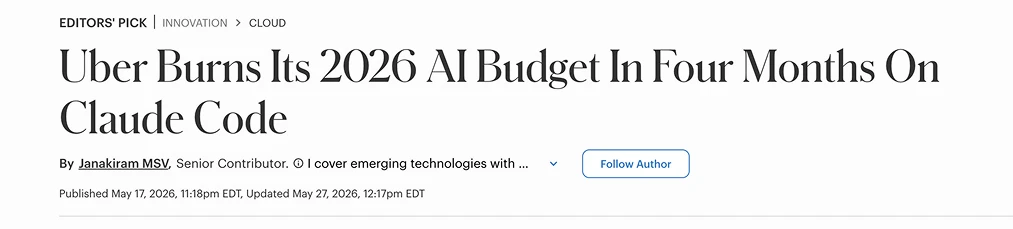
It applies to creative work and engineering: the frontier model is a premium tier sitting on top of a huge amount of routine work that doesn't need that much compute power.
What this looks like in a creative workflow
The early phase of a real project is volume: exploring compositions, testing styles, generating variations, throwing out nine ideas to find the tenth. That work should be fast and "nearly free" (you're going to discard most of it anyway). Then you can spend in the final key visual, the campaign hero and the shot that has to be flawless.
You can use the best model for the exploration phase, it will work of course, but it's just money on fire. The teams pulling ahead have learned to draft cheap and finish premium:
- Ideation and variations → fast, low-cost or free models. Generate wide, generate a lot, keep momentum. The best and cheapest image generation models are Z-Image Turbo and FLUX.2 Klein 4B.
- Client-facing and final assets → premium models, where the extra fidelity and consistency genuinely pay for themselves.
- Video → rough cuts and animatics on efficient models; the money shot on the flagship (animate videos with Kling 2.5 Turbo, SeeDance 2.0 or create videos with just a promp using Google Veo 3.1 or Kling 3.0 Standard).
The skill is knowing which job is which, and having every option within arm's reach so switching between them costs you nothing but a click.
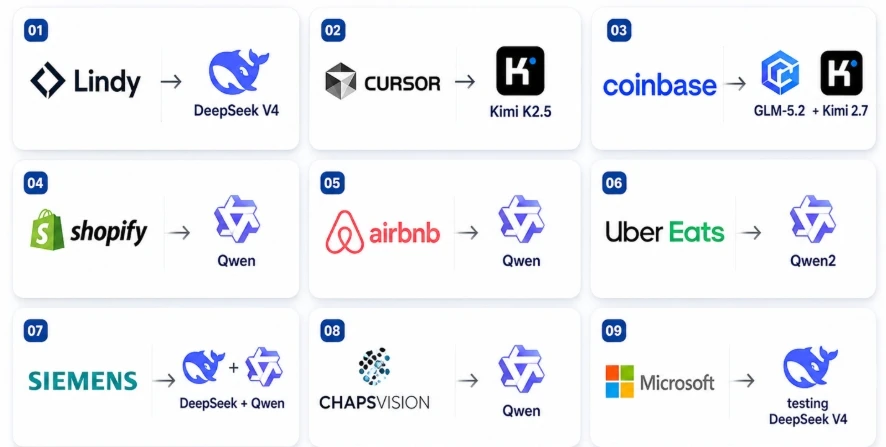
The list of western companies moving AI workloads to Chinese models:
The cheapest models let you explore and iterate at essentially zero marginal cost. In the mid-range, fast, efficient models handle the bulk of production work without draining your balance. And when a job truly demands the top shelf, the flagships — think Nano Banana Pro, GPT Image 2 or Seedream 5.0— are right there in the same place, for the moments that actually warrant them.
Cheap when it's a draft. Premium when it's the deliverable. No juggling accounts, no reconciling five invoices at the end of the month, no paying flagship rates for work a lighter model would have nailed.
The teams winning with AI right now aren't the ones spending the most on it. They're the ones spending with judgment, treating expensive models as a precision tool for the moments that matter, and letting cheaper models carry the routine load underneath. The cost curve rewards taste and discipline, not brute force.
This is exactly the problem Artificial Studio is built to solve. Instead of paying premium prices across five separate subscriptions (one for image, one for video, one for upscaling, each with its own bill and its own login) you get 60+ AI tools and a full spectrum of models side by side, drawing from a single pool of credits.
Explore fast, finish strong, and only pay premium when the work deserves it. That's the new creative advantage.
Try it yourself
Start creating with the tools mentioned in this article.